Galaxy Speaker Full of Water? What Actually Works on Samsung Phones
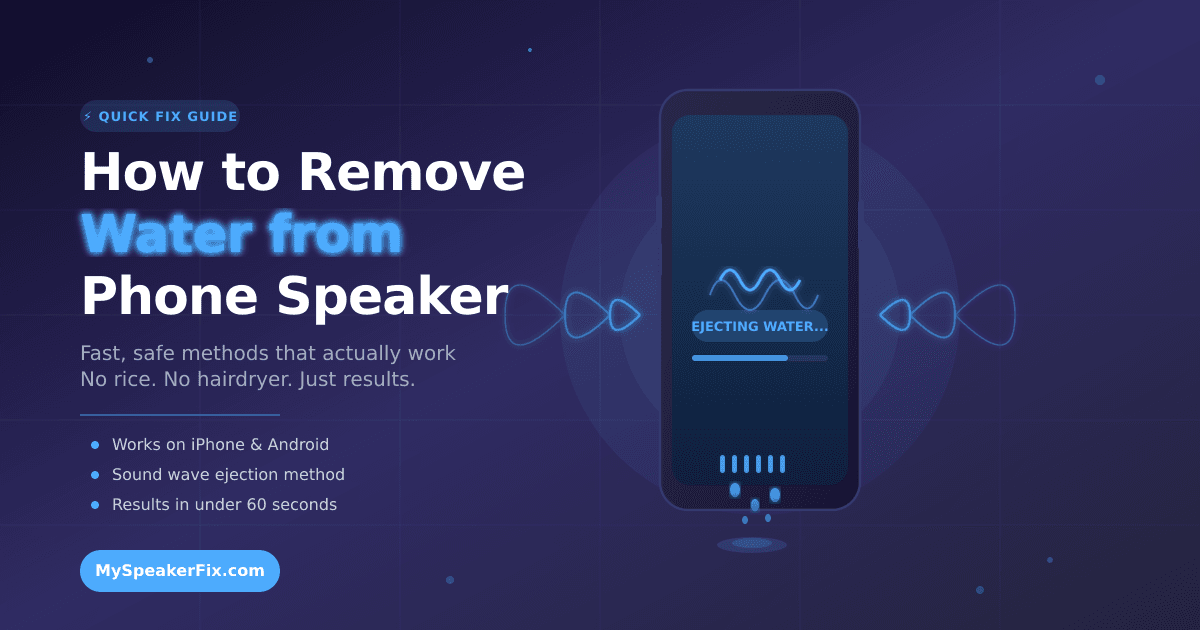
Your Galaxy speaker can be cleared in about a minute with a low-frequency tone played at full volume, speaker facing down. Samsung phones don’t have Apple’s Shortcuts app, so the browser tone and Samsung’s own diagnostics are your best tools.
Pulled your Galaxy out of the pool to find your music sounding like it’s playing through a pillow? Don’t panic — a Galaxy speaker full of water is a five-minute problem in most cases, not a repair-shop problem.
Where the Water Actually Sits on a Galaxy
On most Galaxy phones, the main speaker grille sits on the bottom edge, next to the USB-C port — S series, A series, and most older models. The earpiece at the top doubles as a second speaker on stereo models, so water can hide up there too. If calls sound fine on speakerphone but muffled against your ear, the earpiece is the wet one.
Foldables are a special case. On a Z Fold, the hinge area collects water the flat models never see; on a Z Flip, water pools around the hinge and the bottom grille when folded. Open the phone fully before drying.
Samsung’s IP68 rating — 1.5 metres for 30 minutes on most recent Galaxy flagships — protects the electronics inside. It doesn’t seal the speaker grille, because the grille has to stay open for sound to get out. Water gets in through the same holes the sound comes out of.
The Tone Method, Galaxy-Style
The quickest fix is a low-frequency tone: it makes the speaker membrane vibrate hard enough to shake water loose and push it out through the grille. 165Hz works best for phone-sized speakers.
There’s no Shortcuts app on Android and no built-in water eject on Galaxy phones, so the browser is your friend. Here’s the routine:
- Disconnect Bluetooth headphones and car audio — if the tone plays through a headset, nothing happens to your speaker
- Turn the volume all the way up
- Open a free speaker-cleaner tool in Chrome — the one at Fix My Speaker runs the tone in the browser, no install needed
- Hold the phone speaker-down over a towel or the sink
- Start the tone and let it run for 30 to 60 seconds
- Wipe the grille dry and run it again if the sound still isn’t crisp
Droplets jumping out of the grille means it’s working. Two or three rounds clears most splashes; a full dunk needs a few more, with short breaks between.
Samsung’s Own Speaker Diagnostics
Before you reach for a third-party app, check what Samsung already put on your phone. The Samsung Members app has a diagnostics section that can test your speaker and, on some models, run a cleaning cycle. Open Samsung Members, tap Support, then Diagnostics, and look for the speaker test. It plays a tone and reports whether the speaker is healthy — not a fix, but a useful check. Some models also hide speaker options under Settings, in General management or Device care, though the exact spot moves between One UI versions.
One warning: the Play Store is full of “speaker cleaner” apps, and quality varies wildly. Some are fine; others are stuffed with ads or ask for permissions a sound app has no business wanting. If an app asks for your contacts or location, delete it.
Drying a Galaxy Without Making It Worse
Sound gets the bulk of the water out; drying handles the rest. Power the phone off, take the case off, and if you have an S Pen model — a Galaxy S Ultra or an older Note — pull the S Pen out. Water hides in that slot and keeps seeping back toward the speaker.
Tap the phone gently against your palm, speaker facing down, then set it speaker-down on a dry cloth in a ventilated spot. A fan blowing cool air at the grille helps — an hour or two for a light splash, longer for a full dunk.
Don’t use a hairdryer — heat warps the seals that keep your Galaxy water-resistant. Skip the rice trick too; rice dust gets into the grille and the USB-C port and dries nothing faster than plain air. And don’t plug the charger in until the port is bone dry. Your Galaxy will usually flash a moisture warning if it detects water — take it seriously, because charging a wet port can corrode the contacts.
When the Water Wasn’t Just Water
A Galaxy that went into the sea, a pool, or a glass of juice needs one extra step before drying. Salt and sugar leave residue when the water evaporates, coating the membrane and keeping the sound dull. Rinse the speaker area gently under clean tap water — it feels wrong to add water to a wet phone, but it washes the salt and chlorine out before they dry into crystals. Then run the tone as normal and let the phone dry properly.
If the phone went into something sticky and the sound stays muffled after a rinse, a tone cycle, and a full day of drying, the residue has set — a Samsung service centre can clean the grille safely.
How to Tell If It’s Water or Damage
Trapped water has a clear pattern: the sound went muffled right after the phone got wet, then improves bit by bit with each tone cycle. Give it time.
Damage looks different. If the speaker crackles at every volume even when the phone is completely dry, the driver may be damaged. If there’s no sound at all from the bottom speaker but the earpiece works, the speaker may have failed. And if the muffled sound gets worse over hours instead of better, corrosion may be starting — especially after salt water. Try a dust cleaning tone if crackling persists after drying, since grit in the grille can sound a lot like damage. But if the crackling survives a proper clean and a full day of drying, book a service appointment.
Frequently Asked Questions
Does Samsung have a water eject feature like the Apple Watch?
No, Samsung doesn’t have an automatic water eject feature. Some Galaxy models include speaker diagnostics in the Samsung Members app, and a free browser tone works on every Samsung phone.
How long does it take to eject water from a Samsung speaker?
Most Galaxy speakers clear in 30 to 60 seconds per cycle, with two or three cycles for a proper soak. Full drying takes a few hours, so wait before charging.
Will water damage my Samsung speaker permanently?
Usually not. If the muffled sound started right after the phone got wet, it’s trapped water, not damage. Salt water and sugary drinks are the exception — they can corrode contacts if not rinsed promptly.
My Galaxy speaker sounds crackly even when dry. What’s wrong?
Crackling that survives thorough drying may mean a damaged speaker driver or grit in the grille. Try a dust cleaning tone first; if the crackling continues, visit a Samsung service centre.