
Why Your Phone Speaker Sounds Thin and Metallic
Tinny sound is easy to recognize: voices come through thin and metallic, music loses its warmth, and everything feels like it’s playing from a tiny metal can. The good news is that a blocked grille or a wrong setting causes it far more often than a broken speaker.
First, Work Out Where the Thin Sound Lives
Before you touch anything, play the same song through the phone speaker, then wired headphones, then a Bluetooth speaker, at a similar volume each time.
- Tinny everywhere? The file, the app, or a system-wide setting is the problem — not the speaker.
- Tinny only on the phone speaker? The grille, the settings, or the speaker itself is at fault.
- Tinny in one app only? That app’s own audio processing is doing it — update or reinstall it.
That two-minute comparison saves you from cleaning a speaker that was never the problem. It also tells you what to check next, instead of guessing your way through every fix you find online.
What “Tinny” Is Actually Telling You
Phone speakers are small, so they’ll never thump like a big speaker — but a healthy one should still sound full enough for voices and music. When the low and mid frequencies drop away, the highs are left on their own, and that’s the thin, hollow tone you’re hearing.
Something is eating those lower frequencies between the speaker and your ears: a physical blockage, an equalizer slicing the bass out, a setting flattening the sound, or damage to the membrane itself. Each cause leaves its own clues, and the sections below walk through them in the order you’re most likely to meet them.
Dust in the Grille Steals the Bass First
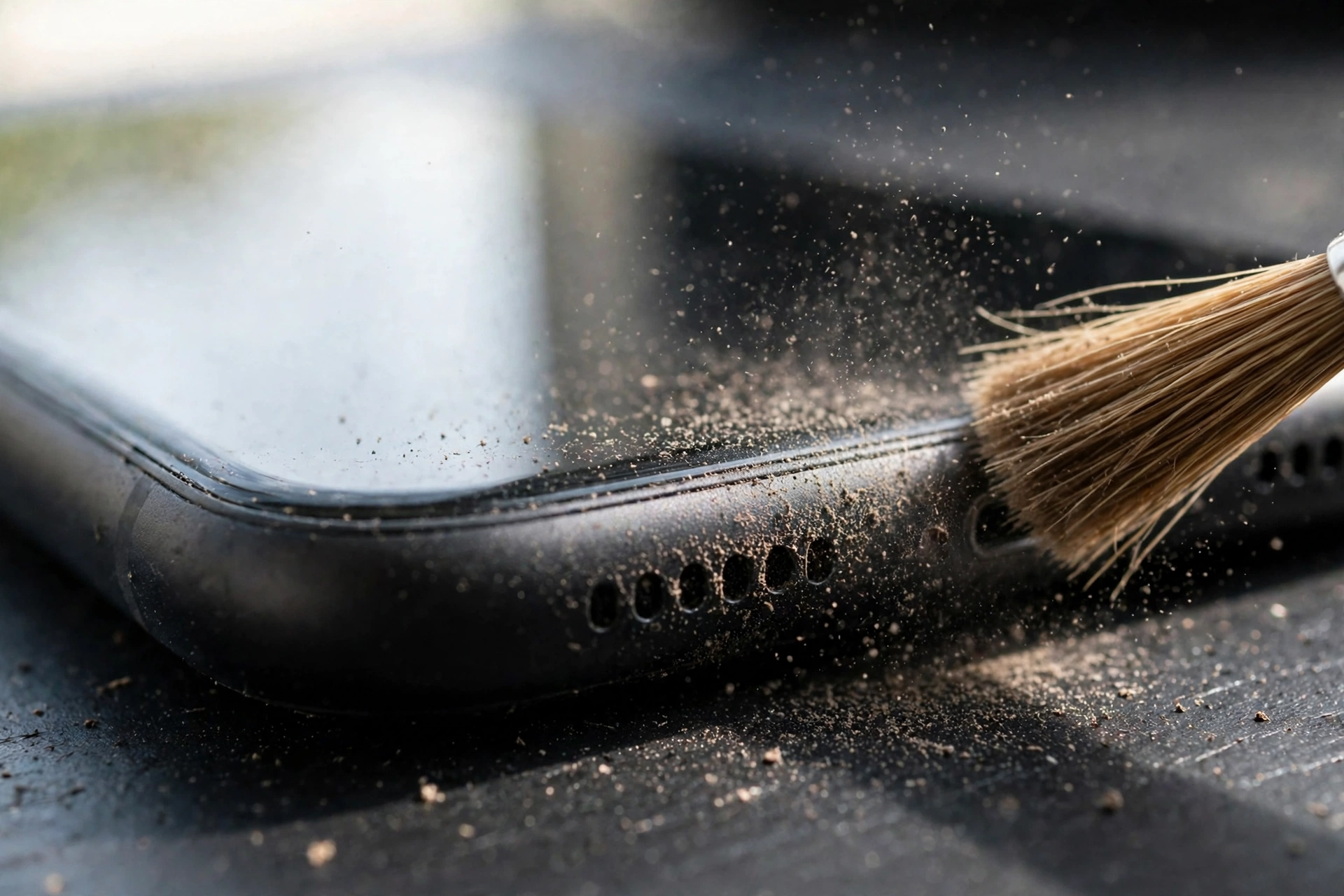
Lint packed into the grille is the most common reason a speaker turns tinny. The blockage muffles the lower frequencies first, while the sharper highs still squeeze through — so the sound gets thin before it gets quiet.
Hold the phone up to a light and look at the grille holes — you’ll often see grey fuzz sitting right there. Brush it gently with a clean, soft-bristled brush, working across the holes. Short bursts of compressed air from a distance can help. Never push a pin or a toothpick into the grille, and never spray liquid straight into it. If the sound gains warmth after a clean, debris was your answer — and the free tone on myspeakerfix.com can help shake loose any dust or water still sitting in the grille.
An Equalizer Can Strip the Warmth Right Out
Check your sound settings before you assume anything is broken. An equalizer preset that cuts the lows, or a “treble boost” setting, leaves exactly this thin, harsh sound — and it can switch itself on after an app install or an update.
On Android, look in Settings, then Sound, for an equalizer or sound-effect option, and check any equalizer app you’ve installed. Set it to flat, or turn it off, and play a song you know well. On iPhone, go to Settings, then Music, then EQ, and set it to Off. If the bass comes back the moment the equalizer goes off, you’ve solved it in under a minute.
Water Makes a Speaker Sound Thin, Too
Did the tinny sound show up after your phone got wet? Water on the speaker membrane changes how it vibrates, and the bass is usually the first thing to go, leaving that same thin, metallic tone.
Let the phone dry speaker-down, and don’t hurry it with high heat. A water-eject tone played for a short session can help push droplets out of the grille. If the sound fills out gradually as the phone dries, moisture was the cause. If the thin sound stays exactly the same once the phone is bone dry, the membrane may have lasting damage instead.
Dirty Speaker or Blown Speaker? Here’s the Difference
A dirty speaker sounds thin or muffled, but the audio itself stays clean — and cleaning improves it noticeably. A blown speaker sounds harsh at every volume, often buzzing or rattling on bass notes, and cleaning doesn’t touch it.
Try a bass-heavy track at moderate volume. A dirty speaker will sound thin but controlled; a blown one will buzz or distort on the low notes. If the harsh, thin sound survives a thorough clean, a restart, and a settings reset, the speaker itself is probably damaged — and that’s a repair-shop job, not a settings tweak.
A Cleaning Routine That Brings the Fullness Back
Work through these in order, testing after each step:
- Brush the grille dry with a soft brush, gently, so you don’t push debris further in.
- Follow with short bursts of compressed air held at a distance, never pressed against the grille.
- Play a speaker-cleaning tone briefly to vibrate loose whatever is left.
- Wipe the phone’s outside with a slightly damp cloth, keeping moisture away from the grille.
Packed lint sometimes loosens in stages, so repeat the dry brushing if the sound is better but not fully restored. If gentle cleaning changes nothing, the cause is somewhere else, and grinding away at the grille will only risk damage.
When It’s Time to Book a Repair
Book a repair if the thin, metallic sound survives thorough cleaning, a settings reset, and testing across apps and outputs — or if the speaker buzzes on bass notes, or the problem started right after a hard drop.
Tell the technician when it started, and whether the phone got wet or was dropped. A shop can test the speaker module and swap it out, which usually costs far less than replacing the phone. If the phone is still under warranty, contact the manufacturer first, since opening it yourself can void your coverage.
Frequently Asked Questions
Why does my phone speaker suddenly sound tinny?
Dust in the grille, an equalizer cutting the bass, or moisture on the membrane are the usual causes. Clean the grille, switch the equalizer off, and compare with headphones.
Is a tinny speaker the same as a blown speaker?
No. A tinny speaker sounds thin and metallic but still plays clean audio, and it often improves after cleaning. A blown speaker buzzes or distorts, especially on bass notes, and cleaning won’t fix it.
Can an equalizer make my phone speaker sound tinny?
Yes. A preset that cuts low frequencies, or a treble-boost setting, removes the bass and leaves a thin, harsh sound. Set the equalizer to flat or turn it off, then test a familiar song.
Will cleaning fix a tinny phone speaker?
Cleaning fixes tinniness caused by dust or debris in the grille, which is very common. It won’t fix membrane damage, a faulty speaker module, or a software setting — check those next.