
Why Does My Phone Speaker Crackle? 6 Causes and Fixes (2026)
Phone speaker crackling usually comes from one of six causes: debris in the grille, distortion from playing at maximum volume, trapped moisture, a conflicting audio enhancement setting, a software bug after an update, or — worst case — a blown speaker. The pattern is your best diagnostic clue: crackling only at high volume points to debris or clipping, while constant crackling at every volume suggests hardware damage.
Cause 1: Debris Stuck in the Speaker Grille
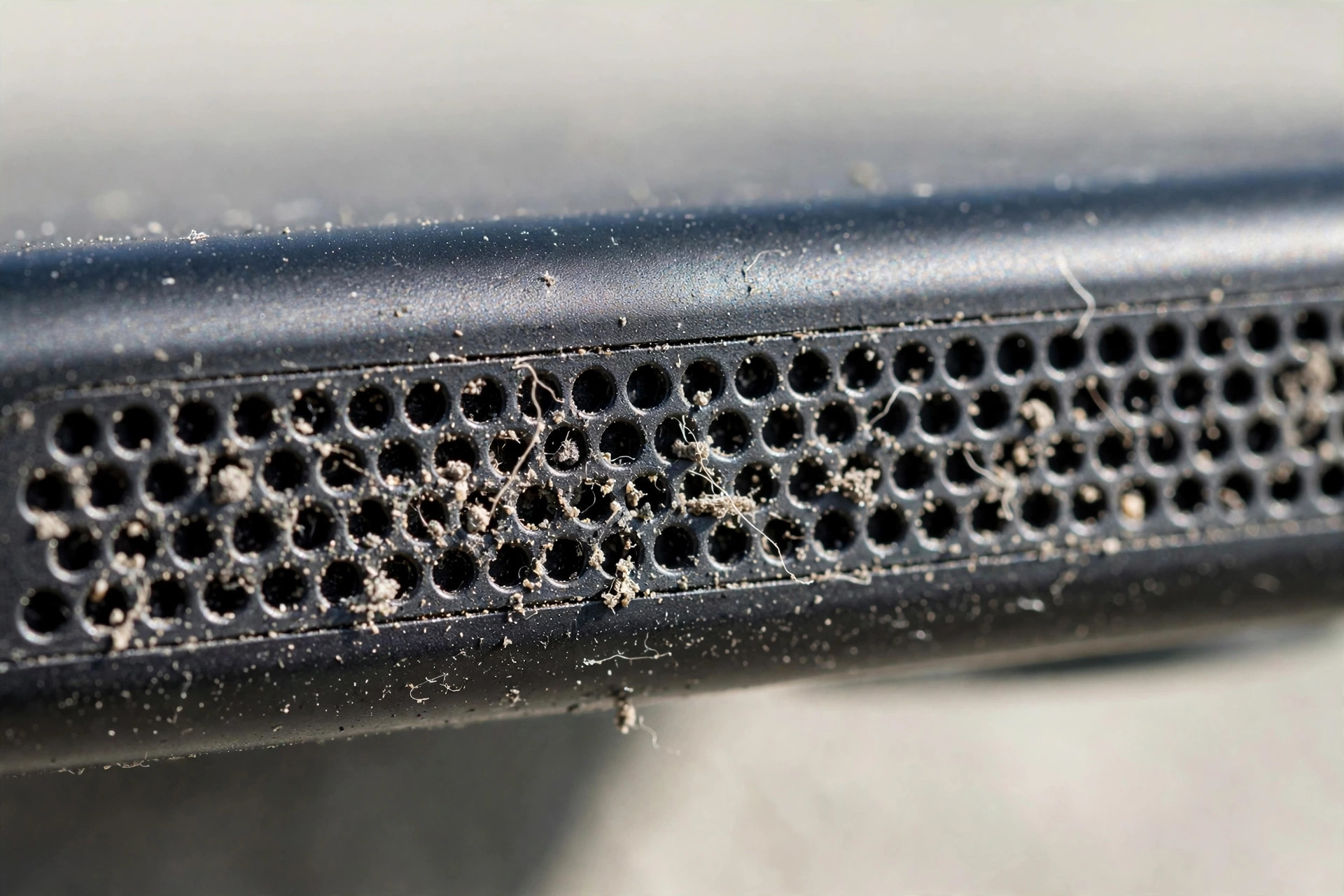
Dust, lint, or sand in the grille holes makes the speaker membrane vibrate unevenly, producing crackle and rattle — especially on bass-heavy sounds. Gently brush the grille with a soft, dry toothbrush, follow with short bursts of compressed air at an angle, and play a low-frequency cleaning tone to shake loose anything embedded — the free Fix My Speaker tool is designed exactly for this. Never poke anything sharp into the grille; a punctured membrane turns a cleaning job into a repair bill.
Cause 2: Playing at Maximum Volume (Clipping)
Every phone speaker has a physical limit. At 100%, the amplifier “clips” the signal — the speaker cone can’t move any further, so loud peaks come out as harsh crackling. This is the most common cause of crackling that only appears at high volume. Lower your volume to around 80–85%: you’ll barely notice the loudness difference, but the distortion disappears. Also turn off volume-boost features, which push the speaker past its clean limit.
Cause 3: Moisture Trapped in the Speaker
If the crackling sounds wet or bubbly — or started after rain, splashes, or steam — water is likely trapped in the speaker mesh, adding weight to the membrane and causing uneven movement. Fix it with a water-eject tone: volume to max, open Fix My Speaker, hold the phone speaker-down, and play the tone for 30–60 seconds, repeating 2–3 times. Then air-dry speaker-down for an hour. Skip the hairdryer and the rice — neither helps (see why in our rice myth article). Full process: how to fix your phone speaker.
Cause 4: Conflicting Audio Enhancements (EQ / Dolby Atmos)
If crackling only happens in certain apps — Spotify crackles but calls are fine — an audio enhancement is likely clashing with the app. Try these: Samsung: Settings > Sounds and vibration > Sound quality and effects — turn off Dolby Atmos and Equalizer. iPhone: Settings > Music > EQ — set to Off. Spotify: Settings > Playback — disable “Normalize volume” and flatten the equalizer. Test the same audio after each change to find the offender.
Cause 5: Software Bug After an OS Update
Crackling that appears right after a system update is usually a driver or settings regression — frustrating but typically temporary. Restart your phone to clear stuck audio processes, then check for a follow-up patch under Software Update. If it started immediately after a major update, check the manufacturer’s support forum to confirm it’s a known issue rather than your hardware.
Cause 6: Blown or Damaged Speaker (Hardware)
Honest truth: if the speaker crackles constantly at all volumes — even quietly — and nothing above helps, the speaker itself is likely damaged. A torn membrane or damaged voice coil, usually from prolonged max-volume playback, a hard drop, or liquid corrosion, can’t be fixed by any app or setting. Take the phone to the manufacturer’s service center or a trusted repair shop — speaker replacement is typically quick and inexpensive. Don’t keep blasting a damaged speaker at full volume; it only gets worse.
Quick Diagnosis Cheat Sheet
| Pattern | Most likely cause | Try first |
|---|---|---|
| Crackles only at high volume | Clipping or debris | Lower to 85%, clean grille |
| Wet/bubbly crackling | Moisture | Water-eject tone |
| Only in music apps | EQ/enhancement conflict | Disable Dolby Atmos/EQ |
| Started after an update | Software bug | Restart, check for patch |
| Crackles at all volumes | Blown speaker | Repair shop |
Frequently Asked Questions
Can a crackling phone speaker fix itself?
Sometimes, if the cause is temporary moisture that evaporates in a day or two. Debris, clipping, and settings conflicts won’t resolve on their own — and a blown speaker never heals.
Is it safe to play a cleaning tone on a crackling speaker?
Yes, for short 30–60 second sessions. If the speaker is physically torn, the tone won’t make it worse in that time — but stop if you hear harsh grinding and get it inspected.
Why does my speaker only crackle on bass sounds?
Bass moves the membrane the furthest, so debris, moisture, or minor damage shows up on deep sounds first. This pattern strongly suggests a cleaning will help.
How much does speaker replacement cost?
It varies by model, but it’s one of the cheaper phone repairs — often far less than a screen replacement. Get a quote from the manufacturer’s service center first.
Related guides: