
How to Repair a Phone Speaker: 6 Steps Before You Replace It
A phone speaker that crackles, rattles, or stays silent isn’t necessarily dead — and even a dead one doesn’t always mean buying a new phone. Before you pay for a repair, work through these 6 steps: proper diagnosis, a deep clean, software-level fixes, and what a repair shop actually does. Most “broken” speakers are fixed by step three.
Fix 1: Confirm the Speaker Is Actually the Faulty Part
A real repair starts with diagnosis, not parts. Play music at full volume, then play a ringtone, then try a voice recording — through the bottom speaker, not the earpiece. If the speaker is silent or distorted in every app, the speaker hardware (or its connection) is the suspect. If it’s only bad in one app, that’s software, not a repair job.
Next, test both speakers separately if your phone has stereo sound. Cover the bottom grille with your thumb while music plays, then cover the earpiece speaker. If one side is dead and the other is fine, you’ve isolated the failed component — and that’s exactly what a technician will do first, so you can walk in describing the problem precisely.
Fix 2: Clean It Thoroughly Before Assuming It’s Damaged
Most speakers brought in for “repair” just need cleaning. Power the phone off and brush the speaker grille gently with a clean, dry, soft-bristle toothbrush, sweeping across the holes in both directions. Then press painter’s tape or sticky tack firmly over the grille and peel it off — this pulls packed lint and dust out of holes the brush can’t reach.
If the phone got wet, hold it speaker-side down and play a low-frequency water-eject tone from our free tool at https://myspeakerfix.com/ — the vibration helps push trapped moisture out of the grille. Never poke pins or needles into the holes, and don’t blast compressed air into the grille at close range; both can puncture or detach the speaker mesh and turn a cleaning job into a real repair.
Fix 3: Rule Out Software — the Cheapest “Repair” of All
Restart the phone first; the audio driver that feeds the speaker can crash while everything else works fine. If the problem started after an update or a new app, boot into Safe Mode (Android) to rule out third-party apps, and check for an OS update — audio driver bugs get patched regularly.
If that fails, reset all settings. On iPhone go to Settings > General > Transfer or Reset > Reset All Settings; on Android go to Settings > System > Reset options > Reset all settings. This keeps your photos and data but returns every audio and system setting to defaults, clearing corrupted audio configurations that mimic hardware failure. Only after a full software reset with no improvement should you treat the speaker as physically damaged.
Fix 4: Check for Water Damage and Corrosion
Water damage doesn’t always kill a speaker immediately. A phone that got wet, seemed fine after drying, and then went quiet days later is a classic corrosion case — moisture left inside slowly eats the speaker contacts and flex cable. Warning signs include the speaker cutting in and out when you press near the bottom edge, or charging problems appearing alongside the speaker issue.
Corrosion is one thing you should not try to fix yourself. A technician opens the phone, inspects the speaker contacts and cable for green or white residue, and can sometimes save the speaker with ultrasonic cleaning and a connector reseat. If you see visible corrosion around the charging port, mention it to the shop — it changes the repair approach.
Fix 5: Take It to a Repair Shop — Here’s What They Actually Do
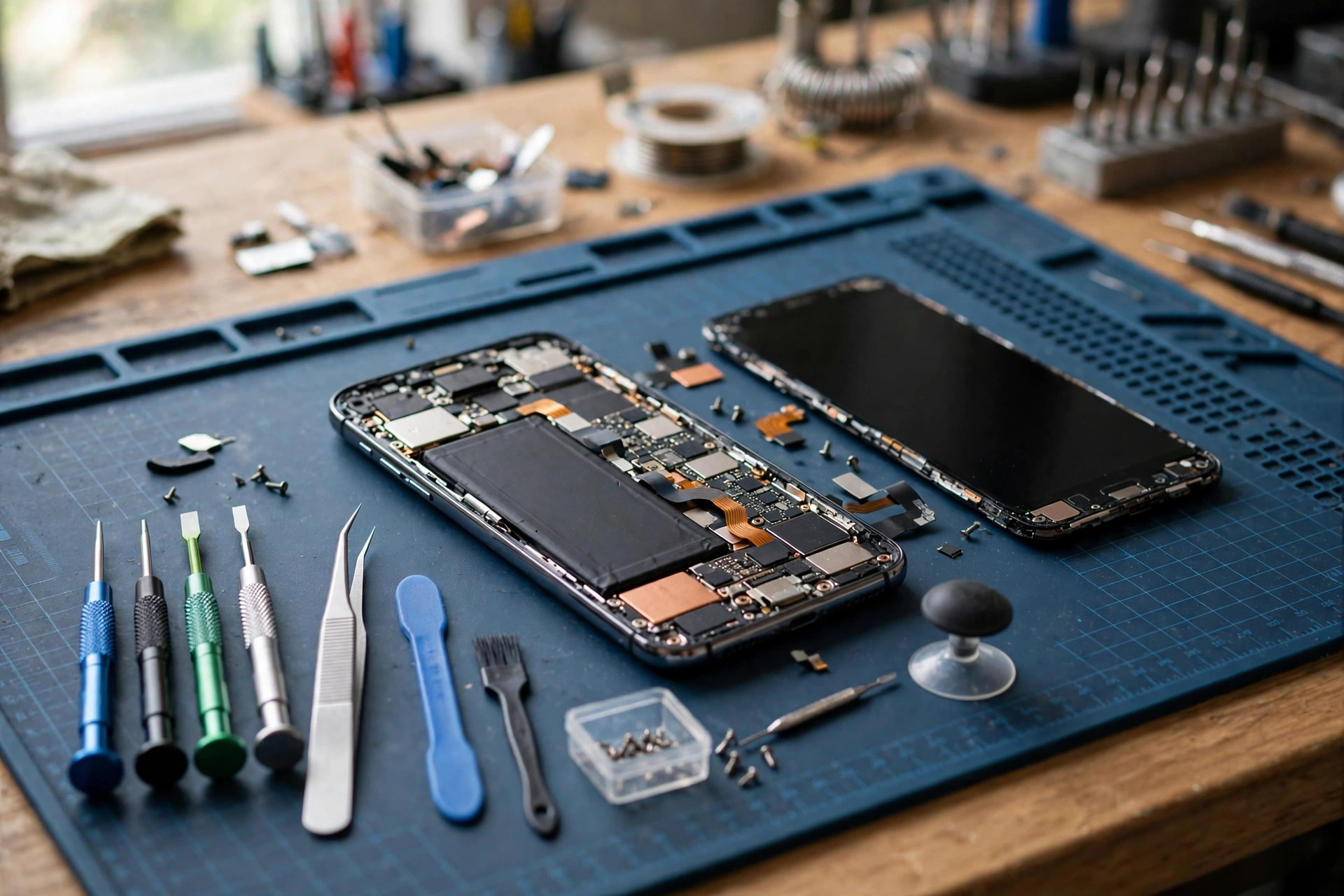
A phone speaker is usually a small, self-contained module — not something soldered deep into the board on most models. A competent shop will first repeat your diagnosis (testing the speaker across apps and volumes), then open the phone, check the speaker’s cable connection, and test a replacement module. On many phones the whole job takes well under an hour once parts are on hand.
Before authorizing anything, ask three questions: does the quote include both parts and labor, is the replacement part genuine or aftermarket (aftermarket is fine for speakers, but you should know), and what warranty comes with the repair. Get the quote in writing, and never pay for a “diagnostic fee” that isn’t credited toward the repair without agreeing to it first.
Fix 6: Know When Replacement Is the Only Honest Answer
Sometimes repair isn’t possible and a shop should tell you so. A speaker that buzzes or rattles at every volume even after deep cleaning and a full software reset usually has a torn driver — the thin membrane is physically damaged and can’t be patched. Damage from a hard drop that cracked the frame near the speaker, or corrosion that has eaten through the cable, can also be beyond economical repair on older phones.
Before you pay, check your warranty status. Manufacturer warranties typically cover speaker defects but not water or physical damage — and opening the phone yourself usually voids the warranty, so let authorized service handle it if you’re still covered. If the phone is out of warranty and the repair costs approach the phone’s resale value, putting that money toward a replacement phone is the smarter financial call.
Frequently Asked Questions
Can a phone speaker be repaired, or does the whole phone need replacing?
The speaker module itself can almost always be replaced on its own — whole-phone replacement is rarely necessary for a speaker fault. Only when the damage extends to the main board, or the phone is so old that parts are unavailable, does replacement of the phone make sense.
How do I tell if my speaker is blown or just dirty?
Clean it thoroughly first (Fix 2), then test with music at full volume. A dirty speaker improves noticeably after cleaning; a blown speaker keeps distorting or rattling at the same spots regardless of cleaning. The isolation test in Fix 1 tells you which component is actually at fault.
Will opening my phone to repair the speaker void the warranty?
In most cases, yes — unauthorized opening voids the manufacturer warranty. If your phone is still under warranty and there’s no water or physical damage, go through the manufacturer’s authorized service so the repair is covered. DIY repair only makes sense on out-of-warranty phones.
Is it safe to repair the speaker myself?
For most people, no. Modern phones are glued shut, batteries sit right next to the speaker, and one slip can damage the screen or puncture the battery. Cleaning and software fixes are safe DIY territory; anything involving opening the phone belongs to a technician with the right tools.