
Fix a Phone Speaker That Sounds Muffled After a Screen Replacement
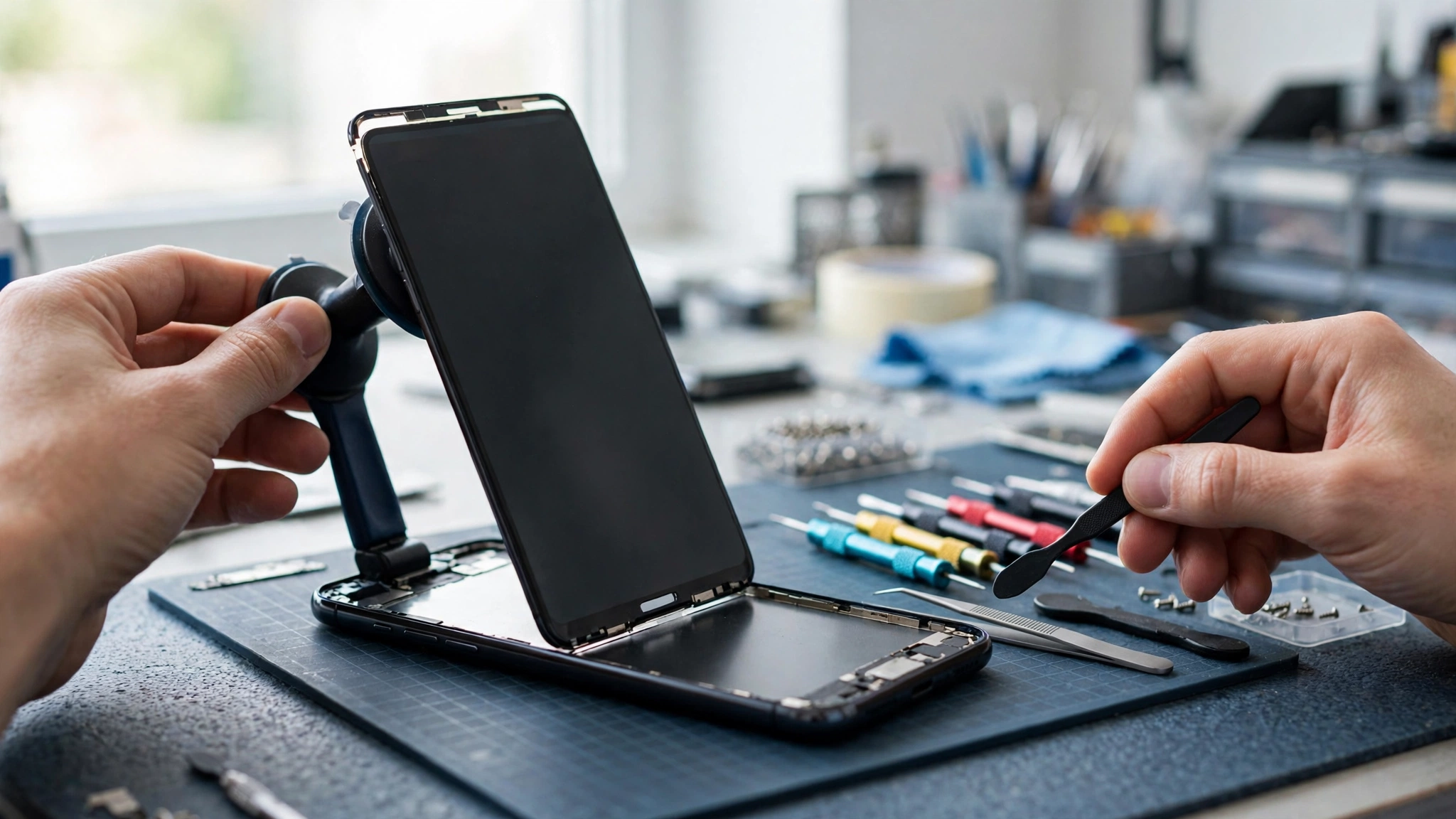
A speaker that turns muffled right after a screen replacement is usually a repair problem, not a dying speaker. The new screen, its earpiece mesh, or the adhesive around it can block, cover or misalign the sound path. Work out which speaker is affected first, then take the phone back while the repair is still under warranty.
First, Find Out Which Speaker Is Muffled
Your phone has at least two sound outlets: the small earpiece slot at the top, used for calls, and the main loudspeaker at the bottom, used for music, videos and speakerphone. A screen replacement touches the top of the phone far more than the bottom, so the earpiece is the usual victim — but you should confirm that rather than assume it.
Make a normal phone call and listen through the earpiece. Then switch the same call to speakerphone and listen again. Finally, play a video or a song with the volume up. If only the call sounds muffled, the earpiece is the problem. If the video and the speakerphone call are both muffled, the bottom speaker or the whole screen assembly may be involved. If the earpiece is quiet but speakerphone is clear, the loudspeaker is fine and the fault is confined to the top of the phone.
The Earpiece Mesh: The Most Likely Culprit
Between the earpiece speaker and the outside of the phone sits a tiny mesh — a fine fabric or metal screen that keeps dust out while letting sound through. During a screen replacement this mesh is disturbed, and three things commonly go wrong with it. It can shift out of place so it only partly covers the slot, it can end up covered with adhesive, or it can be replaced with a thicker mesh that blocks more sound than the original.
Hold the phone under a bright light and look closely at the earpiece slot. A healthy mesh looks even and flat across the opening. A problem mesh looks bunched up, off-centre, or partly hidden behind a smear of glue. You may also see adhesive creeping into the slot from the edge of the new screen, or dust and small fibres trapped in the opening.
Clean the earpiece and the bottom speaker grille gently with a soft, dry toothbrush and a dry microfibre cloth, brushing across the opening rather than pushing into it. Do not push anything sharp into the mesh, and do not use liquids: liquid can dissolve the adhesive holding the new screen in place and make the repair worse. A cleaning tone can help dislodge loose debris left behind during the repair — the free tool at myspeakerfix.com plays a tone through the speaker for exactly that kind of check — but a tone will not move adhesive or straighten a misaligned mesh. If cleaning makes no difference, the blockage is fixed in place and needs the shop to deal with it.
Adhesive, Seating and the New Screen Itself
A screen is held in place with adhesive around its edges, and that adhesive has to stay clear of the speaker openings. If too much was applied, or the screen was pressed down before the adhesive was positioned correctly, glue can creep across the earpiece slot or the bottom grille. That produces a muffled, distant sound that cleaning cannot fix, because the blockage is underneath or bonded to the mesh.
Do not try to press the screen back into place yourself. Forcing a new screen can crack it, break the adhesive seal, or damage the display underneath, and it can also give the shop a reason to say the damage was caused after you collected the phone. A poorly seated screen is the shop’s job to correct. The replacement screen itself can also play a part: a lower-quality replacement may have a slightly different earpiece opening from the original, or a thicker mesh fitted as standard. If the mesh looks different from the original, mention it to the technician — it points them toward the right part.
The Case, Protector and Settings Check
A case or screen protector fitted after the repair can make muffling worse, especially if it does not line up with the new screen. Replacement screens sometimes sit a fraction of a millimetre differently from the original, so a protector that fitted the old screen may now overlap the earpiece slot. Take the case off completely and test the sound again, then check whether the protector covers any part of the earpiece opening. If the protector is the problem, repositioning it or replacing it will fix the sound straight away. If the sound is still muffled with the case off and the protector removed, you have ruled out the accessories and the cause is inside the repair itself.
Taking the Phone Back: What to Say and What to Expect
If the muffling started right after the screen replacement and the simple checks did not fix it, take the phone back to the shop that did the repair. Do not wait. Most reputable shops offer a warranty on their work, usually 30 to 90 days, and a muffled speaker caused by their repair should be corrected free of charge. The sooner you report it, the easier it is to show the repair caused it.
Tell them clearly that the speaker sounded normal before the repair and muffled afterwards, and show them which speaker is affected using the call and video test above. A good technician will reopen the phone, check the earpiece mesh and speaker seating, remove any excess adhesive, and reseat the parts correctly. That is a normal part of correcting a repair, not a favour.
Frequently Asked Questions
Why is my phone speaker muffled after a screen replacement?
The most common reasons are a misaligned or glue-covered earpiece mesh, adhesive blocking the speaker grille, or a speaker that was not seated correctly when the phone was reassembled. The speaker itself is usually undamaged — something in the repair is blocking the sound.
Will the muffled sound fix itself over time?
No, not usually. Adhesive does not move on its own, and a misaligned mesh stays misaligned. A physical blockage or seating problem will not improve without action.
Can I fix a muffled speaker after a screen replacement myself?
You can try the safe steps: clean the grille, remove the case and screen protector, restart the phone, and check the sound settings. Opening the phone to reseat the earpiece or remove adhesive is not a do-it-yourself job — it risks cracking the new screen and voiding the repair warranty.
How long should I wait before taking the phone back to the shop?
Do not wait more than a few days. Repair warranties have time limits, and the sooner you report the problem, the easier it is to show the repair caused it. Go back as soon as the basic checks confirm the muffling is still there, and bring your receipt.