
Earpiece Volume Too Low During Calls? 10 Fixes That Work
If your earpiece volume is too low, the usual causes are a clogged earpiece mesh, a screen protector or case blocking it, or call volume that was never actually raised during a call. Cleaning the top slit and checking a few settings fixes most cases at home in minutes.
Clean the Earpiece Mesh
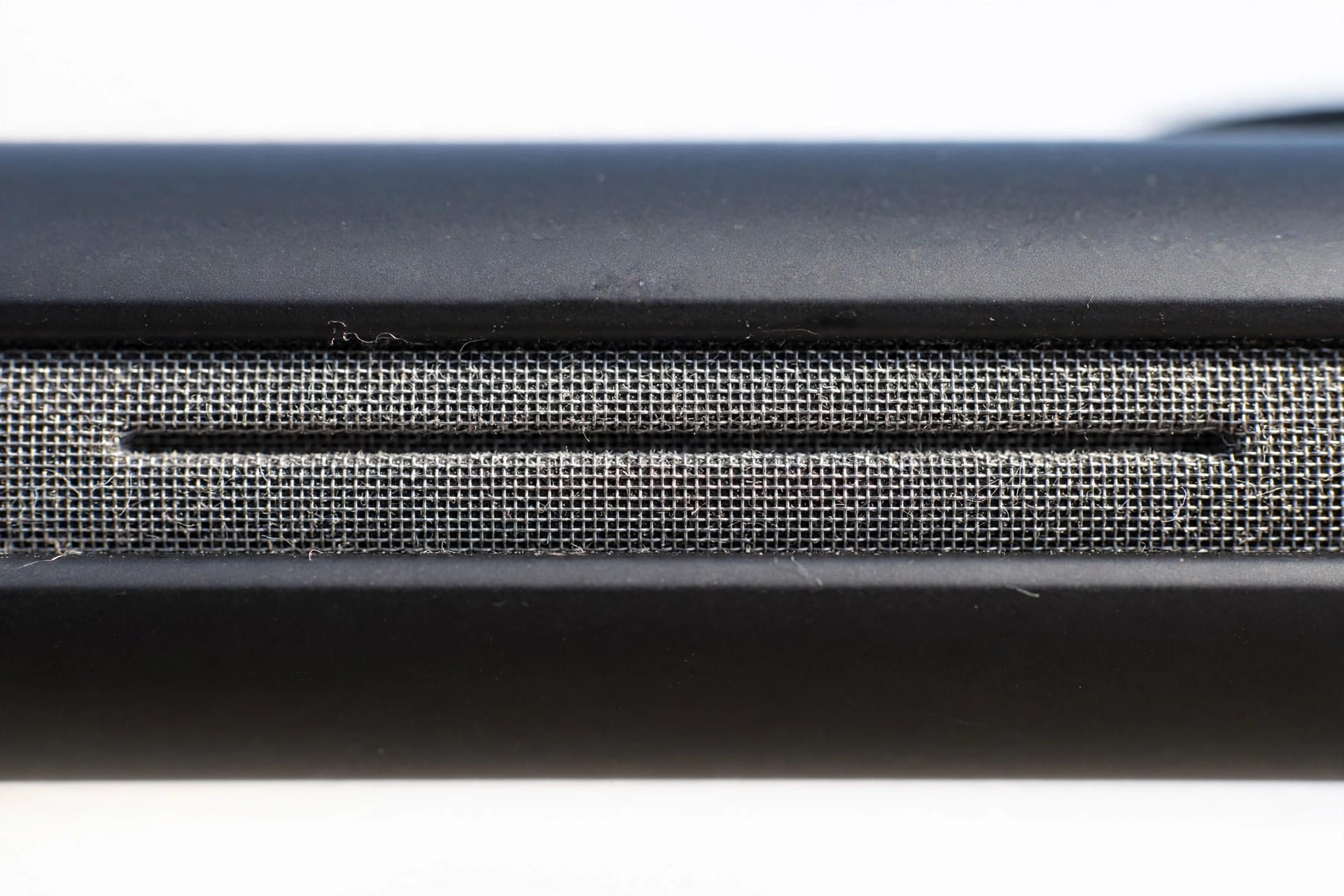
The earpiece is the thin slit at the top of your phone’s screen. That mesh collects earwax, skin oil, makeup, and pocket lint, and because the opening is so small, even a little buildup blocks a large share of the sound. If callers have gradually become harder to hear over months, start here.
Clean it the safe way:
- Use a soft, dry toothbrush and brush gently across the slit, angling the bristles so debris comes out rather than being pushed deeper.
- Press painter’s tape or cleaning putty lightly onto the mesh and peel it away to lift out loosened dirt.
- Tilt the phone so the earpiece faces slightly downward, letting debris fall clear.
- Never insert pins, needles, or SIM tools into the slit, and never use water or sprays. The mesh and the speaker behind it are delicate.
Check the mesh under a bright light afterward. You may need two or three gentle passes before it looks clear.
Remove Anything Blocking the Earpiece
Screen protectors are a classic hidden cause. A protector that is slightly misaligned, or one designed for a similar model, can cover part or all of the earpiece slit. If your call volume dropped right after fitting a new protector, that timing is your answer. Peel it off, make a test call, and replace it with one cut correctly for your exact model.
Cases cause the same problem in a different way. Some wrap over the top edge and narrow the opening over the earpiece, and wallet-style cases can muffle sound if the cover flap folds near the slit. Test with the case removed before changing any settings. Also check for a strip of dust film along the top edge, or a phone skin or sticker that overlaps the slit.
Raise the Volume During a Call
This step surprises many people: on most phones, earpiece volume can only be adjusted while a call is in progress. Pressing the volume buttons on the home screen changes ringtone or media volume, not call volume. If you once lowered it during a call and never raised it again, every call since has stayed quiet.
Fix it properly:
- Call a friend, a family member, or your own voicemail.
- While the call is active, press the volume up button several times until it reaches maximum.
- Confirm the on-screen indicator shows call volume, usually with a phone icon or a “Call” label.
- Judge the loudness at maximum in a quiet room.
If the earpiece is still quiet at true maximum, the problem lies elsewhere, and the test in the next section helps you find out where.
Run a Quick Test: Hardware or Network?
Before digging through settings, work out whether the earpiece itself is weak or the call connection is the problem.
Try this comparison:
- Switch the same call to speakerphone. If the caller sounds loud and clear there, your network is fine and the earpiece is the weak link.
- Record a voice memo, then make a test call to another phone in the house. A memo removes the network from the equation entirely.
- Call from a different location, or over Wi-Fi calling if your carrier supports it. If volume improves, weak signal was part of the story.
If the earpiece is muffled and crackly in every test, suspect dirt deep in the mesh or a failing earpiece. If the bottom speaker ever sounds watery too, the free speaker cleaner at https://myspeakerfix.com/ can help clear the main speaker, though the earpiece itself still needs the gentle manual cleaning above.
iPhone Settings for Low Earpiece Volume
On iPhone, open Settings, then Accessibility, then Audio and Visual. Turn on Mono Audio if stereo call audio sounds thin, since mono sends the full signal to the earpiece instead of splitting channels. Confirm the balance slider sits in the center, because a shifted balance quietly steals volume from one side.
Also look for Phone Noise Cancellation on supported models in the same area. Some users find calls sound fuller with it off, so it is worth a quick A/B test. Finally, check the audio button during a call: if your iPhone is routing call audio to a car or earbuds in another room, the earpiece will seem silent. Choose iPhone as the output.
Samsung and Android Settings to Check
On Samsung phones, open Settings, then Accessibility, then Hearing enhancements. You will find Mono audio, a left-right balance slider, and hearing aid support options. Adapt Sound, in sound settings, builds a personal profile that boosts the frequencies you hear least well.
On other Android phones, check these spots:
- Accessibility settings for mono audio, balance, and hearing aid compatibility.
- Phone app settings for noise reduction or clear voice features, which vary by brand.
- Volume during the call itself, which is separate from every other slider.
When the Earpiece Itself Is Failing
Sometimes the earpiece is simply wearing out, or was damaged by a drop even if the screen survived. Warning signs include crackling or buzzing that cleaning does not improve, volume that cuts in and out when you press near the top of the screen, and an earpiece that is quiet in every test with every setting correct.
Before paying for a repair, restart the phone, install pending updates, and repeat the voice memo test once more to rule out a software fault. If it still fails, a repair shop can often replace the earpiece as a separate part without replacing the screen, which keeps the cost reasonable. Ask them to confirm the earpiece is the fault before approving any work.
Frequently Asked Questions
Why can I only hear calls properly on speakerphone?
Speakerphone uses the loud bottom speaker, while normal calls use the small earpiece. If speakerphone is clear but the earpiece is quiet, the mesh is likely clogged, blocked by a protector, or failing. Clean the top slit and test again.
Can a screen protector really block the earpiece?
Yes. The earpiece slit is only a few millimeters wide, so a protector that sits even slightly too low can cover it. If call volume dropped after fitting a new protector, remove it and make a test call.
Why is my earpiece quiet even at maximum volume?
First confirm the maximum is real: raise the volume during an active call, not from the home screen. If it is still quiet, clean the mesh, remove the case and protector for a test, and compare with speakerphone.
Does hearing aid mode help with low earpiece volume?
It can. Hearing aid compatibility settings change how call audio is processed, and mono audio sends the full signal to the earpiece instead of splitting it. Try both under Accessibility hearing settings, especially if voices sound thin rather than just quiet.