
Dropped Your Phone and Now the Speaker Sounds Like It’s Under a Pillow?
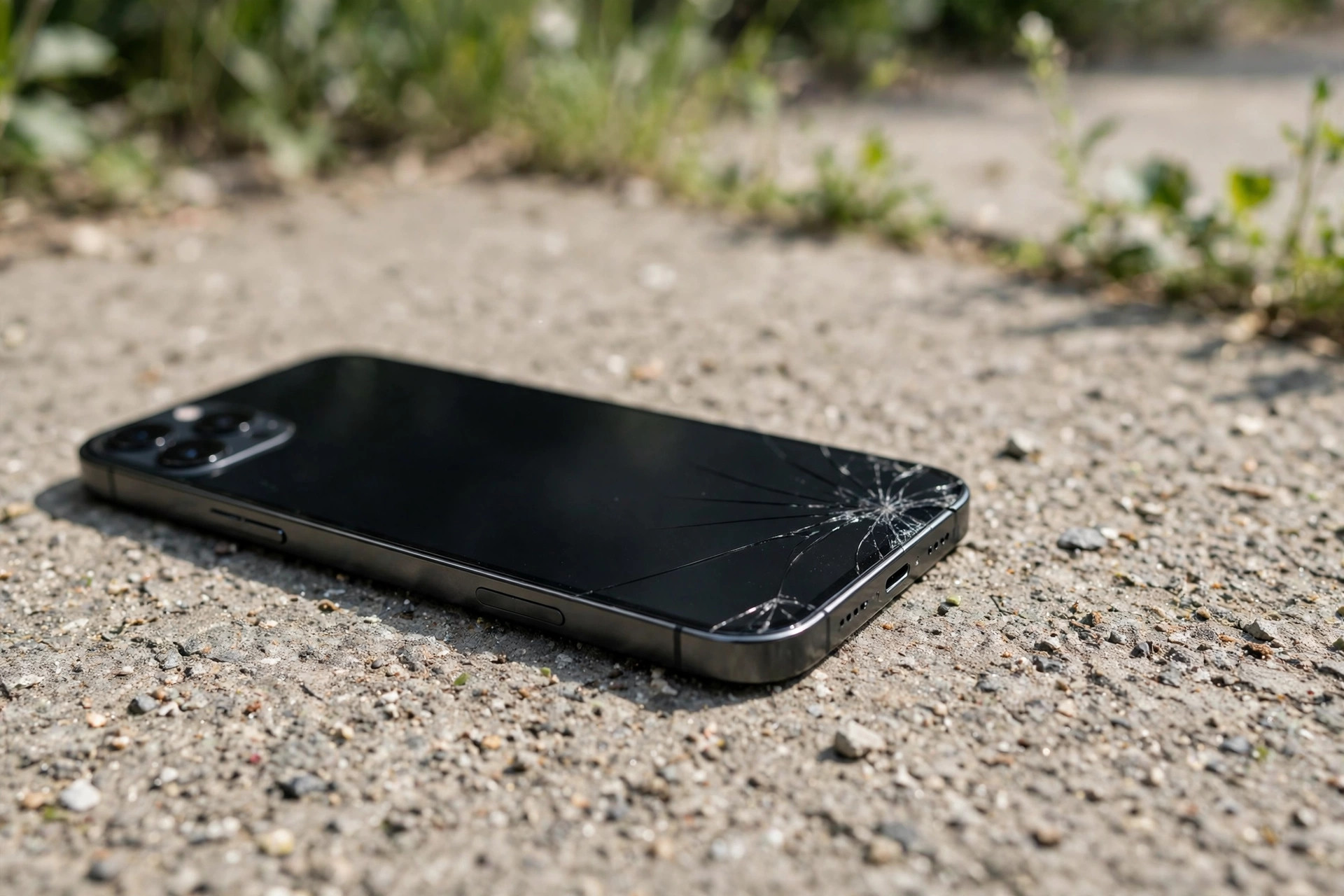
Your phone slipped out of your hand, hit the floor, and now the speaker sounds like it’s talking through a pillow. Everything else works, but the sound is dull and distant. If the muffling started the exact second the phone landed, it’s probably not dirt — a drop does mechanical things to a speaker that wiping won’t undo. A few quick checks will tell you whether you’re looking at a ten-minute clean, a loose connection, or a repair shop visit.
The Moment It Hit the Floor Tells You Almost Everything
Think about the timing first — it narrows the cause fast.
If the sound went muffled the instant the phone hit the ground, something moved or broke inside: a connector shaken loose, a membrane dented, debris rammed into the grille.
If the muffling crept in over the days after the drop, it’s more likely debris. A knock can loosen dust and lint already sitting in the grille, and it slowly works deeper until the sound dulls.
And if the speaker sounds fine in some apps but muffled in others, the drop probably isn’t the cause — that’s software, and the timing is a coincidence.
Three Things a Drop Can Do Inside Your Phone
Inside, your speaker is a thin membrane — the diaphragm — behind a grille of tiny holes. A hard knock can hurt it in three ways.
Debris gets driven into the grille. Dust and lint on the surface get rammed deeper into the holes, packing into a felt-like layer over the mesh. Best outcome — it’s still just blockage, and gentle cleaning can fix it.
The speaker connector loosens. The speaker joins the main board with a tiny press-fit connector, and a sharp impact can partially unseat it. The sound goes muffled, intermittent, or one-sided, and often changes when you move the phone.
The membrane gets dented or torn. The diaphragm is an extremely thin film, and a sharp impact can crease or tear it. A damaged membrane distorts sound at every volume, even very quiet — and no cleaning can fix it.
Look at the Phone Before You Touch Anything
Start with your eyes, not your hands. Hold the phone under a bright light and look at the speaker grille — is the mesh dented, pushed in, or cracked? Check the frame too: a bend or hairline crack near the speaker means the impact reached the hardware.
If the phone landed on a wet surface, stop and treat it as water damage instead — moisture plus a drop is a different problem, and drying matters more than anything else here.
Visible damage near the speaker means you can skip the cleaning section below. Cleaning a dented grille won’t bring a torn membrane back.
Rule Out the Software Glitch First
A drop can occasionally jolt the audio system into a weird state, so rule software out first. It takes two minutes.
Restart the phone completely — power it off, wait a few seconds, power it back on. A restart clears stuck audio processes and reloads the driver.
Then play audio from a few sources — a call on speakerphone, a music app, a video — at low, medium, and maximum volume. Fine in one app but muffled in another means software, not drop damage. Muffled everywhere means the fault is in the speaker itself.
The Gentle Clean — Worth Ten Minutes of Your Time
If there’s no visible damage, cleaning is worth trying — a drop often just packs debris deeper into the grille, and cleaning costs nothing.
Hold the phone speaker-side down so debris falls out instead of settling deeper. Brush the grille gently with a clean, dry, soft-bristled toothbrush, light strokes in one direction only — don’t scrub back and forth, or you’ll push dust further in. Then press poster putty lightly over the grille and peel it away; it lifts compacted lint the brush can’t reach.
Finish with a low-frequency cleaning tone, speaker facing down, for thirty to sixty seconds — the vibration shakes loose whatever the brush and putty missed. The free Fix My Speaker tool plays that kind of tone.
Be honest, though: if the muffling started the second the phone hit the floor, debris is unlikely to be the whole story. Rule it out — but if the sound doesn’t improve, don’t keep cleaning.
The Tilt-and-Tap Test
This check separates a loose connection from a damaged membrane, and it takes about a minute.
Play something steady — a song, not a podcast — and gently tilt and move the phone while it plays. If the sound cuts in and out, crackles, or changes volume as you move it, the connector is probably loose. A loose connection responds to movement; a torn membrane doesn’t.
Now press lightly on the phone’s frame near the speaker while the audio plays. If the pressure changes the sound — clearer when you press, muffled when you let go — the speaker has shifted in its housing or its connector isn’t seated properly.
Finally, listen at very low volume. Distortion that shows up even when the audio is barely audible points to a damaged membrane, because a dirty speaker usually sounds fine turned down.
When to Stop Trying and See a Technician
Some signs mean the answer is a repair shop. See a technician if the speaker distorts at every volume even after cleaning, if sound cuts in and out when you move or tap the phone, if there’s no sound at all while headphones and Bluetooth work fine, or if the grille is dented or the frame cracked near the speaker.
Don’t open the phone yourself to reseat the connector. Modern phones are glued and sealed, and opening one without the right tools risks breaking the screen, the waterproof seal, or the battery. Speaker replacement is usually one of the cheaper phone repairs, often done in under an hour — and telling the technician when the problem started helps them confirm the diagnosis fast.
Frequently Asked Questions
Can dropping my phone permanently damage the speaker?
Yes. A hard drop can tear or dent the speaker membrane or break its connection to the main board. If cleaning and restarting don’t help, it’s hardware.
My speaker rattles after a drop but still works. Is that fixable?
A rattle usually means the membrane is creased or the speaker has shifted in its housing. It won’t heal on its own — a technician can reseat or replace it.
Should I open the phone myself to reseat the speaker connector?
We don’t recommend it. Modern phones are glued and sealed, and opening one without the right tools risks breaking the screen, the seal, or the battery.
Will a water-eject sound help after a drop?
Only if the problem is loose debris in the grille. If the drop damaged the membrane or connector, sound can’t repair physical damage. Try it once; if there’s no improvement, stop and see a technician.