
Your Speaker Quit Right After a Screen Swap — Here’s What Probably Happened Inside
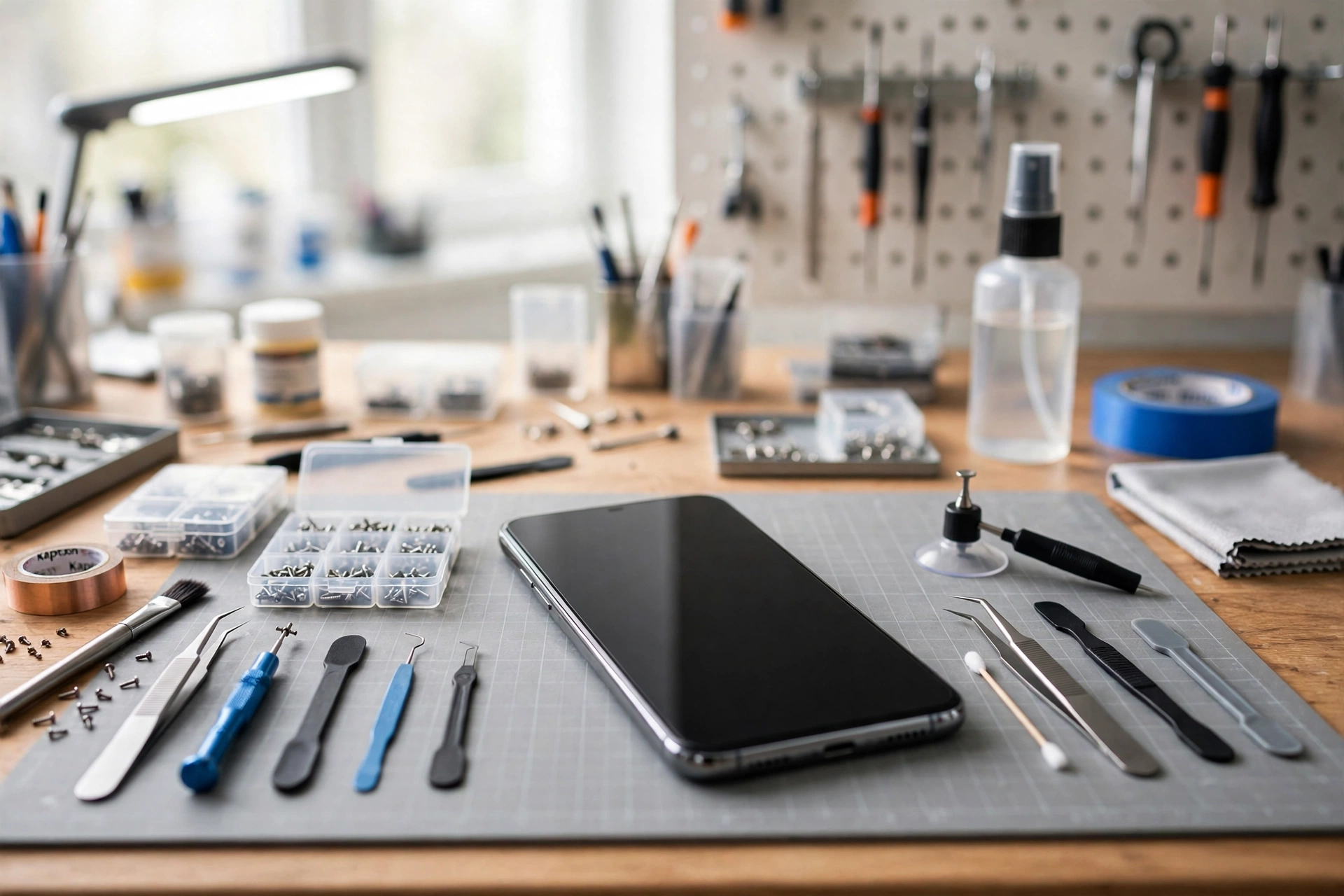
You picked up your phone from the repair shop, pressed play on a video, and heard nothing. The screen looks perfect, but the speaker’s dead. Usually it isn’t bad luck — something inside got knocked loose while the screen was being swapped. A few quick checks will tell you whether it’s a software hiccup or the shop’s problem.
Start With the Five-Minute Software Sweep
A repair and a software glitch can show up on the same day by coincidence, so rule out the easy stuff first. None of this costs anything.
Restart the phone properly — hold the power button, tap restart, and wait for it to come back up. A plain lock-and-unlock doesn’t count. While a song or video is playing, push the volume buttons all the way up and watch the on-screen slider. If the slider moves but no sound comes out, that’s a useful clue in itself.
Then kill Bluetooth. Turn it off completely, not just disconnect one device. Your phone might still be sending audio to wireless earbuds sitting in a drawer, a smartwatch, or the car stereo from your last drive. While you’re at it, play audio from two different apps — a music app and a video app, for instance. If one app is silent and the other isn’t, the speaker is fine and the app is the problem.
Look at the Outside of the Phone Before You Blame the Inside
A fresh screen job changes the outside of your phone, and some of it sits right on top of the speaker.
Check the bottom edge where the speaker grille lives. A new screen protector can overhang the grille by a millimetre or two, and that’s enough to muffle sound badly. Some shops also leave a thin protective film across the bottom edge that you’re supposed to peel off. And if you put the phone back in a tight case right after the repair, take it off and test again — a case lip that shifted during reassembly can press against the grille.
Look closely at the holes with a bright light — adhesive or grit from the screen job can sit inside the openings. Don’t poke anything into them: a pin or toothpick can puncture the speaker mesh underneath. A soft brush, or a short puff of air, is the most you should try.
Now test the two speakers separately. Play a video out loud for the bottom loudspeaker, then make a regular phone call and listen through the earpiece at the top. If one works and the other doesn’t, tell the shop exactly that.
The Free Speaker Check That Settles the Argument
If you’re still hearing nothing, you need one clean answer: is the speaker making any sound at all? Run the free speaker test on myspeakerfix.com and play a tone through the phone at full volume. If the tone comes through, even faintly, the speaker is alive and you’re chasing a setting. If there’s total silence, the fault is hardware — and it only appeared after the shop opened the phone.
What Most Likely Went Wrong Inside the Phone
You don’t need to open the phone to understand the usual suspects, and you shouldn’t try. Modern phones are glued shut, and prying one open can crack your brand-new screen, damage the battery, or void the repair warranty on the spot. But knowing what to describe helps the technician find it fast.
The classic cause is a loose speaker connector. During a screen replacement, the technician unplugs several small ribbon connectors to get the old screen out, and the speaker’s connector is one of them. If it isn’t pressed fully home when the phone goes back together, the speaker gets no signal at all. Sometimes it works for a day and then vibrates loose, which is why the sound can die a few hours after you get home. A pinched flex cable is another possibility — the thin audio cables have to be folded back neatly, and one caught between the frame and the new screen can be damaged just enough to kill the sound. Adhesive can also creep over the speaker opening from the inside, leaving the sound quiet and buzzy instead of silent. And a small speaker part can get knocked out of alignment while the old screen is levered off.
Going Back to the Shop — and Getting It Fixed Free
If the software checks didn’t bring the sound back, stop there. This is a warranty matter now, and every extra thing you try gives the shop an excuse to say you caused it.
Go back soon, while the timing is obvious. A speaker that dies the same day is clearly connected to the repair; one that dies three weeks later is a much harder conversation. Bring your receipt or job card.
When you get there, show the problem instead of just describing it — play a video or ringtone so the technician hears the silence. Ask them to check the speaker connector and seating before they talk about replacing parts; a reseat takes minutes, while a parts swap turns a free warranty fix into a bill. Be polite but direct: the speaker worked before the repair and stopped immediately afterwards. And don’t let a different shop open the phone first, or you could void the first shop’s warranty.
Frequently Asked Questions
Why did my speaker stop working after a screen replacement?
During screen work the phone is opened and several small connectors are unplugged and plugged back in. If the speaker connector isn’t seated properly, or a speaker part gets knocked out of place, the sound can vanish or come back muffled. Rule out software first — restart, then check Bluetooth.
Can I fix a loose speaker connector myself?
No. Modern phones are sealed with adhesive, and opening one risks cracking the new screen, damaging the battery, or voiding your repair warranty. A loose connector is a quick job for the shop that did the repair, and it should be covered under their workmanship guarantee.
What if the shop says the speaker fault has nothing to do with the repair?
Stay calm, show your receipt, and point to the timing: the speaker worked before the repair and failed right after it. Ask them to at least inspect the speaker connector and seating. If they refuse, get a second opinion, but don’t let anyone else open the phone until you have the first shop’s answer in writing.
Should I factory reset my phone before going back to the shop?
Almost never. A reset is a last resort and rarely helps with a fault that appeared right after a repair. Try a restart, the volume and Bluetooth checks, and a speaker test first. Only reset if the shop asks you to rule out a software cause — and back up your data first.