
Fix a Phone Speaker That Went Silent After a Drop
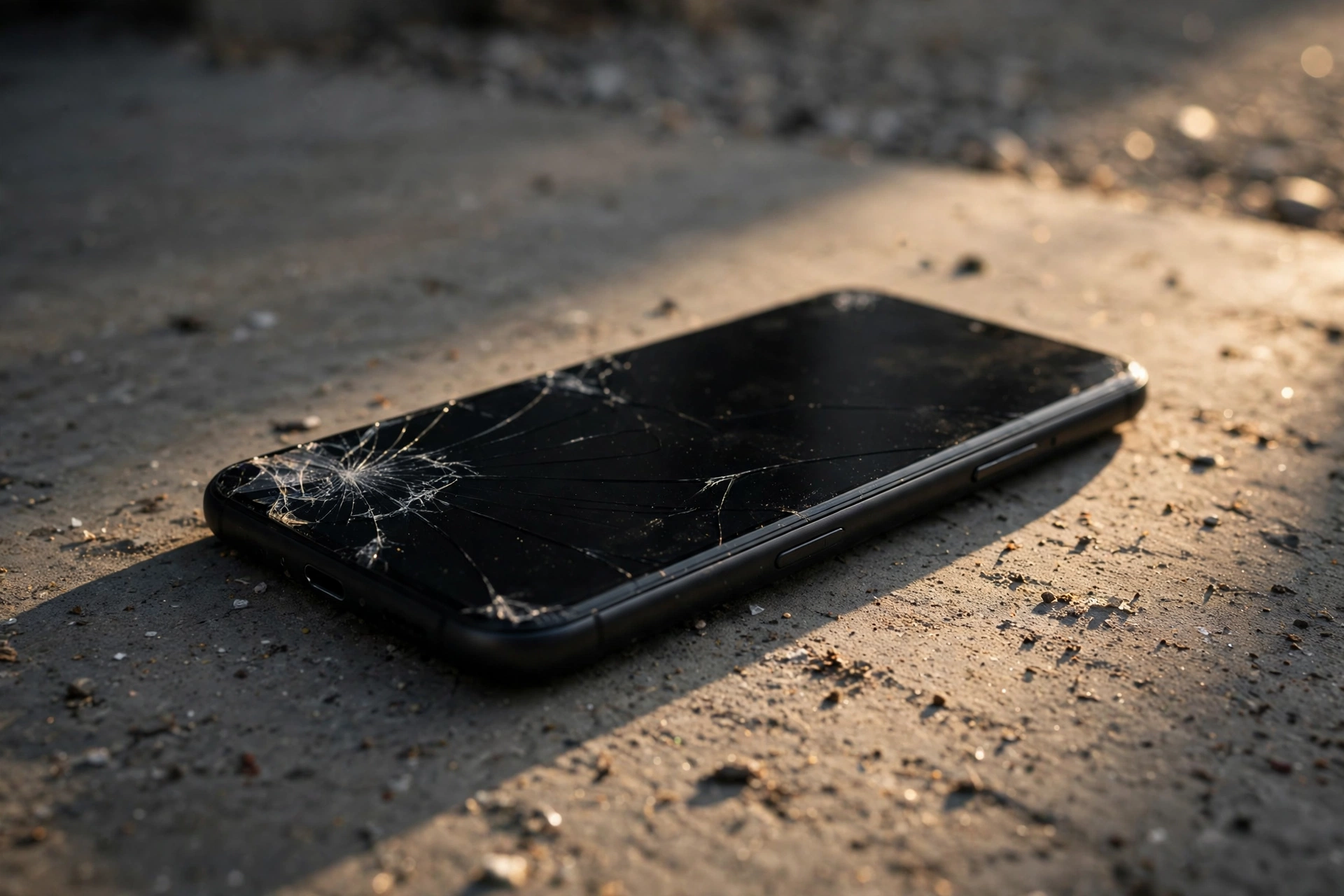
You know that half-second after the phone slips — the bounce, the silence, then you pick it up and the speaker’s dead. Chances are the drop knocked something loose inside: a connector pops out, the speaker shifts a millimetre in its housing, a solder joint cracks. What you do next depends on what kind of silence you’ve got.
Silent, Muffled, or Cutting In and Out?
First things first — what exactly is it doing?
Total silence means nothing at all from the loudspeaker — no ringtone, no video, nothing, at any volume. That’s usually a broken connection, a disconnected flex cable, or a damaged speaker. Muffled or quiet sound is different: the speaker still plays, but it sounds distant, dull, or distorted, usually a blocked grille or a dented diaphragm — a separate problem. Then there’s the in-between one: sound that cuts in and out, or comes back when you hold the phone a certain way or give it a tap — a loose connector or a cracked solder joint that only makes contact in certain positions. This one’s about total silence.
Quick Checks Before You Assume the Worst
I know — “have you tried turning it off and on again.” But after a drop, it genuinely helps — a restart clears temporary audio glitches from the impact. While you’re at it, press volume-up during playback and check the phone isn’t muted or in Do Not Disturb. Take the case off, too — one that shifted in the fall can press the volume buttons or cover the speaker grille. And turn Bluetooth off — the phone may have auto-connected to a car, a speaker, or earphones nearby.
Play audio in a few apps and try a ringtone and an alarm. Silent everywhere means hardware. Handy clue: if the earpiece works during a call but the loudspeaker is dead, the fault is in the loudspeaker path — its connector, cable, or the speaker itself — not the whole audio system.
Safe Mode: Ruling Out an App
This one sounds weird, but an app can genuinely mess with your audio after a knock. Safe mode runs the phone with only its built-in apps — if the speaker works there, a downloaded app is the culprit.
On Android, hold the power button, then long-press the Power off option and tap OK when the safe-mode prompt appears. Once it restarts, play a video or a ringtone. Speaker working? Remove recently installed or updated apps one at a time. Restart the phone normally to leave safe mode.
iPhones don’t have safe mode — test the speaker across a few built-in apps: Music, Videos, the Clock alarm. Silent in every one means it’s almost certainly hardware.
The free speaker test at myspeakerfix.com can confirm whether the speaker makes any sound at all — it can’t repair a loose connector or a displaced speaker, though.
Inside the Phone: Connectors, Cables, and the Speaker Module
Right, the hands-on bit — only if you’re up for it. A drop can shake the speaker’s connector loose or knock the speaker module out of position without breaking a thing. The giveaway: silence from the moment of impact, or sound that comes and goes when you tap the phone.
Only open the phone yourself if it’s out of warranty and you’re comfortable with small electronics repair — opening it can cause further damage, and it’ll void any remaining warranty.
With the phone powered off and the battery disconnected where possible, check the loudspeaker’s flex cable or connector is fully seated and its locking latch is closed. Look for a torn, creased, or nicked flex cable, especially near the connector and screw holes. Check the speaker sits squarely in its housing and its spring contacts line up with the board’s contacts — and look for a cracked solder joint or a loose component near the speaker connector.
Find a loose connector? Reseating it can bring the sound straight back, and refitting a displaced speaker can do the same. Just don’t force anything — if a connector won’t seat, the cable or socket is probably damaged.
Signs the Drop Did Real Damage
Sometimes it’s not a loose plug. Sometimes the fall actually broke something. A hard landing on concrete can damage the speaker’s voice coil or diaphragm and leave it permanently silent. A solder joint on the audio circuit can crack. The flex cable can tear, especially where it bends around the battery or a screw post. And in a really bad drop, the main board itself can crack, taking the speaker down with other functions.
Flickering screen, battery draining fast, camera that won’t focus, random restarts — if a few of those showed up with the silence, the drop probably damaged more than the speaker.
What to Tell the Repair Shop
If none of this brings the sound back, don’t just walk in and say “it’s broken.” A clear description saves you diagnostic time and money. Tell them how the phone fell — the surface, the height, which corner or edge hit first — and whether the silence started straight away. Describe your tests — silent in all apps or not, the safe-mode result, whether tapping the phone changes anything — and mention any other symptoms, like a cracked screen or a battery that drains quickly.
Ask them to check the speaker connector and flex cable before quoting a speaker replacement — reseating a loose connector is quick; replacing a speaker that was never broken is a waste of money. If the speaker does need replacing, ask whether the part is original or aftermarket.
Frequently Asked Questions
Can a drop permanently damage a phone speaker?
Yes, though it’s less common than a loose connection. A hard impact can damage the speaker’s voice coil or diaphragm, crack a solder joint, or tear the flex cable — if reseating the connector does not restore sound, the speaker or its circuit may need professional repair.
Why does my speaker work sometimes after a drop but not others?
That usually means a loose connector or a cracked solder joint that makes contact only in certain positions. Tapping the phone or holding it at an angle can temporarily restore the connection, but it usually gets worse — have it checked before it fails completely.
Will a factory reset fix a speaker that stopped after a drop?
Almost certainly not. A factory reset only fixes software problems, and a speaker that went silent at the moment of impact is almost always a hardware problem — a loose connector, a displaced speaker, or a damaged part.
How much does it cost to fix a speaker after a drop?
It varies widely by phone model, the part needed, and the shop. Reseating a loose connector is usually quick and inexpensive, a full speaker replacement costs more, and board-level damage costs the most.