
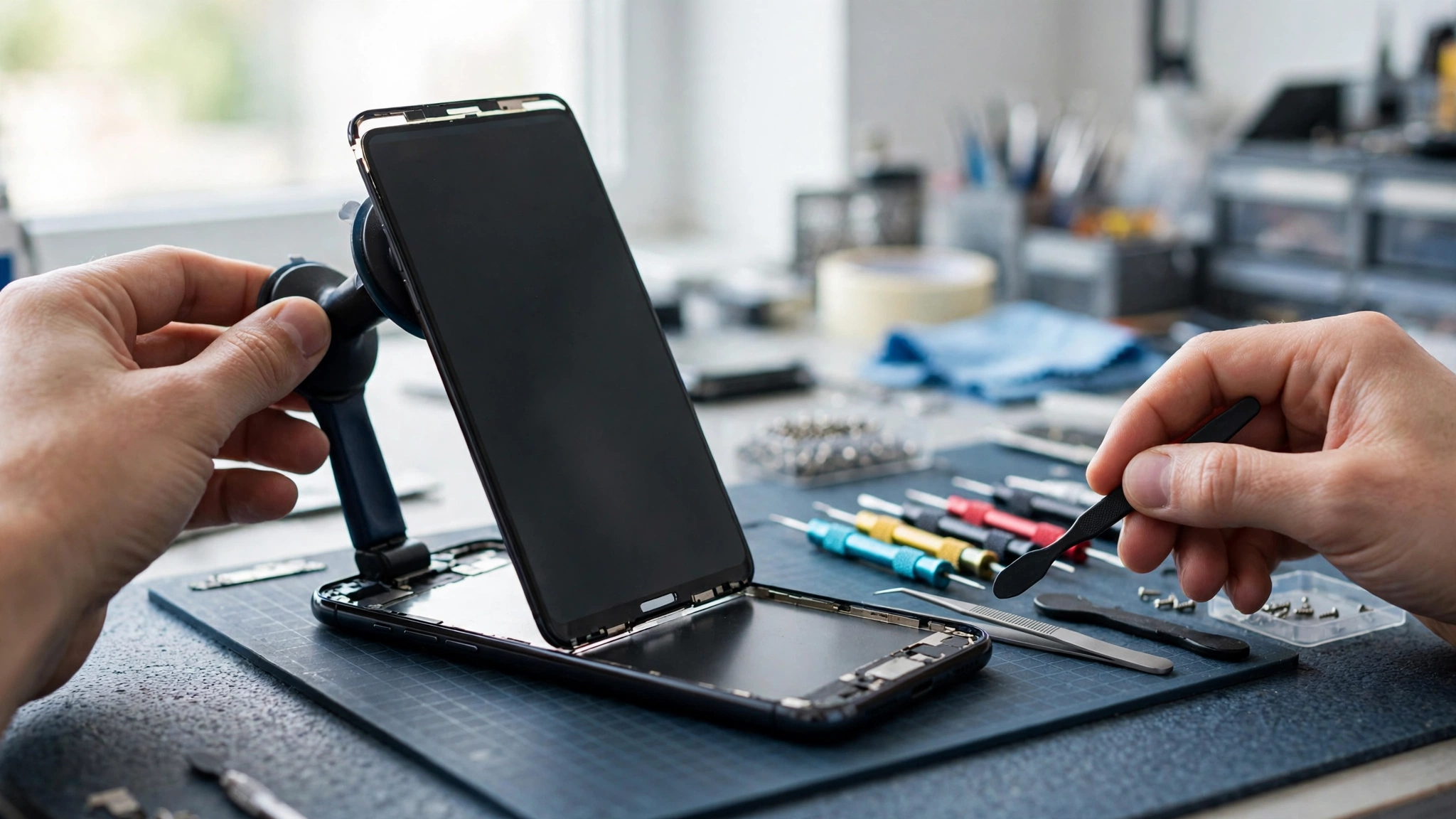
Phone Speaker Muffled After Screen Replacement? How to Fix It
A phone speaker can sound muffled after a screen replacement because the repair disturbed the earpiece, the speaker mesh, or the adhesive around them. The new screen may have a misaligned earpiece mesh, glue covering the grille, or a speaker that was not seated correctly. Usually the phone is fine — the repair is blocking the sound.
Test Which Speaker Is Muffled
First, work out whether the muffled sound comes from the earpiece at the top of the phone or the main speaker at the bottom. Make a phone call and listen through the earpiece, then switch to speakerphone and listen again. Play a video with the sound on as well. If only calls sound muffled, the earpiece is the problem. If everything sounds muffled, the bottom speaker or the whole screen assembly may be involved. Knowing which one is affected tells you — and the repair shop — exactly where to look.
Check the Earpiece Mesh and Speaker Grille
The earpiece mesh is a tiny fabric or metal screen that sits between the speaker and the outside of the phone. During a screen replacement, this mesh can shift out of place, get covered with adhesive, or be replaced with a thicker one that blocks sound. Look closely at the earpiece slot at the top of the phone with a bright light. If you can see glue, dust, or a mesh that looks bunched up or off-centre, that is likely the cause.
Clean the earpiece and the bottom speaker grille gently with a soft, dry toothbrush and a dry microfibre cloth. Do not push anything sharp into the mesh, and do not use liquids, which can dissolve the adhesive holding the screen in place.
Remove the Case and Screen Protector
A case or screen protector fitted after the repair can make the muffling worse, especially if it does not line up with the new screen’s speaker cutouts. Take the case off completely and test the sound again. Also check that the screen protector is not covering the earpiece slot. Replacement screens sometimes sit a fraction of a millimetre differently from the original, so a protector that fitted the old screen may overlap the earpiece on the new one. Reposition or replace the protector if it covers the slot.
Restart the Phone and Test the Sound
A restart is a quick way to rule out a software glitch that happened to coincide with the repair. Restart the phone, then play a song and make a test call. Also try the free speaker-cleaning tool at myspeakerfix.com, which plays a tone through the speaker and can help dislodge any loose debris left behind during the repair. If the sound is still muffled after a restart and a cleaning tone, the cause is almost certainly physical — something in the repair is blocking the sound.
Check the Sound Settings
Sometimes the repair itself is fine and the real problem is a setting that changed during the repair. Check that the volume is turned up, that mono audio is off, and that the left-right balance is centred. On Android, these are in Settings under Accessibility. On iPhone, go to Settings, then Accessibility, then Audio & Visual. Also check that no hearing-aid or noise-cancellation setting is enabled, since these can change how the earpiece sounds.
Look for a Poorly Seated Screen or Speaker
If the new screen is not seated flush with the phone’s frame, the earpiece may not line up with its opening, and sound will be trapped inside the phone. Look along the edges of the screen for gaps, raised corners, or uneven seams. Press gently around the edges — the screen should feel solid, with no flex or clicking. If the screen moves or you can see a gap, the repair was not finished properly and the phone should go back to the shop. Do not try to press the screen back into place yourself, as you could crack the new screen or damage the adhesive seal.
When to Take the Phone Back to the Repair Shop
If the muffling started right after the screen replacement and the simple checks above did not fix it, take the phone back to the shop that did the repair. Most reputable shops offer a warranty on their work, usually 30 to 90 days, and a muffled speaker caused by their repair should be fixed free of charge. Tell them clearly that the speaker sounded normal before the repair and muffled afterwards, and show them which speaker is affected. A good technician will reopen the phone, check the earpiece mesh and speaker seating, remove any excess adhesive, and reseat the parts correctly.
Take photos of the problem before you go, and keep your repair receipt. If the shop refuses to fix it, a second opinion from another repair shop can confirm whether the first repair caused the problem.
What If the Shop Says It Is Not Their Fault?
If the shop claims the speaker was already damaged, ask them to show you the pre-repair inspection notes. Most shops record the phone’s condition before starting work. If there is no record of a speaker problem before the repair, the muffling is very likely connected to the work they did. Stay polite but firm, and remind them of the warranty. If they still refuse, you can have another shop inspect the phone and give you a written assessment, which you can use to support a complaint or a refund request.
Frequently Asked Questions
Why is my phone speaker muffled after a screen replacement?
The most common reasons are a misaligned or glue-covered earpiece mesh, adhesive blocking the speaker grille, or a speaker that was not seated correctly when the phone was reassembled. The speaker itself is usually undamaged — something in the repair is blocking the sound. Cleaning the grille and checking the earpiece mesh can help, but a poorly seated screen needs the shop to fix it.
Will the muffled sound fix itself over time?
No, not usually. Adhesive does not move on its own, and a misaligned mesh stays misaligned. If the cause is loose debris left over from the repair, a cleaning tone might help, but a physical blockage or a seating problem will not improve without action. If the sound has not cleared up within a day, take the phone back to the shop.
Can I fix a muffled speaker after a screen replacement myself?
You can try the safe steps: clean the grille, remove the case and screen protector, restart the phone, and check the sound settings. But opening the phone to reseat the earpiece or remove adhesive is not a do-it-yourself job — it risks cracking the new screen and voiding the repair warranty. Leave internal fixes to the shop that did the work.
How long should I wait before taking the phone back to the shop?
Do not wait more than a few days. Repair warranties have time limits, and the sooner you report the problem, the easier it is to show the repair caused it. Go back as soon as you have tried the basic checks and confirmed the muffling is still there. Bring your receipt and be ready to describe exactly when the problem started.