
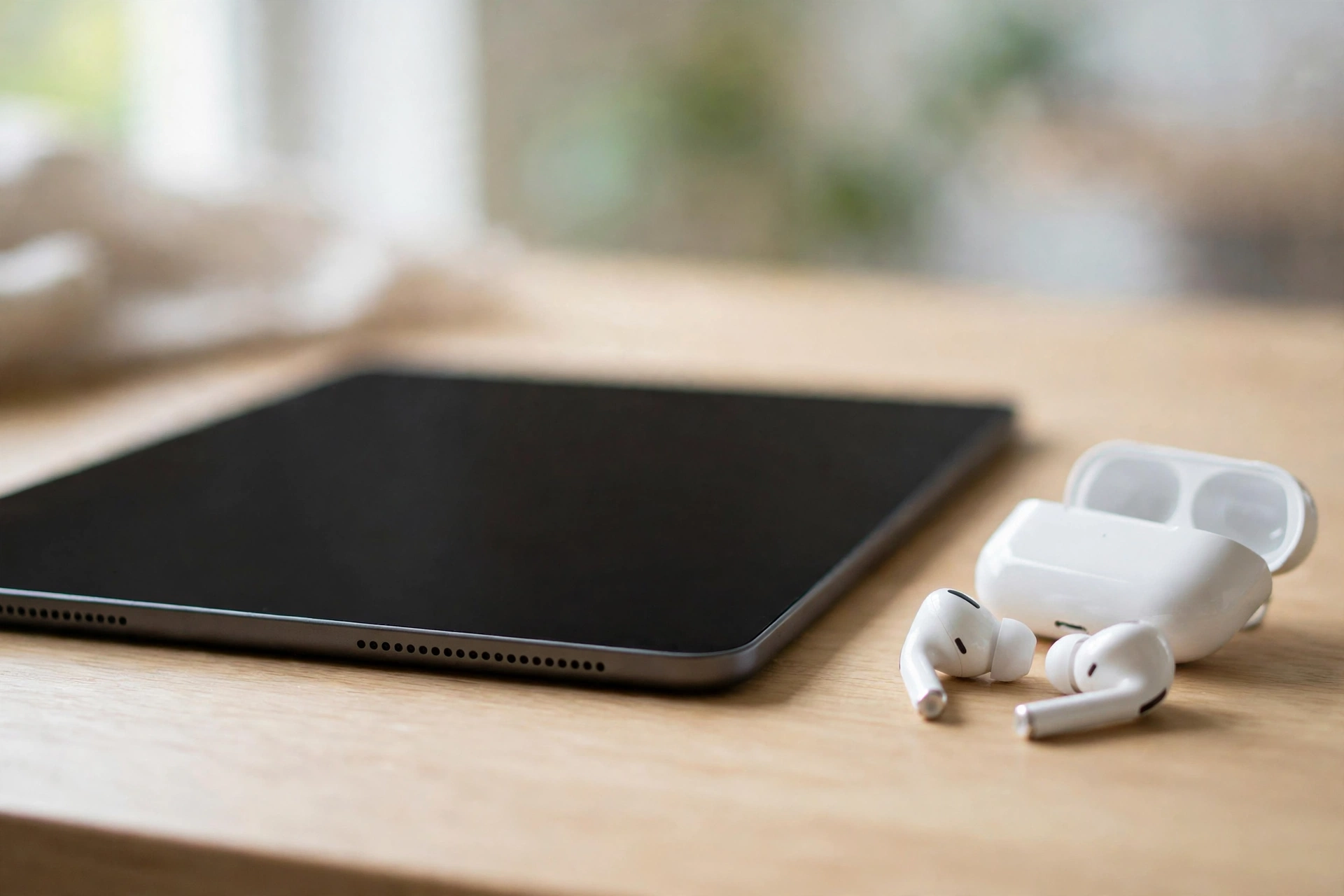
Fix a Tablet Speaker With No Sound on iPad and Galaxy Tab
A tablet speaker not working is usually a routing or mute setting, not a dead speaker. The 60-second split test below names the cause — then follow the track for your tablet, iPad or Galaxy Tab.
The 60-Second Split Test That Names the Cause
Play the same short video in each situation below. The pattern is the diagnosis.
Test one — a video, tablet held flat. Play a video you know has sound, volume up, speakers uncovered. Hear it? The speakers work.
Test two — the alert sound. On iPad, drag the Ringtone and Alerts slider in Settings, then Sounds; on a Galaxy Tab, drag the Ringtone slider in Settings, then Sounds and vibration, then Volume. Hear a tone? The speaker hardware is fine.
Test three — a video call. Start a FaceTime call on iPad or a video call on a Galaxy Tab — sound here while videos stay silent points at media routing, not the speaker.
Test four — headphones. Plug in headphones or connect Bluetooth earbuds and play the same video — sound in the headphones while the speakers stay silent means audio is going to the wrong output.
| What you heard | Most likely cause | Go to |
|---|---|---|
| Nothing anywhere | Speaker, grille blockage, system-wide mute | Hardware section |
| Alert tone plays, videos silent | Media volume down, or an app muted | Your tablet’s track |
| Sound in headphones only | Audio routed elsewhere | Shared traps |
| One app silent, rest fine | That app muted, or Separate App Sound | Your tablet’s track |
| Calls silent, videos play | Call routing, or a Focus mode | Your tablet’s track |
| Sound returns after a restart | A stuck audio process | Shared traps |
One more check: press volume up while a video is playing — the buttons control media volume while audio plays, alert volume at other times.
iPad or Galaxy Tab? Pick Your Track
The split test told you where the fault lives — now follow the track for your tablet.
| iPad | Galaxy Tab | |
|---|---|---|
| Speakers | Pro: four, two per short edge. Air/mini: two landscape stereo. Standard iPad: two, bottom edge | Tab S9/S10+: four AKG, Dolby Atmos. Tab S9 FE: two AKG, Dolby Atmos |
| Silent control | Control Centre bell icon; side switch on older models | No silent switch; mute in volume settings |
| Alert test | Settings, Sounds, Ringtone and Alerts slider | Settings, Sounds and vibration, Ringtone slider |
| Hardware test | None — use the alert slider test | Samsung Members diagnostics, with a speaker test |
| Headphone jack | None on current models | None on Tab S9/S10; Tab A9, A9+ and A11 keep one |
| Routing control | Control Centre, AirPlay output picker | Quick panel, Media output |
iPad Track: The Traps Only iPads Have
Is that orange line on the side switch muting your alerts?
If your iPad has a small sliding switch near the volume buttons, it is an older model: the iPad 2, the 3rd and 4th generation iPads, and the original iPad mini, mini 2 and mini 3. Apple removed it from the iPad Air 2 onward, the iPad mini 4 onward, and every iPad Pro. On models that have it, Settings, then General, then Use Side Switch To chooses its job: set to Mute, flicking it down shows an orange dot and silences alerts, but never music or videos.
The newer iPad has no switch — check Control Centre instead
Swipe down from the top-right corner to open Control Centre and look for the bell icon. If it is highlighted or red, Silent mode is on — tap it to turn it off; holding volume-down can switch it on by accident. Also check Settings, then Focus, then Do Not Disturb — a Focus mode can silence calls while leaving videos playing.
The alert slider test, and the volume limit hiding underneath it
Open Settings, tap Sounds, and drag the Ringtone and Alerts slider. Hear a chirp? Your speakers work — go to the shared traps section. If the slider is greyed out, the iPad may still think headphones are connected. While you are there, check the speaker volume limit — recent iPadOS versions added a cap under the built-in speaker settings, so turn it off and test again.
Where the iPad speakers actually sit
On iPad Pro the four speakers sit two on each short edge; on the iPad Air and iPad mini the two speakers sit on either side in landscape; on the standard iPad the two sit on the bottom edge in portrait, either side of the charging port. A case or a hand over one edge can cover a grille completely — take the case off, hold the tablet in landscape, and play the same video. If the sound returns, the speaker was covered, not broken.
FaceTime and call routing on iPad
If video calls are the only silent thing, check where the call audio is going. During a call, open Control Centre and tap the AirPlay icon in the playback box — the output list should show iPad with a tick next to it. If it shows a TV, a HomePod or Bluetooth headphones, the call went there. In Settings, then General, then AirPlay and Continuity, set Automatically AirPlay to Never.
Galaxy Tab Track: The Traps Only Galaxy Tabs Have
Four separate volumes — and the wrong one is usually down
A Galaxy Tab keeps media, ringtone, notifications and system sounds on separate sliders, and the volume buttons only move the one for whatever is playing. Open Settings, tap Sounds and vibration, tap Volume — media for videos, ringtone for calls and alerts. Also check Dolby Atmos under Sound quality and effects: the Tab S9 series and Tab S10+ have four AKG-tuned speakers with Dolby Atmos, and the Tab S9 FE has two — but a Dolby Atmos mode set to Voice, or switched off, can make films sound thin and quiet, so switch it on, pick Movie mode, and test again.
Separate App Sound is sending one app to another device
This Galaxy Tab trap has no iPad equivalent, and it matches the “one app silent” row of the split test. Separate App Sound lets one app play through a Bluetooth speaker or headphones while everything else uses the tablet speakers. Open Settings, tap Sounds and vibration, tap Separate app sound. If your silent app is there with a Bluetooth device chosen as its output, turn the feature off or change the app’s output back to the tablet.
Media output: the Quick panel answer in ten seconds
Swipe down to open the Quick panel and tap Media output. The list shows every audio destination the tablet knows about. Tap the tablet’s own speakers and play the video again — if it keeps jumping back to a Bluetooth device, turn Bluetooth off and test. USB-C matters too: the Tab S9 and S10 flagships have no 3.5 mm jack, so wired listening runs through a USB-C adapter. A damaged adapter can leave the tablet believing headphones are still plugged in — unplug it, restart the tablet, and play a video.
Samsung Members diagnostics — the built-in speaker test
Open the Samsung Members app, tap Discover, tap Diagnostics, tap Phone diagnostics, and run the speaker test — or tap Test all. The app plays a tone and asks whether you heard it, then reports a pass or fail. Labels vary by region: some tablets show Support, then View tests, instead. A failed test is evidence for a service centre; a passed test means the speaker responds, and the fault is in settings, routing or an app.
The keyboard cover check
A keyboard cover is a physical suspect, not a setting. Detach the keyboard cover completely and play a video with the tablet bare. A cover can sit across a speaker grille on the tablet’s edge. If sound returns with the cover off, the cover was the problem — clean the grille underneath it before blaming the speaker.
Shared Traps When a Tablet Speaker Is Not Working
Bluetooth is still the number one cause
Both tablets keep sending audio to Bluetooth earbuds or a speaker long after you stopped listening — including earbuds in their case. Turn Bluetooth off and test a video. If the sound comes back, the tablet was never silent; it was playing to something else.
The headphone jack that thinks headphones are still plugged in
This only applies to tablets that still have a 3.5 mm jack — Galaxy Tab A9, Tab A9+ and Tab A11 models keep one, while the Tab S9 and S10 flagships and all current iPads do not. On a tablet with a jack, lint or a bent contact can leave the tablet convinced headphones are connected, muting the speakers. Plug wired headphones in firmly, play a few seconds of audio, then pull them out. If the speakers return, clean the jack gently with a dry, soft brush. If they stay silent, the detection switch may be stuck.
Water and dust in the grille
A tablet grille is a row of small holes along the edge, and it collects lint and dust faster than a phone grille because the tablet lies flat on more surfaces. Hold the tablet up to the light and look into the grilles — on an iPad Pro, both short edges; on a Galaxy Tab, the edges where the AKG speakers sit. Brush the grille gently with a clean, dry, soft-bristled brush and tap the tablet lightly, grille down. Never poke a pin into the holes or use compressed air at close range. If the tablet got wet, power it off and let it dry in air for at least a day. The free speaker-cleaning tool on this site plays sound through the tablet’s own speakers in a browser and can test whether the speaker responds — but it is a phone tool, it cannot repair a water-damaged tablet speaker, and a tablet that stays silent after drying needs service.
App mute, Focus modes and a stuck audio process
Check the app itself first: video apps, games and browsers each have their own mute button. A Focus or Do Not Disturb mode can silence calls and notifications on both tablets while videos keep playing — on iPad it is Settings, then Focus; on a Galaxy Tab it is Settings, then Notifications, then Do Not Disturb. If sound vanished suddenly with no setting changed, restart the tablet — it clears an audio process stuck after an app crash or an update.
When the Split Test Says Hardware
Work through this section only if the split test showed nothing anywhere while headphones played fine — no video, no alert tone, no call audio. That pattern means the speaker, or the path to it, is the fault. First, rule out the cheap causes: take off the case, clean every grille, confirm no Bluetooth device is connected, and restart. Then run the alert slider test on iPad or the Samsung Members speaker test on a Galaxy Tab — if both stay silent, stop changing settings. Service options are the manufacturer’s own: an Apple Store or authorised service provider for iPad, or a Samsung service centre for a Galaxy Tab — take the Samsung Members result with you. Tell the service desk what the split test showed — “no sound anywhere, headphones work” — it separates a speaker repair from a software check.
Tested on
Run this diagnosis yourself in about five minutes. Do one row at a time — changing two settings at once hides which one fixed it.
| Step | What to do | Pass | Fail means |
|---|---|---|---|
| 1 | Play a video, volume up, case off | Sound from the speakers | Go to step 2 |
| 2 | Drag the alert slider in Settings, then Sounds | A tone plays | Suspect the speaker |
| 3 | Turn Bluetooth off, play the same video | Sound returns | A paired device was stealing it |
| 4 | Toggle the suspect setting in your tablet’s track | Sound returns | That setting was the cause |
| 5 | Play the same video in a different app | Sound in the second app | The first app is muted |
| 6 | Restart the tablet and play the video again | Sound returns | A stuck audio process |
| 7 | Speaker test once more | Test passes | Settings or routing is still the cause |
If every row fails while headphones work, the speaker itself is the likely fault.
Frequently Asked Questions
Why is my tablet speaker not working but headphones work?
The tablet is sending audio to the headphones, or it thinks headphones are still connected. Turn Bluetooth off, unplug any adapter or headphones, and play a video — if the speakers return, routing was the cause.
Why does my iPad play videos but not ring for FaceTime calls?
Alerts and media are muted separately on iPad. Check the Control Centre bell icon, the orange dot on the side switch on older models, and Settings, then Focus, then Do Not Disturb.
Why is only one app silent on my Galaxy Tab?
Check Separate App Sound in Settings, then Sounds and vibration — it can send one app’s audio to a Bluetooth speaker while everything else uses the tablet speakers. Turn it off or change that app’s output back to the tablet.
How do I know if my tablet speaker is actually broken?
If no sound comes from the speakers in any test while headphones play fine, the speaker is the likely fault. Confirm it with the Samsung Members speaker test, or the alert slider test on iPad, then book a service visit.
Related Guides
- Fix a laptop speaker with no sound
- Phone speaker not working but headphones work
- What frequency cleans a phone speaker
- Phone dropped in water? First aid in the first 10 minutes
- Free speaker cleaner and sound test tool
Most tablet silence is a setting or a routing mistake, not a broken speaker — run the split test and follow your tablet’s track. If it does not come back, test the speaker with the free sound tool on myspeakerfix.com.