Phone Dropped in Water? First Aid in the First 10 Minutes
Your phone dropped in water. First aid starts now, and the order matters more than any single trick. Get it out, switch it off, work out what liquid it fell into, and do not charge it until it is dry inside as well as outside. Water plus electricity — and water left to dry into salt, sugar or chlorine residue — is what does the lasting damage. The speaker gets its own test at the end, once the phone is safe to switch on.
First, Triage in 60 Seconds: Splash or Soak?
How deep did it go, and for how long? A brief splash may only have wet the outside, while a full submersion may have reached the speaker grille, charging port, microphone holes and SIM tray, even if the screen still lights up. What liquid was it? Fresh water leaves little residue; salt water, pool water, drinks and soapy water all leave residue behind. Is anything already wrong? A flickering screen, a phone that restarts on its own, a hot back, a strange smell, or a battery that suddenly drops fast all mean water has reached something it should not have. If you see any of those, switch the phone off if you safely can, keep it off, and take it to a repair shop. If the phone is on and looks normal, switch it off anyway — a phone that seems fine while wet can still be corroding quietly inside.
The First 10 Minutes: What to Do, Minute by Minute
0 to 60 seconds: get it out and switch it off
Lift the phone out straight away. Hold it with the charging port and speaker openings facing down so liquid can drain out. Unplug any cable or headphones. Switch the phone off now, and do not press the power button again to check.
1 to 5 minutes: take out what comes out, blot what you can reach
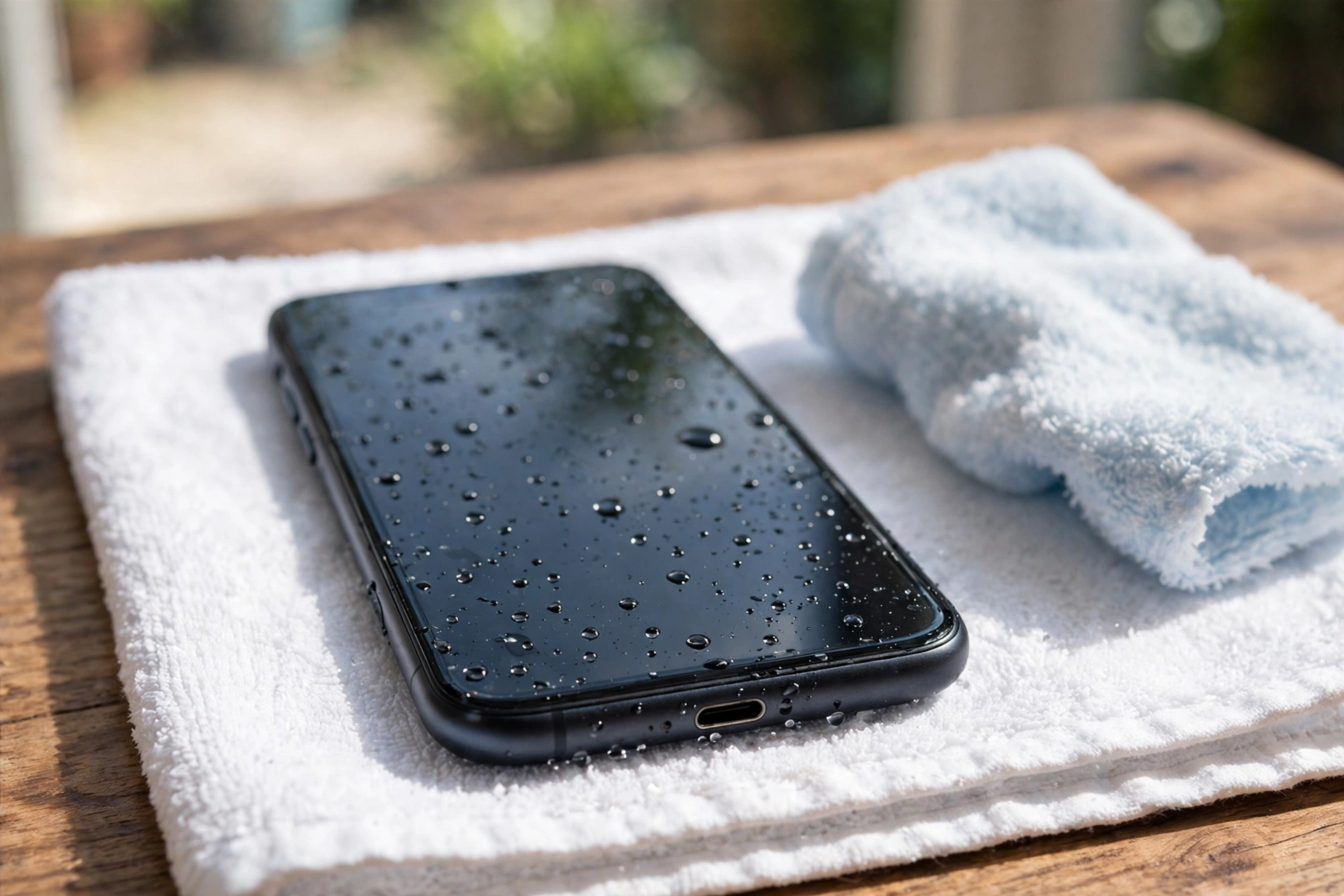
Remove the SIM tray if your phone has one, so trapped water can escape and air can circulate. Blot the outside with a soft, lint-free cloth, or a clean, dry towel. Pat, do not rub: rubbing pushes water into openings. Pay attention to the charging port, speaker grille, earpiece and microphone holes, but do not push cloth or cotton buds into them. Tap the phone gently against your hand with the port facing down a few times. Samsung Support warns that excessive force or shaking may damage the phone, so a few light taps, then stop.
5 to 10 minutes: decide about rinsing, then set it down to dry
For fresh tap water, no rinse is needed. For anything else, a rinse is the right move — but only if your phone is water-resistant, and only on the outside. The table below spells out which liquids need it. Once you have blotted and, if needed, rinsed, set the phone down with the ports facing down on a dry towel, in a room with moving air. No hair dryer, radiator, sun or compressed air: heat warps seals and forced air pushes water deeper.
What Kind of Liquid Was It? The Answer Changes the First Aid
Water evaporates and leaves little behind; salt, chlorine, sugar and soap do not. They stay on the contacts, the speaker mesh and the circuit board, and they keep corroding long after the phone feels dry.
| Liquid | Rinse needed? | Why it matters |
|---|---|---|
| Fresh tap water | No | Evaporates, leaves little residue |
| Salt water / sea water | Yes, rinse with clean tap water | Salt stays behind, conducts electricity, draws moisture from the air |
| Pool water / chlorinated water | Yes, rinse with clean tap water | Chlorine leaves residue on contacts and mesh |
| Sugary drinks, coffee, juice | Yes, rinse with clean tap water | Sugar dries sticky on the speaker mesh and in the port |
| Soapy water, shampoo | Yes, rinse with clean tap water | Soap film coats the speaker mesh and microphone holes |
| Dirty water / toilet water | Yes, then treat as a repair-shop case | Contamination plus residue; get it checked even if it seems fine |
| Rain / splash | No | Usually fresh water in small amounts |
What Apple, Samsung and Google Each Say — and Where They Differ
Apple Support says to unplug any cable, wipe the iPhone with a soft, lint-free cloth, and tap it gently against your hand with the connector facing down. If the liquid was anything other than plain water, rinse the affected area with tap water first, then leave the phone in a dry place with airflow and wait at least 5 hours before plugging in a cable or accessory. On iPhone XS and later, a liquid-detection alert (Charging Not Available, or Liquid Detected in the Lightning / USB-C connector) blocks charging through the port. Apple Support says to wait at least 30 minutes after the alert before trying a cable again, and that complete drying can take up to 24 hours.
Samsung Support starts the same way: power the Galaxy phone off first, because moisture plus the heat of a running phone can damage or corrode the mainboard. For seawater, pool water or drinks, Samsung Support says to soak the phone in clean water for approximately 1 to 3 minutes to remove salt and impurities, then dry it thoroughly. Samsung Support warns that moisture may still be present inside even after a period of drying, so it is best not to power the phone on again until a service centre has checked it. Samsung says water in the port usually evaporates in about 1 to 2 hours, and the phone shows a moisture-detected warning and blocks USB charging while moisture is present — never force a charge through it.
Google Support says that if your Pixel phone falls in water, lift it out, turn it off, dry it with a soft cloth, and set it on a flat surface to finish drying at room temperature. Google publishes no rinse step for Pixel, so do not improvise one. If a Pixel shows a liquid-or-debris warning in the USB port, Google’s guidance is to disconnect the charger, check the port and cable without inserting anything into them, and let the phone dry at room temperature. If the warning does not clear, Google advises seeking support. Pixel 10 owners in the US have one extra tool: a built-in test for liquid damage in the phone’s settings.
The First Hour: Drying Without Heat, Rice or Shortcuts
Keep the phone off, ports-down on a dry towel, in moving air. A fan at a distance, blowing cool room-temperature air across the room, is the best drying aid you have. Do not move the phone to a warm place to speed things up: heat drives water deeper, and it can damage the battery and warp the seals that keep water out next time. Do not charge the phone in the first hour, by cable or wirelessly — wireless charging is not a safe workaround for a wet port, because the phone still powers up its internal circuits while wet. Do not test the speaker or run a cleaning tone on a wet phone.
Why Rice Fails, and What to Do Instead
Rice is the most repeated advice for a wet phone, and the advice that wastes the most time. First, rice cannot reach the water that matters: water trapped inside a speaker cavity or a charging port is held there by surface tension in tiny enclosed spaces, and a bowl of rice outside the phone has no way to pull it out. Second, rice is far too slow: corrosion on electronic contacts can begin within hours of exposure, especially after salt or sugary liquids, while rice needs a day or more to make any real difference. Third, rice adds a new problem: uncooked rice releases fine starch dust that settles into the speaker grille, microphone holes and charging port. Apple Support explicitly warns against putting a wet iPhone in rice, noting that small particles can damage the phone. What works instead is what this guide has already described: power off, blot, ports down, airflow, time.
The Next 24 Hours: When to Switch It Back On
After the first hour, the phone stays off and keeps drying. This is the hardest part, because the phone looks dry long before it is dry inside: the outside can feel completely dry while water remains around the battery, the board and the speaker. For a brief splash in fresh water, a full day of drying is a sensible minimum before switching on. For a full submersion, give it longer — up to 48 hours is safer, especially if the liquid was salt water, pool water or a sugary drink. Then switch the phone on and watch it. Does it boot normally, with no flicker or dark patches? Does it get unusually hot? Does the battery drain far faster than usual? Any of those means switch it off again and take it to a repair shop. If the phone boots normally and feels cool, run the checks in the Tested on section below, once, slowly, and write down what you find.
Damage Signs That Mean Stop and Get Help
Stop using the phone and take it to a repair shop if you see any of these:
- The phone will not switch on after a full day of drying, or it switches itself off again.
- The screen flickers, shows lines or dark patches, or the touch screen responds on its own.
- The phone gets hot while idle, or the battery drains far faster than before.
- The charging port shows green or white crust, the cable feels loose, or the phone refuses to charge even after the port is visibly dry and no warning is showing.
- The speaker is silent, or the microphone does not pick up your voice, after two days of drying and the cleaning-tone test below.
- You can see moisture under the camera lens, or photos come out foggy.
Many phones have a water-damage indicator — a small sticker, usually inside the SIM tray slot, that changes colour permanently when liquid reaches it. Apple Support says its indicators are normally white or silver and turn fully red when they touch water. Tell the technician if yours has changed colour. Liquid damage is generally excluded from a standard warranty, even with a water-resistance rating.
Tested on: Check Your Phone After Drying
Run this check only after the phone has dried for the waiting time above, and only if it boots normally and stays cool. Do not run it on a phone that is still wet, hot, flickering or refusing to charge.
Speaker test — pass or fail: Play a song or a video at half volume, then at full volume. Pass means the sound is clear at both volumes, with no crackle, buzz or distortion. Fail means it is silent, very quiet, muffled, crackly or distorted. If it fails, run the free speaker-cleaner tool on myspeakerfix.com once, at full volume, speaker facing down, for one to two minutes, then wipe away any water and listen again.
Charging test — pass or fail: Plug in the cable only after the port is visibly dry and no moisture warning is showing. Pass means the phone charges normally, with no warning and no heat at the port. Fail means a warning appears, the phone refuses to charge, or the port feels warm. If it fails, unplug immediately and give the phone more drying time.
Microphone test — pass or fail: Record a short voice memo, then play it back. Pass means your voice sounds clear and at normal volume. Fail means the recording is silent, very quiet, muffled or crackly. If it fails, get it checked.
Call test — pass or fail: Make a short test call on speakerphone, then a short call on the earpiece. Pass means the other person hears you clearly and you hear them clearly on both.
If all four tests pass, the phone has recovered as far as you can tell at home. Back up your data now. If any test fails after two days of drying, take the phone in.
Frequently Asked Questions
Should I switch my phone off straight after it falls in water?
Yes. Switch it off immediately and keep it off while it dries. Water plus electricity causes short circuits and corrosion, so removing power is the single most useful first-aid step.
How long should I wait before charging a phone that fell in water?
Wait until the phone is fully dry inside and outside. Apple Support says to wait at least 5 hours before cable charging an iPhone, and up to 24 hours if the liquid-detection alert keeps returning.
Should I rinse my phone if it fell in salt water or a drink?
Yes, if your phone is water-resistant. Apple Support says to rinse the affected area with tap water after any liquid other than plain water, and Samsung Support says to soak a Galaxy phone in clean water for about 1 to 3 minutes after seawater or pool water.
Does putting a wet phone in rice actually help?
No. Rice cannot reach water trapped inside the speaker or port, it works far too slowly to stop corrosion, and its starch dust can clog the speaker grille and charging port. Apple Support warns against it. Airflow, ports-down drying and time work better.
Related Guides
- Fix My Speaker — Free Speaker Cleaner Tool
- Phone Speaker Not Working After Water
- How to Fix a Phone Speaker After Water Damage
- Does Rice Fix a Wet Phone?
- Remove Water From Phone Speaker
A phone dropped in water is not automatically a lost phone. Power off in the first minute, work out what liquid it was, rinse only when the liquid calls for it, and let airflow and time do the drying — then test the speaker, charging and microphone before you trust it again. Try the free speaker-cleaner tool on myspeakerfix.com once the phone is dry and safe to switch on.