Does Putting Your Phone in Rice Actually Work? Myth Busted
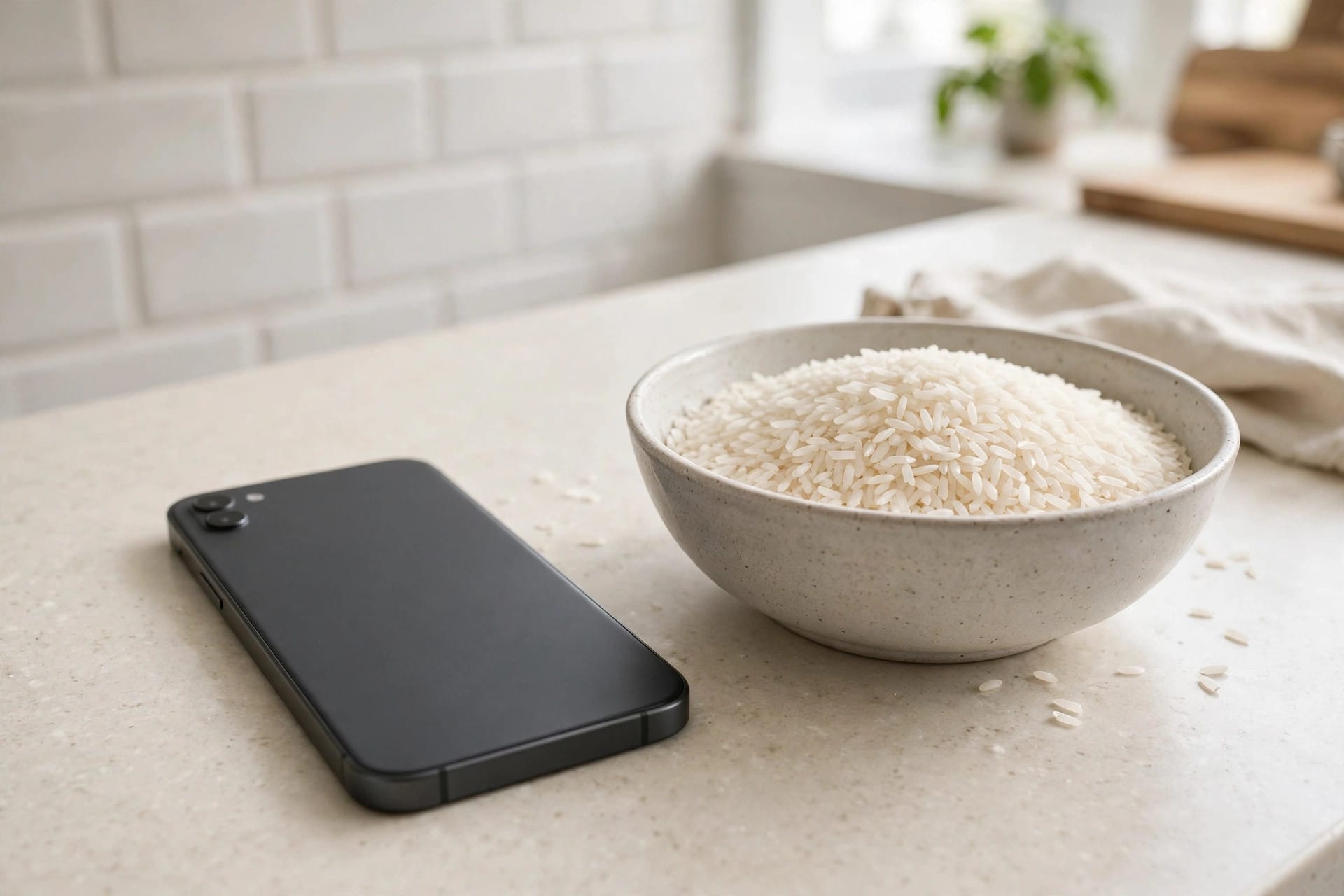
No — putting your phone in rice doesn’t really work. Rice only absorbs moisture from the air around it; it can’t pull water trapped inside a speaker mesh, and it works far too slowly to prevent corrosion. Worse, fine starch dust from the rice can clog your speaker grille and charging port. Apple itself advises against the rice trick. Faster, safer methods exist — and they take minutes, not days.
Why the Rice Myth Persists
The rice trick has circulated since the early smartphone days, and it survives for one reason: coincidence. Most phones left alone for 24–48 hours dry out through simple evaporation. People credit the rice, but the air did the work. Rice got a reputation it never earned.
What Rice Actually Does (and Doesn’t Do)
Uncooked rice is mildly hygroscopic, but the physics don’t work in its favor:
- It can’t reach trapped water. Water inside a speaker cavity is held by surface tension in tiny enclosed spaces. Rice in a bowl nearby has no mechanism to pull it out.
- It’s far too slow. Corrosion on electronic contacts can begin within hours. Rice needs a day or more to make any measurable difference — by then, damage may already be done.
- It adds a new problem. Rice releases fine starch dust that settles into speaker grilles, microphones, and charging ports.
Repair technicians have repeatedly shown that a phone left in open air dries just as fast — or faster — than one buried in rice.
Why Apple Says No to Rice
Apple’s official support guidance explicitly warns against putting a wet iPhone in rice, noting that small particles can damage the device. When the company that designed your phone tells you not to do it, listen. The advice applies to any modern smartphone, not just iPhones.
What Actually Works: The 4-Step Method
Step 1: Power Off Immediately
Turn the phone off right away — electricity plus water means corrosion and short circuits. Don’t charge it either; charging a wet phone is one of the fastest ways to cause permanent damage.
Step 2: Drain by Gravity
Remove the case, hold the phone speaker-down, and gently tap it against your palm. Let it sit speaker-down on a dry cloth for 10–15 minutes. Gravity alone pulls out a surprising amount of water.
Step 3: Eject Water with Sound
This is the step rice can never replicate. A low-frequency tone (around 165Hz) vibrates the speaker membrane hard enough to physically push trapped droplets out through the grille — the same principle as the Apple Watch’s Water Lock feature. Turn volume to max, open the free Fix My Speaker tool, hold the phone speaker-down, and play the tone for 30–60 seconds. Wipe away droplets and repeat 2–3 times. Most people hear the difference within the first cycle. Detailed walkthrough: removing water from your phone speaker.
Step 4: Air-Dry with Ventilation
Place the phone speaker-down in a well-ventilated spot, ideally in front of a fan blowing cool room-temperature air, for a few hours. Moving air evaporates remaining moisture far faster than still air inside a bowl of rice.
What NOT to Do with a Wet Phone
- Don’t use rice — slow, ineffective, and starch dust clogs grilles
- Don’t use a hairdryer or heat — heat drives water deeper and can warp seals
- Don’t use the microwave (yes, people try) — it will destroy your phone
- Don’t insert anything into the speaker grille — no swabs, toothpicks, or pins
- Don’t charge until everything is completely dry
What About Silica Gel Packets?
Silica gel is genuinely better than rice at absorbing ambient moisture — but it shares the same fundamental limitation: it can’t extract water already trapped inside the speaker cavity. Tossing a few near the phone during air-drying doesn’t hurt, but it doesn’t replace the water-eject tone, the only method that actively pushes water out.
When to Get Professional Help
The 4-step method handles splashes, rain, and brief submersion in clean water. See a repair shop if the phone was submerged in salt water or sugary drinks (corrosive residue), the speaker still sounds distorted after 48 hours, there’s no sound at all, or you see corrosion around the charging port.
Frequently Asked Questions
How long should I leave my phone in rice?
Don’t — skip rice entirely. The gravity drain plus water-eject tone method takes minutes instead of the 24–48 hours rice supposedly needs.
Does rice work for a wet charging port?
No. It can’t pull trapped water from the port, and starch dust makes things worse. Tap the phone port-down against your hand, then air-dry. Never charge until fully dry.
Is a hairdryer on cool setting okay?
Even cool forced air can push water deeper into the device. A regular room fan at a distance is safer and just as effective.
My speaker sounds fine now — is my phone really okay?
Probably. But watch it for a few days — delayed corrosion can cause later issues. If anything sounds off, back up your data and have it checked.
Related guides: