A Wet Phone Speaker: Drying, Testing and Saving It
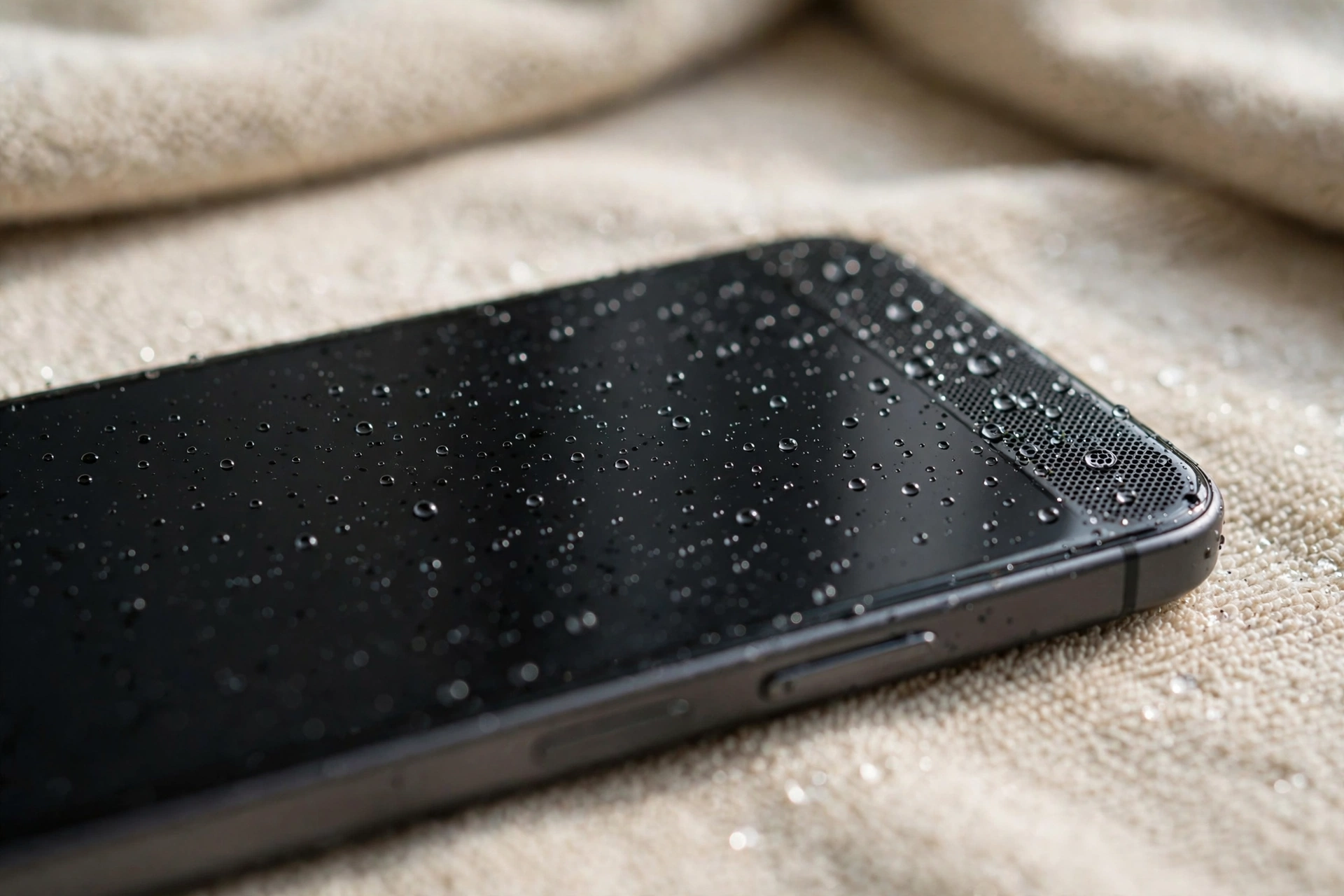
Water in a phone speaker usually sounds worse than it is: muffled, crackly or very quiet. The speaker is rarely destroyed on the spot — what destroys it is electricity running through wet parts, or heat and charging while moisture is still inside. Recovery is mostly about timing, and this guide follows the timeline that works.
The First Five Minutes: Power Off and Get the Water Out
The first thing to do after water exposure is to turn the phone off. Water plus electricity is what causes short circuits and permanent damage, so powering down removes the risk while the phone is wet. Do not press buttons repeatedly to test the sound, and do not plug the phone in to charge. If the phone is already off, leave it off — this one step alone prevents most water damage from becoming permanent damage.
Take the phone out of its case and remove any screen protector if water is trapped underneath it. Wipe the entire phone with a soft, lint-free cloth, paying attention to the speaker grille, charging port and headphone jack. Hold the phone with the speaker facing down and give it a gentle shake so water can drip out of the grille. Do not use paper towels on the speaker itself, as small fibres can get lodged in the grille and muffle the sound further.
The First 12 Hours: Air-Drying, Done Right
Place the phone on a dry towel with the speaker grille facing down so gravity helps the water drain out. Leave it in this position for at least 12 hours, and 24 hours is better if the phone was fully submerged. Open the SIM tray slightly to let air circulate, and keep the phone in a room with good airflow — a fan blowing gently across the room helps, as long as it is not blowing hot air directly into the phone. Do not charge the phone or turn it on during this drying period.
Resist the two most popular shortcuts, because both do more harm than good. Rice dust can enter the speaker grille and charging port, and rice does not dry the inside of a phone any faster than air. A hair dryer is worse: the hot, forced air drives water further inside and can warp internal parts and damage the battery. The safest drying method is still air, at normal room temperature, with patience.
The Next 12 Hours: Patience and the First Test
If the phone was only splashed, 12 hours of air-drying is usually enough for the speaker to recover. If it was fully submerged, give it the full day.
After the drying period, turn the phone on and test the speaker with several types of sound: play a song, watch a video, and make a test call on speakerphone. Listen for clarity, volume and any crackling or distortion. If the sound is clear at normal volume, the speaker has recovered. If it is still muffled, do not declare it dead yet — some water hides behind the grille and needs more time, plus the cleaning tone in the next section.
The Cleaning Tone: Pushing Out What Air Can’t
Once the phone has air-dried, a speaker-cleaning tone can clear the water that is still sitting on the speaker membrane. The free speaker-cleaner tool on myspeakerfix.com plays a low-frequency tone that vibrates the speaker and pushes droplets out through the grille. Set the phone speaker-down on a towel, press Start, and let the tone play for one to two minutes, wiping away any water that appears. Repeat the cycle a few times if the sound is still muffled, drying between each run.
Cleaning the Grille After Drying
After the water is out, fine dirt and mineral residue from the water can remain in the grille and keep the sound dull. Brush the grille lightly with a soft, dry toothbrush using short outward strokes, and follow with a short burst of compressed air held at a distance. If the grille still looks clogged, run the cleaning tone again rather than pressing harder with the brush.
Never push a needle, pin or toothpick into the speaker holes — this can puncture the speaker membrane underneath and turn a recoverable speaker into a dead one.
Testing: Music, Calls and the Microphone
Water that entered the speaker often entered other openings too, so test more than the speaker. Check the charging port with a light and look for moisture or corrosion, and let it dry fully before plugging in a cable — many modern phones will warn you if moisture is detected in the port, and if you see this warning, do not force a charge.
Also check that the microphone works by recording a voice memo, since water can affect the mic as well as the speaker. Test a call on speakerphone and a call through the earpiece separately, because the two speakers can recover at different speeds. If the sound is distorted at all volumes even after two days of drying and cleaning, the speaker membrane may be damaged.
When Drying Isn’t Enough
If the speaker is still silent, crackly or distorted after two days of drying and cleaning, the speaker module itself may be damaged and need replacing. The same applies if the phone will not charge, restarts on its own, or shows signs of corrosion inside the port. A repair shop can open the phone, clean the internal components properly, and fit a new speaker if needed. Do not keep running cleaning tones or charging a phone that shows these symptoms — further use can spread corrosion to other parts.
Frequently Asked Questions
How long does a phone speaker take to dry after water damage?
In most cases, 12 to 24 hours of air-drying is enough for the speaker to recover. If the phone was fully submerged, allow a full day and use a speaker-cleaning tone afterwards to clear any water still trapped behind the grille.
Does rice really fix a wet phone speaker?
No. Rice is not an effective drying method for a phone speaker, and rice dust can clog the speaker grille and charging port. Air-drying at room temperature, followed by a speaker-cleaning tone, is safer and works better.
Can water permanently damage a phone speaker?
It can, but it is uncommon if you act quickly. Permanent damage usually happens when the phone is charged or used while still wet, or when corrosion sets in after days of trapped moisture. Powering off immediately and drying properly gives the speaker the best chance of recovery.
Why does my phone speaker sound muffled after getting wet?
Water sitting on the speaker membrane stops it from vibrating freely, which makes sound quiet and muffled. A speaker-cleaning tone vibrates the membrane and pushes the water out — run it a few times with drying breaks in between.