
Water in Your Charging Port? What to Do in the First Five Minutes
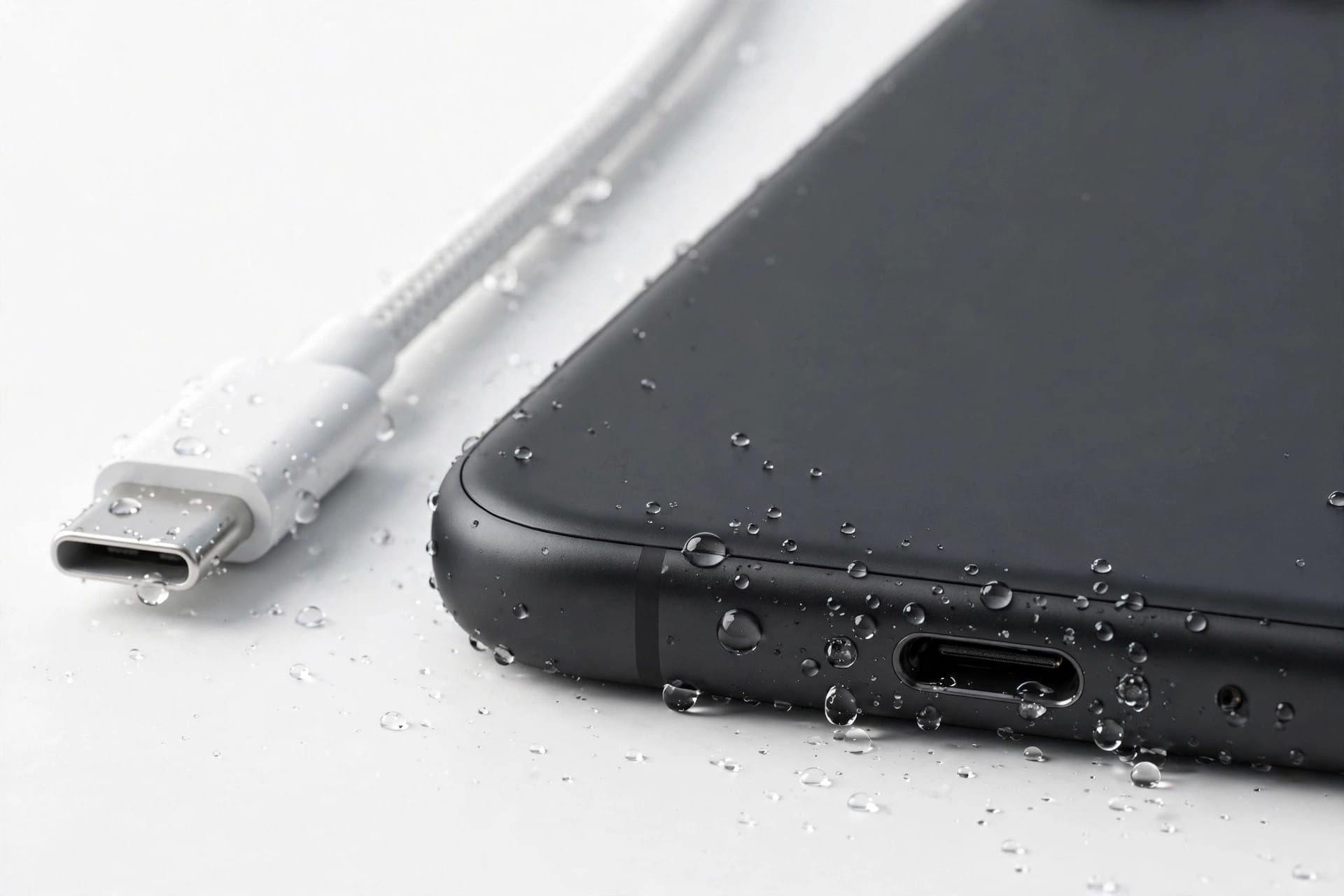
If water got into your charging port, unplug the cable right away, hold the phone port-down and tap it gently against your palm to shake the droplets out, then leave it in moving air for at least 30 minutes. Don’t blow into it, don’t poke anything inside, and don’t keep plugging the cable in to check.
Why Your Phone Shows a “Liquid Detected” Warning
Modern iPhones and Samsung Galaxy phones have moisture sensors inside the charging port. When those sensors detect liquid, the phone blocks wired charging to protect the battery and the internal circuits from a short. On a Samsung you’ll see a water-drop icon and a message like “Moisture detected in USB port.” On an iPhone, the alert reads “Liquid Detected in USB-C Connector” or “Charging not available.”
That warning is a safety feature, not a fault. Charging through a wet port can corrode the metal contacts, damage the cable, and in the worst case short the charging circuit.
The First Five Minutes
Unplug the cable immediately. If the phone got properly soaked, power it down as well — a phone that’s off can’t short anything while it dries.
Now hold the phone with the charging port facing down and tap it gently against your palm, ten to fifteen times. You’re not trying to hammer the water out — short, light taps let gravity pull the droplets down and out. You’ll often see a few drops land on your hand, which is a good sign.
Finally, set the phone down in a dry spot with moving air. In front of a fan is ideal. Cool air only. Then leave it alone. Don’t keep plugging the cable in “just to check,” because every attempt while the port is still wet adds corrosion risk. Wait at least 30 minutes before trying again.
How Long the Wait Really Is
For a light splash, 30 minutes in front of a fan is usually enough, and the warning clears on the first retry. For a phone that went under water or spent a while in heavy rain, plan on five to six hours, and up to a full day if the warning keeps returning after each try.
Apple’s own advice lines up with this: at least 30 minutes of drying before trying a cable, and up to a full day if the connector still reports liquid. Samsung gives similar guidance for its moisture warnings. These aren’t cautious guesses — they’re the times the sensors actually need.
Things That Make It Worse
Some of the most-shared “fixes” for a wet charging port cause more damage than the water itself. If you’ve seen any of these online, skip them all.
Compressed air sounds sensible, but blasting air into the port pushes droplets deeper into the phone instead of out of it. A gentle tap against your palm moves water in one direction — out. A can of compressed air can drive it past the port and onto the internals.
Cotton swabs, pins, and SIM ejector tools are worse. The contacts inside the port are thin, fragile strips of metal. Bend one and wired charging can stop working permanently, and a cotton swab leaves fibres behind that hold moisture against the sensor. Nothing belongs inside that port except the cable it was designed for.
A hair dryer on heat is another common mistake. Hot air can warp the seals around the port and damage the battery, which sits uncomfortably close to the charging connector in most phones. Cool airflow from a fan does the same job without the risk.
Charging While You Wait
Here’s the workaround that saves most people: charge wirelessly. Wireless charging doesn’t use the port at all, so a Qi or MagSafe charger can top up your phone while the connector dries. Just wipe the back of the phone dry first, and keep it out of the wet environment while it charges.
A couple of things to know. Wireless charging is slower than wired, and it warms the phone slightly — both are normal, and the gentle warmth is harmless for drying. If your phone doesn’t support wireless charging, leave it powered off or in airplane mode to save battery until the port is dry. And don’t use a wired power bank “just for a minute.” It carries exactly the same corrosion risk as a wall charger, and the warning exists for power banks too.
When the Warning Won’t Go Away
If the port is completely dry but the warning is still there after a full day, something else is going on. Work through these possibilities before assuming the worst.
Debris is the most common cause. Pocket lint can hold moisture against the sensor, or fool it into thinking liquid is present when there isn’t any. Shine a torch into the port and look. If you see a grey plug of fluff, don’t dig it out yourself — a repair shop can clean it safely with proper tools in a few minutes, and they’ll do it without bending the contacts.
The serious case is corrosion or sensor damage. If the phone was exposed to salt water, or the warning survives a restart and a full day of drying, the sensor or the port itself may be damaged. Salt water is especially corrosive, and it’s a good reason to book a check at a Samsung or Apple service centre even if everything seems fine.
If your phone also got wet in the speaker, you may notice calls and music sounding muffled once the port is sorted. That’s water sitting in the speaker grille, and you can run the free speaker-cleaner tool on myspeakerfix.com — it plays a sound and vibration sequence that pushes droplets out, with no app install needed.
Frequently Asked Questions
Can I override the “liquid detected” warning and charge anyway?
Some Android phones offer an emergency override, but using it while the port is still wet can corrode the contacts and permanently damage wired charging. Use wireless charging instead and let the port dry fully.
Does putting my phone in rice dry the charging port?
No. Rice absorbs very little moisture from inside a port, and dust and starch from rice can get stuck in the connector and cause new problems. Airflow from a fan and time work far better.
How long does a charging port take to dry?
A light splash usually dries in about 30 minutes with airflow. A submerged phone can take 5 to 24 hours. If the warning is still there after a full day of drying, debris or sensor damage is likely.
Is wireless charging safe when the port is wet?
Yes. Wireless charging doesn’t use the port, so it avoids the short-circuit and corrosion risks of wired charging. Wipe the back of the phone dry first and charge it in a dry place.