So, How Long Does a Phone Speaker Actually Take to Dry?
With active drying — gravity draining plus a low-frequency water-eject tone and some airflow — a wet phone speaker can sound normal again in minutes, usually within one to two hours. Left to air-dry on its own, expect several hours up to a full day, depending on how much water got in.
That gap between “minutes” and “a full day” is what trips people up. One page says ten minutes, another says two days, and both can be right — they’re describing different methods. The real question is how long it takes with the method you’re actually using. So here’s the honest timeline, then the fastest way to get there.
The Honest Timeline, Method by Method
The tone method is the only one that actively pushes water out — everything else just waits for evaporation.
| Method | Typical drying time |
|---|---|
| Water-eject tone plus gravity draining | 1–60 minutes |
| Cool fan blowing, speaker facing down | 2–6 hours |
| Passive air drying at room temperature | 6–24 hours |
| Rice in a bowl | 24–48+ hours (and not recommended) |
The tone method wins because it does something: a 165Hz tone vibrates the speaker membrane and shakes droplets out through the grille. A fan helps by moving air across the grille, which speeds up evaporation a lot. And rice? Rice mostly just sits there — more on that below.
Why Your Phone Might Dry Slower Than Your Friend’s
Two phones, same puddle, different drying times. The biggest factor is how much water got in. A light rain splash clears far faster than a full dunk, where water has worked its way behind the mesh.
Humidity and temperature matter just as much. Dry, warm air pulls moisture out far faster than a steamy bathroom — move the phone somewhere dry and you’ll shave hours off the wait.
Then there’s the kind of water — fresh water is the best case. Salt water and chlorinated pool water leave corrosive residue that keeps damaging components long after the speaker sounds dry, and sugary drinks leave a sticky film that muffles sound until it’s properly cleaned. If your phone went into the sea or a pool, consider a professional cleaning even if it sounds fine afterward.
Your phone’s design plays a role too. Larger grilles drain faster, while tightly sealed water-resistant phones can trap droplets in the mesh for longer — the seals are doing their job, but drying takes longer.
The Fastest Way to Get It Dry
Work through this sequence — each step builds on the last.
- Power off immediately and do not charge — electricity plus moisture means corrosion and short circuits.
- Drain with gravity. Take the case off, hold the phone speaker-down, and gently tap it against your palm, then leave it speaker-down on a dry cloth for 10 to 15 minutes.
- Run a water-eject tone. Turn the volume to maximum, open our free speaker-cleaner tool, hold the phone speaker-down, and play the tone for 30 to 60 seconds, wiping away droplets and repeating two or three times.
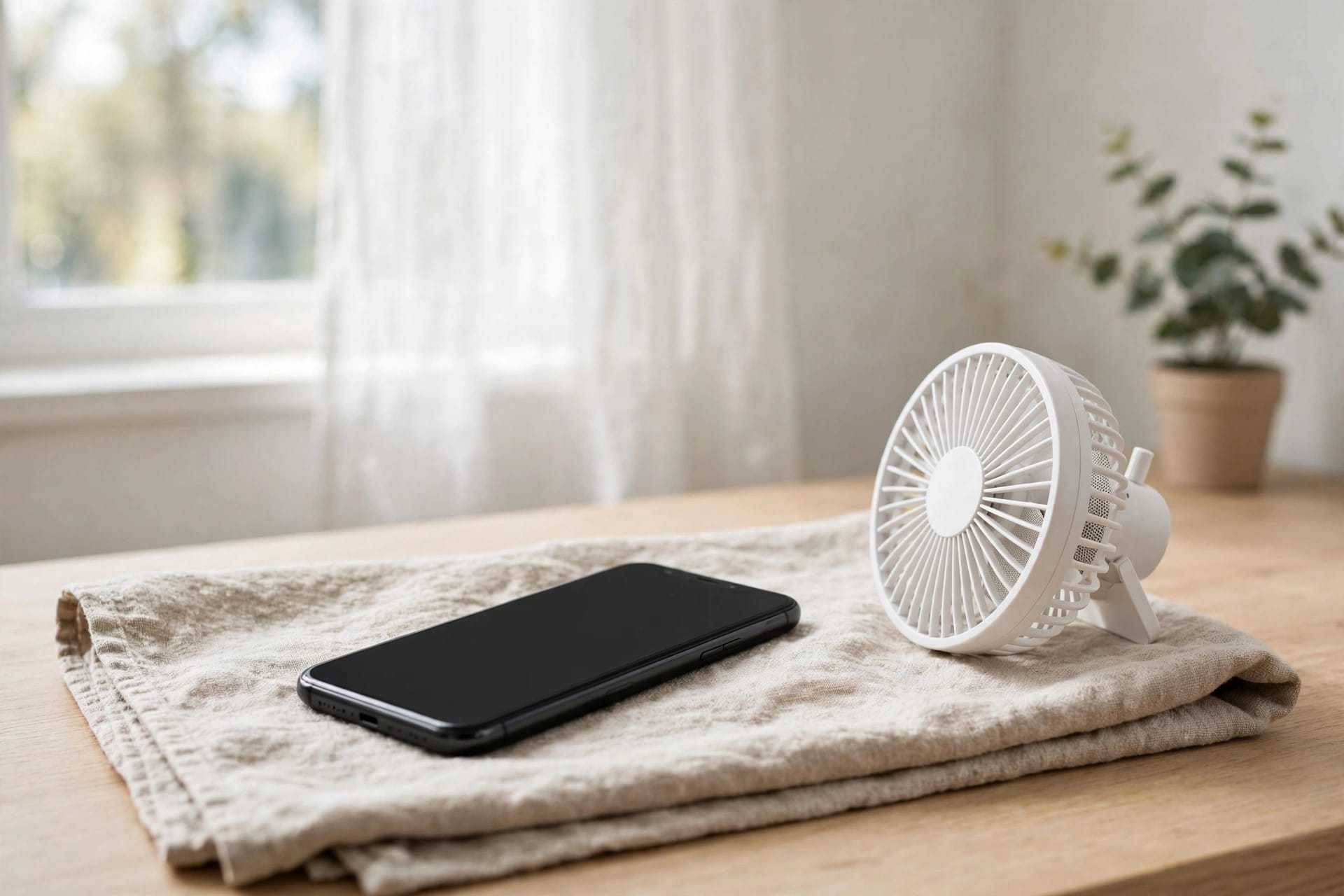
- Add airflow. Put the phone speaker-down in front of a cool room fan for one to two hours — moving air evaporates leftover moisture far faster than still air.
- Optional boost: set a few silica gel packets near the phone while it air-dries — they genuinely absorb moisture, unlike rice.
After the tone rounds, play a voice memo and some music. If everything sounds crisp, you’re most of the way there — but give it another hour of airflow anyway, since the last traces of moisture hide in the mesh.
Rice: The Advice That Won’t Die
You’ll still see “put it in rice” everywhere online. Here’s the honest truth: rice only absorbs moisture from the air around it. It cannot pull water trapped inside the speaker mesh, it works far too slowly to beat corrosion, which can start within hours, and its starch dust can clog your grille and charging port.
Apple itself advises against it. Rice gives you the worst of both worlds: you wait a day or two thinking the phone is being fixed while the water inside keeps doing its quiet damage. Silica gel packets do the job rice claims to do, and a fan does it faster. If your phone is already in a bowl of rice, take it out, shake the dust off the grille, and run through the steps above.
The One Rule That Matters Most
Don’t charge the phone until it’s fully dry — this is the mistake that causes the most permanent damage. Charging with moisture in the port or speaker area can short-circuit components, and an iPhone will often show a liquid-detection alert and refuse to charge at all. That alert is doing you a favour — listen to it.
Wait until the speaker sounds normal and the phone has had several hours to dry before plugging in. A wireless charger might seem like a workaround, but heat plus moisture is no better than a cable. A dead battery for a few hours is annoying; a shorted charging port is a repair bill.
What to Watch for Over the Next Few Days
Even if your speaker sounds perfect again, keep an ear on it. Corrosion is sneaky — it can creep along metal contacts long after the water is gone. Muffling that returns or crackling are signs worth taking seriously.
If the phone was submerged in salt water, pool water, or anything sugary, have a repair shop open it for an internal inspection even if it seems fine — a quick professional cleaning now is far cheaper than a dead motherboard later. And if the sound is still off after two days of proper drying, get it looked at.
Frequently Asked Questions
Can I use a hairdryer to dry my phone speaker faster?
No. Even on cool settings, forced hot or fast air can push water deeper into the phone and warp water-resistant seals. A regular room fan at a distance is safer.
How do I know my speaker is fully dry?
Play a voice memo and some music at different volumes. If everything sounds crisp with no muffling or crackling, and any liquid-detection alert is gone, you are dry. When in doubt, give it a few more hours.
My speaker dried but still sounds slightly off. Is that normal?
It can take a day or two for the last mineral residue to dry out and for sound to return to normal. If it is still muffled after two days, residue or early corrosion is likely — visit a repair shop.
Does the water-eject tone work on older phones?
Yes. The 165Hz tone works on any phone speaker, old or new, iPhone or Android — it is just physics. Older speakers may benefit from running it at 70 to 80 percent volume instead of maximum if they already sound strained.