
One Speaker Working, the Other Silent? Sorting Out Dual Speakers
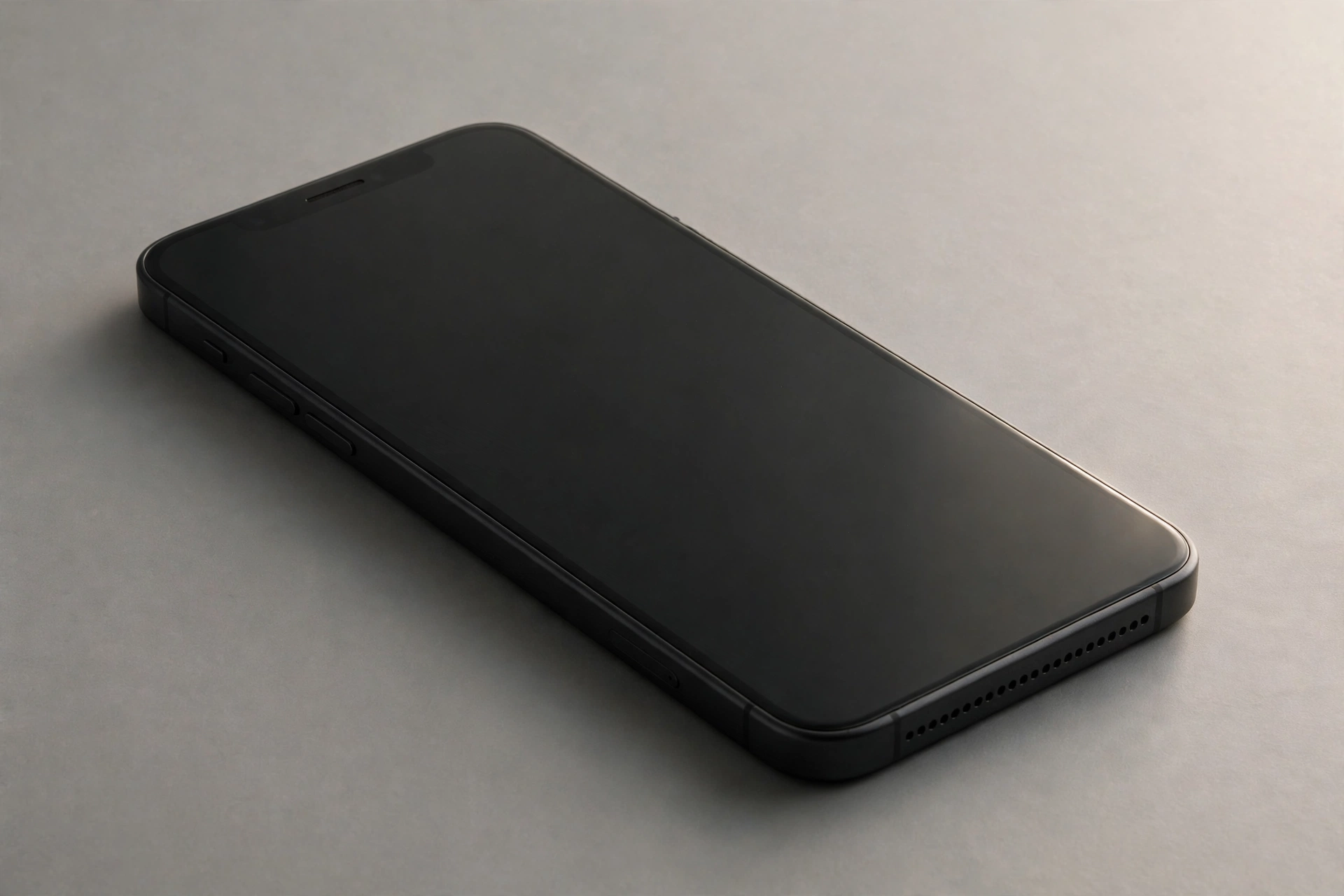
Sound’s coming out of the bottom of your phone but nothing from the top, and your videos feel lopsided. On most phones, “dual speaker” sound is really the bottom loudspeaker paired with the earpiece speaker, and those two fail independently. The silent one is usually clogged, waterlogged, or muted by a setting, and it’s usually a quick fix.
The Thumb Test: Find Out Which Side Is Actually Dead
Don’t guess which speaker’s gone — test it. Play some music, then cover the bottom grille with your thumb. If the sound almost disappears, the bottom speaker’s working and the top one is the silent side. Now cover the earpiece instead. If the sound barely changes, you’ve confirmed the top speaker isn’t producing anything.
Repeat with a speakerphone call and a video held sideways — the dead side should be dead in every scenario. Pay attention to what the silent side does, too. Total silence points to a blockage or a dead driver; faint crackling points to debris or water on that grille. And remember which side is affected — each grille gets cleaned separately, and the top and bottom grilles collect very different kinds of gunk.
A Setting Can Mute One Side All by Itself
A single misconfigured setting can silence one channel completely, and it’s the easiest fix on this list. On Android, go to Settings, then Accessibility, then Audio or Hearing, and check two things: the left-right balance slider must sit dead centre, and “Mono audio” must be off. Mono audio merges both channels into one, which should still play from both speakers — but combined with a balance issue, it can make one side go quiet.
On iPhone, check Settings, then Accessibility, then Audio and Visual: same two things, balance centred and Mono Audio off. On Samsung, also look under Settings, then Sounds and vibration, then Sound quality and effects — some Dolby Atmos modes and Adapt Sound profiles can suppress one channel. And if you’ve recently installed an equalizer or “stereo widening” app, switch it off; those apps reroute channels and commonly cause one-sided audio.
The Top and Bottom Grilles Clog Differently
Once you know which side is dead, clean that grille specifically — but do both while you’re at it. The earpiece grille at the top collects skin oils, makeup, and dust pressed in during calls, while the bottom grille collects pocket lint. Either one can clog badly enough to silence its speaker completely.
Power the phone off first. For the earpiece, use a clean, dry, soft-bristled brush with light, short strokes along the slot — don’t press hard, because the opening sits directly over delicate parts. For the bottom grille, use outward strokes, then press cleaning putty against the holes to pull compacted lint out. If the sound returns only partially, repeat the cleaning; deep clogs often need two or three passes before the speaker’s fully back.
Never use pins, needles, or SIM ejector tools on either grille. One slip can puncture the membrane underneath, and on the earpiece there’s almost no room for error at all.
When One Side Gets Wet and the Other Doesn’t
Water doesn’t distribute itself evenly. It pools in one speaker chamber and leaves the other dry, which is exactly why one side of a dual-speaker phone can die while the other plays perfectly. If the dead side stopped working after rain, a splash, or a sweaty workout, suspect water sitting in that specific chamber.
Hold the phone with the dead speaker facing down and play a low-frequency tone to drive the moisture out — the free speaker-cleaning tool on myspeakerfix.com plays a sound burst designed to eject water and dust from the speaker. Run it several times with a gentle shake between runs, then let the phone air-dry for a few hours. Don’t use hot air, and don’t charge the phone until the area is dry.
Rule Out Software Before You Blame Hardware
Audio routing bugs can disable one channel after an update or an app install, so don’t skip the software checks. Start with a full restart and retest. If the problem’s still there on Android, boot into Safe Mode — hold the power button, then long-press “Power off” until the Safe Mode prompt appears — and test there. Safe Mode disables third-party apps, so a working speaker in Safe Mode means an app is hijacking one channel. Equalizer apps, call recorders, and “volume booster” apps are the usual suspects; uninstall them one at a time until the sound returns.
On iPhone, force-restart and test before opening any apps. Then install any pending OS update — manufacturers do ship audio driver fixes, and a one-sided bug that appeared right after an update is often fixed by the very next patch.
The Headphone Test Settles It
Here’s the test that tells you whether the fault is in the speaker or further upstream. Plug in wired earphones, or connect Bluetooth earbuds, and play the same content. If both channels sound correct in the earphones, the phone’s audio processing is fine and the fault is isolated to the physical speaker on the dead side.
If one channel is also missing in the earphones, the problem is upstream — a balance setting, mono audio, a bad app, or an OS bug — so go back to the settings and software checks above. But if the earphones are fine and one phone speaker stays silent after cleaning, water ejection, and software checks, you’re likely looking at a dead driver or a corroded contact. A faint buzz at full volume, or sound that cuts in when you press the frame, points the same way. At that point it’s a repair-shop job.
Frequently Asked Questions
Do phones really have two separate speakers?
Most do. True stereo usually pairs the bottom loudspeaker with the earpiece speaker, firing in opposite directions. That bottom-plus-earpiece design is the standard, which is why the two sides fail independently.
Why is only the bottom speaker loud on my phone?
By design, the bottom loudspeaker is bigger and louder than the earpiece speaker, so stereo never sounds perfectly even. But if the top side is completely silent rather than just quieter, that’s a fault — check the balance setting first, then clean the earpiece grille.
Can one speaker die while the other works fine?
Yes, and it’s common. Each speaker has its own grille, its own chamber, and its own driver. Lint can seal one grille, water can flood one chamber, and a drop can damage one driver — all while the other side keeps playing normally.
Is it worth fixing stereo sound on a phone?
If the cause is software or a clogged grille — the large majority of cases — absolutely, since the fix is free and takes minutes. Full stereo makes a real difference for videos and games.