
Your Speaker Died Right After a Charging Port Repair — That’s Not a Coincidence
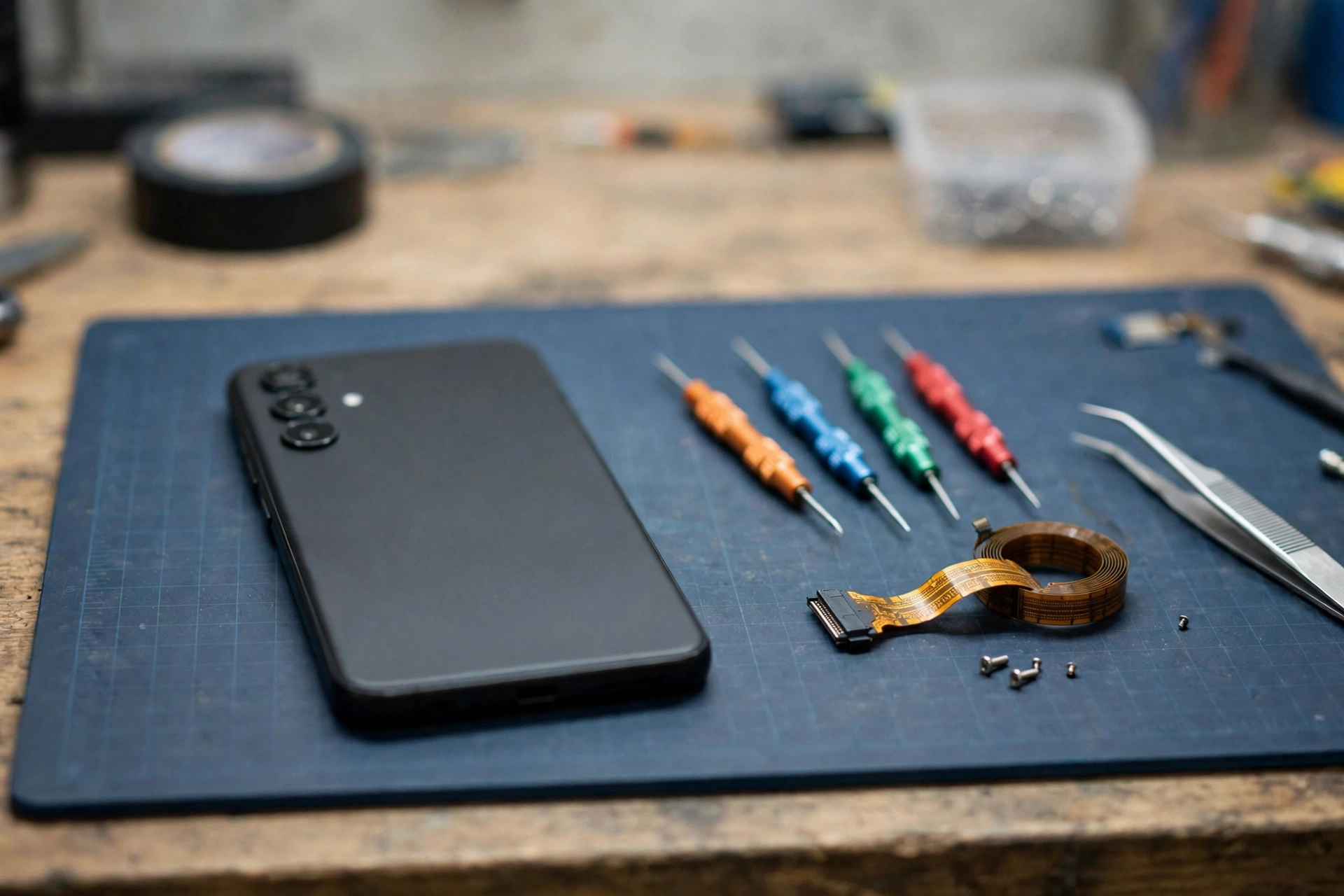
Your phone went in for a charging port and came back with a dead speaker. It worked fine that morning, the shop handed it back, and now there’s no sound at all. That timing isn’t bad luck. The port and the speaker live on the same small board, so a repair can easily disturb it.
Why the Bottom of Your Phone Does So Much Work
On most phones the charging port isn’t a part on its own. It sits on a small sub-board at the bottom, and that same board usually carries the loudspeaker and the main microphone. A flat flex cable joins that board to the main board above it.
So a port swap means the technician has to unplug that cable, lift the board out, fit the new port, and put everything back. A lot can go slightly wrong in that process. The flex connector might not click fully home. The cable can get creased or nicked while it’s lifted out. The speaker’s spring contacts can bend a fraction, just enough to lose touch. A screw can pinch the cable as the phone is closed up.
Five Minutes of Checks Before You Blame the Repair
Spend a few minutes ruling out the simple stuff first. It strengthens your case with the shop, and it occasionally saves you a trip.
Restart the phone. It was powered on and off during servicing, and a restart clears the audio glitches that can follow. Then press volume-up while a video is playing, and check that silent mode and Do Not Disturb are off. If you want a quick sanity check on whether the speaker makes any sound at all, the free speaker test on myspeakerfix.com plays a tone you can listen for.
Play sound in a few different apps. If the speaker is silent everywhere, that’s a hardware sign. If one app is silent and the rest work, it’s that app, not the repair. Turn Bluetooth off too. Phones sometimes pair with a test speaker or headset in a repair shop and stay connected to it.
If it’s silent in every app, with no accessory connected, after a restart, you’ve done your part. The fault is in the hardware that was just touched.
Earpiece, Mic and Charging: What Each Test Tells You
The parts sharing that bottom board give you clues, so test them one by one. Make a normal call and listen through the earpiece at the top of the phone. If you hear the caller fine but the loudspeaker stays dead, the problem is in the loudspeaker circuit or its contacts, not the whole audio system.
Record a voice note and play it back. Your voice is picked up by the main microphone, which sits on the same sub-board as the port. If it records clearly, the board is getting power and signal, and the fault is narrower. If it doesn’t record either, the whole board or its flex cable could be at fault.
Play a ringtone or set an alarm. Both use the loudspeaker, so silence there confirms the loudspeaker path is broken rather than one app misbehaving.
Then check charging. Plug the cable in and watch it charge normally. Normal charging with a dead speaker points at the speaker circuit. Charging problems as well point at the replacement port or the board itself. Plug wired earphones in too, if your phone has a jack or an adapter. Sound through earphones while the speaker stays silent is another sign the speaker path is the broken link.
Going Back to the Shop? Say It Like This
A speaker that dies straight after a charging port replacement is usually the repairer’s job to put right. A loose connector or a damaged flex cable is workmanship, not a new fault you should pay for.
Go back soon, while it’s fresh, and keep it plain. Tell them the speaker worked before the repair and stopped immediately afterwards. Give them the date of the repair. Then walk them through your tests: silent in all apps, earpiece working or not, microphone working or not, charging normal or not.
Don’t let anyone charge you for a full speaker replacement before checking the connector. Reseating a loose flex cable takes minutes and is the most common fix for this exact problem.
If You Open It Yourself, Look Here First
Only open the phone if it’s out of warranty and you’re comfortable with small electronics repair. Opening it can cause more damage, and it will void any repair warranty the shop gave you. If the shop is still an option, let them do it.
If you do open it, power the phone off and disconnect the battery where you can. Then check that the flex cable between the sub-board and the main board is fully seated and its little locking latch is closed. Look for tears, sharp creases, or shiny exposed traces on the cable, especially near the connector and around screw holes.
When It Really Isn’t the Repairer’s Fault
Sometimes the timing is a coincidence, or the repair exposes a fault that was already developing. A phone dropped or soaked weeks earlier can have a speaker that was already weak, and being opened up finishes it off. A poor-quality replacement board can also work for a few days and then fail.
The distinction matters less than it looks. If the failure appeared within days of the repair, raise it with the repairer regardless and let them inspect the phone. If the flex cable and speaker are intact, a specialist can tell you whether a deeper board repair is worth the cost for your phone’s age and value.
Frequently Asked Questions
Why did my speaker stop working after a charging port replacement?
The port and loudspeaker usually share a sub-board and flex cable. If the connector wasn’t fully seated, the cable was torn, or the speaker contacts lost touch during reassembly, the speaker goes silent. Take it back to the repairer first.
Can a loose flex cable really silence the whole speaker?
Yes. The flex cable carries audio signals between the sub-board and the main board. If it’s disconnected or damaged, the loudspeaker gets no signal at all. Reseating the connector often fixes it.
Should I pay for a second repair if the speaker failed after the first one?
Usually no. A speaker that worked before the repair and failed right after it is most likely a workmanship or faulty-part issue, and a reputable shop should correct it under warranty. Agree any charges in writing first.
Is this the same as a speaker failing after a screen replacement?
No. A screen replacement disturbs the earpiece and the top cables, while a charging port replacement disturbs the sub-board, the loudspeaker, and the main microphone at the bottom. The parts differ, so the diagnosis differs too.