
iPhone 17 Pro Speaker Not Working: Earpiece, Volume Caps, and Fixes
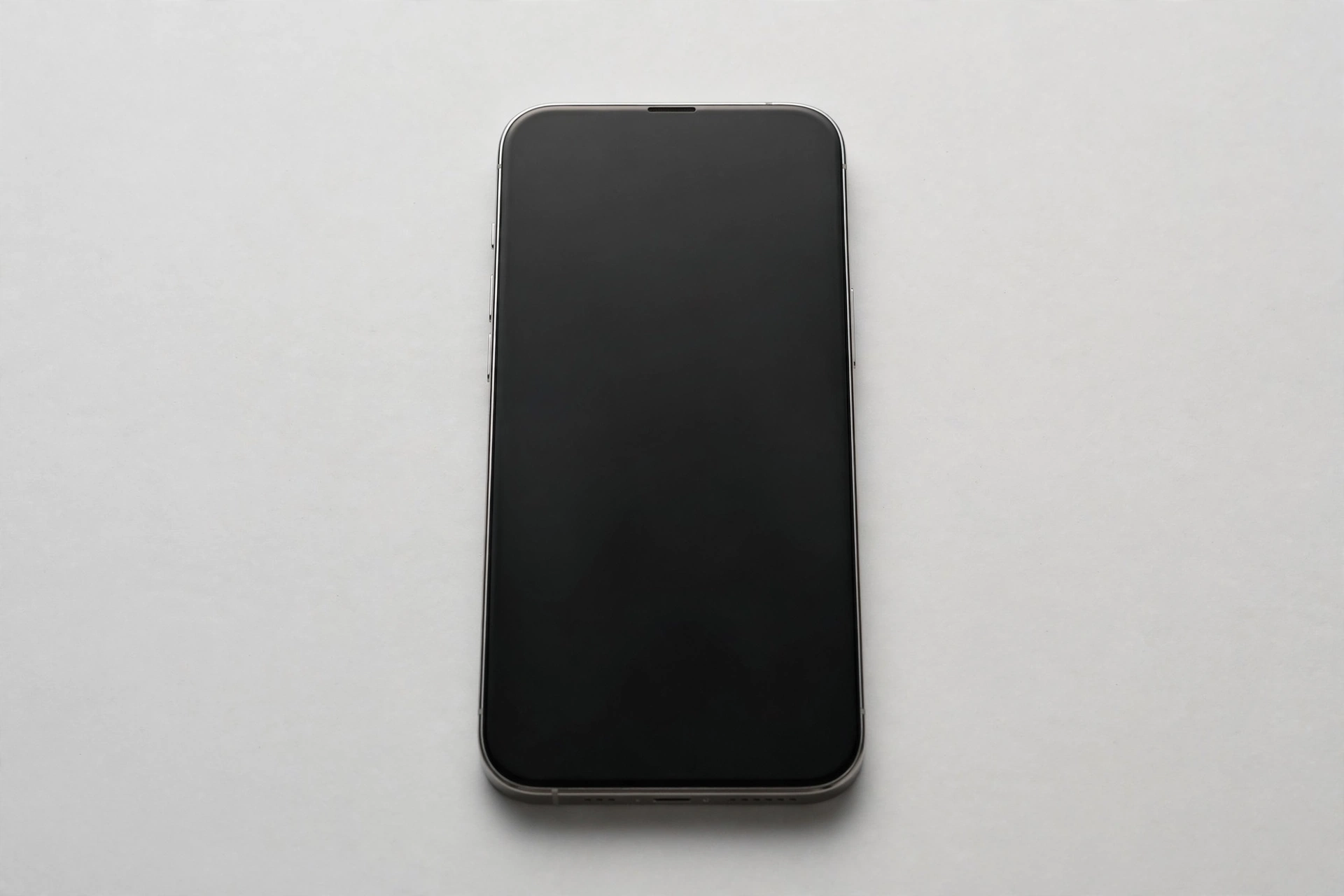
On the iPhone 17 Pro, a silent speaker is often a single-part problem: the receiver and the top stereo speaker are the same piece, so one blocked grille can kill calls and thin out music. Two volume caps and a button that replaced the mute switch can do the same — this guide finds the fault.
The one test that tells you where the fault lives
Three quick tests pin the fault to one part of the phone.
- Open Settings, then Sounds & Haptics, and drag the Ringtone and Alerts slider up and down. The ringtone should play — that sound comes from the bottom speaker.
- Make a call and listen through the receiver at the top of the phone. Quiet or muffled call audio points at the earpiece.
- Play a song and listen to whether the sound feels full or thin and one-sided. Thin playback means the top stereo channel is missing.
Read the three results together. Calls are quiet but music plays: the earpiece grille is the suspect, because the receiver and the top speaker are one part — a blockage hits calls and stereo together. Music sounds thin and one-sided: the same part, the same cause. Everything is silent, including the ringtone slider: a volume cap or a routing setting.
Two volume caps that silence the phone in different ways
The iPhone 17 Pro has two different volume caps, and owners constantly confuse them — both make the phone quiet, but only one touches the speaker.
The first is Volume Limit. Open Settings, then Sounds & Haptics, then Built-In Speaker, and look for Volume Limit. If Limit Maximum Volume is switched on and set low, the phone caps how loud the built-in speaker can go — ringtones, videos, music, all of it — even with the volume buttons at maximum. Switch it off, or drag the limit up to full, then test the ringtone slider again.
The second is Reduce Loud Sounds, and it does not touch the speaker at all. It lives in Settings, then Sounds & Haptics, then Headphone Safety, and caps headphones and earbuds only. If your music is quiet in AirPods but loud on the speaker, Reduce Loud Sounds is the culprit — leave it alone if the speaker is the problem. In short: Volume Limit governs the speaker, Reduce Loud Sounds governs headphones. While you are here, check the Ringtone and Alerts slider is not at the bottom, and switch on Change with Buttons.
The Action button replaced the mute switch — check it first
The iPhone 17 Pro has no Ring/Silent switch. In its place is the Action button, which hides Silent mode behind a button press — so many owners find their phone silenced without knowing how it happened.
Press and hold the Action button until you feel a vibration, then look at the Dynamic Island: a bell without a line means Silent mode is off; a bell with a line means it is on. Press and hold again to toggle it. Then check what the button is set to in Settings, then Action Button — if it is assigned to Silent mode, a long press in your pocket, or a case squeezing the button, can mute the phone.
Also check Focus. Open Control Center: if Do Not Disturb or a work or sleep Focus is on, notifications and calls can be silenced even though the speaker works perfectly. Tap it off and test the ringtone slider again. Remember: Silent mode and Focus affect ringtones and alerts, while a low Volume Limit caps everything — if videos are quiet too, the limit is the likelier cause.
The receiver grille: a slot the width of a hair
If your tests pointed at the earpiece, the cause is usually sitting in a slot you can barely see. The receiver grille is a thin opening above the screen that collects skin oil, makeup, and pocket dust. Because the receiver and the top speaker are one part, a clogged slot does double damage: calls sound quiet and muffled, and music loses its top channel.
Brush the slot gently with a soft, dry toothbrush, working along it rather than pushing into it, then wipe it with a dry microfibre cloth. Do not use a pin, a needle, or compressed air at close range — the mesh behind the slot is delicate. Make a test call after cleaning, then play a song and check whether the stereo sound has its fullness back.
Clean the bottom grille the same way if the ringtone slider was quiet — it collects the same lint. A quick pass with the free speaker-cleaner tool on myspeakerfix.com can also help: it plays a tone designed to vibrate dust and debris out of the speaker. Take the case off for all of this — a case whose cutouts do not line up with the grilles can cover part of the speaker, and one that presses the Action button can switch Silent mode on in your pocket.
The reset path, in order
If the earpiece is clean, both volume caps are off, and Silent mode is off, yet the speaker is still silent, the fault is most likely software. Work through the reset path in this order, testing the ringtone slider after each step.
First, force restart: press and release Volume Up, press and release Volume Down, then hold the Side button until the Apple logo appears. This clears temporary audio glitches without deleting anything. Then open Settings, then General, then Software Update, and install any update waiting.
If that changes nothing, reset all settings: go to Settings, then General, then Transfer or Reset iPhone, then Reset, and choose Reset All Settings. Photos, messages, and apps stay, but Wi-Fi passwords and sound settings return to defaults. Do not jump straight to a factory reset: it wipes the phone, so back up first if you ever reach that step.
When to book a repair
Some symptoms mean the speaker itself has failed. Book a repair if the speaker button stays greyed out during calls, if the sound is distorted at every volume even after cleaning, or if the phone took a hard drop and the speaker never recovered. Back up the phone, then contact Apple Support — Apple can run a remote diagnostic on the speaker before you visit a store. Do not open the phone yourself; that can void the warranty.
Frequently Asked Questions
Why is my iPhone 17 Pro quiet on calls but music still plays?
Calls use the receiver, which is also the top stereo speaker. A blocked earpiece grille silences calls and weakens stereo playback, so clean the slot gently.
What is the difference between Volume Limit and Reduce Loud Sounds?
Volume Limit caps the built-in speaker and lives under Sounds & Haptics, then Built-In Speaker. Reduce Loud Sounds caps headphones only.
How do I know if Silent mode is on without a mute switch?
Press and hold the Action button and look at the Dynamic Island: a bell with a line through it means Silent mode is on. You can also check in Settings, then Action Button.
Should I reset all settings if my iPhone 17 Pro speaker is silent?
Only after checking Volume Limit, Silent mode, and the grilles. A reset clears stuck audio settings and often fixes software-caused silence.