
Professional Speaker Dust Cleaning Solution for Crystal Clear Sound
Fix My Speaker Dust
Remove dust from your phone’s speaker.
The fastest way to fix my speaker dust problem is sound first, then a soft brush. Run a low-frequency tone at 70 to 80 percent volume with the phone speaker-down, brush the grille outward with a dry soft toothbrush, and lift any leftover lint with tape.
How do I know dust is the problem?
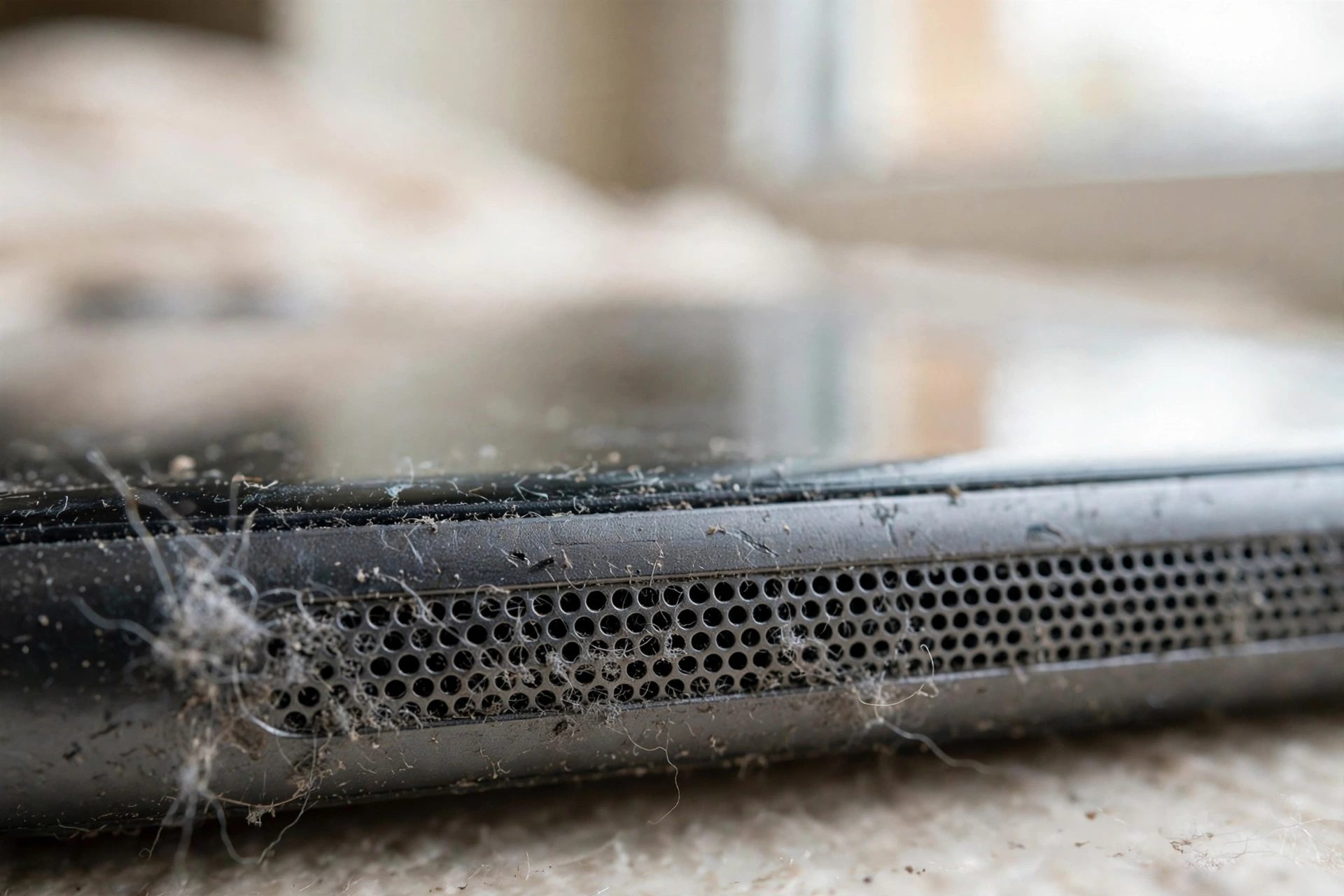
Dust builds up so slowly you rarely notice. Your phone lives in pockets, bags, and jacket sleeves, and every one sheds fibres the grille — a fine mesh of tiny holes — catches. The bottom loudspeaker picks up pocket lint, while the earpiece slot at the top collects dust from your face and hair.
A speaker that got quieter over weeks or months is almost certainly dusty. One that went quiet overnight has a different cause — water, software, or hardware — and brushing won’t bring it back.
Look before you clean: hold the phone under a bright lamp and check the grilles — the row of small holes along the bottom edge, and the narrow slot above the screen. Packed lint looks like a grey film; a clean grille shows distinct, separate holes. Then work out which speaker is clogged: play a song, which uses the bottom loudspeaker, then make a call and listen through the earpiece. Music muffled but calls clear means the bottom grille needs work. Calls muffled but music fine means the earpiece is the problem. Both muffled means clean both — but treat the earpiece more gently, since its mesh is finer.
How to fix my speaker dust in five steps
Take the case off. Misaligned cutouts trap lint against the grille.
Look at the grille in bright light and note which holes are filmed over — bottom grille, earpiece, or both.
Run the sound tone. Use the free cleaner on this site at 70 to 80 percent volume, speaker-down over a cloth, for 30 to 60 seconds. Wipe away what falls out and repeat once.
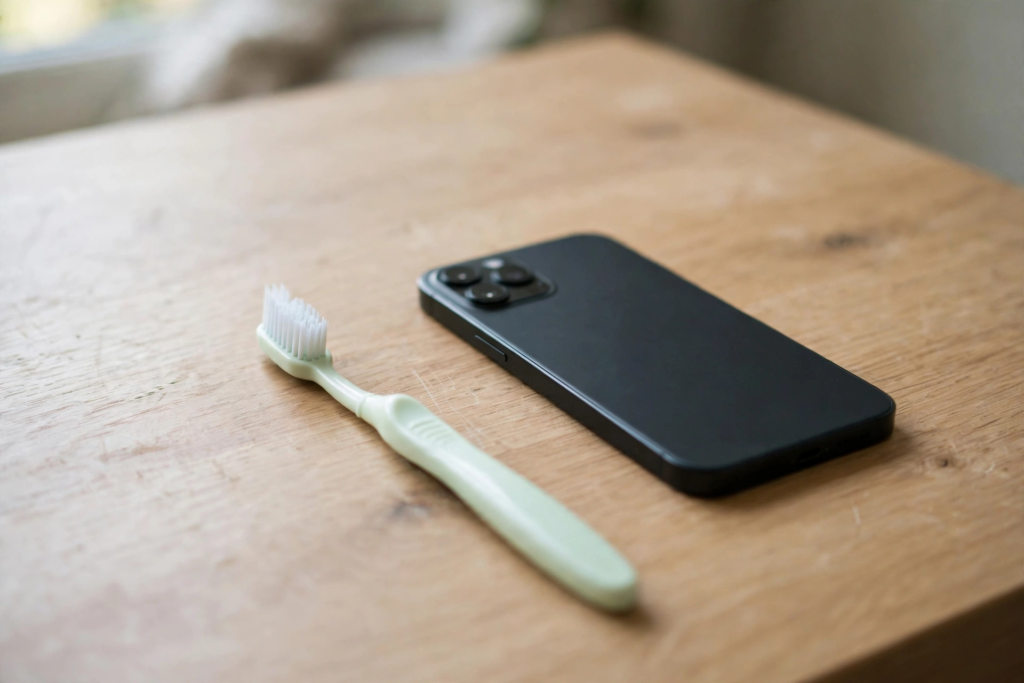
Brush outward. Use a clean, dry, soft-bristled brush — an unused soft toothbrush is ideal. Use short strokes away from the phone, so dust falls out instead of being pushed deeper in.
Lift what’s left with tape. Press painter’s tape or reusable putty gently over the grille and peel it away, then run one more sound cycle.
Which cleaning method works best?
| Method | Best for | Time | Risk |
|---|---|---|---|
| Sound tone | Loose dust | About 1 minute | Very low |
| Soft brush | Packed lint | About 2 minutes | Low, if gentle |
| Tape or putty | Surface lint | About 1 minute | Low |
Sound reaches dust a brush can’t, but it won’t shift lint pressed into a mat over months. That’s what the brush is for.
Tape or poster putty for sticky dust
For sticky grime and lint the brush will not shift, press a small strip of painter’s tape or masking tape, sticky side down, across the grille, then peel it away slowly. The adhesive lifts surface dust without touching the membrane. Repeat with a fresh strip until it comes away clean. For compacted lint, poster putty (Blu Tack or similar) works even better: warm a pea-sized ball between your fingers, press it lightly onto the grille for a few seconds, then lift it straight off. Never push it in, and never leave it in the heat.
What should you never put in a speaker grille?
Some tools cause more harm than the dust. Toothpicks, pins, needles, and SIM ejector tools can puncture the speaker membrane with one careless poke. Compressed air held close to the grille can drive dust deeper into the phone. Apple’s iPhone cleaning guidance says not to use compressed air and to keep moisture out of every opening. If you use air at all, hold the can well away and use only the briefest bursts.
Never pour liquid into the speaker or use sprays inside the openings — a barely damp cloth on the outside is the limit. Skip vacuum cleaners too: suction and static can damage the parts behind the mesh. Do not blow into the grille with your mouth, either. Your breath carries moisture — exactly what you do not want near speaker electronics — and it can push dust deeper instead of clearing it.
Is the grille different on iPhone, Samsung, and Pixel?
The method’s the same, but the layout differs — and knowing your phone saves you from cleaning holes that aren’t speakers at all. On an iPhone, the bottom edge has rows of small holes — only some are the speaker, the rest are microphones — plus the earpiece slot above the screen. Clean only the holes that look clogged. On Samsung phones, the loudspeaker grille sits along the bottom edge with the earpiece at the top. Samsung’s cleaning guidance warns against compressed air too. On Pixel phones, the bottom grille is similar.
Tested on: the before-and-after check
What to test: play the same ten seconds of a spoken podcast at half volume and take a close-up photo of the grille. Clean it using the five steps above, then replay the same ten seconds at the same volume and take a second photo in the same light.
What you should see and hear: the second photo should show open holes where the grey film was, and voices should sound crisper — “s” and “t” sounds come back first.
What the result means: if the sound is clearer but the photo still shows packed lint, run one more sound cycle and brush again. If neither has changed, the blockage is under the mesh — or it isn’t dust.
Screenshot idea: publish the two close-up grille photos side by side, before and after, in the same lighting, so readers can compare their own grille in seconds.
How do I stop dust coming back?
Wipe the grille weekly with a dry microfiber cloth and run a short eject tone monthly, or right after a beach day. Brush it the same evening: sand left overnight packs harder.
When is it not dust?
Still muffled after sound and brushing? Distortion at all volumes, rattling, or one dead side points deeper — hardened residue, water damage, or a hardware fault. A repair shop can swap the speaker module cheaply on most phones.
Frequently Asked Questions
How often should I clean my phone speaker?
Wipe the grille weekly with a dry microfiber cloth and run a short sound cycle monthly, or after a beach day. Light cleaning stops dust packing into a hard mat.
Is compressed air safe for cleaning a phone speaker?
Not at close range — a strong jet can push dust deeper and damage the fine mesh. A soft brush and a sound tone are safer. If you use air at all, hold the can far away and use only the briefest bursts.
Can I use water to clean the speaker grille?
No. Never pour liquid into the speaker openings. A barely damp cloth on the outside is the limit — moisture inside the grille makes dust stick harder.
Why is my speaker still quiet after cleaning?
Either residue has hardened onto the membrane, you cleaned the wrong grille, or the fault is hardware rather than dust. Retest each grille separately — distortion at all volumes means a repair shop should look at it.
Related Guides
Dust in a speaker grille clears in minutes with sound and a soft brush, as long as you clean the right grille and skip the tools that damage the mesh. Try the free speaker cleaner on this site — you’ll hear the difference yourself.