Your Phone Stopped Vibrating and You Keep Missing Calls
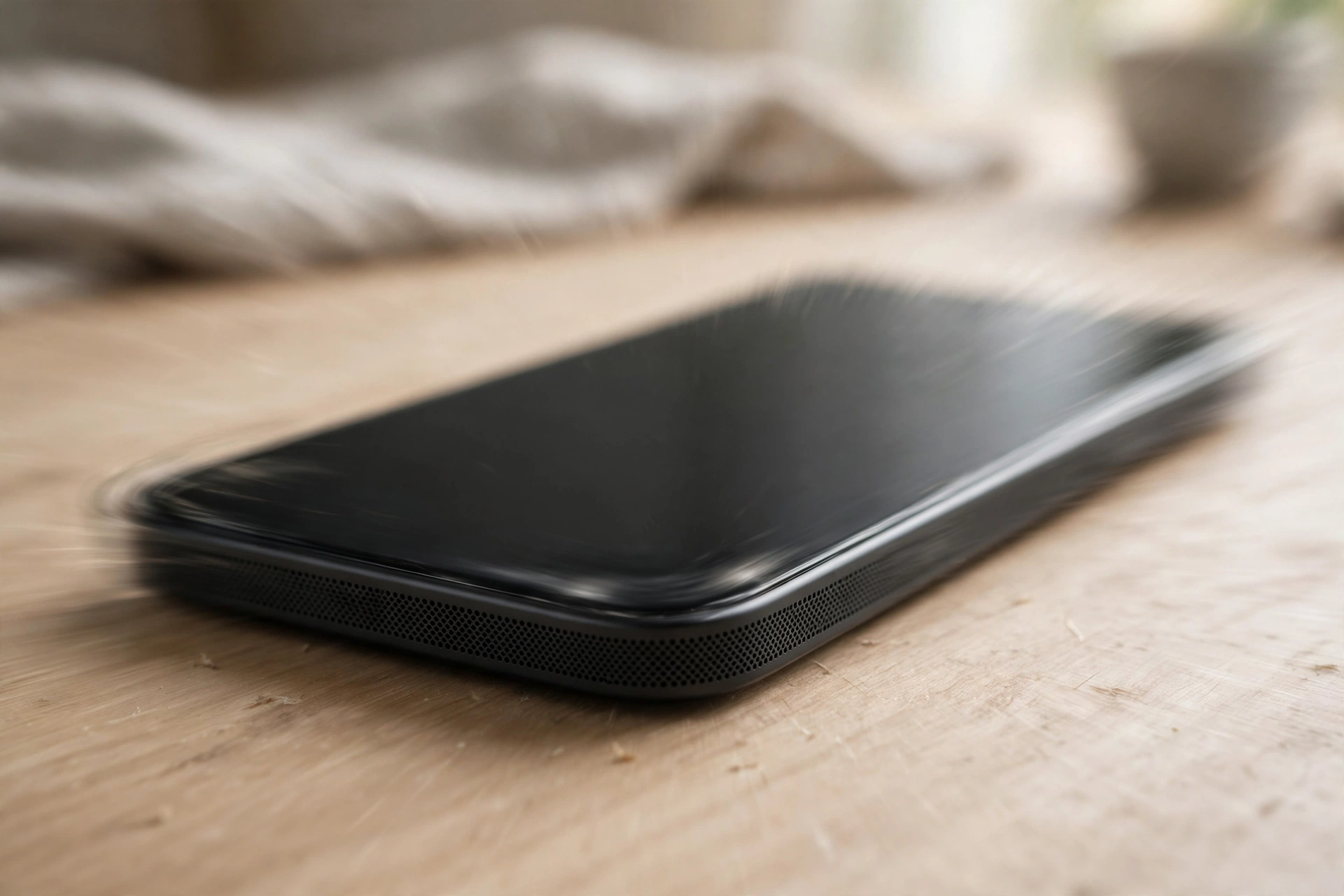
When your phone’s speaker starts buzzing or rattling instead of playing clean sound, it’s hard to ignore — and easy to misread. The speaker isn’t necessarily dying, but something physical is going wrong with how it moves. A loose part, trapped debris, a damaged cone, or water behind the grille can all make the speaker shake instead of sing.
Take the Case Off Before You Blame the Speaker
Phone cases cause more speaker buzz than anything else. A slightly loose case, one with a built-in kickstand, or a case with metal or plastic decorative bits can vibrate along with the speaker — especially on bass notes. The case shakes, the sound rattles, and it feels like the speaker itself is broken.
Take the case completely off and play the same audio again. If the buzzing stops, the case was your problem all along. A snug-fitting case with no loose parts will sort it.
What’s Hiding in the Grille
Dust, lint, sand, and crumbs collect in the speaker grille over time, and at higher volumes those particles vibrate on top of the actual audio, producing a harsh buzz or rattle. It’s one of the most fixable causes there is.
Clean the grille gently with a soft-bristled brush — a clean, dry toothbrush works well — to loosen anything visible. Blow across the grille with short bursts of air, never a hard blast straight into it. Stay away from toothpicks and needles: you can puncture the speaker membrane.
If debris or water is trapped behind the mesh where a brush can’t reach, run a sound burst through the free speaker fix tool — it’s designed to shake loose water and dust from the speaker.
The Volume Test That Tells You What’s Broken
A damaged speaker cone or a loose internal part often only shows itself when the speaker is pushed hard. Play the same audio at half volume, then again at maximum, and compare.
Buzzing only at high volume usually means a damaged cone edge, a loose part inside, or case resonance. Buzzing at every volume, even very quiet playback, usually means the speaker itself is failing or something is physically stuck against the membrane.
Try bass-heavy music against a spoken podcast, too. Bass moves the speaker cone the most, so a cone problem shows up loudest on music with deep bass. If speech sounds clean but music buzzes, the cone is damaged or loose — and that’s a much more useful diagnosis than “it sounds weird sometimes.”
Water Behind the Mesh
Water in the speaker grille doesn’t always mute the phone. Sometimes it just makes it buzz. Droplets trapped against the speaker membrane add uneven weight, so the membrane vibrates unevenly and produces a rattling, distorted tone, especially on certain frequencies.
If the buzzing started after the phone got wet — rain, shower steam, a splash, a drop near water — don’t ignore it. Set the phone speaker-side down on a towel and give it time to dry. A sound-based cleaner can help shake the droplets free once the surface is dry. Never use a hair dryer on high heat, though — it can warp internal components and turn a small problem into an expensive one.
Your Equalizer Might Be the Buzz
Some buzzing isn’t physical at all — it’s a software effect pushing the speaker too hard. Bass boost, equalizer presets, surround-sound modes, and volume-booster apps can overdrive the speaker, and the distortion that results sounds exactly like a hardware buzz.
On iPhone, go to Settings, then Music, then EQ, and set it to Off. Also check Settings, then Accessibility, then Audio and Visual for any enhancements. On Android, go to Settings, then Sound, then Sound quality and effects, and switch off Dolby Atmos, the equalizer, or bass boost for now. Play the same audio again. If the buzz disappears, an enhancement was overdriving the speaker — leave it off or pick a gentler preset.
Headphones Settle the Argument
When you’re not sure whether the problem is the speaker or the audio itself, headphones give you a clean answer. Plug a pair in, or connect a Bluetooth speaker, and play the same audio.
Clean sound on headphones means the audio signal is fine and the built-in speaker is the problem — physical damage or debris. Buzzing on headphones as well means the audio file or the app itself is distorted, so try a different source before you blame the phone. It’s a two-minute test that stops you chasing the wrong fix.
When It’s Time to Stop Troubleshooting
Some buzzing means the speaker is physically damaged and no setting or cleaning will fix it. Watch for these signs: the buzzing is constant at every volume, including very quiet playback; the speaker crackles even when nothing is playing; the problem started right after a drop, even though the screen is fine; or cleaning, case removal, and software resets changed nothing at all.
At that point a repair shop can replace the speaker module — on most phones it’s a relatively inexpensive part. If the phone is still under warranty and there’s no visible damage, check with the manufacturer first, since speaker failure is often covered.
Frequently Asked Questions
Why does my phone speaker vibrate only on certain sounds?
Low-frequency sounds move the speaker cone the most, so anything loose — debris in the grille, a damaged cone edge, a rattling case — only shakes when bass hits. Speech and quiet sounds barely move the cone, so the buzz disappears. Testing with both music and podcasts helps pin it down.
Can a phone case really cause speaker buzzing?
Yes, it’s one of the most common causes. A loose case, a case with metal accents, or clip-on accessories can vibrate in sync with the speaker. Remove the case entirely and test — if the buzzing stops, you’ve found the culprit without touching anything else.
My phone doesn’t vibrate for calls anymore — is that the same problem?
No, that’s a different part. Call vibration comes from a small haptic motor inside the phone, not the speaker, so a buzzing speaker won’t stop it and fixing the speaker won’t restore it. Check Settings for vibration settings first, and if the motor itself has failed, that’s a separate repair.
How can I tell if the buzzing is water or dust?
Think about when it started. If the buzzing appeared after the phone got wet — rain, steam, a splash — trapped water is likely, and the sound is often distorted and rattling. If it built up gradually with no water exposure, debris is more likely, and the buzz usually appears first at high volumes.