
Why Is My Phone Speaker So Quiet?
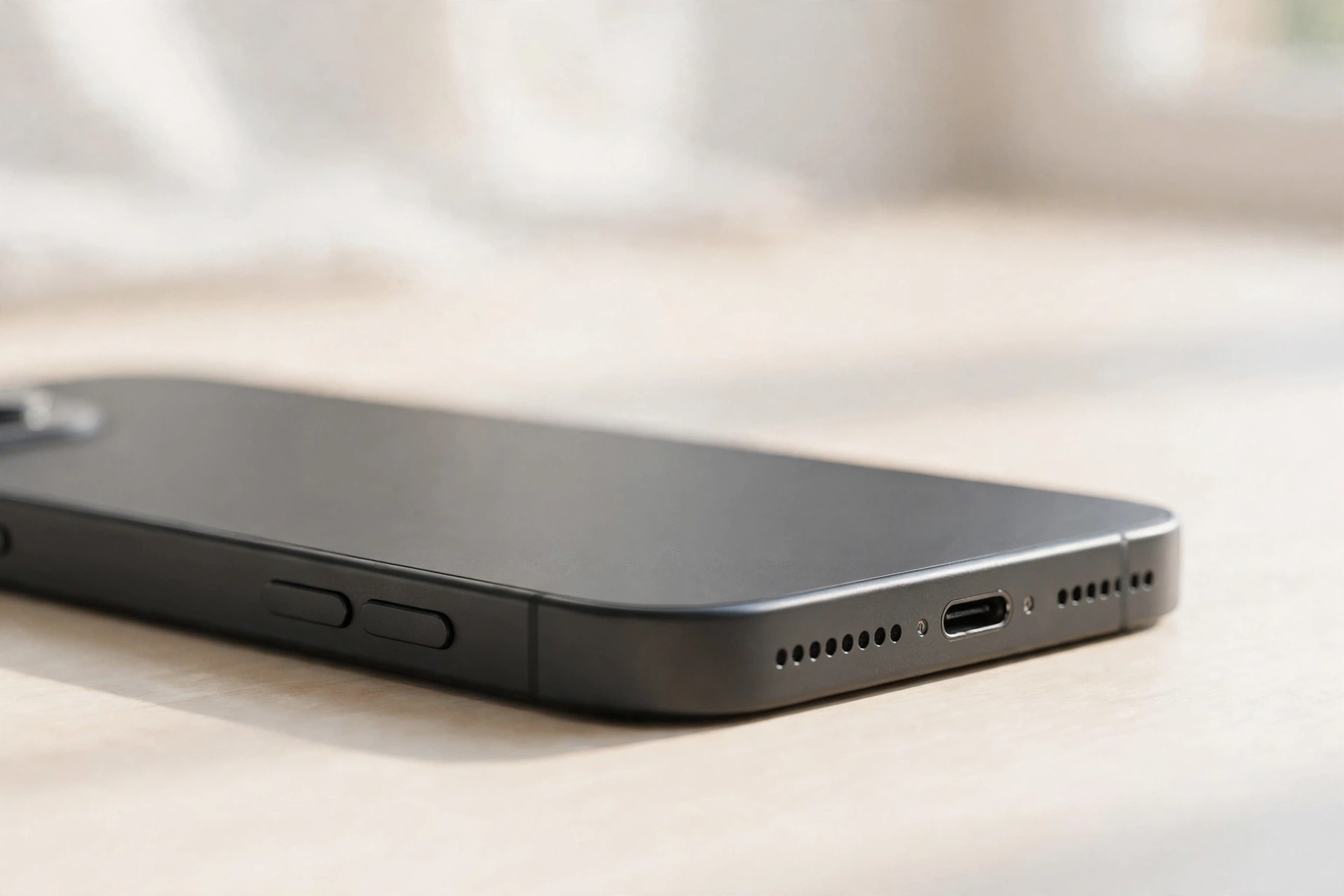
A quiet phone speaker almost never means the speaker is broken. The sound is usually being lost somewhere on the way out — a limiter caps it, a second volume slider sits low, audio routes to another device, or dust chokes the grille. Find the exact point where the volume disappears and the fix is usually quick.
First, Pinpoint Where the Sound Is Lost
Do this short comparison before changing any setting. It separates a settings problem from a hardware problem in under a minute.
- Headphones are loud, the speaker is quiet. The phone’s audio system works. The fault is the speaker itself, its grille, or something blocking it.
- One app is quiet, the rest are loud. The fault lives inside that app — its own volume control, a mute toggle, or an output setting.
- Everything is equally quiet. The fault is system-wide: a limiter, a low slider, or a routing problem.
- Calls are quiet but music is fine. The earpiece is the problem, not the loudspeaker — check in-call volume and clean the earpiece slot.
Play the same song in two apps, then test a ringtone and a speakerphone call — comparing the results shows which fix to reach for.
The Media Slider Is Not the Only Slider
Phones keep separate volume levels for media, calls, alarms, and notifications, so the ringtone can be loud while videos stay barely audible. Start a video or a song, press the volume-up button, then open the full volume panel — on Android, tap the small arrow or three dots beside the volume bar; on iPhone, open Control Center and check the volume slider there. Drag the media slider to the top and listen. If the sound jumps back to normal, you have found the problem.
Limiters and Enhancers That Cap Your Volume
Several settings cap your speaker without any visible warning. Work through them in this order.
Volume limit and hearing protection. On iPhone, go to Settings, then Sounds & Haptics, then Headphone Safety, and look for a volume limit. On Samsung, go to Settings, then Sounds and vibration, then Volume, then Media volume limit. On other Android phones, look under Sound for a hearing-protection or volume-limit option. A limit set months ago can quietly hold your speaker at half strength, and switching it off restores full output at once.
Mono audio and sound balance. Under accessibility settings, mono audio merges both stereo channels into one, which can reduce perceived loudness. On iPhone it is under Settings, then Accessibility, then Audio/Visual. On Android it is under Settings, then Accessibility, then Hearing or Hearing enhancements. Turn it off unless you need it.
Equalizers and sound modes. A bass-heavy equalizer preset, a Dolby Atmos mode, or a sound-enhancement option can make a small phone speaker much quieter, because the speaker cannot reproduce boosted low frequencies and the processing eats headroom. Try turning these off one at a time and testing the volume after each change.
What a Blocked Grille Actually Does to Sound
Pocket lint, dust, and skin oils build up in the speaker grille over months, and the loss is so gradual most people never notice it until the speaker sounds very quiet.
Hold the phone speaker-down and brush the grille gently with a clean, dry, soft-bristled toothbrush, using short strokes that lift debris out instead of pushing it further in. Never use a pin, needle, or toothpick — a sharp object can puncture the mesh or the speaker behind it.
If the sound is muffled as well as quiet, water or fine dust may be sitting on the speaker membrane and damping its movement. The free speaker-cleaner tool at myspeakerfix.com plays a low-frequency tone that vibrates the speaker and pushes trapped water and loose dust out of the grille — place the phone speaker-down on a towel, press Start, and let it run for a minute or two.
Bluetooth and Audio Routing
Your phone may be sending audio to Bluetooth headphones, a car stereo, or a smart speaker you are not currently using, leaving the built-in speaker nearly silent. Turn Bluetooth off completely and test a video again. If the volume returns, your phone was routing sound elsewhere.
To stop it happening again, open Bluetooth settings and disconnect or forget devices you no longer use. Also check the audio-output selector in your media player and confirm “Phone speaker” is selected.
When a Restart and an Update Are the Fix
An app that crashed while holding the audio channel, or a Bluetooth device still connected in the background, can leave the speaker quiet until the phone restarts. Restart the phone fully — not just locking and unlocking the screen — then disconnect any Bluetooth headphones and test the speaker with a song.
If the sound is still low, check for a system update. Go to Settings, then General, then Software Update on iPhone, or Settings, then System, then System update on Android. Manufacturers regularly include audio fixes in updates, and a phone that has missed several can develop odd volume behaviour. Install any pending update, restart again, and test.
Signs the Speaker Itself Is Failing
A speaker does wear out. If the volume is low in every app, the grille is clean, the limiters are off, and headphones are loud, the speaker module may be worn out or damaged.
If the phone is still under warranty, contact the manufacturer or the shop where you bought it before opening the phone yourself — opening it can void the warranty. For older phones, a repair shop can usually replace a speaker for a modest cost, and it is worth getting a quote before deciding whether to repair or replace the phone.
Frequently Asked Questions
Why did my phone speaker suddenly get quiet?
Usually a setting change, a recent app, or dust in the grille. Check the media slider, turn Bluetooth off, restart the phone, and clean the grille.
Can cleaning the speaker really make it louder?
Yes. Dust and lint in the grille can cut the volume noticeably, and cleaning it out restores the sound. A speaker-cleaning tone also helps by vibrating trapped water and fine dust off the speaker membrane.
Will turning off the volume limiter damage my phone?
No. Turning off a volume limiter only lets the speaker play at its designed maximum volume. It will not damage the speaker, though very loud playback for long periods can distort the sound, so keep the volume at a comfortable level.
Should I use a volume booster app to make my phone louder?
Be cautious. Most booster apps push the speaker beyond its safe range, which can distort sound and damage it over time. Fix the real cause first — settings, blockage, or Bluetooth routing.