Your Phone Speaker Went Silent After Water — What to Do First
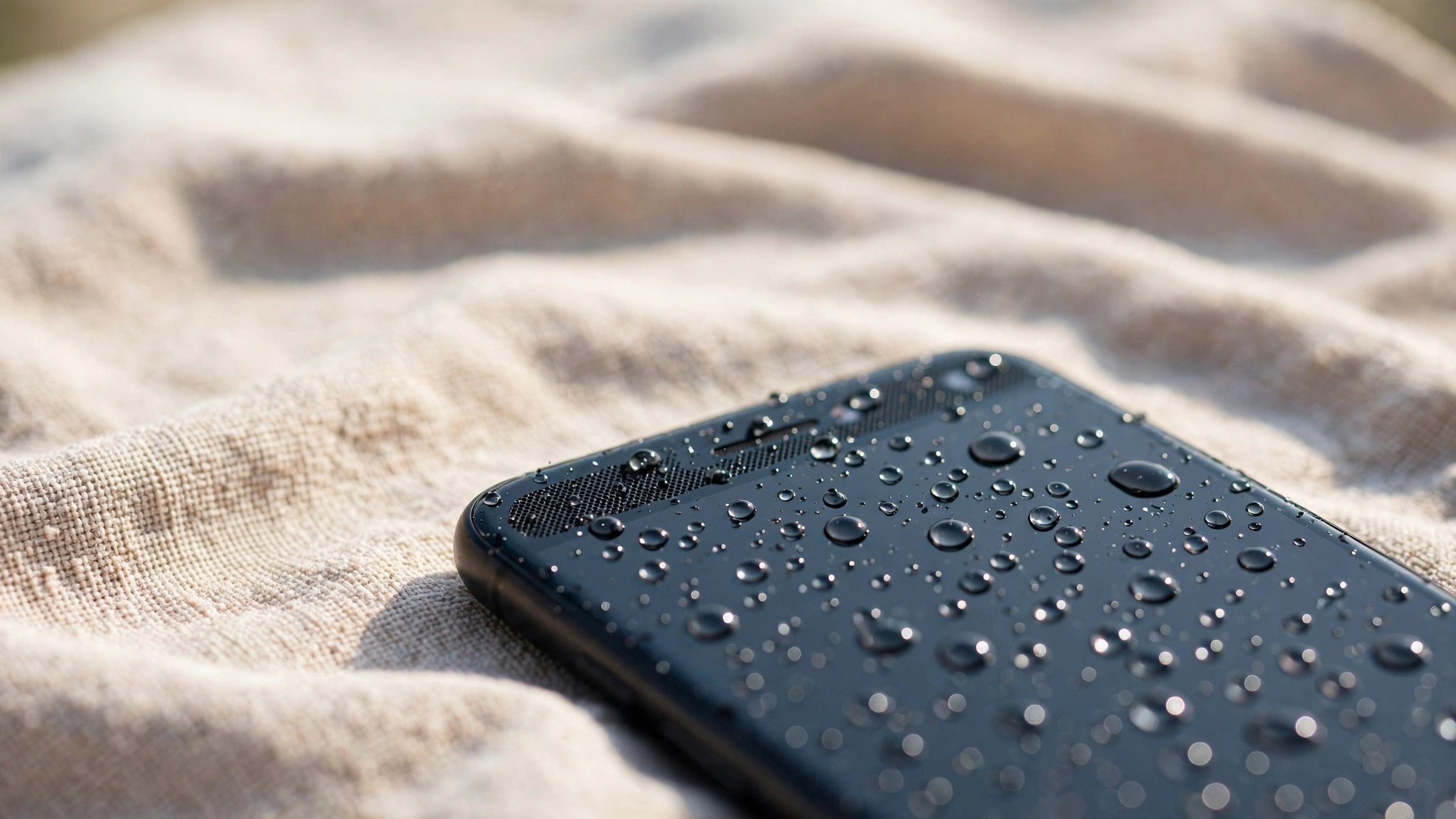
A phone speaker that goes completely silent after water exposure usually has water trapped deep in the speaker grille or moisture on the audio circuit itself. The next few minutes matter more than the next few hours: power the phone off, keep it away from the charger, and let gravity and airflow do the work before you test anything.
Silence, muffle or crackle — name the symptom first
Total silence is not the same problem as muffled sound, and treating them the same wastes time. A speaker that plays quietly or sounds underwater usually has droplets sitting on the grille mesh — annoying, but often fixable at home. A speaker that produces nothing at all after the phone was submerged is a different situation: water may have reached the speaker unit or the board behind it.
Before you do anything else, find out which speaker is dead. Play a song — that tests the bottom loudspeaker. Then make a call and listen through the earpiece at the top of the phone. If the earpiece works but the loudspeaker is silent, the problem is local to one speaker. If both are silent, or the microphone has also stopped, water has gone deeper than the grille.
The first ten minutes
Speed matters, but so does restraint. Hold the power button and switch the phone off — do not test the speaker first, and do not keep pressing buttons. Every time current runs through wet parts, you risk a short circuit that turns a drying job into a repair job.
Take the case off and pull out the SIM tray. The tray opening lets air circulate inside the phone, and on most phones you can see the liquid indicator inside the SIM slot: a small sticker that stays white or pale when dry and turns red or pink when wet. Hold the phone with the speaker grille pointing down and tap the back of it gently against your palm a few times so loose water can drain out. Wipe the outside with a soft, lint-free cloth, including the charging port and speaker holes.
What never to do
A few popular remedies make things worse. Rice is the most repeated and the least useful: it absorbs moisture far too slowly, cannot reach water trapped inside the grille, and leaves starch dust in the mesh. A hair dryer is worse — hot air warps display adhesive, weakens the seals that keep water out next time, and stresses the battery.
Do not charge the phone while it is wet, and do not override a moisture warning — on an iPhone, a “Liquid Detected” alert means the port is wet, and Emergency Override is for genuine emergencies only. Compressed air can push water deeper instead of out. And do not open the phone yourself — modern phones are sealed with adhesive, and prying one open usually causes more damage and voids the warranty.
Drying it properly
Patience is the actual fix. Leave the phone powered off, speaker-side down on a dry towel, in a room with good airflow — a fan blowing cool air across it helps. A light splash needs at least 24 hours. A phone that was fully submerged needs 48 hours, and that clock starts from the moment it is dry on the outside, not from the moment it fell in.
Silica gel packets help if you have them — put the phone and a few packets in a sealed bag and leave it alone. They absorb moisture steadily and leave no dust behind, unlike rice.
The sound test — and the eject tone
Once the outside is dry, a low-frequency tone can push trapped water out of the speaker grille. The free eject tool on myspeakerfix.com plays a calibrated tone in your browser that vibrates the speaker membrane hard enough to fling droplets out through the mesh. Hold the phone speaker-down, run the tone for 30 to 60 seconds at full volume, wipe away any water that comes out, and repeat two or three times.
If the speaker stays silent after the tone and a full drying period, stop testing it — silence after 48 hours of proper drying points to hardware, not trapped water.
iPhone and Android handle this differently
On an iPhone, the moisture alert is your guide: do not plug in a cable until the alert is gone and the phone has had several hours to dry. Apple advises allowing at least five hours after liquid exposure before connecting a cable, and wireless charging is only safe once the back of the phone is dry. There is no built-in water eject feature on iPhone the way there is on Apple Watch, so a browser-based tone is the practical option.
On Samsung phones, a similar moisture warning appears when the charging port is wet, and the same rule applies: wait, dry, and do not force a charge. Samsung’s own guidance is to let the phone dry naturally with airflow.
When silence means hardware
Some signs mean the speaker unit itself is damaged and no amount of drying will fix it. The speaker stays totally silent after 48 hours of proper drying. There is no sound from either the loudspeaker or the earpiece. The microphone has also stopped working, or the phone restarts on its own. You notice heat, a burning smell, or visible corrosion around the grille or charging port.
A speaker replacement is usually straightforward and relatively inexpensive, and a good shop can test whether the speaker or the audio circuit is at fault first. Back up your data, and tell the technician what kind of water it was — clean, salt, chlorinated, or soapy — because the cleaning differs for each. If the phone is under warranty with no visible damage, check with the manufacturer first.
Frequently Asked Questions
How long should I wait before using my phone again after it gets wet?
Wait at least 24 hours for a splash and 48 hours if the phone was submerged, keeping it powered off. The outside dries long before the inside does.
Can I charge my phone if only the speaker is silent?
No. Charging sends current through wet parts and can cause corrosion or a short circuit. Wait until the phone is fully dry and any moisture warning has cleared.
Will the speaker fix itself once the phone dries out?
Often, yes — if the problem is only trapped water, the speaker usually recovers once the grille and membrane are dry, sometimes with help from an eject tone. If it is still silent after 48 hours of proper drying, the speaker unit itself is likely damaged.
Does putting the phone in rice actually help?
No. Rice absorbs moisture far too slowly to reach water trapped inside the speaker grille, and rice dust and starch can clog the mesh and the charging port. Airflow, time, and silica gel packets work far better.