
Fix a Muffled Earpiece During Calls
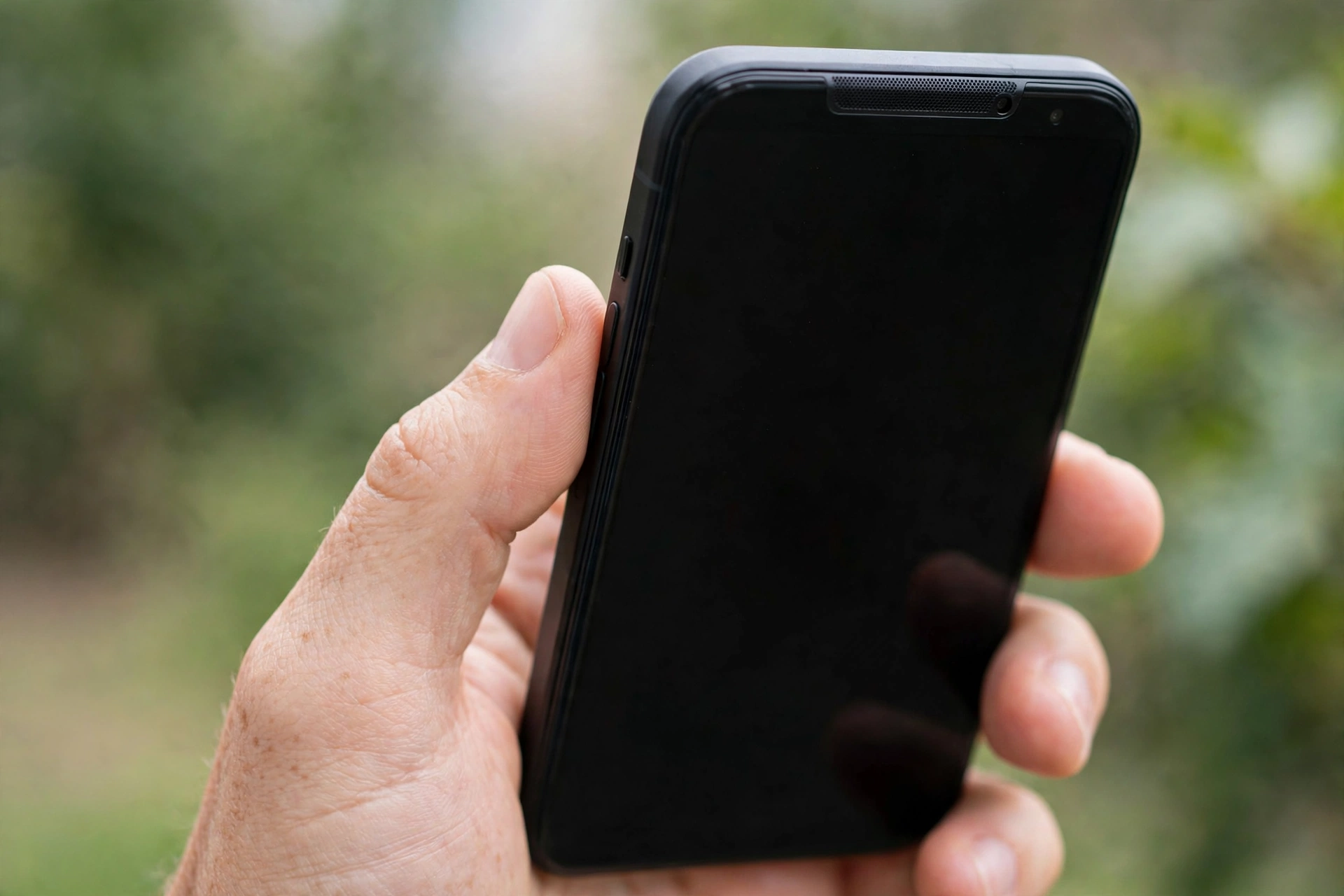
Music plays loud and clear. Videos sound fine. But the moment you hold the phone to your ear, the caller’s voice sounds like it’s coming through a wall — muffled, distant, hard to follow. That’s a very specific fault, and it’s good news in disguise: it tells you the bottom speaker works and the problem lives in the earpiece alone. The earpiece is the small speaker at the top of the phone, and it has its own grille, its own sound path, and its own set of traps. This guide splits the fault in two — earpiece versus everything else — and works through the earpiece causes first, because that’s where the answer almost always is.
The earpiece grille clogs first
The earpiece sits right where your ear and your cheek press against the phone, so it collects skin oil, sweat, makeup, and pocket lint faster than any other opening on the phone. A thin film is enough to muffle a voice; a thick layer makes the caller sound far away even at full call volume. Hold the phone under a bright light and look at the narrow slot above the screen. If it looks dull, grey, or filled in, it’s clogged.
Clean it the same way you’d clean the bottom grille, only more gently — the earpiece mesh is finer. Use a dry, soft-bristled brush and flick across the slot lightly, holding the phone earpiece-down so the dust falls out. Don’t poke anything into the slot: a pin can tear the mesh, and then dust gets straight into the speaker. After cleaning, make a test call before changing anything else.
The case or screen protector is covering it
Cases and screen protectors cause more muffled earpieces than people expect. A case with a lip that sits slightly high can overhang the earpiece slot by a fraction of a millimetre — not enough to see, but enough to muffle a voice. A screen protector that runs right up to the top edge can do the same thing, especially one that lifts slightly at the corner.
The test takes ten seconds. Take the case off, and if you can, peel back the top edge of the screen protector, then make a test call. If the voice suddenly sounds clear, you’ve found it. The fix is a case with a wider earpiece cutout, or a protector that stops short of the slot. Check the alignment too: a protector that shifted after a drop can creep over the slot gradually. Apple Support notes that a blocked receiver is one of the first things to check when call audio sounds quiet or distorted.
The call is going to the wrong speaker
Sometimes the earpiece is fine and the call simply isn’t using it. A phone can route call audio to the bottom speaker, a Bluetooth device, or a wired headset — and if that device is quiet or in another room, the call sounds muffled even though the earpiece is healthy.
Start with the simplest check: during a call, look at the audio button on the call screen. If it says Speaker or Bluetooth, the call isn’t on the earpiece at all. Tap it and choose the phone’s earpiece. Then turn Bluetooth off and make another test call — earbuds in their case can steal the audio silently. If the voice is suddenly clear with Bluetooth off, a paired device was taking the call. If every call starts on speaker, that’s a routing setting — our guide to why calls land on speakerphone walks through the fix.
The mic hole and noise cancelling
A muffled call isn’t always about what you hear — sometimes it’s about what the other person hears, and the two get mixed up. If callers keep saying you sound distant or underwater, the problem may be your microphone, not your earpiece. Phones have a small noise-cancelling mic hole near the top, and when it clogs with lint, the phone can’t separate your voice from background noise, so it cuts both.
Find the tiny pinhole near the top edge — not the earpiece slot, the smaller hole beside it — and brush it gently. Don’t poke it with a pin; the mic sits right behind it. Then call a friend and ask how you sound. If you suddenly sound clear to them, the mic was the fault all along. Voice isolation modes can also make voices sound strange — during a call, check the mic mode and try switching it off.
Settings that quietly change call volume
Call volume is its own stream, separate from media volume, and it only shows while a call is actually happening. Pressing volume-up on the home screen does nothing for calls. The next time you’re on a call, press volume-up while the other person is talking and watch the slider — it should say Call or In-call volume. If it’s already at the top and the voice is still muffled, the volume isn’t the problem.
Mono audio squeezes both channels into one, which can make a caller’s voice sound flat. Check Accessibility, then Audio, and make sure mono audio is off and the balance is centred. Finally, check whether the muffling follows the phone or the call: ring a different person. If every caller sounds muffled but music plays fine, it’s your earpiece. If only one caller sounds muffled, it’s their end. If music sounds muffled too, run the free Fix My Speaker cleaner and see our guide to whether a speaker is blown or dirty.
Tested on
Run this with one phone call and one song — about five minutes. You need a friend who can call you, or a voicemail you can play back.
- Play a song through the phone speaker and note whether it sounds clear or muffled.
- Ask a friend to call you. Listen on the earpiece and note whether their voice sounds muffled.
- During the same call, switch to speakerphone and note whether their voice clears up.
- Turn Bluetooth off, hang up, and ask them to call again. Note whether the earpiece sounds clearer.
- Take the case off, brush the earpiece slot gently, and take the call again.
- Call a second person and note whether they sound muffled too.
Music clear but earpiece muffled means the earpiece path. Clear on speakerphone but muffled on the earpiece means the earpiece itself. Muffled for one caller only means their end.
Frequently Asked Questions
Why do calls sound muffled but music plays fine?
Because calls use the small earpiece speaker at the top of the phone, while music uses the bottom speaker. A clogged earpiece grille, a case covering the slot, or the call routing to Bluetooth will muffle voices while music stays clear.
Can a screen protector make calls sound muffled?
Yes. A protector that runs over the earpiece slot, or one that has shifted after a drop, can cover the slot just enough to muffle the caller’s voice. Peel back the top edge and test a call to check.
Why does my earpiece sound muffled only on some calls?
Then it’s probably their microphone, connection, or phone. If every caller sounds muffled but music is clear, the fault is your earpiece.
Should I poke the earpiece slot with a pin to clean it?
No. A pin can tear the fine mesh inside the slot, and a torn mesh lets dust straight into the speaker. Use a dry soft brush, flicking gently with the phone earpiece-down.