
How to Get Sound Back on the Pandora App
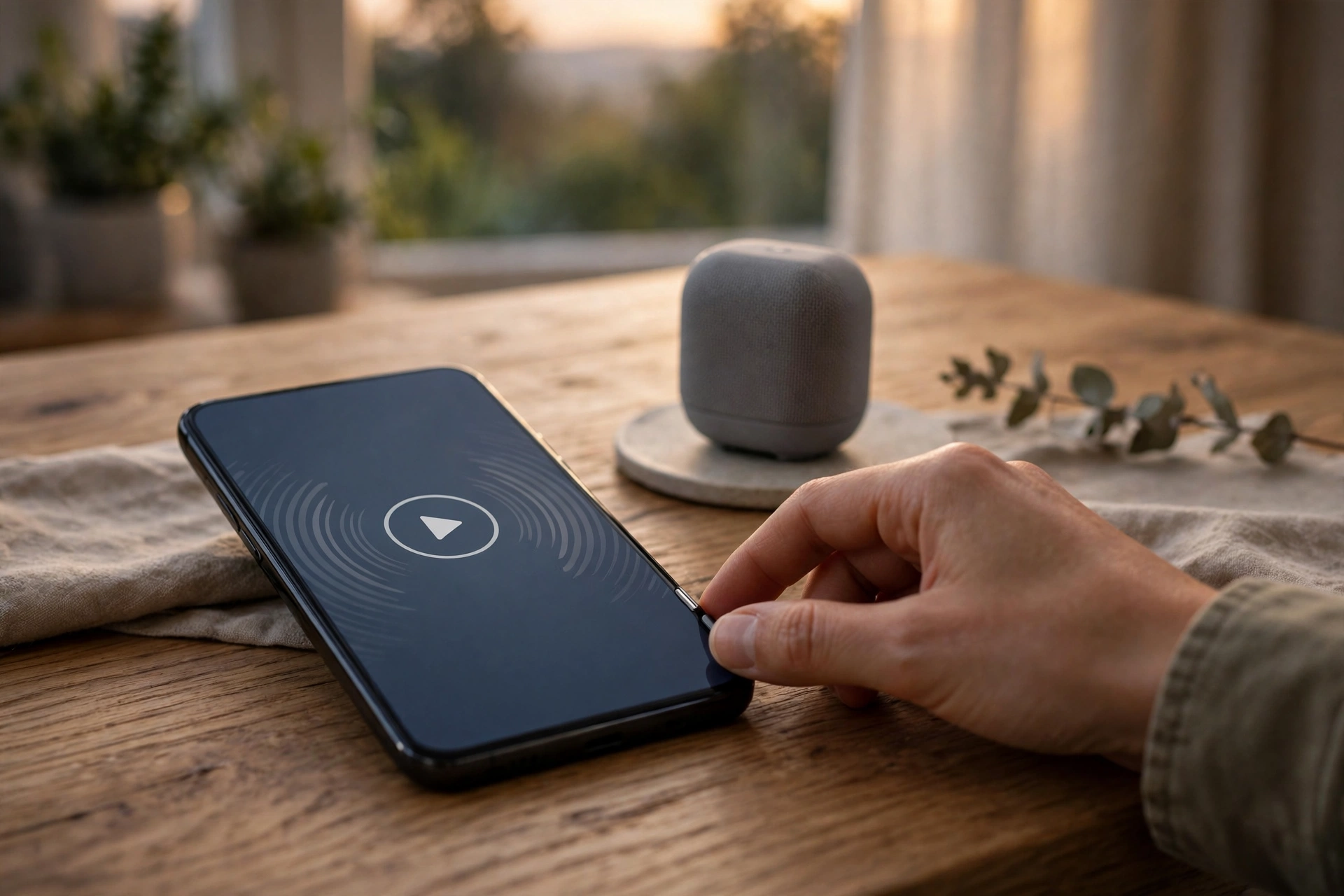
Pandora isn’t a playlist app — it’s radio. You pick an artist or a song, Pandora builds a station around it, and the station keeps playing songs like it, one after another. When a station goes quiet, know this: Pandora has its own sound board inside the app — its own volume, its own quality setting, its own offline switch — and any one of those can mute the music while your phone looks fine. The checks below start inside Pandora, where the fault usually lives.
Pandora’s own volume slider
Pandora’s player has its own volume control, and it sits apart from your phone’s volume. You can have the phone turned all the way up and still hear nothing if the app’s own slider is at zero — and it’s easy to knock it to zero by accident while swiping.
Open a station, tap the player bar, find the small speaker icon, and drag the slider up while the song is playing. If the sound returns, that was the whole problem: the app’s volume, not the phone’s.
Our guide to fixing no sound on Spotify covers the same kind of in-app volume trap.
One station quiet, the rest fine
Before you change anything else, find out whether the silence follows one station or every station. It changes the whole hunt.
Open a different station — one built around another artist, something popular. If it plays loud while your first station stays quiet, the fault is in that one station’s feed, not your phone: the songs queue up, the art changes, and the audio never arrives. Shuffle the quiet station, then thumb a song up. If a fresh station from the same artist plays fine, delete the quiet one and rebuild it.
If every station is quiet, the fault is deeper — the sections below are for you. If it’s only one station, don’t touch your phone’s settings — report the broken station inside the app and move on.
Audio Quality, Offline Mode and Data Saver
Pandora’s settings page holds three switches that can hush a station, and they’re worth checking together.
First, Audio Quality. A high setting on a weak connection can stall the audio while the station keeps rolling silently. Drop the quality one step and play the station again — if the sound returns, your connection couldn’t carry the higher setting.
Second, Offline Mode. If it’s on, Pandora only plays stations you’ve saved — and if those saved stations are damaged or half-finished, you get silence that looks exactly like a broken app. Switch it off and play the same station live on Wi-Fi: sound returning means the saved copy was the fault.
Third, Data Saver. On cellular it throttles the music to save your plan, and on a weak signal it can throttle it all the way to nothing. Turn it off for one test, or switch to Wi-Fi — if it sings on Wi-Fi and sulks on cellular, the saver and the signal are the story.
What your plan changes
Free and Premium Pandora behave differently when sound goes missing, so it helps to know which side you’re on.
Premium lets you save stations to listen offline — a stale save plays silent while the live station works. Free Pandora has no saved copies at all, so if you’re on the free plan, skip the saved-station hunt: your stations only ever play live, and the fault is in the live controls above.
If you use Pandora on a second device, check the same station there. A station that plays fine on your tablet but stays quiet on your phone points at the phone, not the account. And if you recently signed out and back in, your thumbs and saved stations can take a while to sync — give it a few minutes on Wi-Fi, then try the station again. Pandora’s own help center lists signing out and back in among its first steps for playback trouble.
The short saved-station check
This section is short on purpose — saved stations are only one suspect, not the whole case.
Play a saved station with Wi-Fi off, then play the same station live on Wi-Fi. If the live version has sound and the saved version doesn’t, the saved copy is damaged — delete it and save it again over a stable connection.
If the live version is silent too, the saved copy is innocent, and the fault is in the controls above or the phone below.
When the phone itself is quiet
Only now, with Pandora’s own controls ruled out, look at the phone — and keep it brief, because the fault rarely lives here once the app is cleared.
Turn Bluetooth off and press play. If the music comes out of the phone speaker, a paired device — earbuds in their case, a car stereo, a smartwatch — was taking the audio. The same goes for casting: if the cast icon is lit, the sound is on the TV, not the phone.
Then check the quiet hours: silent mode on iPhone, or Do Not Disturb on Android, can hush music while the phone looks awake. Flip it off and try again. If a song in your music app plays loud while Pandora stays quiet, the fault is inside Pandora; if every app is quiet, the speaker may be clogged — run the free Fix My Speaker cleaner once, speaker-side down, then test again. Our guide to fixing a phone speaker covers the full speaker check.
Tested on
Run this with one quiet station and one station that works — about five minutes.
- Open the quiet station, open the full player, and drag Pandora’s own volume slider up while the song plays.
- Open a different, popular station and note whether it plays loud.
- In settings, drop Audio Quality one step and switch Offline Mode and Data Saver off, then play the quiet station again.
- Play the saved copy, then the same station live on Wi-Fi, and note which one has sound.
- Turn Bluetooth off, disconnect any cast session, then press play once more.
- Force-close Pandora, reopen it, and play the working station.
Sound returning at step one means the app’s own volume was at zero. A popular station playing loud at step two means the quiet station’s feed glitched — rebuild it. Sound returning at step three means a setting was throttling the music. Live loud but saved quiet means a damaged save.
Frequently Asked Questions
Why is Pandora playing but I can’t hear anything?
Because Pandora has its own volume slider inside the player, separate from your phone’s volume. Open the full player and drag it up while the song plays — the phone can be all the way up and you’ll still hear nothing.
Why is only one Pandora station silent?
That station’s feed has glitched. Try a different station — if it plays loud, the fault is in the one station. Shuffle it or delete it and rebuild it from the same artist.
Can Offline Mode silence Pandora?
Yes. With Offline Mode on, Pandora only plays saved stations — and a damaged save plays silent. Switch it off and play the station live on Wi-Fi. If the sound returns, delete the saved station and save it again.
Does my Pandora plan matter for silent stations?
It can. Premium saves stations for offline listening, and a stale save can play silent while the live station works. Free Pandora has no saved copies, so a silent station on the free plan points at the live controls — Audio Quality, Data Saver, or the app’s volume.