
Spotify Has No Sound on Your Phone — Start With These Checks
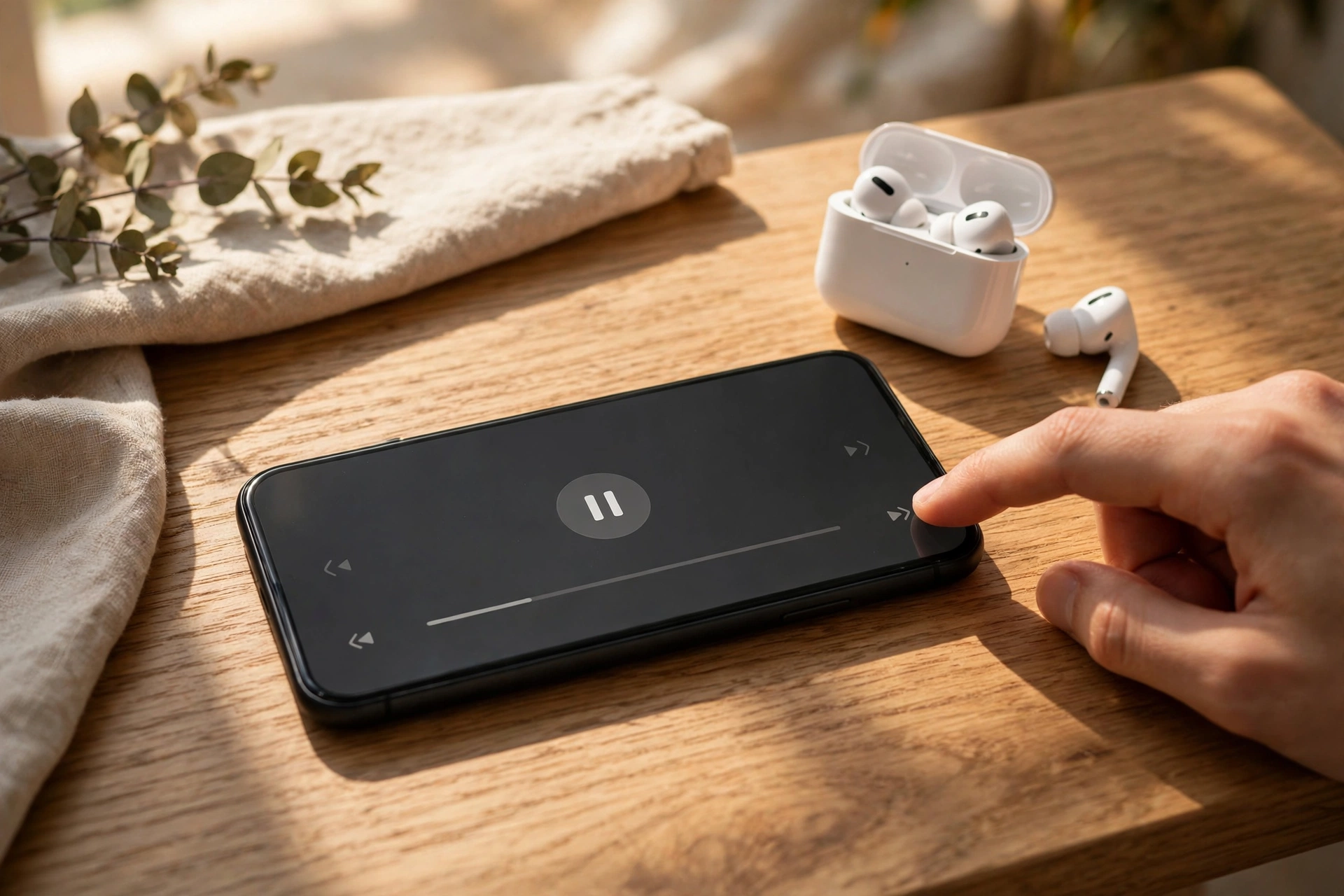
Spotify showing a song playing while your phone stays silent is maddening, but the cause is almost always a setting, not a broken speaker. Turn media volume up while a track plays, then check where the sound is going — a forgotten Bluetooth connection is usually the culprit.
The Thirty-Second Checks That Fix Most Cases
Run through these quick tests first — one of them usually ends the whole problem.
- Press volume-up while a song is playing and watch the on-screen slider. On iPhone, flip the silent switch and check Control Center — Spotify’s volume is separate from your ringtone volume, so your phone can ring fine while music stays quiet.
- Look at the progress bar. If the timer moves but there’s no sound, audio is going elsewhere. If it’s stuck at 0:00, the track isn’t loading — a connection problem.
- Open another app and play a video. If YouTube has sound, your speaker works and the trouble is inside Spotify.
- Turn Bluetooth off for a moment. Spotify keeps sending audio to earbuds in their case, a car stereo, or a speaker in another room — and won’t tell you.
Where Is the Sound Actually Going?
Spotify remembers your last playback device, sometimes too well. Tap the speaker icon at the bottom left of the Now Playing screen and see what’s listed. If it says anything other than “This phone” — a TV, a smart speaker, a car — tap your phone to pull the sound back.
On Android, pull down the quick settings panel and check the media output button — it should say “This phone”. A Chromecast or Bluetooth speaker that grabbed the stream can keep grabbing it.
Spotify only lets one device play at a time, so check whether someone else is using your account, or you left it open on another device. If another device is marked as playing, pause it there — or sign out everywhere from your account page on the web, then sign back in.
Spotify’s Own Volume Controls: Normalization, Volume Level, and the Equalizer
Here’s where Spotify differs from other music apps: it has its own volume controls on top of your phone’s. Open Settings in Spotify (tap your profile picture, then Settings and privacy) and tap Playback.
First, look for Enable audio normalization — on Android it’s Volume normalization, under Volume controls. It evens out loud and soft songs. If it’s on, you’ll see a Volume level underneath: Loud, Normal, or Quiet. Quiet can make tracks almost inaudible on a phone speaker, so switch it to Normal or Loud. One catch: changing the volume level needs Premium. On the free plan, if the option is greyed out, switch normalization off instead — that alone can bring the volume back.
While you’re in Playback, check the Equalizer. A preset that cuts the midrange can make music sound thin or nearly silent on a small speaker. Switch it off and replay the song. If the sound comes back, the preset was the problem.
Crossfade, gapless playback, and Automix live in the same Playback menu. Crossfade fades one track out while the next fades in; the slider runs from 1 to 12 seconds, and a long overlap can clip song endings. Drag it to 1 or 2 seconds if tracks fade out too early. One quirk: all three switch off while Spotify Connect streams to another device — they only work when the phone plays.
Media Quality: Very High Needs a Solid Connection
Back in Settings and privacy, open Media quality — on some versions it’s Audio quality. You’ll see Low, Normal, High, and Very high. Very high streams at the top bitrate and needs Premium plus a solid connection. On weak Wi-Fi or patchy data, a Very-high track can play silently while the player keeps running — the stream can’t keep up. Drop it to Automatic or High and replay the song. If the sound returns, your connection was the bottleneck, not your speaker.
When Only Some Songs Are Silent
A pattern tells you a lot. If every song is silent, it’s a device problem. If only some are silent, the issue is narrower — and usually easier to fix.
Songs you’ve downloaded are the first suspects. A download can finish with a damaged file, and Spotify plays it in silence rather than showing an error. Delete the copy and stream it again over Wi-Fi. If the streamed version plays, download it again.
Offline Mode can cause the same confusion. If it’s on and your downloads are damaged or expired, nothing will play properly. Turn Offline Mode off in Settings, let the app reconnect, and try again.
Clear the Cache, Then Reinstall If Needed
Spotify stores a lot of cached data, and a corrupted cache is a classic cause of silent playback. In Settings, go to Storage and tap “Clear cache”. You won’t lose playlists or downloads — just temporary files. Close the app and reopen it.
Still silent? Delete Spotify and reinstall it. Your playlists and account live on Spotify’s servers, so everything comes back on sign-in. A fresh install also clears broken settings a cache clear can’t reach.
When the Speaker Itself Is the Problem
If no app on your phone makes a sound, the speaker is the prime suspect. Check the grille isn’t blocked by a case, lint, or dust — a soft, dry brush clears debris that’s muffling the sound.
Water is another frequent cause, especially after rain or a splash. The free speaker-cleaner tool at Fix My Speaker plays a tone designed to push water and dust out of the speaker — run it a couple of times and test a song.
If headphones work but the speaker stays silent in every app, even after cleaning and a restart, the speaker hardware may need a repair. Tell the technician when it started and what you’ve already tried.
Frequently Asked Questions
Why is Spotify playing but I hear no sound on my phone?
Usually the audio is going to another device, the media volume is down, or Spotify’s volume level is set to Quiet. Check the devices list, turn Bluetooth off, and check the volume level under Playback.
Why does Spotify have no sound but YouTube works fine?
That means your speaker is fine and the problem is inside Spotify. Clear the cache, check the volume level and media quality, and reinstall the app if the silence continues.
Why are only my downloaded Spotify songs silent?
A download may be damaged or expired. Delete it, turn Offline Mode off, and stream the track over Wi-Fi. If it plays, download it again.
Can another device steal my Spotify sound?
Yes. Spotify plays on one device at a time, so a tablet, computer, or smart speaker on your account can take over. Check the devices list and pause playback there, or sign out everywhere and sign back in on your phone.