
How to Fix Galaxy Z Fold 6 Speaker Not Working
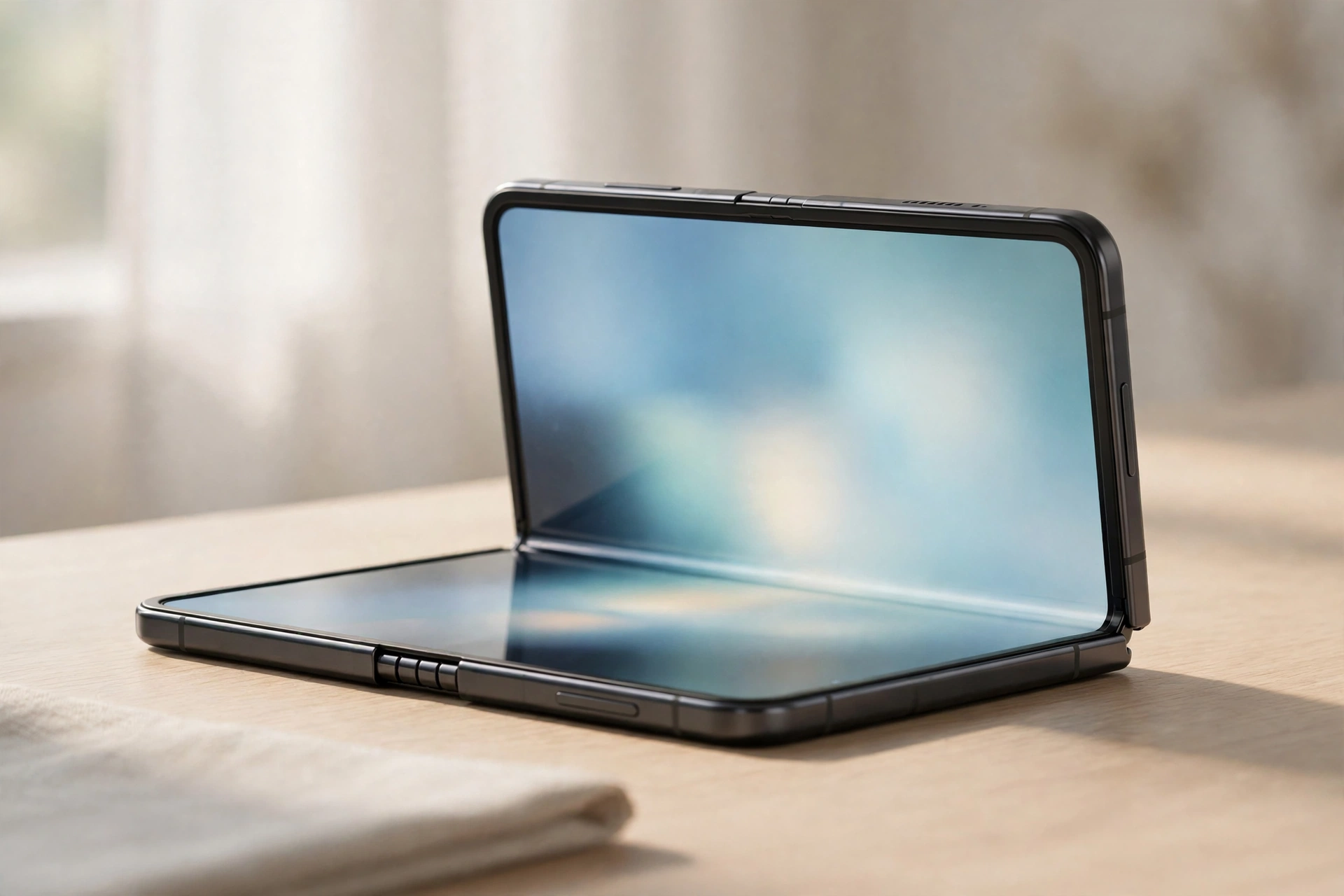
A Galaxy Z Fold 6 speaker that goes quiet is usually a foldable-specific problem, not a dead speaker. The phone has two sound paths — the cover-screen earpiece and the inner-display speaker — and the hinge, its cables, and One UI’s audio routing can each silence one of them. Work through these checks to find out which one is yours.
First, work out which speaker has gone quiet
The Fold 6 does not have a single speaker to blame. When the phone is folded shut, calls and alerts come through the small earpiece above the cover screen. When you open it up, media plays through the main speaker on the bottom edge, with the earpiece acting as the second channel of the stereo pair. A fault in one path leaves the other working, and that split is the most useful clue you have.
Start folded. Make a call and listen on the cover-screen earpiece, then switch to speakerphone. Now unfold the phone and play a video. If the earpiece works but video is silent when open, the problem sits in the inner-display audio path. If video plays fine unfolded but calls are dead when folded, the cover earpiece is the suspect. If nothing makes a sound in either state, the fault is more likely in the shared audio routing or the hinge cables — and the next test will narrow that down.
The hinge test: play music and fold the phone slowly
This is the one test only a foldable needs, and the fastest way to spot a hinge fault. The Fold 6’s display and audio signals travel through thin ribbon cables running through the hinge, flexing every time the phone opens and closes. A pinched or worn cable can break contact at certain angles — and that shows up as sound that changes while you fold.
Play a song at a comfortable volume, then open and close the phone very slowly, pausing at several angles on the way. If the sound cuts out, crackles, drops to one channel, or comes back at a particular angle, the hinge cable is almost certainly the cause. The sound changing with the fold angle is the giveaway — software bugs do not care how far open your phone is.
If the test points at the hinge, stop folding the phone more than you need to, back up your files, and book a repair with Samsung or an authorised repair shop. Do not open the hinge yourself — the cables and folding display are easy to damage, and a DIY repair can void the warranty. Note the angle where the sound drops out and tell the technician.
Separate App Sound may be sending your audio elsewhere
If the hinge test is clean, the next suspect is One UI’s audio routing. Separate App Sound lets one app’s audio go to a different device — useful when you once sent a video app to a Bluetooth speaker, but the setting stays active long after you forgot about it. The result is a phone that plays music fine but stays silent in exactly one app.
Open Settings, then Sounds and vibration, then Separate app sound. If it is switched on, check which app and which device it lists, and switch it off. Test the app that was silent.
Check Bluetooth too. Open Settings, then Connections, then Bluetooth, and look for a connected speaker, earbuds, or car system. The Fold 6 reconnects to paired devices automatically, and earbuds sitting in another room can quietly steal every sound. Turn Bluetooth off and test again — if the sound returns, unpair the devices you no longer use.
Test the speaker with Samsung’s hidden diagnostic menu
Guessing whether a speaker is broken wastes time — Samsung ships a hardware test that settles it in a minute. Open the Phone app and dial *#0*# to open the hidden diagnostic menu. Tap Speaker and the phone plays a test tone; if you hear it clearly, the speaker hardware is fine and the fault is in software or settings. If the tone is silent, distorted, or much quieter than it should be, the speaker or its connection is faulty.
The same menu has a Receiver test for the cover-screen earpiece, so run both if calls are the problem. You can also use the Samsung Members app: open it, tap Support, then Phone diagnostics, then Speaker. Write down the result — a repair shop will ask what the diagnostic showed.
Clean both speaker grilles and clear the cache partition
The Fold 6 has speaker openings in two places — the main grille on the bottom edge and the slim earpiece slot above the cover screen — and both collect pocket lint. Hold the phone speaker-down and brush the bottom grille gently with a soft, dry toothbrush, then wipe it with a dry cloth. Clean the earpiece slot the same way, with light strokes only. Never push a pin into either opening or blast compressed air at close range.
If the phone got wet, water can sit inside the speaker chamber and muffle or silence it for a while. Let the phone dry speaker-down in a ventilated spot, then run the free speaker-cleaning tool at Fix My Speaker a few times with the volume turned all the way up — the tone vibrates water and dust out of the speaker. Check whether the sound gets clearer after each run.
Then clear the system cache, which removes corrupt temporary files that can break audio after an update. Turn the phone off, connect it to a computer with a USB-C cable, then press and hold Volume Up and the Side button until the Samsung logo appears. Select Wipe cache partition, then Reboot system now, and test the speaker once the phone restarts.
When the hinge is the problem, book a repair
Take the Fold 6 to Samsung or a trusted repair shop if the sound changes with the fold angle, if the *#0*# speaker test is silent in every state, or if the speaker died right after a drop on the hinge. A damaged hinge cable needs the phone opened up — no settings change will fix it. Back up your files first, since a repair can end with the phone being reset.
Frequently Asked Questions
Why does my Galaxy Z Fold 6 speaker work when folded but not when open?
The cover-screen earpiece and the inner-display speaker use different audio paths. If sound works folded but not unfolded, the fault is in the inner-display path — often a hinge ribbon cable. Try the slow fold test with music playing.
How do I know if the hinge cable is causing the speaker problem?
Play music and fold the phone very slowly. If the sound cuts out, crackles, or returns at a particular angle, the ribbon cable running through the hinge is likely pinched or loose, and the phone needs a repair.
Is the *#0*# speaker test safe to use on the Galaxy Z Fold 6?
Yes. Dialling *#0*# opens Samsung’s built-in diagnostic menu. Tap Speaker to play a test tone — hearing it means the speaker hardware is fine, while silence points to a hardware fault.
Why is only one app silent on my Galaxy Z Fold 6?
Separate App Sound may be routing that app’s audio to another device. Switch it off in Settings, then Sounds and vibration, then Separate app sound, and check the app’s own volume controls.