
Why Does My Nothing Phone 3a Speaker Crackle When Pressed?
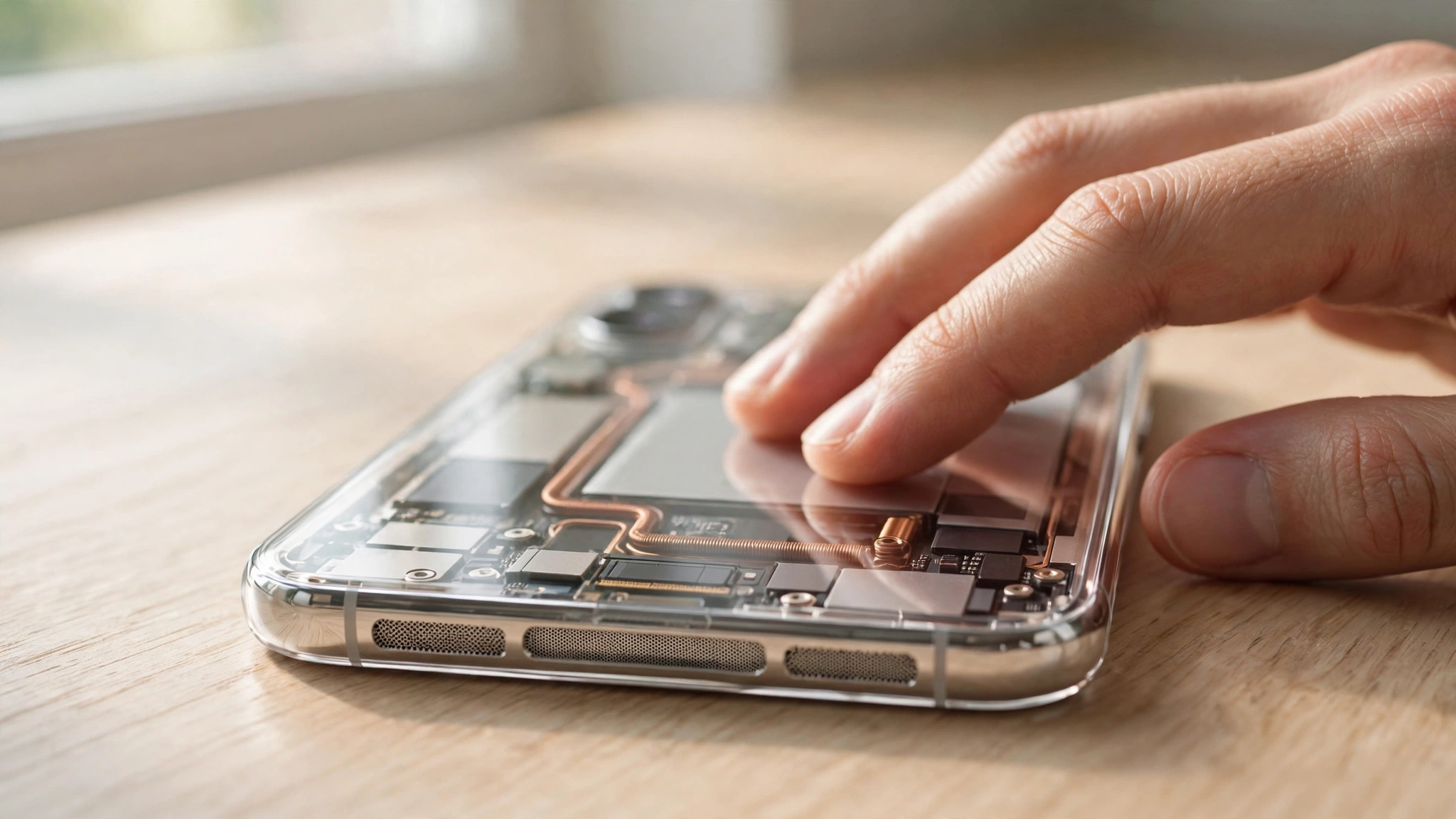
A Nothing Phone 3a speaker not working while the body is pressed is usually not a fault at all. If the speaker crackles, clips or loses volume the moment you press the back of the phone, it is almost certainly fine — Nothing has confirmed this is normal behaviour for the Phone (3a). The phone is well sealed and IP64 rated, with a pressure-equalizing hole on the back. Pressing the glass panel firmly changes the air pressure inside for a moment — that imbalance is what makes the sound break up. Let go and it comes back to normal within a couple of seconds.
That distinction matters: a speaker that crackles only while squeezed needs no repair — but one that stays dead untouched is a different problem.
Nothing Phone 3a speaker not working? Start with the pressure test
Play a song, then press the back glass firmly with your thumb, as when gripping the phone tightly.
If the sound clips, crackles or dips while you press and returns to normal within seconds of letting go, that is the pressure vent at work, not a fault. If it is bad before you press, stays bad after you let go, or never comes back, that is not the vent — move on to the real checks below.
Nothing told SoyaCincau the Phone (3a) is well-sealed, with a pressure-equalizing hole on the back. Press firmly and you compress that sealed space, so the speakers feel the imbalance at once.
Why a sealed phone reacts this way
A speaker is a small diaphragm that moves air. In a loosely built phone the air behind it escapes easily, so pressing the body changes nothing — but in a tightly sealed phone like the Phone (3a), the air inside has nowhere to go, so pressing the glass panel raises the internal pressure, restricts the diaphragm, and you hear clipping, crackling and lost volume.
The vent is a tiny hole on the back that lets internal pressure balance with the outside air, but at its own pace: a firm press changes the pressure faster than the vent can equalize it, so you hear distortion for a moment, then the vent catches up. The Phone (3a)’s stereo speakers sit behind a transparent back whose glass panel flexes slightly under a firm grip — that is what lets your thumb change the phone’s internal volume.
Normal vent behaviour vs a real speaker fault
| What you notice | Pressure vent (normal) | Real speaker fault |
|---|---|---|
| When | Only while pressed firmly | All the time, or at random |
| Sound | Clipping, crackling, volume dipping | No sound, constant distortion, a rattle |
| Duration | Seconds after you let go | Never recovers |
Middle column? Stop worrying — and stop pressing so hard. Right column? The checks below will confirm it.
The real checks for a genuinely dead speaker
These checks only matter when the sound is wrong without any pressing — if it is fine the moment you let go, skip them.
Take the case off — a tight one can press on the back panel, and one covering the speaker openings muffles the sound. Remove it and play the same song again.
Turn Bluetooth off and play a video. A paired earbud or speaker can hold the audio connection from its case or another room, sending every sound to it while the phone’s speaker stays quiet. If the sound returns, a connected device was claiming the audio.
Restart the phone to clear temporary faults in the audio service, then test a video, a song, a ringtone, and a speakerphone call. If one app is silent while the others work, the problem is in that app — check its sound settings, clear its cache, or reinstall it.
Check the narrow speaker openings on the bottom edge — pocket lint packs into them fast. Hold the phone speaker-down and brush gently with a soft, dry toothbrush. Never push a pin or SIM tool into the holes: the mesh tears easily.
Finally, run the free speaker test on the Fix My Speaker tool. A clear tone from both sides points to settings or software; no tone, a faint tone, or constant crackling that ignores pressing points to a blocked grille or hardware fault.
Test it yourself: the two-minute vent check
Tested on: this is a reader-run check you can do in two minutes, no tools needed.
Play a song at half volume with the phone flat on a table and listen for ten seconds — the sound should be clear and steady. Now press the back glass firmly for three seconds, then let go. A change that appears only while pressing and disappears within a couple of seconds is the normal vent behaviour above. If it was already bad on the table, or is still bad a minute later, repeat with the case off and Bluetooth off — and if it is still bad, use the real checks above.
When the Phone (3a) actually needs a repair
Book a repair if the speaker is silent, distorted or crackling when nobody is pressing the phone, if it stays that way after a restart and the case and Bluetooth checks, if one speaker is dead while the other works, or if it died after a drop or water exposure and never recovered. Back up your files, and tell the repairer: “fine until I press the back” means the vent; “bad all the time” means the speaker.
Frequently Asked Questions
Why does my Nothing Phone 3a speaker crackle when I press the phone?
The Phone (3a) is well sealed, IP64 rated, with a pressure-equalizing hole on the back. Pressing the glass firmly creates a temporary pressure imbalance, so the speakers clip and crackle until the vent equalizes it seconds after you let go.
Is the pressure vent on the Phone 3a a defect?
No. Nothing has confirmed this is normal behaviour for the Phone (3a), not a defect. The vent is part of the sealed design behind its IP64 dust and splash protection, and the crackling lasts only while pressure is applied.
How can I tell the vent effect apart from a broken speaker?
Play a song, press the back firmly, then let go. If the sound distorts only while you press and recovers within seconds, it is the vent. If it is bad when nobody is pressing, or never recovers, the speaker may genuinely be faulty.
What should I do if my Phone 3a speaker stays silent with no pressure on it?
Take the case off, turn Bluetooth off, restart the phone, and test a video, a song, a ringtone and a speakerphone call. If there is still no sound or constant distortion, clean the openings gently and test with the free speaker tool — then book a repair.
Related Guides
- Fix My Speaker — Free Speaker Cleaner Tool
- Nothing Phone 3 Speaker Not Working
- Nothing Phone Speaker Not Working
- Phone Speaker Crackling Fix
- Phone Speaker Buzzing Noise
If your Nothing Phone 3a speaker only crackles while you press the body and recovers seconds after you let go, it is the pressure vent doing its job — not a fault, and not a repair. If the sound stays bad with no pressure on the phone, run the case-off, Bluetooth-off and restart checks, then test it with the free Fix My Speaker tool.