
Samsung Galaxy A14 Speaker Not Working: A Complete Repair Guide
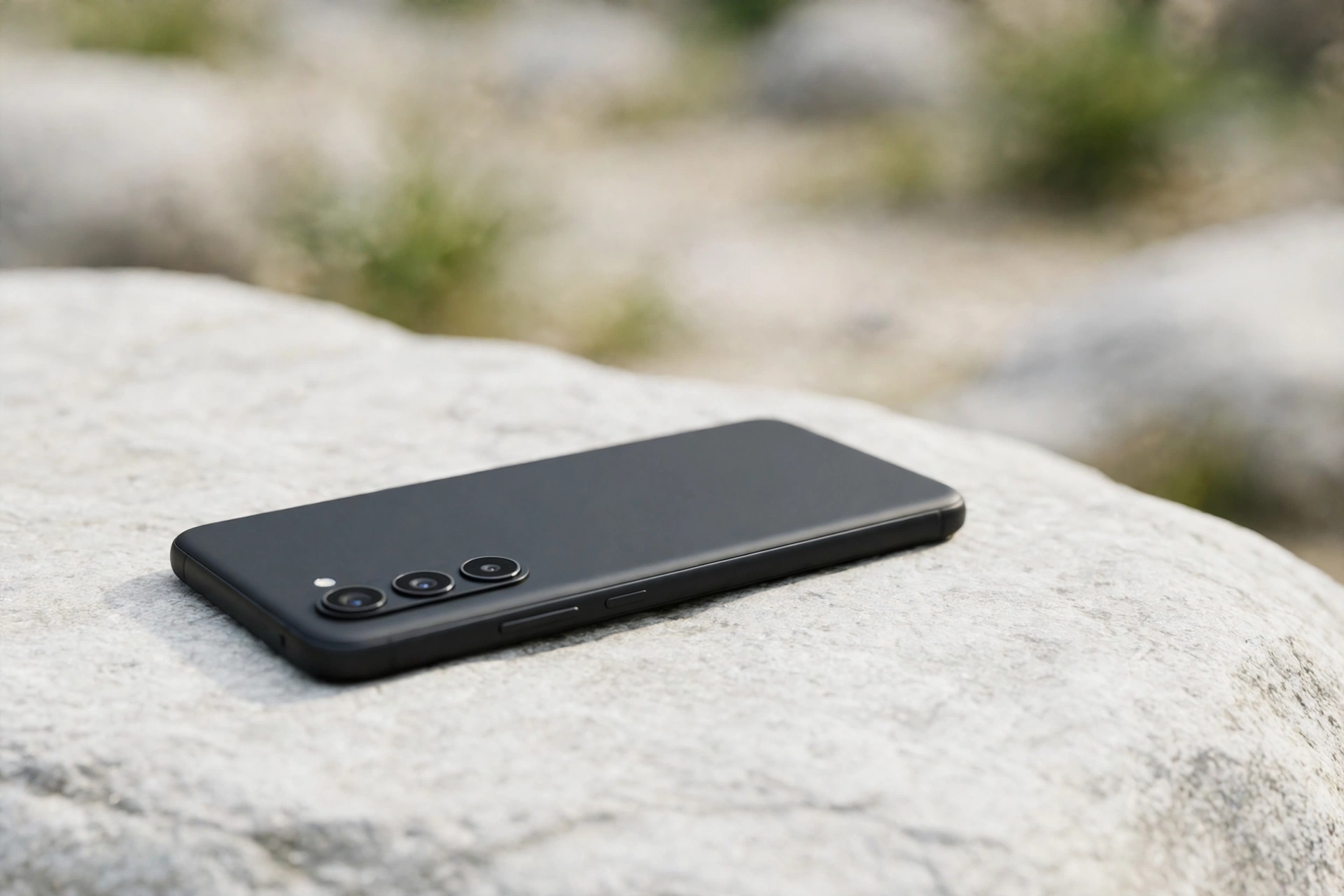
If your Samsung Galaxy A14 speaker has stopped working, the speaker itself is the least likely suspect. Silence here is far more often caused by a One UI setting, a Bluetooth device quietly taking over the audio, or lint packed into the single bottom grille. This guide checks the causes in the order a repair technician would.
Start With a 60-Second Diagnosis
Play a song, make a call on speakerphone, then set an alarm one minute ahead and listen for the ringtone. If music plays but the ringtone does not, you have a volume or Do Not Disturb problem, not a dead speaker. If the alarm rings but music is silent, the media volume or the app is the suspect.
Watch the volume panel while you test. Press volume up while a song is playing and see which slider moves. The A14 keeps separate sliders for media, ringtone, notifications and in-call volume.
The A14’s One Weak Spot: Its Single Bottom Speaker
The Galaxy A14 has only one loudspeaker, on the bottom edge beside the USB-C port. With no second speaker at the top, a clogged grille silences every sound at once — music, ringtones, alarms, videos and speakerphone calls.
Hold the phone under a bright light and look at the row of small holes. Pocket lint packs into a grey felt-like layer that is easy to miss. Brush the grille gently with a clean, dry, soft-bristled toothbrush, using short strokes across the holes. Never push a pin, needle or SIM ejector tool into the grille — the speaker membrane sits just behind those holes and a sharp object can puncture it. After brushing, play the same song and compare. If the speaker sounds muffled after the phone got wet, run the free speaker-cleaning tone at myspeakerfix.com with the media volume at maximum and the phone speaker-side down on a dry towel.
One UI Settings That Silence the A14
One UI has several silencing features. Swipe down twice from the top of the screen to open the full Quick Settings panel and check that Mute and Do Not Disturb are off. Then open Settings, then Sounds and vibration, and confirm the Media, Ringtone and Notification sliders are all raised. Also check Mute all sounds under Hearing enhancements in Accessibility — this single toggle silences everything.
Bluetooth is the other quiet culprit. If your A14 has ever paired with earbuds, a car stereo or a Bluetooth speaker, it may still be sending audio to that device. Open Settings, then Connections, then Bluetooth, and switch Bluetooth off for one test call. If the sound comes back, the phone was routing audio elsewhere. Check Media output while music is playing and confirm it is set to Phone, and if the silence started just after you installed a new equaliser, cleaner, call recorder or VPN app, uninstall that app and test again.
Run the Samsung Members Speaker Test and Safe Mode
Open the Samsung Members app, tap Support, then Phone diagnostics, then Speaker, and run the built-in test. If the test tone plays clearly, the speaker hardware is healthy and the problem is software or settings. A silent, distorted or rattling tone points to a hardware fault.
Safe Mode gives you a second opinion. Press and hold the side button and volume down together, then touch and hold Power off on the screen until the Safe mode prompt appears and tap it. In Safe Mode the phone runs only Samsung’s own apps. If the speaker works in Safe Mode, an app you installed is the cause — restart normally, then uninstall recently added apps one at a time, testing after each removal. If the speaker is still silent in Safe Mode, apps are not the problem. Also check Settings, then Software update, then Download and install: a buggy update can break audio, and Samsung often ships a follow-up patch within days.
Water, Dust and Drops: What the A14 Can and Cannot Survive
The Galaxy A14 has no official water-resistance rating, so even a brief splash, a sweaty pocket or a drop into a sink can reach the speaker. If the sound went quiet or crackly right after contact with liquid, switch the phone off, do not charge it, and leave it speaker-side down in a well-ventilated spot for at least a full day. Do not use a hair dryer on high heat, and do not put the phone in rice, which leaves fine dust inside the ports and grille. Salt water and sugary drinks are worse than plain water because they corrode the speaker contacts, and a hard drop can loosen the speaker connector — so get the phone checked promptly after either one.
When to Reset — and When to Stop and Book a Repair
If every test so far points away from hardware, go to Settings, then General management, then Reset, and choose Reset all settings. This returns every system and audio option to its defaults without deleting your photos, apps or files, though you will need to re-enter Wi-Fi passwords and re-pair Bluetooth devices. Test the speaker with a ringtone and a video before changing any setting, so you know whether the reset fixed it.
A factory reset should only come after the settings reset has failed, and only after a full backup, since it wipes the phone completely. If the speaker is still silent after a settings reset, in Safe Mode and on the Samsung Members test, the evidence points to hardware. Back up your data, check whether the phone is still under Samsung warranty or retailer cover, and take it to a repair shop. A speaker fault with no visible damage is often covered under warranty, and out of warranty the speaker module is a replaceable part most shops can swap.
Frequently Asked Questions
Why did my Galaxy A14 speaker stop working all of a sudden?
Most sudden failures come from a setting: a muted media slider, Do Not Disturb, Mute all sounds, or a Bluetooth device taking over the audio. Check those first, then restart the phone and inspect the bottom grille for lint.
Why is my Galaxy A14 speaker so quiet even at full volume?
A quiet A14 is usually a clogged bottom grille, since this phone has only one loudspeaker. Brush the grille gently with a dry soft toothbrush and raise the media volume while a song is playing.
Can a software update break the Galaxy A14 speaker?
Yes, a buggy update can silence or distort the speaker. Go to Settings, then Software update, then Download and install, and install any newer patch.
How do I know if my A14 speaker needs a repair instead of a settings fix?
If the speaker stays silent in Safe Mode, fails the Samsung Members speaker test, and still fails after a settings reset, the fault is most likely hardware. Buzzing or rattling also points to a damaged speaker module.