
LG Phone Speaker Not Working: A Guide for G8, V60, Velvet and Stylo
Your LG was built to sound good. That was the whole point of the G8 and the V60, and it’s why so many people still carry one long after LG stopped making phones. The good news is that a silent LG is usually fixable at home, and the phone’s own audio history helps you work out what’s wrong.
LG left the phone business, so there are no new LG phones coming, and official support has wound down. That changes the maths of a repair, but don’t jump to that decision yet. Most LG speaker faults turn out to be volume settings, a Bluetooth device that won’t let go, dust in the grille, or an app misbehaving, and all of those cost nothing to fix.
First, learn which LG you have and what its speaker was built to do
The G8 and the V60 were LG’s audio flagships. Both shipped with a 32-bit Hi-Fi Quad DAC, a dedicated chip that improves wired headphone sound well beyond what most phones manage. The V60 was the last high-end LG phone to offer the Quad DAC. The Velvet, by contrast, missed out on it, so if you’re comparing a Velvet with a friend’s V60, that’s one real reason yours sounds different through headphones.
LG’s Boombox speaker arrived with the G7, and it used the inside of the phone as a resonance chamber to push the bass out. The G8 and V60 kept strong stereo speakers, with Meridian tuning, and some LG flagships also listed DTS:X support.
That tells you what to test: a G8 or V60 owner should test both the speaker and the headphone jack, since the Quad DAC only affects wired headphones. A Stylo owner has a simpler budget phone, so spending a lot to fix its speaker rarely makes sense. And because LG has exited the phone business, you can’t count on a future software update.
Split the fault: speaker, headphones, or the whole phone?
Before you change a single setting, find out how wide the silence goes. Play a video through the speaker, then through wired headphones, then ask someone to call you.
If the speaker is dead but wired headphones sound perfect, the speaker, its grille, or the headphone jack switch is the suspect. If both are silent, the problem is further up the chain: volume, Do Not Disturb, or an app grabbing the audio.
Volume and Do Not Disturb on LG’s near-stock Android
LG’s software stayed close to stock Android, so the volume checks are familiar, but they still catch people out. Android keeps separate sliders for media, calls, ringtones, and alarms. Open a video, press volume up, tap the slider icon, and make sure the media slider isn’t sitting at zero.
Do Not Disturb deserves the same look. Swipe down and check whether it’s on, then open Settings, then Sound. If your LG only goes quiet at night, a scheduled Do Not Disturb rule may be the culprit. Check the ringtone too: if it’s set to None, the phone will never ring.
Bluetooth, headphone mode, and the grille at the bottom
Bluetooth is the single most common cause of a mysteriously silent LG. Your phone connects to earbuds, a car stereo, or a smart speaker, then keeps sending sound there long after you’ve stopped listening. Open Settings, then Connected devices, disconnect everything you’re not using, and play a video again.
The headphone jack causes a similar fault. If your LG has a 3.5mm jack, and the G8, V60, and Stylo models do, the phone can get stuck thinking headphones are plugged in when they aren’t. The clue is a headphone icon that won’t leave the status bar. Lint in the jack is usually behind it, so switch the phone off, ease any fluff out gently with a wooden toothpick, plug headphones in and out slowly, then restart the phone.
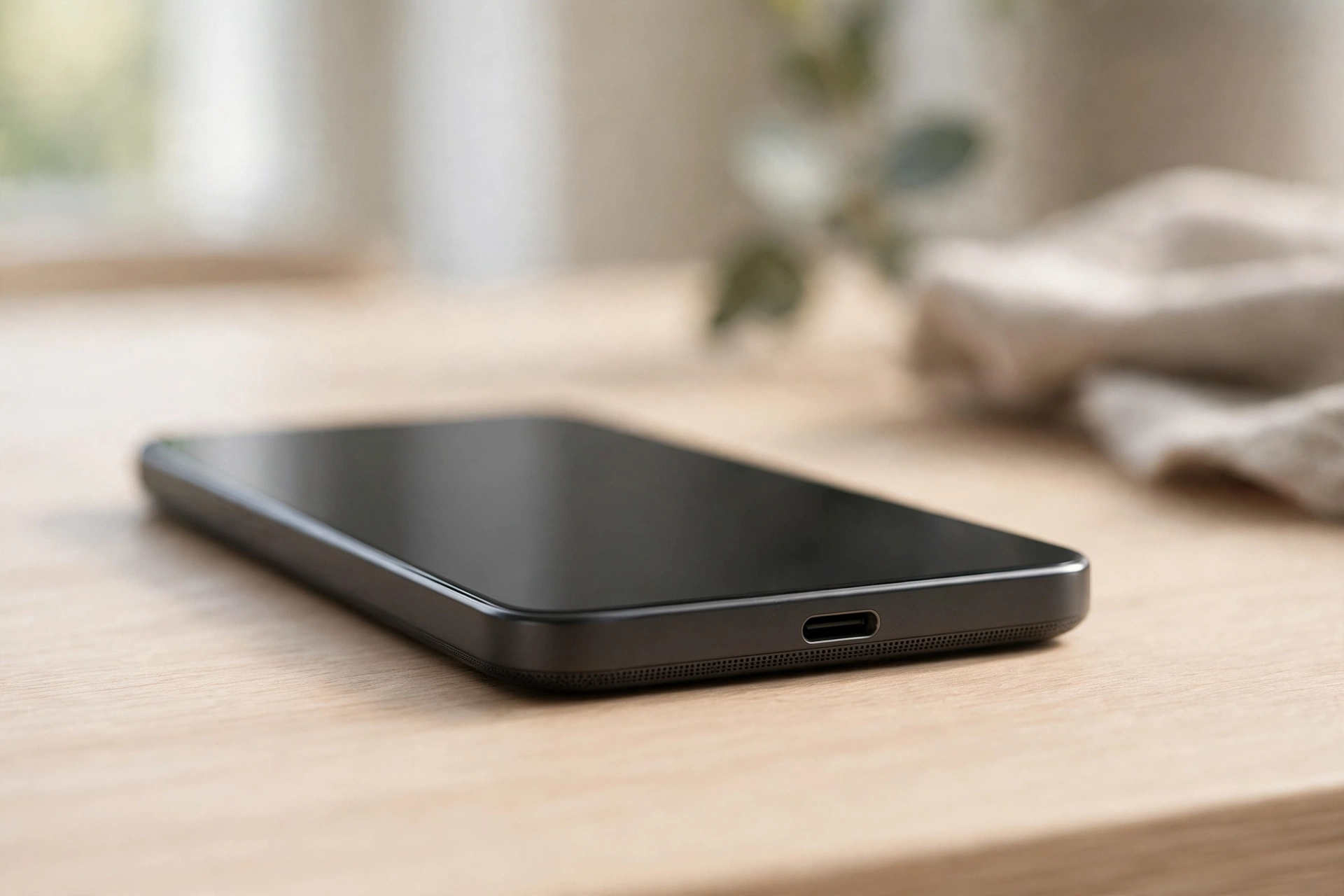
Now look at the speaker grille, the row of small holes along the bottom edge, under a bright light. If it looks grey or clogged, brush it gently with a soft, dry toothbrush, stroking outward. Never poke the holes with a pin, since the speaker sits directly behind the grille.
When an app is the problem, Safe Mode will prove it
If the speaker works for the ringtone but not for videos, or works in one app but not another, an app may be grabbing the audio and not letting go.
Test three sound sources: a video app, a music app, and the ringtone in Settings. If only one app is quiet, open Settings, then Apps, find that app, and clear its cache, then restart the app and try again. Also check inside the app for its own mute button.
If every app is silent, restart the phone, then try Safe Mode: press and hold the power button, then press and hold Power off until the prompt appears. If the sound comes back there, a downloaded app is interfering, so remove recently added apps one at a time.
Tested on
Run this check yourself, in order, on your own LG. You don’t need any tools beyond a soft toothbrush and a bright light.
Play the same video through the speaker, then through wired headphones, and note which one makes a sound. Then ask someone to call you, and set an alarm for one minute ahead.
While a video is playing, press volume up and check the media slider on its own. Switch Do Not Disturb off, take the phone out of its case, and disconnect every Bluetooth device.
Look for a headphone icon stuck in the status bar. If it’s there, switch the phone off, remove any lint from the jack with a wooden toothpick, then restart the phone.
Brush the speaker grille gently outward with a dry, soft toothbrush. Restart the phone and test the ringtone and a video again. If the sound is still missing everywhere, try the free Fix My Speaker tool on this site, which plays a tone to test your speaker, then restart in Safe Mode.
Frequently Asked Questions
Why is my LG G8 or V60 speaker not working but headphones are fine?
If wired headphones sound perfect while the speaker stays silent, the fault sits with the speaker, its grille, or the headphone jack switch, not with the audio chip.
Does the LG Velvet have a Quad DAC like the G8 and V60?
No, the Velvet missed out on the Quad DAC, even though the G8 and the V60 both shipped with one. Wired headphone sound on a Velvet won’t match a V60, and it’s a real hardware difference, not a setting.
Can LG still fix my phone now that it has left the phone business?
LG has exited the phone business, so there are no new LG phones and official support has wound down. A speaker repair will usually come from an independent repair shop, so get a quote first.
How do I use Safe Mode to test my LG speaker?
Press and hold the power button, then press and hold Power off until the Safe Mode prompt appears. If your speaker works there but not normally, a downloaded app is interfering, so remove recently installed apps one at a time.