
Nokia Speaker Silent? The Checks That Bring Sound Back
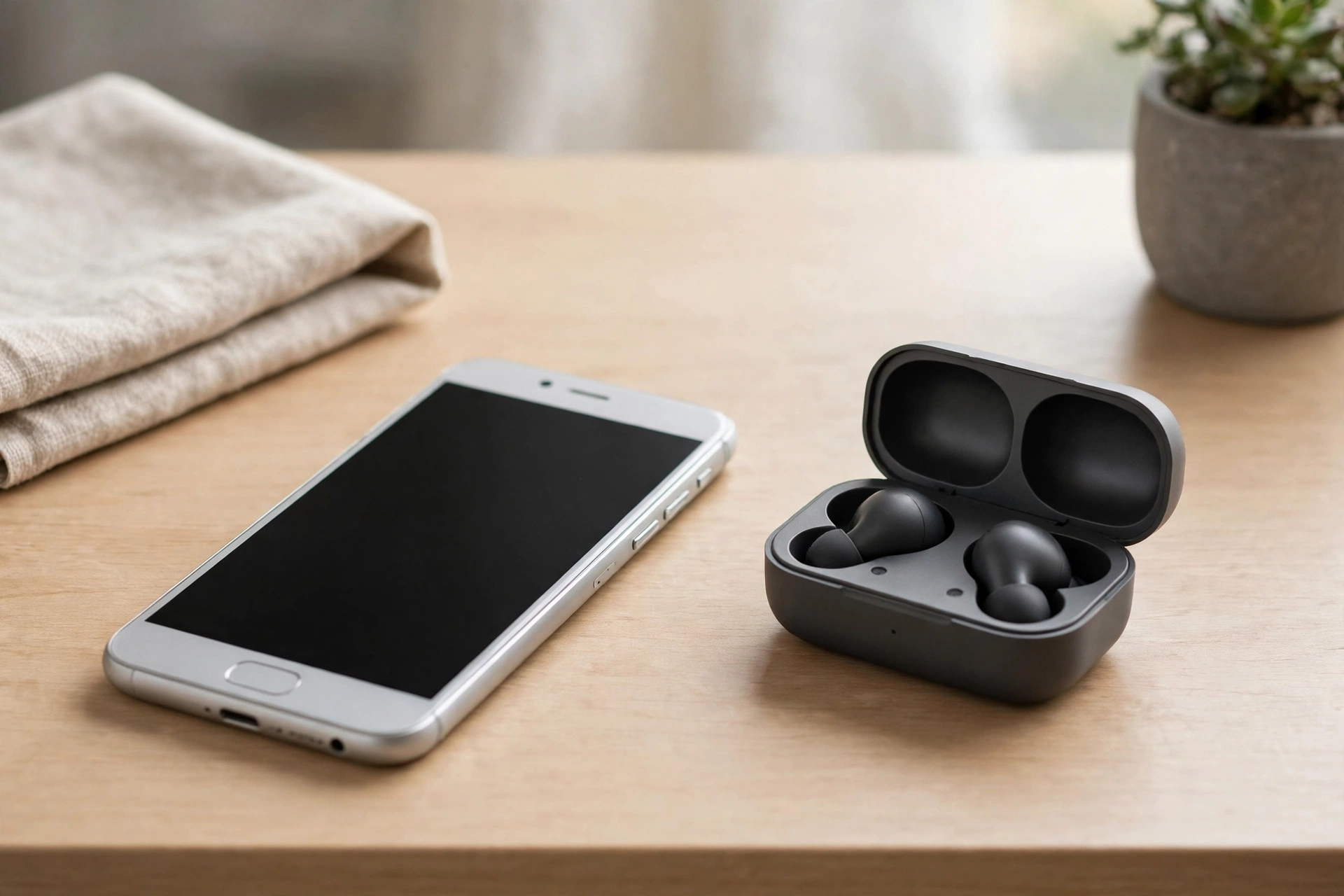
A Nokia that suddenly goes quiet feels like a betrayal. These phones have a reputation for being tough and hard to kill, so when the speaker stops, your first thought is usually that something serious has broken. Most of the time it hasn’t. A silent Nokia is far more often a setting, a stuck mode, a blocked grille, or one misbehaving app.
The trick with a Nokia is that there’s nowhere for a sound fault to hide in fancy brand software. HMD Global put most of its smartphones into Google’s Android One program, so they run near-stock Android with very few changes and almost no bloatware. There are no hidden Nokia sound menus to hunt through, and no custom skin doing strange things to your volume.
What “no sound” actually means on your Nokia
“No sound” covers a few very different faults, and they point in different directions. Ringtone silent but music plays? That’s a volume or Do Not Disturb problem. Music silent but calls work? That’s a media problem, or an app problem. Everything silent, including the ringtone, alarms, and videos? That’s when you start thinking about the speaker itself, or a phone stuck thinking headphones are plugged in.
Try this quick split first. Play a video, then ask someone to call you, then set an alarm for one minute ahead. If the alarm rings but the video doesn’t, the speaker is alive and the fault sits with media volume or the app. If nothing makes a sound, the speaker, the headphone jack, or a system-wide mute is in play.
Volume, mute, and Do Not Disturb: the boring checks that fix most cases
You’ve probably already checked the volume. Check it again, properly, while something is actually playing. Android splits volume into separate sliders for media, calls, ringtones, and alarms, so turning the ringtone up does nothing for a silent video. Open a video, press volume up, tap the slider icon, and look at the media slider on its own.
Do Not Disturb is the next stop. Swipe down from the top of the screen and look for the tile. If it’s on, switch it off and test again. Also check Settings, then Sound, for a silent mode you didn’t mean to enable, or a ringtone set to None. Take the phone out of its case and test again, since a tight case can cover the speaker grille.
Is your Nokia stuck thinking headphones are plugged in?
This fault fools the most people. Your phone decides headphones are connected when they aren’t, sends all the sound to an empty headphone jack, and the speaker stays silent. The giveaway is a headphone icon stuck in the status bar, or sound that returns when you plug headphones in and vanishes when you pull them out.
The cause is usually pocket lint or dust in the headphone jack, if your model has one. Look into the jack with a bright light. If you can see fluff, switch the phone off, then gently tease it out with a wooden toothpick. Don’t use anything metal, and don’t pour liquid in there.
Plug a pair of headphones in and out a few times, slowly, then restart the phone. If sound only ever comes through headphones, the jack is the problem, and a repair shop can clean or replace it cheaply.
Dust, water, and the speaker grille you can’t see
Nokia phones are built to survive real life, but their speaker grilles are still tiny holes, and tiny holes clog. Dust and pocket lint build up over months, and the sound gets quieter until one day you think the speaker has died. Look at the grille, a row of small holes along the bottom edge, under a bright light.
Brush it very gently with a soft, dry toothbrush, brushing outward, away from the phone. Never poke the holes with a pin. The speaker sits right behind that grille, and a sharp point can do real damage.
One bad app, updates, and knowing when to stop
If YouTube is silent but the ringtone works, that app may be at fault. If every app is silent, the system is at fault. If only one app is quiet, open Settings, then Apps, find that app, and clear its cache, then restart the app and test again.
If every app is quiet, restart the phone, then try Safe Mode by pressing and holding the power button, then pressing and holding Power off until the prompt appears. If sound works in Safe Mode, a downloaded app is interfering. Restart normally to leave Safe Mode.
Nokia and HMD phones also come with an official companion app called My Device by HMD, which its listing says can help you diagnose device issues and reach customer support. If you’ve worked through volume, Do Not Disturb, the headphone jack, Bluetooth, dust, Safe Mode, and updates, and the speaker is still silent in every app, you’ve done the honest home checks. Take your notes to a repair shop: which sounds failed, which worked, and when it started.
Tested on
Run this check yourself, in order, on your own Nokia. You don’t need any tools beyond a soft toothbrush and a bright light.
Play a video, take a call, and set an alarm for one minute ahead, and note which of the three makes a sound.
While a video is playing, press volume up, tap the slider icon, and check the media slider on its own. Switch Do Not Disturb off, take the phone out of its case, and disconnect every Bluetooth device.
Look for a headphone icon in the status bar. If it’s there, switch the phone off, check the jack for lint, gently remove any fluff with a wooden toothpick, then restart the phone.
Brush the speaker grille gently outward with a dry, soft toothbrush. Then restart the phone and test the ringtone, a video, and an alarm again. If the sound is still missing everywhere, try the free Fix My Speaker tool on this site, which plays a tone to test your speaker, then restart in Safe Mode and see if the sound returns there.
Frequently Asked Questions
Why is my Nokia phone speaker not working all of a sudden?
The most common causes are a media volume slider at zero, Do Not Disturb switched on, a phone stuck in headphone mode, or a Bluetooth device still connected. Check those first, then restart the phone.
How do I know if my Nokia is stuck in headphone mode?
Look for a headphone icon stuck in the status bar, and check whether sound returns when you plug headphones in but vanishes when you pull them out. Lint in the jack is the usual cause, so switch the phone off, clean it gently, and restart.
Can dust really silence a Nokia speaker?
Yes, it can make the speaker sound faint or muffled, because the grille holes are tiny and clog slowly over months. Brush the grille gently outward with a dry, soft toothbrush, and never poke the holes with a pin.
What is Safe Mode, and how does it help with Nokia sound problems?
Safe Mode restarts your Nokia with only its built-in apps running. If the speaker works in Safe Mode but not normally, a downloaded app is the culprit, so remove recently installed apps one at a time, then restart to leave Safe Mode.