
Realme Speaker Not Working: Start Here Before You Book a Repair
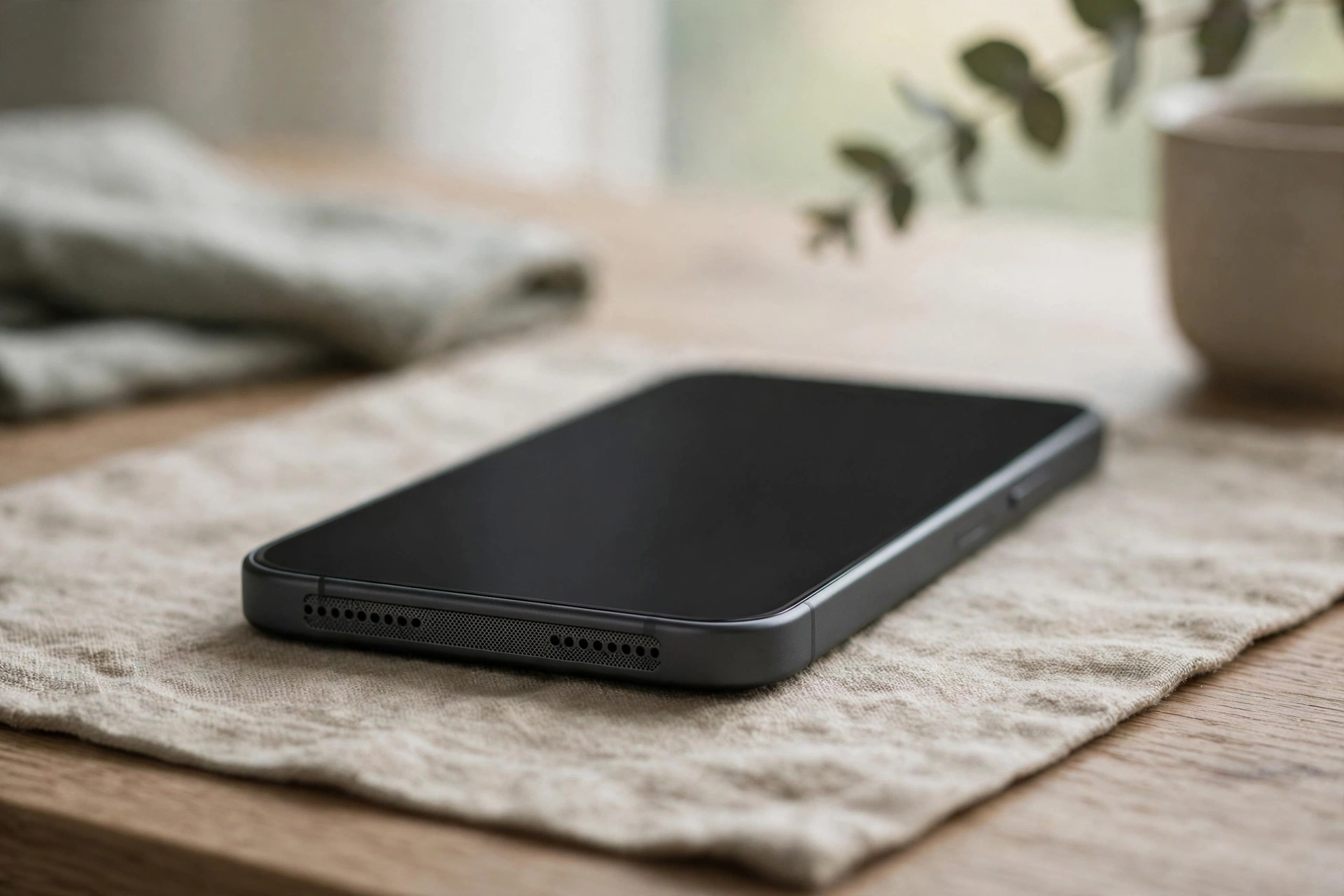
Your Realme was singing yesterday. Today it won’t utter a peep — no ringtone, no video audio, no music. Hold off on picturing a broken speaker. A speaker that quits overnight is rarely kaput. Something is rerouting the sound, muting it, or blocking it, and nearly all of those somethings take a couple of moments to undo. The split test below names which kind it is.
The Split Test: Two Minutes That Decide Everything
Don’t fix anything yet. Test first. Play a video from your gallery with media volume right up. Then play the same sound in two other spots: a song in your music app, then a video on YouTube. Three apps, one question: does it sound?
Two play well and one’s quiet? Your speaker is healthy — that app is the troublemaker. Jump to Branch A. All three silent? The trouble sits in the phone itself. That’s Branch B.
Jot it down — “Gallery yes, music yes, YouTube no” is a diagnosis, not a guess, and it’ll save you undoing settings that were never the problem.
Branch A: One App Quiet? That App Is Lying to You
Your speaker just proved it works — it played sound in two other apps. So the silent app is misbehaving on its own.
Start with the mute inside the app — YouTube has a mute switch on the video itself. Open the quiet app, hunt for anything labelled mute, sound, or audio, and flip it on.
Second, peek at permissions for that app: Settings, Apps, the quiet app, Permissions. If an update quietly took away its media or audio permission, the app can’t play sound. Flip it on and try again.
If that doesn’t do it, clear the cache for that app: same Apps screen, Storage, Clear cache. Cached audio data can go stale after an update and mute playback. Listen for your sound once the clear is done.
Still quiet? See if the Play Store has an update for that app — a buggy release can break audio. Download it, reopen the app, and listen again. No update? Uninstall the app and put it back on fresh.
Branch B: Everything Silent? Your Sound Is Going Somewhere Else
All three apps stayed quiet, so this isn’t an app problem — your phone is sending sound somewhere you can’t listen to it, muting it, or turning it down. Work through them in order.
Media volume first. Press volume up while a video is playing, then tap the expand arrow beside the volume control. Media gets its own slider, and it can sit at zero while your phone still rings. Push media to the top and listen to that video.
Bluetooth is the number one sound thief. If your phone paired with wireless buds, a car stereo or a Bluetooth speaker earlier, it may still be sending all your sound there, though that gadget sits in a different room, switched off. Your end goes quiet while the phone thinks you’re listening elsewhere. Switch Bluetooth off altogether. If sound floods in, you’ve caught it.
Then Do Not Disturb and silent mode. Pull down the quick settings tiles and spot the little moon or a bell with a slash. Do Not Disturb stops your phone ringing, and on some Realme models it hushes media alerts too. Turn it off, confirm the phone isn’t in silent mode, and listen to that video.
Still Nothing? The Grille, Then the Software
If the speaker sounds fuzzy, scratchy, or very faint, the grille is the likely candidate. Pocket fluff packs over the tiny openings at the base of the phone and chokes the sound. Don’t poke the openings with a pin, a needle, or a SIM tool — you’ll shove grime further in.
Reach for a soft toothbrush. Hold the phone grille-down and sweep the openings, flicking outward so grit drops out. No water, no soap, no cleaning spray. Then run a tone through the Fix My Speaker tool on this site and listen for the difference.
Recall the newest thing you altered ahead of the silence and undo it first — it’s usually the culprit. If a fresh app landed just ahead of the sound vanishing, uninstall it and listen again — some apps hog the audio channel. See if a system update is waiting in Settings, under Software Update, and download it — Realme sends out patches for audio bugs in these updates.
If nothing has worked, try Safe Mode. Hold the power key, then hold Power off until the Safe Mode prompt appears and tap OK. In Safe Mode only the built-in apps can run, so if sound works there, a downloaded app is blocking it. Reboot to exit Safe Mode, then uninstall your most recent apps one at a time.
Tested on
Try this yourself ahead of changing anything else — all it takes is your phone and a few quiet moments.
First, play a video from your gallery — one you recognise — with media volume turned right up. Sound tells you the speaker works; silence, you note and carry on. Second, play a song in your music app and a video on YouTube. One app playing while the others stay quiet points at the quiet apps themselves. All three quiet points at the phone, not an app.
Third, switch Bluetooth and Do Not Disturb off, then play the gallery video a second time. Sound back means one of them was stealing or blocking it. Still silent? Work through the grille sweep and the software steps above, playing that same video after each tweak. Finally, reboot the phone and play the video a final time. If the sound holds through a normal day, you’re sorted.
When It’s Time to Book a Repair
The bulk of silent Realme speakers come back with the steps above. A few don’t — that’s when a repair is the sensible move. Book one if the speaker rasps, hums, or shakes at low volume — that points at a broken speaker, not a setting. Book one too after water damage that never cleared, or a nasty fall that came with the silence.
Don’t open the phone yourself — Realme phones aren’t built for home repairs, and opening one can void a warranty. Take it to an authorised service centre and tell them what you saw.
Frequently Asked Questions
Why is my Realme speaker not working all of a sudden?
A sudden silence is usually a setting, a Bluetooth connection, or a stuck app, not a dead speaker. Run the three-app split test, then turn Bluetooth and Do Not Disturb off and restart.
Why can I hear calls but not videos or music on my Realme?
Calls and media use different sliders, so media volume can sit at zero while calls sound fine. Open the full volume panel while a video plays and slide media up.
Can dust really make a Realme speaker go silent?
Yes, packed lint and dust over the grille can muffle sound until it feels silent, especially at low volume. Brush the grille gently with a soft dry toothbrush, and never poke it with a pin or needle.
Should I factory reset my Realme if the speaker stays silent?
Don’t reset yet. Try Safe Mode first, then check for updates and uninstall the last app you added before the silence started. A reset wipes your data, so it comes after those safer steps.