
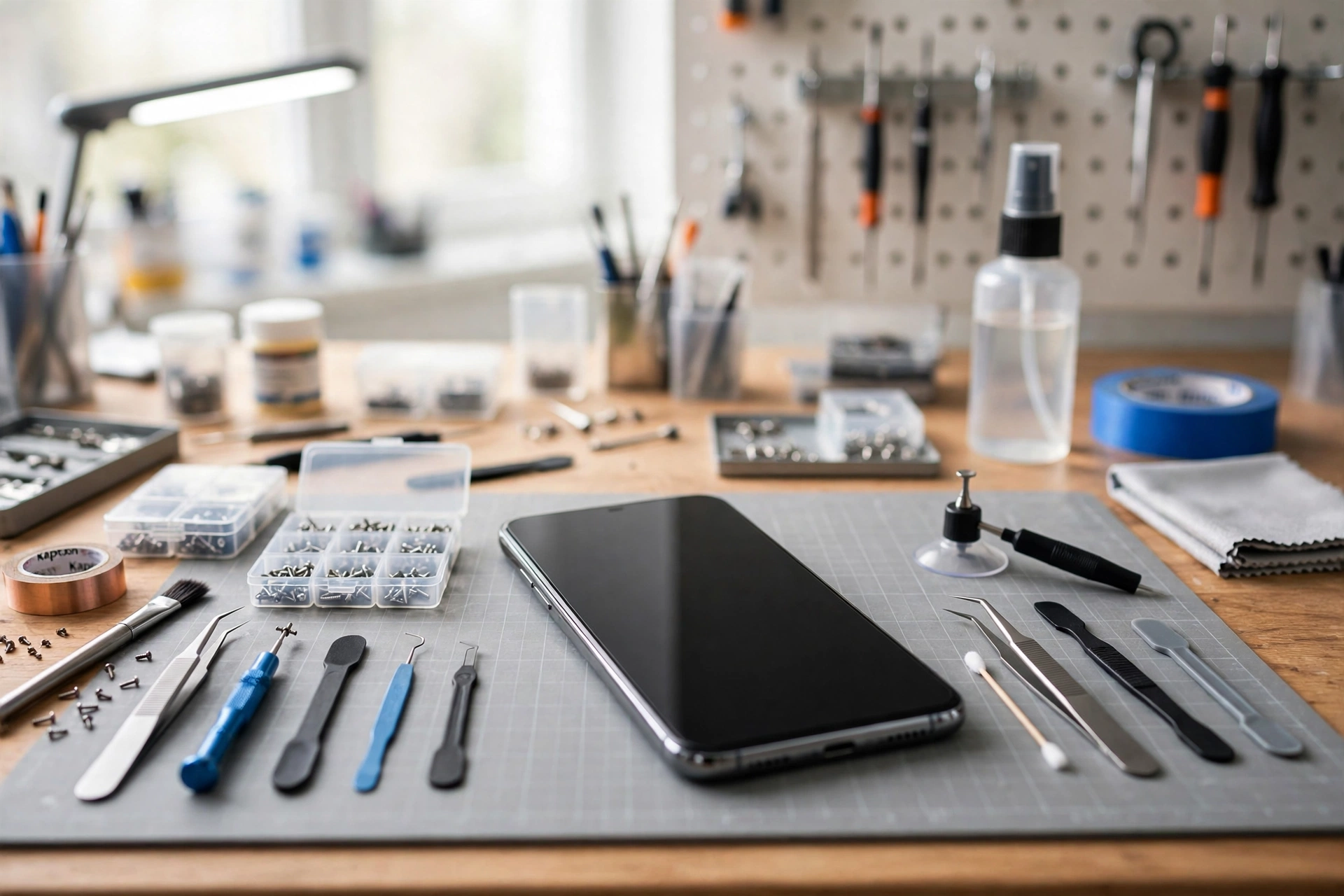
Speaker Not Working After Screen Replacement? Here’s What to Do
If your speaker stopped working right after a screen replacement, the repair itself is the most likely suspect. During screen work, a technician disconnects several small internal parts, and the speaker connector can be left loose. Before you panic, run the safe software checks below — and if they don’t help, take the phone back to the shop.
Rule Out a Software Glitch First
A repair can also coincide with a software hiccup, so start with the easy checks. These take only a few minutes and cost nothing.
- Restart your phone completely, not just lock and unlock the screen.
- Turn the volume all the way up using the side buttons while media is playing.
- Check that Do Not Disturb or a focus mode is not silencing your audio.
- Disconnect any Bluetooth headphones, speakers, or smartwatches that might be stealing the sound.
- Play audio from two different apps, such as a music app and a video app, to see whether the problem affects everything.
If sound returns after any of these steps, the repair was probably not the cause, and you can stop here.
Check the Basics After a Repair
A fresh screen replacement can change a few things you might not expect. Work through these simple checks before assuming the speaker is broken.
- Make sure no protective film or case is covering the speaker grille at the bottom of the phone.
- Look closely at the speaker openings for dust, adhesive residue, or a screen protector edge that hangs over them.
- Test both the loudspeaker and the earpiece by playing media on speaker and then making a regular phone call.
- Try a voice recording: record a short clip and play it back to test the speaker separately from the microphone.
- Confirm the phone is not stuck in headphone mode after the repair, which can mute the built-in speaker.
If the speaker is quiet, muffled, or crackly rather than completely silent, note exactly how it sounds. That detail helps the repair shop diagnose the fault faster.
Try the Free Speaker Test
A quick test can tell you whether the speaker is producing any sound at all, which is useful information to take back to the shop. You can run a free speaker test at https://myspeakerfix.com/ to play a tone through your phone’s speaker and hear whether it responds. If you hear nothing at all even at full volume, the problem is almost certainly hardware-related and linked to the repair.
What Likely Went Wrong Inside the Phone
You do not need to open your phone to understand the most common post-repair causes, and you should not try. Opening a modern phone yourself can break the new screen, damage the battery, or void the repair warranty. Still, knowing what to describe to the technician helps.
- The speaker connector may have been left loose or not fully seated when the phone was reassembled.
- A small speaker component may have been damaged or misaligned during screen removal.
- Adhesive or debris from the screen replacement may be partially blocking the speaker grille from the inside.
- A flex cable that carries audio signals may have been pinched or strained while the screen was fitted.
All of these are faults the repair shop should inspect and correct, because they appeared only after the phone was in their hands.
When to Take It Back to the Shop
If the software checks above did not restore sound, stop troubleshooting and contact the shop that replaced your screen. This is a warranty matter, not a do-it-yourself repair. Most reputable repair shops guarantee their work for a period after the repair, and a speaker fault that appears immediately afterwards should be covered.
- Go back as soon as possible, while the fault is clearly linked to the recent repair.
- Bring your repair receipt or job card, and note the date of the screen replacement.
- Show the technician the problem on the spot: play a video or ringtone so they can hear the fault.
- Ask them to check the speaker connector and seating before they suggest replacing any parts.
- Do not let a different shop open the phone first, since that can void the original repair warranty.
Be polite but direct. Explain that the speaker worked before the screen replacement and stopped working immediately afterwards. That timeline is your strongest evidence.
What to Tell the Repair Shop
A clear description saves everyone time and helps you get a free fix rather than a paid one. Before you visit, write down the answers to these questions.
- Did the speaker stop working immediately after you collected the phone, or a few days later?
- Is the sound completely gone, or is it quiet, distorted, or crackly?
- Does the fault affect media playback, calls, ringtones, or all of them?
- Did you already try a restart, a volume check, and disconnecting Bluetooth devices?
Handing over these answers shows you have done the reasonable checks and points the technician straight at the repair-related cause.
Frequently Asked Questions
Why did my speaker stop working after a screen replacement?
During screen work, the phone is opened and several internal parts are disconnected and reconnected. If the speaker connector is left loose, or a speaker part is damaged or misaligned during reassembly, the speaker can stop working or sound distorted. Software glitches are also possible, so restart your phone and check volume and Bluetooth settings first.
Can I fix a loose speaker connector myself?
No, you should not open the phone yourself. Modern phones are sealed with adhesive, and opening one risks cracking the new screen, damaging the battery, or voiding your repair warranty. A loose connector is a quick fix for the shop that did the repair, and it should be covered under their workmanship guarantee.
What if the shop says the speaker fault is unrelated to the repair?
Explain calmly that the speaker worked before the repair and failed immediately afterwards, and show your repair receipt. Ask them to at least inspect the speaker connector and seating. If they refuse, get a second opinion from another reputable shop, but do not let anyone else open the phone until you have the first shop’s response in writing.
Should I try a factory reset before going back to the shop?
A factory reset is a last resort and is rarely needed for a post-repair speaker fault. Try a restart, volume and Bluetooth checks, and a speaker test first. Only consider a reset after backing up your data, and only if the shop asks you to rule out a software cause.