
Sand in Your Phone Speaker? Get Every Grain Out Without Scratching It
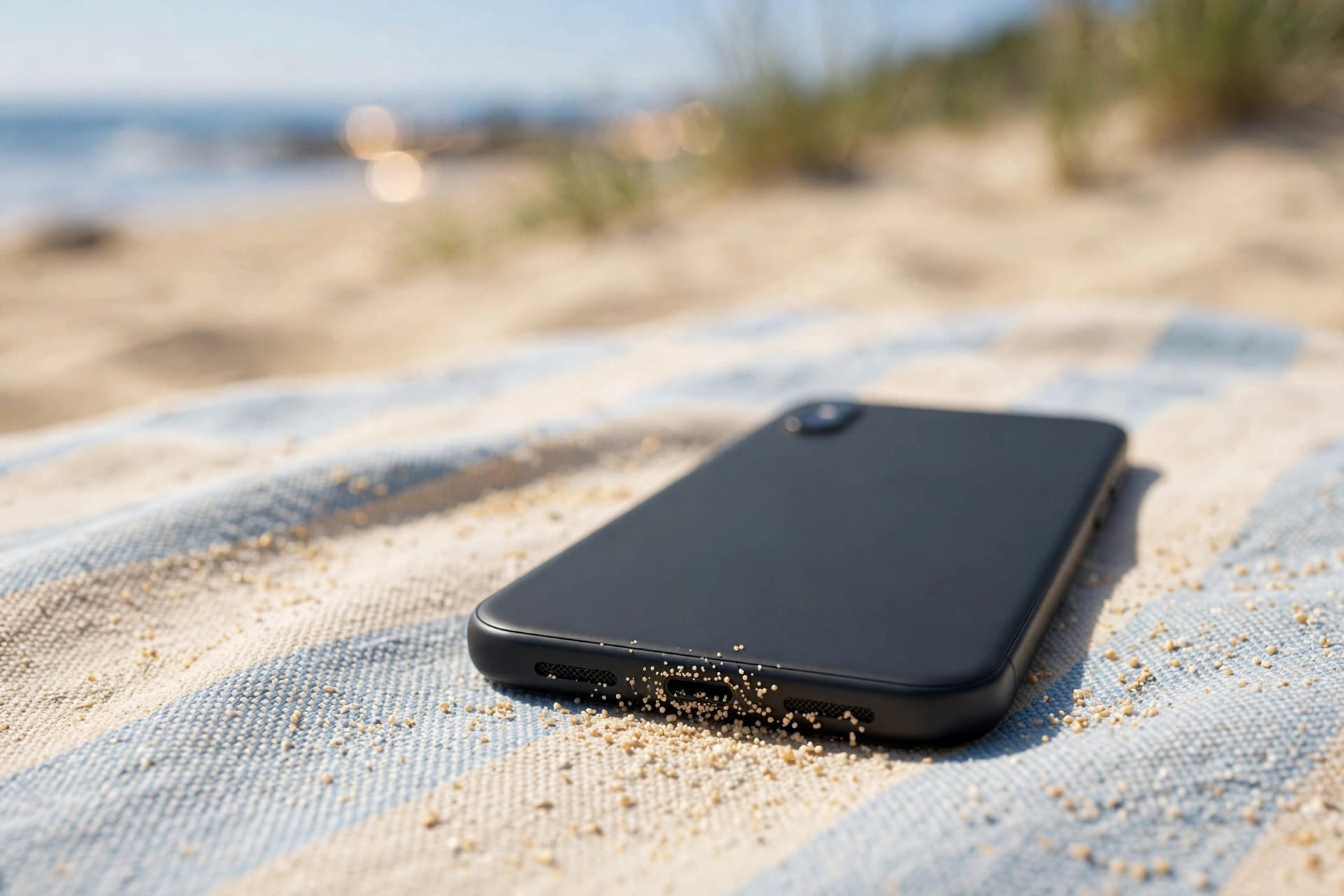
Sand in your phone speaker is the one speaker problem where the wrong fix causes permanent damage. Sand is hard and sharp, and anything that pushes it deeper or drags it across the speaker will scratch the diaphragm or wedge grains where no brush can reach them. The safe way is gravity first: power off, hold the speaker down, tap the grains out, lift what’s left with tape, and finish with a sound cycle. Here’s the full method — and the three things you must never do.
Video: How to fix Muffled Microphone or Speaker on iPhone (WITH RESULTS) — Phone Repair Guru (YouTube)
Why sand is different from dust
Dust is soft and light, so a brush moves it. Sand is mostly quartz — harder than the speaker mesh and harder than your phone’s finish — and the grains are heavy, so they sink into the mesh and wedge there. Drag a brush across them and you’re dragging tiny stones across a delicate surface. Add water and it gets worse: wet sand turns into a paste that dries like cement inside the grille.
That’s why the order matters more than the tools. Loose grains have to come out first, with gravity doing the work. Only then is it safe to brush, and only then does a sound cycle help. Do it backwards — brush first, or blast air into the grille — and you turn a cleaning job into a repair.
Never do these three things
Compressed air. This is the most common bad advice you’ll find. A blast from a can drives grains deeper into the mesh instead of out of it, and the pressure can tear the speaker’s thin diaphragm. Apple and Samsung both say not to use compressed air on phones. If a guide tells you to use it, that guide is wrong.
Poking with pins, toothpicks, or SIM tools. Anything hard and pointed scratches the diaphragm, punctures the mesh, and pushes grains past it into the speaker chamber. Once a grain is past the mesh, no home method can reach it.
Water, rice, or rubbing alcohol. Water turns sand into paste and corrodes the speaker contacts. Rice does nothing for sand — it can’t absorb a solid. And rubbing alcohol in the grille isn’t in any manufacturer’s guidance; it can damage coatings and carry dissolved grit deeper. No official page from Apple, Google, or Samsung documents a vacuum cleaner, rice, or silica gel for sand removal either. Dry methods only.
Do this instead: the safe sequence
Power off and remove the case. Power off so the speaker isn’t vibrating while you work.
Tap it out, speaker-down. Hold the phone with the speaker grille facing the floor and tap the back of the phone gently against your palm. Gravity pulls the loose grains out. Do it over a light surface so you can see what falls out.
Lift what’s left with tape. Press a small piece of painter’s tape or sticky tack gently over the grille and peel it off. It lifts grains the tap loosened but didn’t remove. Press gently — you’re lifting, not extracting.
Brush only now. With the loose grains gone, brush across the grille with a soft, dry brush, using light strokes parallel to the surface — never into the holes. The bristle tips flick material out; pressing the brush in packs it further down.
Finish with a sound cycle. Run the free Fix My Speaker cleaner once, speaker-side down. The vibration shakes out grains wedged in the mesh from behind. Then repeat the tap and the cycle once more.
Sand in the charging port too?
Sand rarely stops at the speaker — check the charging port the same day. The same gravity rule applies: hold the port facing down and tap the phone gently. If a clump is truly stuck, a wooden or plastic toothpick can nudge it out, but never use anything metal — it bends the contacts. Don’t blow into the port either; your breath carries moisture. If the cable still won’t sit properly after that, get it checked: a bent pin costs far more than a cleaning.
The sound test: are grains still inside?
This is how you know whether you’re done. Play a frequency sweep at half volume and listen carefully. A rattle or buzz that appears at one pitch and vanishes at the next means a grain is still inside, vibrating against the diaphragm. A rattle across the whole sweep means several grains — or a scratched diaphragm.
If you hear a rattle, repeat the tap and the sound cycle once, then run the sweep again. If the rattle is still there after three cycles, stop. The grain is wedged past the mesh and needs a professional clean, and playing loud tones at a rattling speaker will only grind it further into the diaphragm. Note which pitches rattle and tell the shop — it tells them exactly where to look.
Tested on
Run this protocol and note your results: power the phone off, remove the case, and hold the speaker grille facing down over a sheet of white paper. Tap the back of the phone gently against your palm and count the grains. Press tape gently over the grille, peel it off, and note what it lifted. Brush across the grille with a soft, dry brush, speaker still down. Run one sound-cleaning cycle, then play a frequency sweep at half volume and note the pitches where anything rattles. If you hear a rattle, repeat the tap and the cycle once and sweep again. Photograph the grille before and after.
When sand has already scratched something
If the sound stays distorted after the grains are out, a grain may have scratched the diaphragm — and a scratch doesn’t heal. If the distortion only appears at high volume, keep the volume moderate and get a repair quote before it gets worse. If the speaker crackles at low volume too, book a repair: the diaphragm is damaged, and no cleaning cycle will fix it. Tell the shop it was sand, not water — the repair is different, and so is the price.
Frequently Asked Questions
Can I use a vacuum cleaner to suck sand out of my phone speaker?
No manufacturer documents it, and suction can pull at the mesh or drag grains across it. Use gravity first — tap the phone speaker-down — then tape and a sound cycle. It’s slower, but it doesn’t risk the diaphragm.
Is compressed air safe for sand in a phone speaker?
No. Apple and Samsung both say not to use compressed air on phones. The blast drives grains deeper into the mesh and can tear the diaphragm. Gravity, tape, a soft brush, and a sound cycle are the safe methods.
Will playing loud music push the sand out?
Partly, but not on its own. Vibration helps after the loose grains are out, but loud music before that drags grains across the diaphragm. Do the tap and tape steps first, then run a sound cycle at moderate volume.
How do I know all the sand is out?
Run the sweep test: play a frequency sweep at half volume and listen. No rattle at any pitch means the grille is clear. A rattle at one pitch means a grain is still inside — repeat the tap and the sound cycle once more.
Related Guides
Sources: Apple Support — iPhone speaker troubleshooting, CellularNews — how to remove sand from a phone speaker