
Fix iPhone 17 Pro Max Speaker Static While Charging
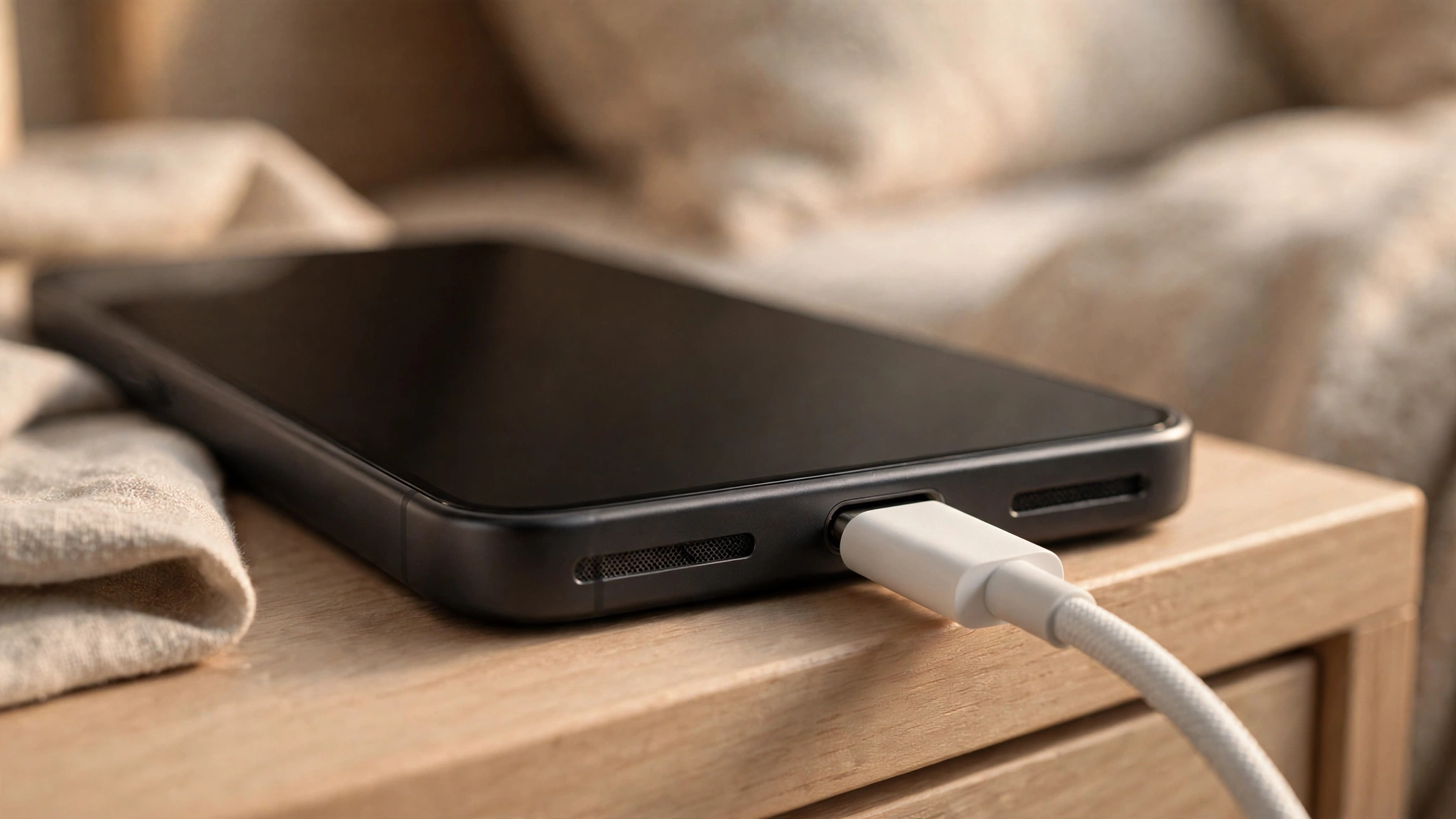
A faint hiss, buzz, or static from your iPhone 17 Pro Max speaker while it charges — even at zero volume with nothing playing — is a reported issue affecting some owners. The key clue is the charger: unplugging the USB-C cable or locking the phone usually stops it, and MagSafe is usually quieter. Run the unplug test first: if the noise follows the cable, the charging setup is involved, not a dead speaker.
The Unplug Test: Confirm Charging Is the Trigger
This one test separates a charging problem from a speaker problem in under a minute.
- Plug in the usual USB-C cable and charger, with no audio playing and the volume at zero, and listen at the bottom speaker for a hiss or buzz.
- Unplug the cable while listening. If the sound stops the instant the cable comes out, charging is the trigger.
- Plug the cable back in, then lock the phone. If the sound stops, the noise is tied to the phone being awake and charging at the same time.
- Play a song at low volume while charging. If the music sounds clean and the hiss is only audible in silence, the speaker is probably fine.
MagSafe vs USB-C: Which Charger Is Quieter?
The same phone can be silent on one charger and noisy on another. MagSafe is usually quieter, which makes it a useful comparison, not just a workaround.
| Charging method | What owners report | Why it matters |
|---|---|---|
| USB-C, high-wattage charger | Static or hiss most often reported | Fast charging draws the most power |
| USB-C, low-wattage charger | Often quieter, sometimes silent | Less power draw, less interference |
| MagSafe wireless charging | Usually quieter than USB-C | No direct electrical connection to the speaker circuit |
| Unplugged | Sound stops | Confirms charging is the trigger |
Try each method for a few minutes in a quiet room with no audio playing, and note which combinations hiss — that list is exactly what Apple Support will ask for.
Try a Lower-Wattage Charger and a Different Outlet
Before blaming the phone, swap the parts around it — chargers and outlets are the cheapest variables to test, and a noisy charger can make a healthy phone hiss.
- Swap the high-wattage charger for a lower-wattage one, such as a standard 5W or 20W Apple charger, and listen for a few minutes.
- Try a different USB-C cable, ideally an Apple or certified cable — damaged or cheap cables are a common source of electrical noise.
- Plug the charger into a different wall outlet, away from power strips and other electronics.
- Remove the case while testing — metal cases or magnetic accessories can change how interference reaches the phone.
If a different charger or outlet silences the hiss, the phone was never the problem — retire the noisy charger. If every charger hisses the same way, the issue sits in the phone, and the recording step below is your next move.
Check Volume Limit and Reduce Loud Sounds
These settings cap how loud the speaker can go, and are worth ruling out — a volume cap can make background noise more noticeable.
- Go to Settings > Sounds & Haptics > Headphone Safety and check Reduce Loud Sounds is not set oddly low.
- Go to Settings > Sounds & Haptics and make sure the ringer volume slider is not at zero.
- In Settings > Accessibility > Audio & Visual, confirm the balance slider is centred and Mono Audio is off.
- Toggle the silent switch or Action Button once and back, then play a short sound to confirm the speaker responds.
Record the Hiss and Report It to Apple
A faint hiss is hard to describe and easy to dismiss, so record it. Hold a second phone close to the bottom speaker while the phone charges in a quiet room and capture 20–30 seconds of the sound. Note the charger wattage, the cable, whether MagSafe or USB-C was used, and whether locking the phone stopped it.
Apple is reported to be working on a fix, possibly in a later iOS 26 update, but that is a report, not a promise — and iOS 26.2 did not fix it for the owners who reported the problem. Install updates when they arrive, since a fix could land in any release, but do not wait for an update if the noise is loud or getting worse. This is a reported issue affecting some owners, not a universal defect and not a confirmed recall, so your experience may differ from what others describe. If the hiss is loud, appears suddenly, or comes with heat, swelling, or a smell from the charger or the phone, stop charging immediately and contact Apple Support — that combination is a safety issue, not a software quirk. A detailed walkthrough of the same charger-swap tests is available in this iPhone 17 Pro Max charging static fix guide.
Tested on
You can check whether your speaker is healthy apart from the charging noise. Open the free tone test on myspeakerfix.com with the phone unplugged and play a tone sweep at moderate volume, listening for clean tones with no buzz or rattle. Then plug in the usual charger, wait a minute, and run the same sweep at the same volume. If the tones sound identical in both cases and the hiss only appears in silence while charging, the speaker driver is fine — the charging setup is the source. If the sweep itself distorts, the speaker needs a separate check.
Frequently Asked Questions
Why does my iPhone 17 Pro Max speaker hiss while charging?
Some owners report faint static from the bottom speaker during USB-C charging, even at zero volume with no audio playing. Unplugging the cable or locking the phone usually stops it, which points to electrical interference from charging rather than a broken speaker.
Does MagSafe charging stop the static noise?
MagSafe is usually quieter than USB-C for the owners who report this issue, because there is no wired connection. It is not a guaranteed fix — test it yourself in a quiet room — but it is the easiest workaround while waiting for a software fix.
Did the iOS 26.2 update fix the charging static?
No — owners who reported the hiss say iOS 26.2 did not fix it for them. Apple is reported to be working on a fix that may arrive in a later iOS 26 update, so keep installing updates and re-test after each one.
Is the charging static dangerous for my iPhone?
A faint hiss in a silent room is a reported nuisance, not a confirmed safety problem. But if the noise is loud, comes with heat, swelling, or a smell, stop charging at once and contact Apple Support — that combination needs a safety check, not a settings tweak.
Related Guides
- How to test your phone speaker with a tone sweep
- Fix a crackling phone speaker step by step
- No sound on your phone? Start here
- Speaker not working after an update
- Bluetooth connected but no sound
If your iPhone 17 Pro Max hisses while charging, run the unplug test, try MagSafe and a lower-wattage charger, and record the sound for Apple — the pattern you capture is the strongest evidence for a fix. Test the speaker free at myspeakerfix.com to confirm the driver is healthy apart from the charging noise.