
How to Fix No Sound on Apple Music
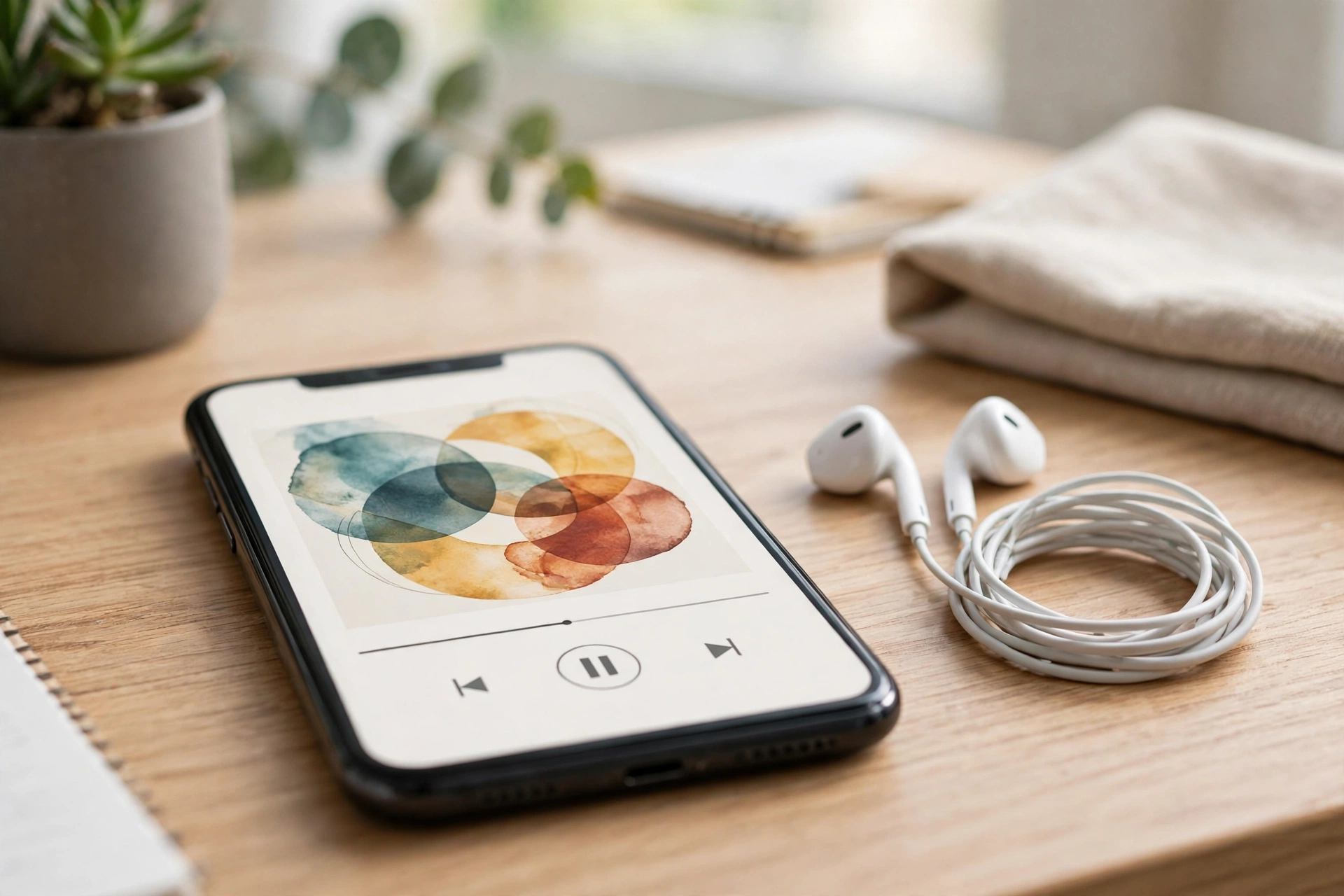
The song is playing. The timer is moving, the album art is up, the progress bar creeps along — and nothing comes out of the speaker. That’s the maddening part about silent Apple Music: everything looks right. The cause is usually one of three volume ceilings stacked on top of each other.
Three Volume Ceilings You Probably Set and Forgot
Your phone doesn’t have one volume — it has several. First, press volume-up while a song is actually playing and watch the on-screen indicator. Press it on the home screen and you’re probably adjusting the ringtone, not the media. On iPhone, flip the silent switch so no orange shows, and check the volume slider in Control Center.
The second ceiling is one you may have set months ago and forgotten. On iPhone, go to Settings, then Sounds & Haptics, then Volume Limit, and check whether the maximum volume threshold is set too low. A low limit caps everything, including Apple Music.
The third is Headphone Safety. On iPhone, go to Settings, then Sounds & Haptics, then Headphone Safety, and look for Reduce Loud Sounds. It’s meant to protect your hearing, but it can quietly hold your music at a whisper. Turn it off and test a song.
Sound Check and the EQ Are Quietly Turning Things Down
Apple Music has two more audio controls that can hush your music without you touching them. First is Sound Check, which evens out the volume across songs so quiet and loud tracks play at roughly the same level. It does that by pulling louder songs down. On iPhone, go to Settings, then Music, and toggle Sound Check off, then replay the song.
Then there’s the equalizer. On iPhone, go to Settings, then Music, then EQ, and check what’s selected. One preset in particular — Late Night — lowers loud sounds on purpose, which can make a song sound almost silent on a phone speaker. If the EQ is set to anything other than Off, switch it to Off and test again. On Android, Apple Music has its own equalizer inside the app — tap the three dots, go to Settings, and check the EQ there.
Lossless and Dolby Atmos Can Play Silent
Here’s where Apple Music differs from every other music app: it streams in formats your phone sometimes can’t handle. Lossless Audio sends much larger, higher-quality files, and Dolby Atmos sends a surround mix meant for multi-speaker setups. On a weak connection or an older phone, a track in one of these formats can play with the timer running and no sound at all.
On iPhone, go to Settings, then Music, then Audio Quality, and toggle Lossless Audio off for a test. Then go back and tap Dolby Atmos and set it to Off. Replay the same song. If the sound returns, the format was the problem. On Android, open Apple Music, tap the three dots, go to Settings, then Audio Quality, and try the same change — Lossless off, Dolby Atmos off.
If only some songs are silent, the format is an even stronger suspect — not every song is offered in Lossless or Atmos, so the ones that are will go quiet while the rest play normally.
Where the Music Is Actually Playing
Apple Music lets you choose where audio goes, and it’s easy to send it somewhere unexpected. On the Now Playing screen, tap the AirPlay icon and check the output. It should say iPhone, or the speaker you actually want to use. If it lists a HomePod, Apple TV, or a car stereo, tap iPhone to bring the sound back to your phone.
On Android, pull down the quick settings panel and look at the media output button. Tap it and choose “This phone” if the audio is routed elsewhere. On a Mac, check the output in System Settings, then Sound. Turn Bluetooth off briefly, too — Apple Music may be sending audio to earbuds sitting in their case in another room.
Downloads That Play Dead
If streamed songs play fine but downloaded ones stay silent, the download is the problem, not the app. A download can finish with a damaged file, and Apple Music plays it in silence rather than showing an error. Delete the downloaded copy and download it again over Wi-Fi.
If songs show in your library but won’t play sound at all, your account session may be stale. Open Apple Music, go to your profile, sign out of your Apple ID, then sign back in. That forces the app to re-check your subscription and library.
The Network, the Update, and the Fresh Start
Apple Music needs a steady connection to stream, and a weak one can cause a song to play silently. Switch from mobile data to Wi-Fi, or the other way round, and try the same song again. Also check that streaming over mobile data is allowed: on iPhone, go to Settings, then Music, then Mobile Data. If the song plays fine on Wi-Fi but not on mobile data, the issue is the connection, not the app.
Then force-close Apple Music fully. On iPhone, swipe Apple Music away in the app switcher. On Android, swipe it away in recent apps, or go to Settings, then Apps, then Apple Music, and tap Force Stop. Restart your device after that.
If none of it worked, update the app and your phone’s software. If the app is fully up to date and still silent, delete it and reinstall it — your library will return when you sign in. And if the speaker stays quiet in every app, run a test tone through Fix My Speaker to check whether it’s blocked.
Frequently Asked Questions
Why is Apple Music playing but I hear no sound?
Check the media volume, the silent switch, and the AirPlay output first. Apple Music may be sending audio to a Bluetooth device, or a volume limit, Sound Check, or a Lossless track may be holding the sound down.
Why do some Apple Music songs have no sound?
If only certain songs are silent, try turning off Dolby Atmos and Lossless Audio in Settings, then Music. A damaged download can also cause this — delete the song and download it again over Wi-Fi.
Why does Apple Music have no sound on my iPhone but works on my Mac?
The problem is specific to your iPhone, not your account. Restart the phone, check the AirPlay output and the silent switch, look at the Volume Limit and Headphone Safety settings, and reinstall the app if the problem continues.
Does turning off the equalizer fix silent Apple Music playback?
It can help if the equalizer is set to a preset that lowers volume sharply, such as Late Night. Set the EQ to Off in Settings, then Music, then EQ, and test a song before changing anything else.
Related Guides
- Fix My Speaker — Free Speaker Cleaner Tool
- No Sound on Spotify? Fixes When Music Plays Silent
- No Sound on YouTube Music
- How to Fix a Phone Speaker
- No Sound on My Phone? A Complete Troubleshooting Checklist
- Phone Speaker Not Working? Start Here
- How to Test Your Phone Speaker
Deezer
Deezer is another music app with its own silence traps:
- Check where Deezer is playing. Deezer Connect remembers the last device it played to, so open the device picker and choose This device if the music is going to a speaker or TV instead.
- On Android, if Deezer plays on the phone speaker but stays silent on Bluetooth, turn on Disable Bluetooth A2DP hardware offload in Developer options, then restart the phone.
- Greyed-out tracks are usually downloads that never finished, or content not available in your region. Also check Deezer’s own in-app volume slider, and set Deezer’s battery use to Unrestricted so the app is not stopped in the background.