
Your Xiaomi’s Speaker Went Quiet — MIUI Usually Knows Why
Your Xiaomi rings, vibrates, and lights up — but no sound comes out of the speaker. Before you blame the hardware, blame MIUI: its separate volume sliders, quiet modes, and second profile can each silence your phone on their own. Most Xiaomi speaker problems turn out to be one of those settings, and you can check them all in a few minutes.
Four Sliders, One Speaker
Xiaomi splits sound into four separate sliders — media, ringtone, notification, and alarm — and any one of them can sit at zero while the others behave. Press a volume button, tap the three dots on the volume panel, and raise the media slider all the way before you test anything. Then play a video, not a ringtone — a video uses the media stream, so that’s the one to test. Check Settings, then Sound and vibration, and make sure the sound mode is Sound rather than Silent or Vibrate. There’s also a “mute all sounds” switch buried in the accessibility settings on some models — if that’s on, nothing will play no matter where the sliders sit. If the sliders move but the speaker stays quiet, the problem is further down the list.
The Quiet Modes That Switch Themselves On
Do Not Disturb is the usual suspect on Xiaomi phones, because MIUI lets it turn itself on by schedule — and the schedule is easy to set up and forget. Swipe down twice to open Quick Settings and look for the Do Not Disturb tile. If it’s lit up, tap it off and test your sound straight away. Then open Settings, then Sound and vibration, then Do Not Disturb, and check whether a schedule is switching it on at set hours. Focus mode and Bedtime mode can do the same thing through Digital Wellbeing, silencing the phone overnight or during work hours. If sound only vanishes at certain times of day, a schedule is almost certainly behind it — switch the schedules off one by one until the pattern stops.
Second Space and Battery Saver — the MIUI-Only Traps
Two MIUI features catch people out because other Android phones don’t have them. Second Space runs a whole second profile on your phone, with its own apps and settings, and sound can work in one space and fail in the other. If you use it, play the same video in each space and compare — you’ll see the difference straight away. Then check the app’s notification and audio permissions inside the space where it’s silent. The other trap is battery saver: MIUI can be aggressive about apps running in the background, and it sometimes cuts an app’s audio when the screen locks. Open Settings, then Battery, find the app, and set it to “No restrictions” if its sound stops on its own.
Bluetooth and the Headphone That Isn’t There
A connected Bluetooth device is the simplest reason a Xiaomi speaker goes quiet — the phone sends sound to earbuds, a car stereo, or a smart speaker that might be in another room or switched off. Turn Bluetooth off in Quick Settings and test the speaker right away — it won’t take ten seconds. If sound comes back, the speaker was never broken; it just wasn’t the output. Open Settings, then Bluetooth, and forget devices you no longer use so the phone stops grabbing them automatically. A USB-C headphone adapter can cause the same thing: if the phone thinks headphones are still plugged in, it keeps routing sound to an empty socket. Unplug the adapter, plug it back in, pull it out again, and restart the phone.
Safe Mode: the Five-Minute App Test
If the settings all look right, a downloaded app might be hijacking your audio — sound boosters, equalizers, and cleaner apps are the usual suspects. Safe mode switches them all off at once so you can test the speaker cleanly. Press and hold the power button, then press and hold the “Power off” option until the “Reboot to safe mode” prompt appears, and confirm it. Play a video: if the speaker works in safe mode, a third-party app is the problem. Restart the phone normally to leave safe mode, then uninstall recently added apps one at a time, starting with anything that touches audio. If the speaker stays silent in safe mode, the fault is in the system or the hardware, not an app.
The Grille, the Update, and the Reset
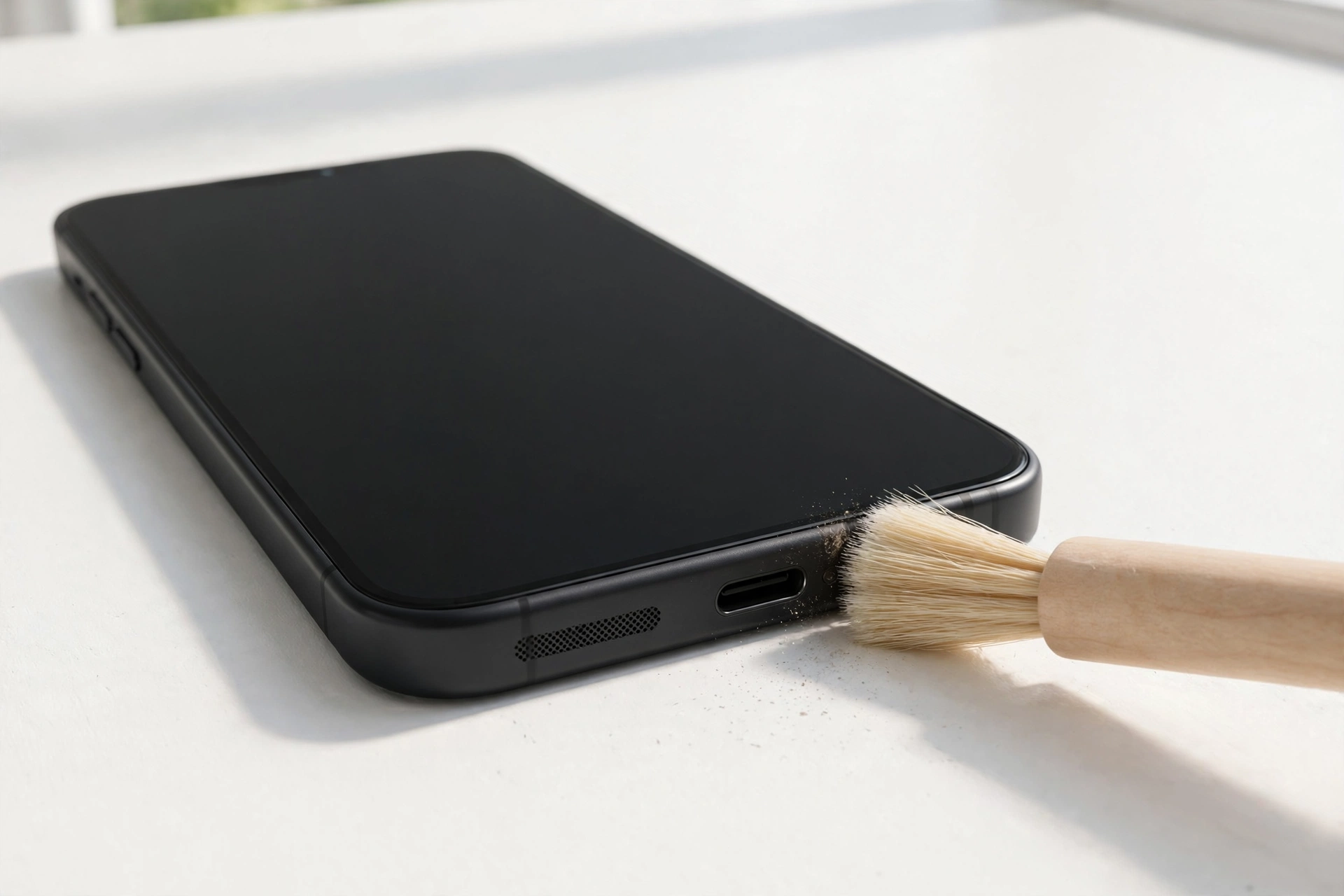
Dust and lint build up in the speaker grille over weeks in a pocket, and the sound gets quieter so gradually that it feels sudden when you finally notice. Brush the grille lightly with a soft, dry toothbrush, and use short bursts of compressed air held at an angle — never a hard blast straight in, and never a pin or toothpick, which can puncture the speaker. If the phone got wet, let it dry fully first; a free tone from myspeakerfix.com can help shake trapped water out of the speaker. Then check for updates under Settings, then About phone, then MIUI version — audio fixes land in system updates more often than you’d expect. As a last software step, “Reset all settings” under Additional settings restores system settings without deleting your files; a full factory reset only comes after a complete backup.
Signs It’s Hardware
Some Xiaomi speaker problems need a repair shop, and no setting will fix them. Watch for crackling or distortion at every volume, sound that cuts in and out when you press the phone, or a speaker that died right after a drop, a screen replacement, or a swim. If every software step has failed — including a factory reset after a full backup — the speaker module itself is the likely fault. Back up your data and visit a Xiaomi service centre or a trusted repair shop before the problem gets worse.
Frequently Asked Questions
Why did my Xiaomi speaker suddenly go silent?
A muted media slider, Do Not Disturb, a connected Bluetooth device, or an interfering app are the usual causes. Check the full volume panel, turn Bluetooth off, and test in safe mode before assuming the speaker is broken.
Does MIUI battery saver affect speaker sound?
It can cut an app’s audio when the screen locks or the app runs in the background. Set the app to “No restrictions” under Settings, then Battery, if its sound stops on its own.
Can cleaning fix a Xiaomi speaker?
Yes, if dust or lint is blocking the grille — a soft brush and gentle air often bring muffled sound back. Never poke the grille with pins or toothpicks, which can puncture the speaker.
Should I factory reset my Xiaomi for a speaker problem?
Only as a last step, after volume, Do Not Disturb, Bluetooth, safe mode, cleaning, and updates. Back up everything first, because a factory reset erases all your data.