
Fix a Galaxy A71 Speaker That Only Plays Quietly
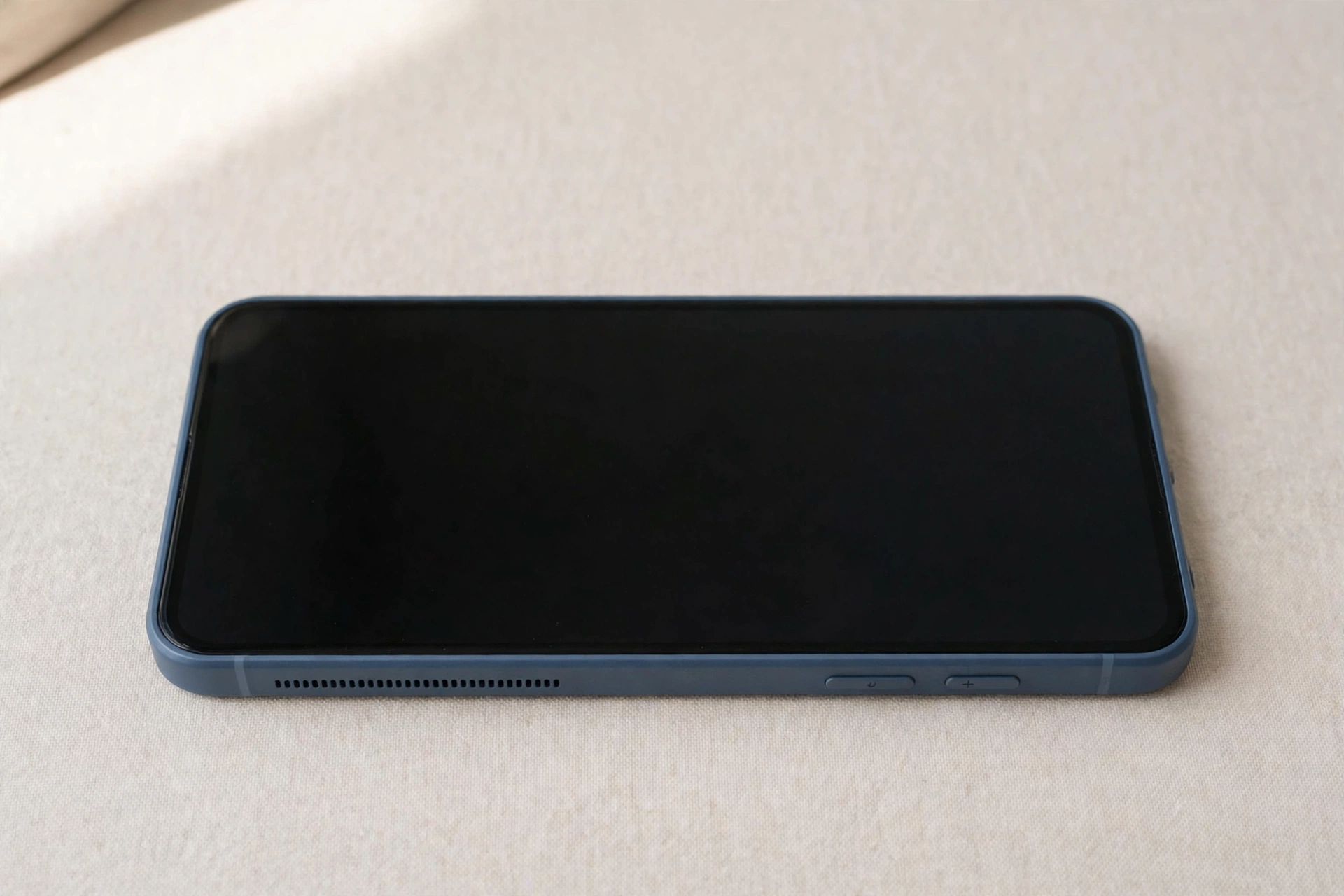
A Galaxy A71 speaker that only plays quietly is usually not broken — something is holding it back. A setting may cap the output, an assistant may hold the microphone channel, or dust may muffle the phone’s one speaker. First, work out which kind of quiet you are hearing.
First, work out what “quiet” actually means on your A71
Not every quiet speaker has the same cause, so describe the symptom precisely. Play a song at full volume, then play a ringtone, then make a call on speakerphone, and note what you hear in each case. If the sound is faint but clear in all three, something is limiting the volume — a sound effect, an assistant, or a routing setting. If it is muffled, as though the phone is speaking through a pillow, the grille is the prime suspect. If it is quiet and distorted, crackling on loud notes, the speaker membrane may be damaged or dirty.
Also note the earpiece-versus-loudspeaker split: if calls sound fine to your ear but speakerphone and videos are quiet, the loudspeaker or its grille is the problem. If speakerphone is loud but the earpiece is faint, the earpiece mesh may be blocked — wipe the slot gently with a dry, soft cloth and never poke anything into it.
The A71 has one speaker — and that changes the fix
The Galaxy A71 has a single bottom-firing mono speaker — no stereo pair — and the earpiece at the top is for calls only. If you hold the phone to your ear during a video and hear nothing from the top, that is normal, not a fault.
That matters because every bit of media sound comes through one grille on the bottom edge, next to the USB-C port. A thin layer of pocket lint over that single grille cuts the volume far more than it would on a phone with two speakers. Test with the case off — some cases leave the speaker opening half-blocked.
SoundAlive, Adapt Sound, and the equaliser hiding your volume
Samsung’s own sound processing is the most common reason an A71 goes quiet without warning. SoundAlive and Adapt Sound live in Settings, then Sounds and vibration, then Sound quality and effects, and they reshape the audio before it reaches the speaker. A preset that suited headphones can make the loudspeaker sound thin, and Adapt Sound can quietly cut some frequencies.
Open Sound quality and effects and switch everything off: Dolby Atmos, the equaliser, and Adapt Sound. Play the same song again at full volume. If the sound comes back strong, one of those effects was the culprit — turn them back on one at a time and leave the offending one off for the loudspeaker. Also check the media volume limiter in Settings, then Sounds and vibration, then Volume — tap the three dots. If a limit is set, the slider stops short of full.
When Bixby or another assistant grabs the microphone
A voice assistant holding the microphone can make the speaker sound quiet or cut out entirely. When Bixby, Google Assistant, or another assistant app is listening, the phone may route audio through the voice channel, which plays at a lower level and can mute media.
If the speaker goes quiet right after you use a voice command, or while the assistant’s listening indicator is on screen, that is your clue. Close the assistant completely — swipe it away from the recent-apps screen rather than just pressing Home — and test a video again. Try turning off wake-word detection for a day and see whether the speaker stays loud. If one assistant app is the trigger, remove it or disable its always-listening mode.
Run the Samsung Members speaker test
Before you spend money on a repair, let Samsung’s own diagnostic settle whether the hardware works. Open the Samsung Members app, tap Support, then Phone diagnostics, then Speaker. The test plays a tone through the loudspeaker and asks whether you heard it clearly. If the tone plays loud and clear, the speaker hardware is healthy — your problem is a setting, an app, or audio routing. If the tone is faint, muffled, or distorted even after cleaning, the speaker itself is struggling and a setting will not save it.
Clean the grille — and the USB-C port
The A71’s single grille sits on the bottom edge where pocket lint collects, and because it is the only speaker, even a partial blockage is obvious. Shine a bright light into the grille before you touch anything. If you can see dust or lint packed into the holes, brush it gently with a clean, dry, soft-bristled toothbrush, lifting the dust out rather than pushing it deeper.
For a speaker that sounds muffled after water or dust exposure, run the free speaker-cleaning tool on myspeakerfix.com once: its tones vibrate the speaker and help shake loose water and fine dust from the grille. Check the USB-C port while you are there — lint packed into the port can make the phone behave as though wired earphones are still plugged in, which silences the loudspeaker even though nothing is connected. Remove fluff very gently with a wooden toothpick, never metal, and never use a pin in the speaker grille.
When it is a repair, not a setting
Take the A71 to a Samsung service centre or a trusted repair shop if the diagnostic tone stays faint after cleaning, if the speaker crackles at every volume in every app, or if the sound died right after a hard drop or a soaking. A drop can loosen the speaker connector, and moisture can corrode the contacts — both need the phone opened up. Back up your photos and files before handing it over, because a repair can end with the phone being wiped. Tell the technician the Members test result — a failed loudspeaker test with a working earpiece points straight at the speaker module, a routine replacement.
Frequently Asked Questions
Why is my Galaxy A71 speaker so quiet all of a sudden?
Most often SoundAlive or Adapt Sound is limiting the output, an assistant is holding the audio channel, or lint is blocking the single bottom grille. Turn the effects off, close the assistant, and clean the grille.
Does the Galaxy A71 have stereo speakers?
No. The A71 has one bottom-firing mono speaker, and the earpiece is for calls only. A blocked grille affects all media sound at once — there is no second speaker to cover for it.
Can Bixby make my A71 speaker go quiet?
Yes. While an assistant is listening, the phone can route audio through the voice channel at a lower level or mute media. Close the assistant fully and try turning off wake-word detection to see if the volume returns.
How do I test the speaker on a Galaxy A71?
Open Samsung Members, tap Support, then Phone diagnostics, then Speaker. A loud, clear tone means the hardware is fine; a faint tone after cleaning points to a repair.