
Water in the Speaker Grille: Why Your Phone Sounds Underwater
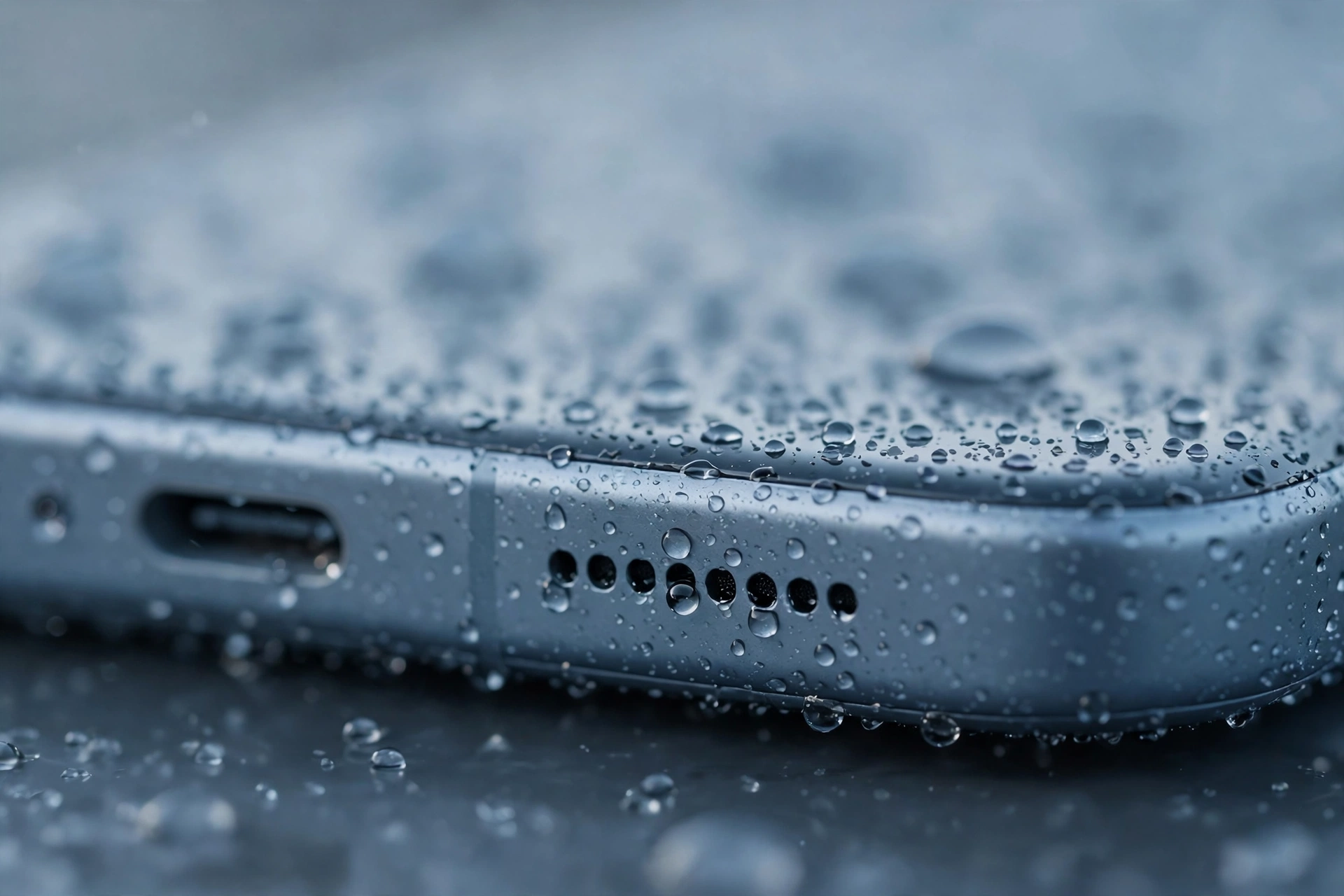
Your phone sounds underwater when something sits between the speaker and your ear and smothers the sound. The usual intruder is water trapped in the grille, but dust, a case pressing over the speaker, or a damaged membrane can produce the same distant, garbled tone.
What That Underwater Sound Actually Is
A phone speaker makes sound by moving a thin membrane back and forth, pushing air through a fine mesh grille. Anything that weighs the membrane down, or blocks the mesh, changes the tone. Water does both at once: droplets sit on the mesh and in the small chamber behind it, and the speaker has to push through liquid instead of air. The result is muffled, echoing audio that sounds as if it is coming from the bottom of a pool.
Dust and lint do the same thing more slowly. A thin layer builds up over weeks, and the sound gets duller a little at a time. A case can do it in a single moment: if the case shifts, or a new case has speaker holes that do not line up, the sound is blocked at the source.
If It Started After Water: Get the Water Out First
Think back to the last day or two. Did the phone get splashed, used in the rain, taken into a steamy bathroom, or dropped in a sink? Even a small splash can leave water in the grille, and the underwater sound often appears an hour or two later, once the water has settled into the mesh.
Hold the phone with the speaker facing down and shake it gently a few times, letting any loose droplets fall out. Do not shake it hard — a violent shake can push water further inside. Then play a low-frequency tone through the speaker for a minute or two. The vibration shakes trapped water loose and pushes it out of the grille. You can use the free speaker-cleaning tool on myspeakerfix.com for this: open the tool, start the tone, and keep the speaker facing down while it runs. Repeat the tone, then play a song and listen to whether the sound is clearer than before.
While the phone is drying, leave it in open air, speaker down, and do not charge it until the port is dry. Do not use a hair dryer on high heat, and do not poke a needle, pin, or toothpick into the grille — heat can warp the membrane, and a sharp object can tear the mesh or push debris deeper. Do not use rice either: it does not draw water out of a speaker grille, and grains or dust can lodge in the mesh and make the muffling worse. If the phone was fully submerged, switch it off and let it dry in open air for at least a day.
If There Was No Water: Dust, Lint, and the Case
If the phone never got wet, look at the grille itself. A grey or brown film over the holes is dust and lint pressed into the mesh, and it acts like a blanket over the sound.
Brush the grille gently with a soft, dry toothbrush, using short strokes across the holes rather than pressing into them. Follow that with a dry microfibre cloth. Do not use a wet cloth, cleaning spray, or compressed air at close range, and do not push anything into the holes.
Next, take the case off completely and play a song. If the sound clears up, the case was the problem — either its speaker holes do not line up, or it has shifted and is pressing over the grille. Check that a screen protector is not overlapping the earpiece slot at the top.
The Software Checks People Skip
Restart the phone. It sounds too simple to matter, but a restart clears temporary audio processes and reloads the sound drivers, and it fixes distortion that has no physical cause at all. After the restart, play a video at full volume and listen carefully before you change anything else.
Then check the accessibility settings, which can distort sound in a way that feels exactly like a damaged speaker. On iPhone, open Settings, then Accessibility, then Audio and Visual, and check that Mono Audio is off and the left-right balance slider is in the centre. On Android, open Settings, then Accessibility, and check the same two settings.
Turn Bluetooth off and unplug any headphones or adapters, then play audio through the phone speaker alone. Your phone may be sending sound to earbuds in a pocket, a car stereo, or a smart speaker without you realising. If the sound returns to normal with Bluetooth off, the speaker was never the problem.
A Test That Tells You Whether It Is Hardware
Play the same song at the same volume, first through the phone speaker, then through wired or Bluetooth headphones. Clear sound in the headphones and muffled sound from the speaker points at the speaker itself.
Listen for the character of the distortion as well. A blocked grille gives a dull, distant tone that improves as the blockage clears. A damaged membrane gives buzzing, rattling, or crackling alongside the muffling, and it does not improve with cleaning or drying.
If the underwater sound is still there after all of that, the membrane may be damaged or corroded. Water left inside can cause corrosion, and a drop can tear the membrane. Neither is fixed by cleaning, and opening the phone yourself can void the warranty and cause further damage. Before you book a repair, note when the problem started, whether the phone got wet or was dropped, and whether the sound is worse on calls, music, or both. Back up your data first.
Frequently Asked Questions
Why does my phone speaker sound like it’s underwater?
The most common causes are water trapped in the speaker grille, dust or lint clogging the mesh, a case blocking the speaker, a software fault, or a damaged membrane. Remove the case, clean the grille, and restart the phone first.
Will the underwater sound go away on its own?
Sometimes, yes. A small amount of water can evaporate within a few hours. Dust, a software fault, or physical damage will not improve without action, so use a speaker-cleaning tone and clean the grille.
Can water damage make my speaker sound underwater permanently?
Water rarely causes permanent damage if the phone is dried properly, but corrosion can develop if water sits inside for a long time. If the muffled sound lasts more than a day after drying and cleaning, a repair shop should test it.
Should I use rice to fix my phone speaker?
No. Rice does not draw water out of a speaker grille, and grains or dust can get stuck in the mesh and make the problem worse. Use gravity, a speaker-cleaning tone, and gentle cleaning instead.