
Sound Fades In and Out? Tracking Down Your Phone’s Dropouts
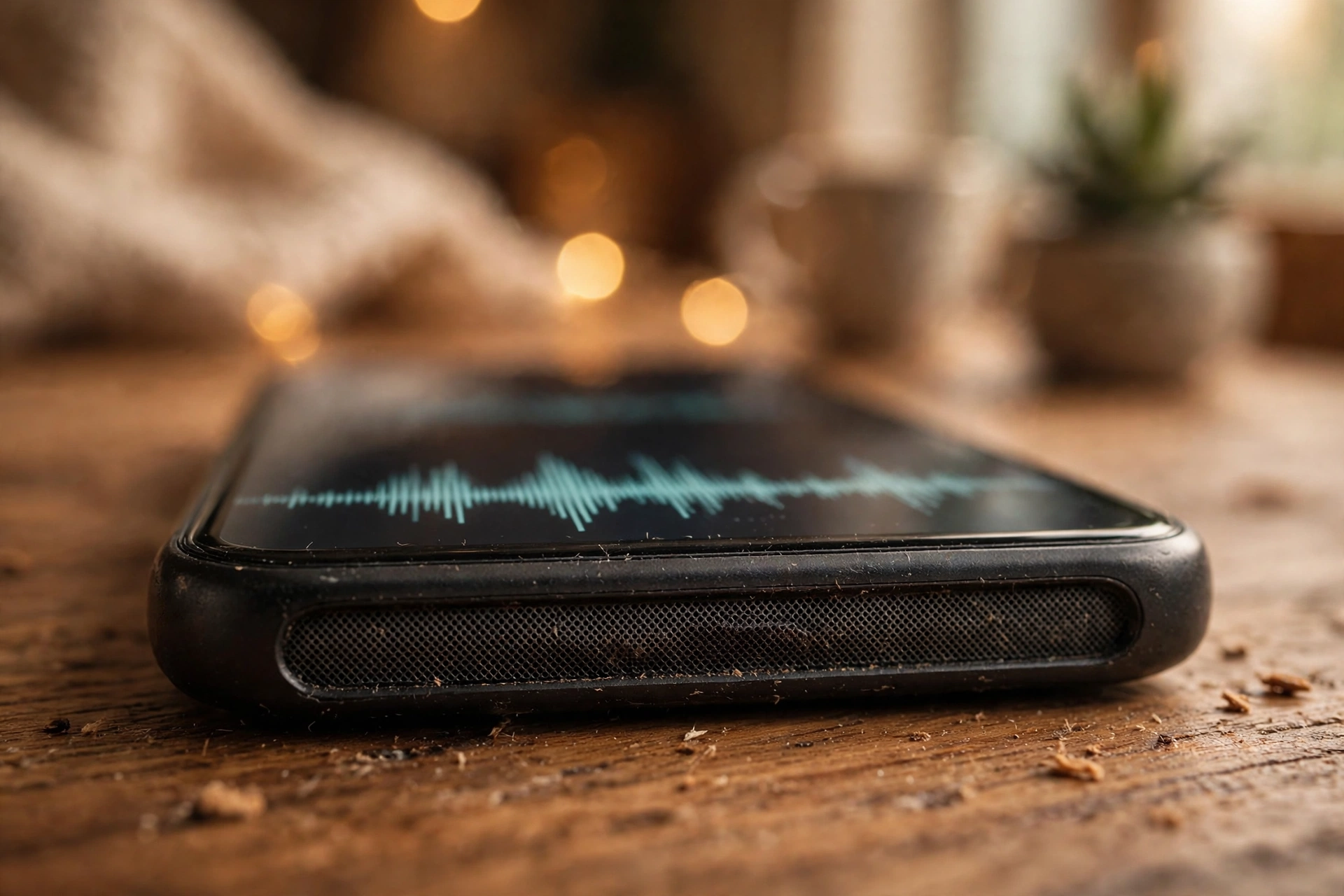
Music plays, then vanishes for a second. Then it’s back, then gone again — mid-song or mid-call. That on-off stutter means your phone is struggling to hold onto its audio, and the cause is usually one of a few suspects: a Bluetooth device stealing the output, a loose connection, a buggy app, or a speaker on its way out. Let’s narrow it down.
When does it cut out — and what were you doing?
Start by watching the pattern, because it narrows the cause faster than any setting you could toggle. Does the sound vanish only on calls, only in one app, or everywhere you play audio? Does it stop when you hold the phone still, and start again when you move it? Does it clear up the moment you unplug headphones or switch Bluetooth off? Dropouts that follow movement point at a loose connection or a tired speaker. Dropouts that only happen near a paired speaker or a car stereo point at Bluetooth. Dropouts in a single app point at that app, and dropouts everywhere point at the system or the hardware. Volume matters too: a speaker that only stutters at full blast is often damaged, while one that stutters at any level is more likely fighting a connection or a software fault.
Bluetooth: the output thief in your pocket
Bluetooth causes more dropouts than most people expect, because your phone can keep handing audio back and forth between its own speaker and a nearby paired device. A pair of earbuds in your bag, a speaker in the next room, or a car stereo in the driveway can each grab the output for a second and then let go, and every handover sounds like a gap. Switch Bluetooth off completely — don’t just disconnect one device — and play audio for a few minutes. If the gaps stop, you’ve caught the thief. Turn Bluetooth back on, open the paired devices list, and forget anything you no longer use, especially old speakers and cars that still reach out to connect. On an iPhone, open Control Center while something is playing and confirm the output says iPhone, not a Bluetooth device. On Android, pull down the notification shade and use the media output button to pick the phone speaker.
The wobble test: is something loose inside?
A drop, a repair, or months squeezed in a tight pocket can loosen the speaker’s connection to the main board, and a loose connection shows up as sound that comes and goes with movement. You can’t safely open a modern phone yourself, but you can test the idea: play something, then gently tilt, rotate, and tap the phone — no hard pressing — and watch whether the sound changes with the movement. If it does, a repair shop needs to look inside, since forcing the case open yourself risks the screen and the battery seal. Before that, strip the phone down to basics: take the case off, unplug the charger, and pull out any adapter. Test again with nothing attached. If the dropouts stop, add accessories back one at a time until the culprit shows itself.
One app or every app?
Software can stutter just like hardware, so rule it out before you blame the speaker. Play the same audio in two or three different apps. If music drops out but videos play cleanly, the fault lives in that one app: force-close it, clear its cache on Android, and reinstall it if the problem survives. If every app drops out, restart the phone — a restart clears stuck audio sessions that survive closing a single app. Then check for a system update, because audio dropouts that appear right after an update are a known bug pattern, and the follow-up patch often fixes them. Also look for background apps that grab audio: voice assistants, equaliser apps, and call recorders can all interrupt playback without showing anything on screen.
Water, dust, and a speaker that’s had enough
Water and dust make a speaker behave badly in their own ways. Moisture in the grille can muffle sound and break it up until the phone dries out, so if the dropouts started after the phone got wet, set it speaker-side down in open air and give it time — no hair dryer, no compressed air, since both can push water deeper inside. Once it’s mostly dry, the free speaker-cleaning tool at myspeakerfix.com plays a tone that helps shake trapped water out of the speaker. Dust is simpler: brush the grille gently with a soft, dry brush and never poke the holes with a pin. A worn-out speaker sounds different from a dirty one, though — it crackles, buzzes, or rattles before it cuts out, and it gets worse as you turn the volume up. Cleaning can’t fix a torn speaker cone.
The repair-shop line
Take the phone in when the dropouts follow movement, when they survive Bluetooth off and a restart in every app, or when crackling and distortion ride along with the gaps. Those signs point at a loose connector or a failing speaker rather than a setting. Tell the shop exactly what you tested — Bluetooth off, restart, accessories removed — since that pattern helps them diagnose the fault without swapping parts blindly. If the phone is still under warranty, contact the manufacturer first, and if the dropouts started right after a screen or battery replacement, go back to that same shop first: a connector may not have been seated properly.
Frequently Asked Questions
Why does my speaker cut out only when Bluetooth is on?
A nearby paired device keeps grabbing the audio output, so the phone switches between the speaker and the Bluetooth device. Turn Bluetooth off to test, then forget unused paired devices that keep reconnecting on their own.
Can a phone case cause the speaker to cut in and out?
Yes. A case that presses on the phone, covers the grille, or traps a loose adapter against the port can interrupt sound. Take the case and all accessories off and test again.
Does restarting the phone really fix speaker dropouts?
Sometimes. A restart clears stuck audio processes and temporary glitches that survive closing one app. If dropouts return quickly after a restart, the cause is more likely a connection, Bluetooth, or hardware fault.
Is a speaker that cuts in and out always damaged?
No. Bluetooth switching, software bugs, and debris cause the same symptom, and those are fixable without a repair. Suspect damage only when dropouts follow movement, come with crackling, or survive every software test.