
Fix a Pixel 9 Speaker That Won’t Play Sound
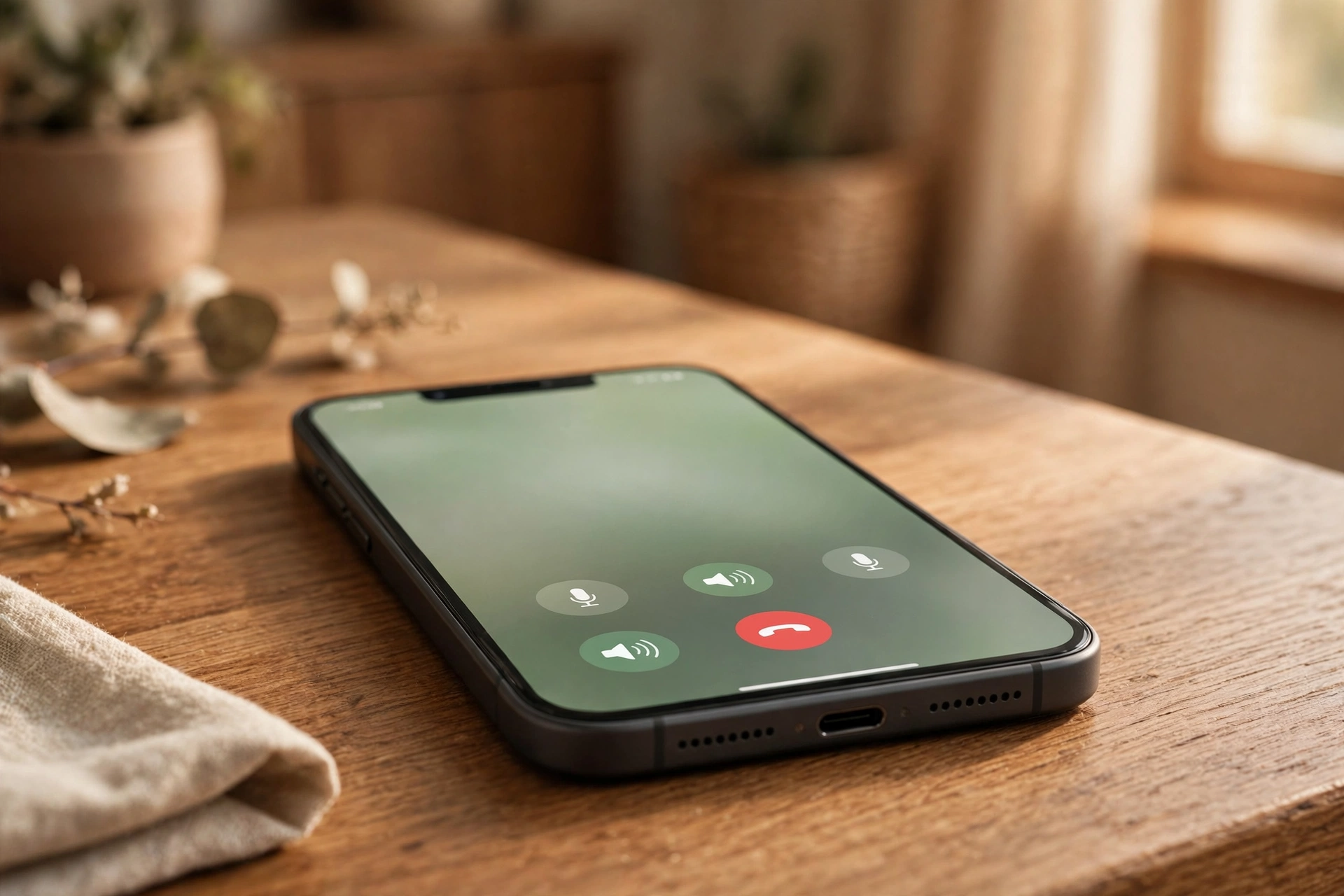
A Pixel 9 speaker that will not play sound is often caused by the phone’s known speakerphone bug, a media volume or Bluetooth routing problem, or dust and water in the bottom grille. Start with the speakerphone bug if your problem is on calls — then work through the standard checks below.
The Pixel 9 speakerphone bug: what it is and how to work around it
The Pixel 9, along with the Pixel 10, has a known speakerphone bug: during a call, the speakerphone toggle lags, does not respond, or turns itself off, so the call stays on the earpiece even though you tapped speakerphone. Google has confirmed it will not fix this bug, so the answer is workarounds rather than waiting for an update.
The most reliable workaround is to toggle speakerphone from the call notification shade instead of the in-call screen. During a call, pull down the notification shade and look for the call controls there — switching speakerphone on from the shade responds when the on-screen button does not. Try it on your next call before anything else, because for many owners this alone restores hands-free calling.
If the shade toggle does not help, roll back the Phone app to an older version. Go to Settings, then Apps, then See all apps, then Phone, tap the three dots in the top corner, and choose Uninstall updates. This returns the Phone app to the version that shipped with the phone, and for many Pixel 9 owners the speakerphone toggle starts working again. You can also try a third-party dialer from the Play Store as an alternative — a different dialer app uses its own call screen, so it sidesteps the buggy toggle entirely. Keep the stock Phone app installed even if you switch, so you can return to it later.
Check the two volumes people confuse
The Pixel 9 keeps media volume and ringer volume completely apart, and confusing the two is the most common false alarm. Press Volume Up while a video is playing, then tap the three dots to open the full panel. The Media slider is the one that controls videos, music, and games — your ringtone can be loud while media sits at zero, and the phone will feel broken when it is not.
Next, kill Bluetooth for the test. Swipe down twice and switch Bluetooth off entirely — your Pixel 9 may still be sending sound to earbuds in your bag, a speaker in the next room, or your car. If the sound comes back, a paired device was the problem: go to Settings, then Connected devices, and forget devices you no longer use. Also check the USB-C port for lint, because a clogged port can make the phone behave as if wired earphones are still plugged in.
Test both speakers, then clean the grille
The Pixel 9 has two speakers: the bottom-firing loudspeaker and the earpiece, which doubles as a second speaker for stereo sound. Knowing which one is silent tells you a lot. Play a video and hold the phone normally — faint sound from the earpiece but nothing from the bottom means the bottom speaker is blocked or faulty. Now make a speakerphone call using the notification-shade workaround above: if it works, the bottom speaker is fine and the problem is software or routing. If a regular call through the earpiece sounds quiet or crackly too, the issue is wider than one speaker.
If the bottom speaker is the quiet one, look at the grille: the bottom slot sits where pocket lint collects, and a thin layer can silence it completely. Hold the phone speaker-down and brush the slot gently with a soft, dry toothbrush — never poke a pin into the holes, as the membrane behind the grille tears easily. If the phone got wet, water can linger in the grille for hours even though the Pixel 9 is water resistant; do not use a hair dryer or charge it until the port is dry. Once dry, run the free speaker-cleaning tool on myspeakerfix.com — it plays a tone designed to push water and dust out of the grille.
Safe Mode, app preferences, and the update check
If the quick checks did not work, find out whether software is tangled up — without wiping your phone. Start with a restart: hold the power button, tap Restart, and test once the phone is back on.
Still quiet? Try Safe Mode: hold the power button, then hold Power off until “Reboot to safe mode” appears and tap OK. Only Google’s own apps run there — if the speaker works, a third-party app is interfering. Restart normally and uninstall recently added apps one at a time until the sound returns. Volume boosters and equaliser apps are the usual suspects.
If Safe Mode does not help, reset the app preferences. Go to Settings, then System, then Reset options, then Reset app preferences. This restores default app permissions and clears disabled apps and notification settings without deleting any of your data, and it clears the corrupted routing settings that can trap audio on a device you disconnected hours ago. Restart after the reset and test again.
Do not waste time on Sound Amplifier: it is a Google accessibility app, but it works with headphones only — it amplifies sound into earphones, not through the phone’s speaker, so it cannot fix a silent loudspeaker.
When the speaker itself has failed
If you have worked through the speakerphone workarounds, the volume and Bluetooth checks, the grille cleaning, Safe Mode, and the app-preferences reset — and the speaker is still silent everywhere, including speakerphone and ringtone previews — the hardware itself may have failed. A hard drop can loosen the internal speaker connection, and water corrosion builds up slowly over weeks.
Contact Google support or a reputable repair shop, mention everything you have already tried, and check your warranty first — speaker failure from a manufacturing fault should be covered, though water damage usually is not. A repair is still far cheaper than a replacement.
Frequently Asked Questions
Why won’t speakerphone turn on during calls on my Pixel 9?
It is a known Pixel 9 and Pixel 10 bug that Google has confirmed it will not fix. Toggle speakerphone from the call notification shade, roll back the Phone app, or use a third-party dialer instead.
How do I test whether my Pixel 9 speaker is broken?
Play a video to test the bottom speaker, make a speakerphone call using the notification-shade toggle, and run a speaker-cleaner tone. If both sound clear, the hardware is fine.
Will Sound Amplifier fix my Pixel 9 speaker?
No. Sound Amplifier works with headphones only — it amplifies sound into earphones, not through the phone’s loudspeaker, so it cannot fix a silent speaker.
Should I factory reset my Pixel 9 to fix the speaker?
Not yet. Try Safe Mode and Reset app preferences first. A factory reset only helps with deep software corruption, and it wipes your data — back up first.