
The Android Speaker Troubleshooting Guide
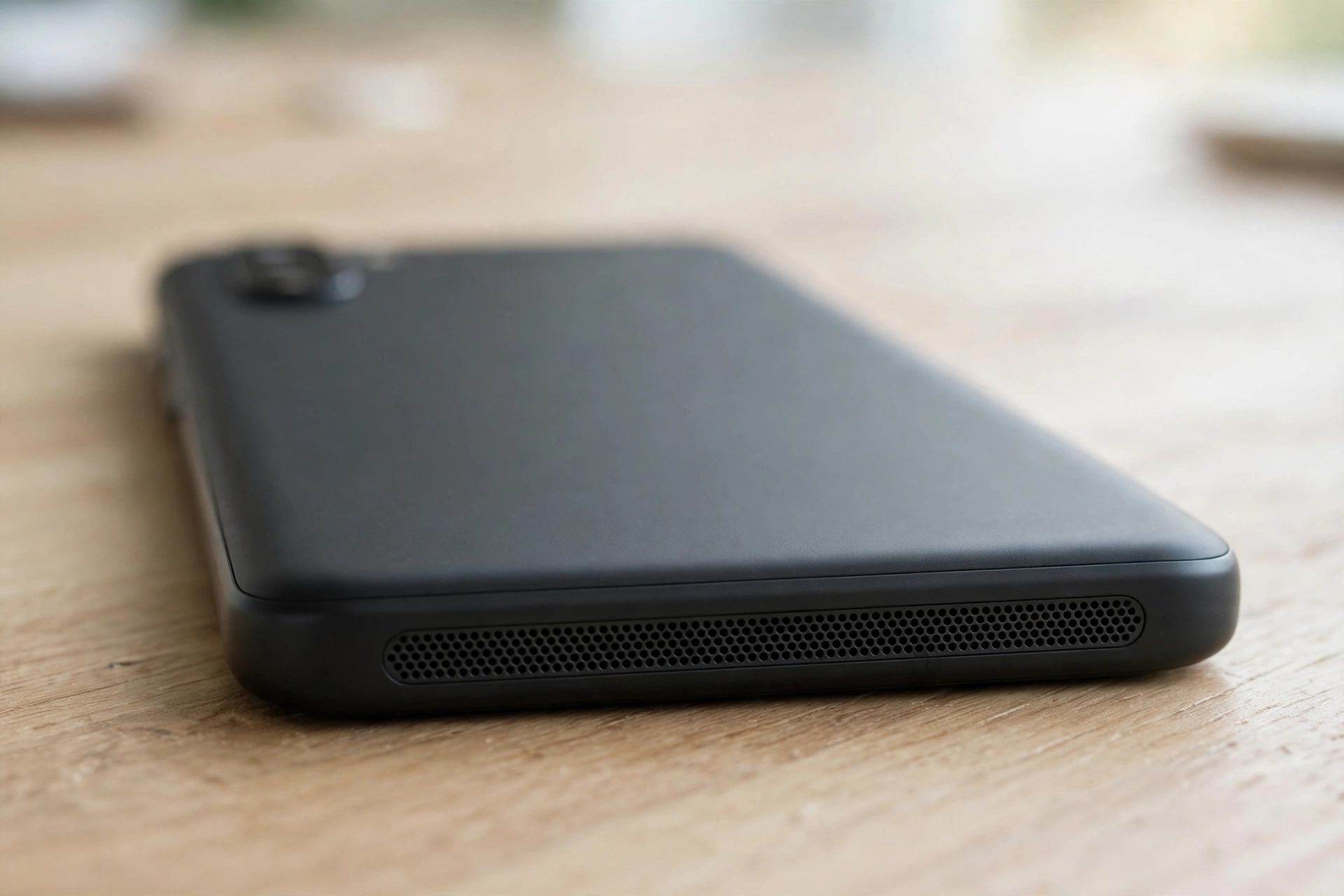
Android speakers go silent for Android-specific reasons: a media slider sitting at zero while the ringtone works, audio routed to a forgotten Bluetooth device, or a brand feature like Samsung’s Separate app sound sending one app elsewhere. This guide starts with the checks that are different on Android, then works through the shared fixes.
Android’s Separate Volume Sliders
Android has separate volume sliders for media, calls, ringtones and alarms, so your phone can be silent for music while the ringtone still works. Press a volume button while a video or song is playing, tap the three-dot menu, and drag the media slider all the way up.
Also check that Do Not Disturb is off and that your phone is not stuck in silent mode. Swipe down to open Quick Settings and look for the Do Not Disturb and mute icons.
The Samsung Traps: Separate App Sound and Media Output
Samsung’s One UI has two features that silence phones in ways other Androids do not. The first is Separate app sound, under Settings, then Sounds and vibration, then Separate app sound. It sends one app’s audio to a Bluetooth device while everything else plays on the phone speaker, which can look like a broken speaker in that one app. Make sure it is turned off unless you set it up on purpose.
The second is the Media output panel. Swipe down to open the Quick Panel, tap the Media button, and make sure the output is set to “This phone” rather than a connected device. If you recently used earbuds, a Bluetooth speaker or your car, the phone can stay connected in the background and keep routing sound there. Turn Bluetooth off completely and test a song — if the sound returns, forget the device that was stealing the audio.
The Pixel Traps: Adaptive Sound and App Volumes
On a Pixel, check Settings, then Sound & vibration, then Adaptive Sound. This feature adjusts the speaker to the room, and when it misreads the environment it can make the speaker noticeably quieter. Try turning it off and testing again.
Pixel phones also let individual apps control their own audio. Open the app that is silent and check its own volume, mute button and audio output options — video and music apps often have their own mute controls that override the system volume. If one app is the only silent one, clear its cache in Settings, then Apps, then the app name, then Storage. Reinstalling the app usually fixes the issue if the cache clear does not.
OnePlus, Xiaomi and Other Brands
Other Android brands have their own sound traps. OnePlus phones can silence media when Game Mode or Zen Mode is active, so check the gaming settings if the speaker went quiet during a game. Xiaomi phones have a second space and a sound enhancer under their sound settings — turn the enhancer off and test, since a bad preset can make the speaker much quieter.
Boot Into Safe Mode to Catch a Bad App
A misbehaving third-party app can hijack your audio and silence the speaker across the whole phone. Press and hold the power button, then press and hold the “Power off” option until the Safe Mode prompt appears, and tap OK. In Safe Mode, only the phone’s built-in apps run — if your speaker works there, a downloaded app is the culprit.
Restart normally, then uninstall recently installed or updated apps one at a time, testing the speaker after each removal until the sound returns.
If the Speaker Is Muffled, Not Silent
Dust, pocket lint and dried moisture collect in the speaker grille and muffle sound until it seems silent. Hold the phone with the speaker facing down and brush the grille lightly with a soft, dry toothbrush, using short strokes to lift debris out. You can also use a short burst of compressed air held at a distance. Never push a pin or needle into the grille, and never use water or cleaning liquid on the speaker — sharp objects and moisture can damage the mesh and the speaker behind it.
If the speaker sounds muffled rather than completely dead, trapped water or fine dust may still be sitting on the speaker membrane. The free speaker-cleaner tool on myspeakerfix.com plays a low-frequency tone that vibrates the speaker and pushes water and loose dust out of the grille. Place the phone speaker-down on a towel, press Start, and let the tone run for a minute or two.
The Shared Ladder: Cache, Update, Reset
If none of the brand-specific checks worked, work up this ladder:
- Clear the cache. Go to Settings, then Storage, and clear cached data if your phone offers that option, or clear the cache of the system audio apps.
- Check for a software update. Go to Settings, then System, then Software update, and install any pending update — manufacturers often include audio fixes in these updates. After updating, restart the phone and test the speaker with a ringtone and a video.
- Reset app preferences. Go to Settings, then Apps, then the three-dot menu, then “Reset app preferences”. This restores disabled apps and notification settings without deleting your data.
- Factory reset as a last step. Back up your photos, contacts and files first, then perform a factory reset in Settings, then System, then Reset options. If the speaker still produces no sound after a factory reset, the speaker itself is likely damaged and needs a repair shop.
Frequently Asked Questions
Why is my Android speaker suddenly not working?
The most common causes are a muted media volume, a stuck Bluetooth connection sending sound elsewhere, or dirt blocking the speaker grille. Restart the phone, turn off Bluetooth, and check the media slider before assuming the speaker is broken.
How do I fix my Android speaker after it got wet?
Power the phone off, dry the outside with a soft cloth, and let it air-dry speaker-down for several hours. Then use a speaker-cleaning tone to vibrate remaining water out of the grille. Do not use a hair dryer or charge the phone until it is fully dry.
Can an app stop my Android speaker from working?
Yes. A buggy or misbehaving app can take over the audio output and mute the speaker across the phone. Boot into Safe Mode to test this — if the speaker works in Safe Mode, uninstall recently added apps one at a time until the sound returns.
When should I take my Android phone to a repair shop?
If the speaker stays silent after a factory reset, or if you hear crackling, buzzing, or distortion at all volumes, the speaker hardware is probably damaged. A repair shop can test and replace the speaker module, which is usually a quick and affordable repair.