
CapCut Video Has No Sound: The Complete Audio Repair Guide
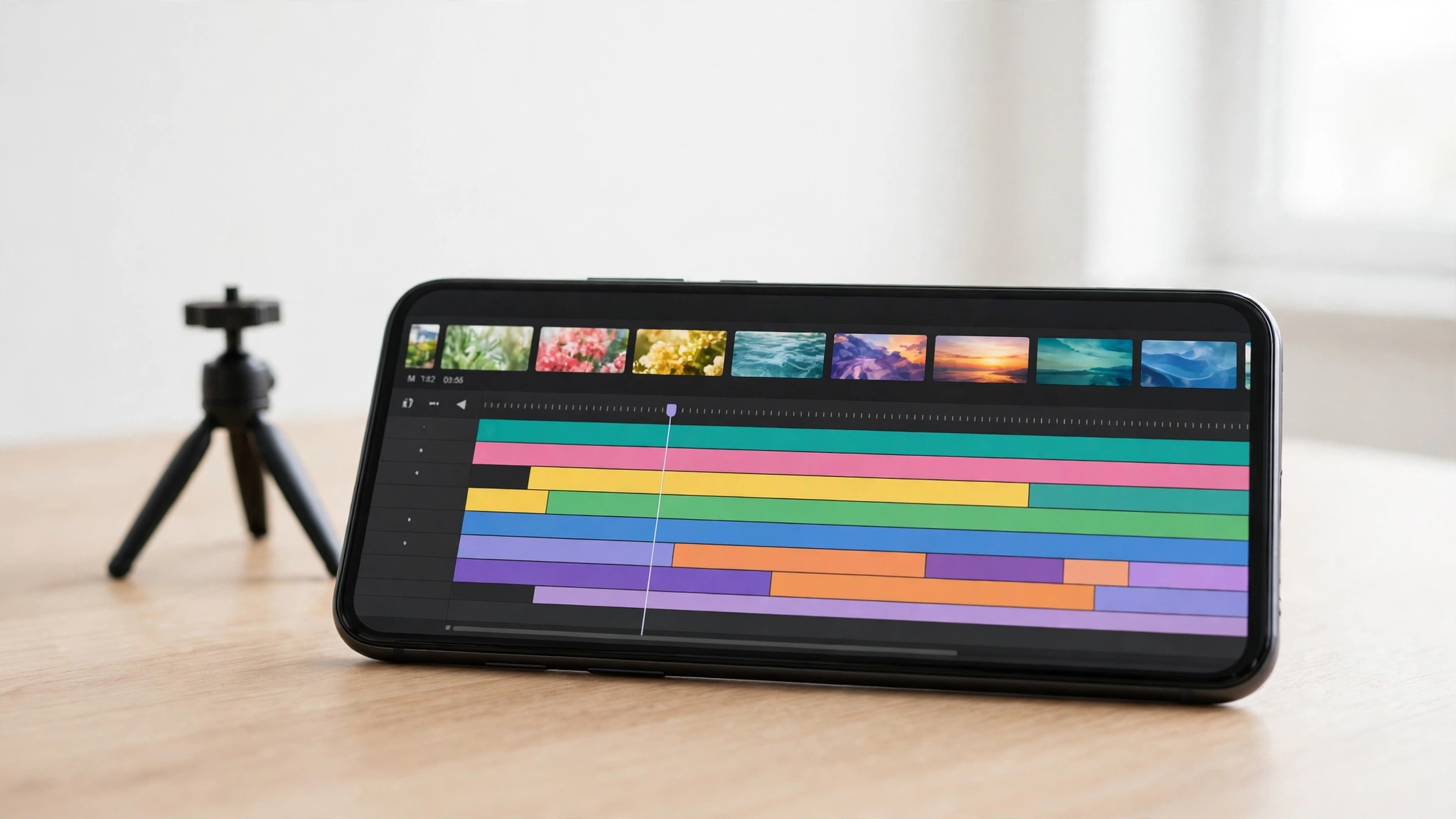
A silent CapCut video is usually a timeline problem, not a broken phone. A muted clip, a volume slider sitting at zero, or a copyright-protected song stripped on export can all produce a normal-looking video that plays in total silence — and the fix depends entirely on where the sound disappears.
The Three-Minute Test That Finds the Fault
Sound can die in three places, and each points at a different fix. First, play the project inside the CapCut editor: silence there means a timeline or device problem. Second, export it and play the saved file in your gallery: fine in the editor but silent after export points to an export setting, a copyright restriction or a damaged audio track. Third, check the video after uploading it: if the exported file has sound but the upload is silent, the platform muted it — usually for copyright reasons — and no CapCut setting will fix that.
Run this test first — it’ll tell you which half of this guide to follow. Play a song outside CapCut too — if the phone is silent everywhere, the fault is the phone, not the app.
The Timeline: Muted Clips and the Original Sound Toggle
The most common reason CapCut exports without sound is a muted or zeroed-out track in the timeline. It’s easy to miss: preview can play audio while one muted layer exports as silence.
Tap each clip in the timeline and look for the speaker icon. If it shows a line through it, that clip’s muted — tap it to unmute. Then select a clip, open Audio in the bottom toolbar, and confirm the volume slider is above zero: a slider at zero exports as silence, and it can be dragged there accidentally while you’re scrolling. Check every layer: music, voiceover and each clip’s original audio are separate, so muting one hides the fault.
There’s one toggle people miss more than any other. On mobile, select a video clip, tap Audio, and look for Original Sound. If it’s switched off, that clip’s native audio won’t appear in the export at all — the video will look perfect and play in complete silence. Switch it back on. Volume keyframes are the sneakier version: one keyframe anchored at zero silences a stretch, so scrub through the keyframe view looking for dips. And if you used Extract Audio on a clip, that layer can be deleted or muted independently of the original video — check it too.
The Music That Plays in the Editor and Vanishes Later
Music that plays happily in the editor can vanish from the finished video, and this one gets mistaken for a bug constantly. CapCut licenses certain in-app tracks for use inside the editor only. When you export that video to your camera roll or share it to another platform, the content protection system may strip the audio entirely, leaving the video silent. CapCut’s own help pages agree: missing music is usually licensing, platform limits or sync — and licensed music is temporary, with no guarantee of permanent access.
If your video goes silent only after posting to TikTok, the music is the cause. TikTok’s system mutes videos with unlicensed music, sometimes minutes after posting. The fix is to replace the track before you export: in the audio library, filter by the Commercial tab — sometimes labelled “No Copyright” on desktop — and pick a track that shows Commercial use allowed. Those are cleared for download and cross-platform use. Or use My Sounds to upload your own audio, or a voiceover recorded inside CapCut — always safe.
Export Settings: Desktop, Mobile and the 4K Trap
On CapCut for desktop, open the export settings and confirm the format is MP4 with audio enabled. A custom preset can disable the audio track, and an unusual codec can produce a file some players can’t decode sound from — stick to MP4 with standard audio settings.
Heavy exports cause their own failures. On a weaker phone, 4K at 60 frames per second can strain the device and produce missing or out-of-sync audio. Drop the frame rate to 30 first, then the resolution from 4K to 1080p if you need to — if the lower-quality export plays correctly, the phone was overloaded during the render. Low storage does similar damage: an export interrupted by a full disk can leave a corrupted, silent file.
Format matters too. CapCut processes MP3 and AAC audio reliably on both mobile and desktop, but some WAV and FLAC files — particularly high-bit-rate or non-standard variants — cause processing errors on mobile. If a track keeps failing, convert it to MP3 or AAC first and import it again. On desktop, check the Proxy feature too: it creates smaller copies of your clips, and with it disabled your device can struggle with large files, showing up as audio delay and drift.
The Phone Side: Silent Switch, Bluetooth and Cache
On iPhone, the silent switch silences CapCut’s preview audio even though the video is fine — flip it off and test again. On both phones, press volume-up while CapCut is open and check the media volume rises — the buttons may control the ringtone instead. Disconnect Bluetooth headphones and speakers — audio may be routing to a device you’re not wearing.
If the speaker itself sounds muffled or distorted, the free speaker cleaner on Fix My Speaker can help: it plays a tone that vibrates the speaker to push trapped water and dust out of the grille. A corrupted cache often causes stuttering and missing audio, so on Android go to Settings, then Apps, then CapCut, then Storage, and tap Clear cache — it won’t touch your projects. On iPhone there is no cache button, so offload the app instead: Settings, then General, then iPhone Storage, select CapCut, tap Offload App, then reinstall it.
The One-Clip Test Export
If you’ve checked everything and the video is still silent, run one last test that settles whether the fault is in your project or in the app. Create a brand-new project, add one short clip with clearly audible sound, and export it without any other edits. If the test export has sound, the fault is in your original project — most likely a corrupted audio track. Remove all audio and add it back fresh, one layer at a time, until you find the layer that kills the sound.
If the test export’s also silent, the fault is at the app or device level: restart the phone, then reinstall CapCut and test again before rebuilding anything.
Frequently Asked Questions
Why does my CapCut video have sound in the editor but not after export?
A track is muted or at zero volume, the Original Sound toggle is off, the music is copyright-restricted, or the export settings disabled audio. Check each clip’s volume, then confirm MP4 export with audio on.
Why is my CapCut video silent only after I post it to TikTok?
TikTok’s copyright system muted it: the music isn’t licensed for TikTok. Replace it with a Commercial-tab track or a CapCut voiceover, and re-upload.
Why is there no sound on CapCut on my iPhone?
Usually the silent switch is on, a track is muted, or a copyright song was stripped on export. Flip the switch off, check the timeline volume, and try a cleared track.
Will clearing CapCut’s cache delete my projects?
No. Clearing the cache on Android only removes temporary files and leaves your projects alone. On iPhone, offloading keeps your documents and data while removing the app, and reinstalling restores it.