
Why Is My Samsung Galaxy A36 Speaker Not Working?
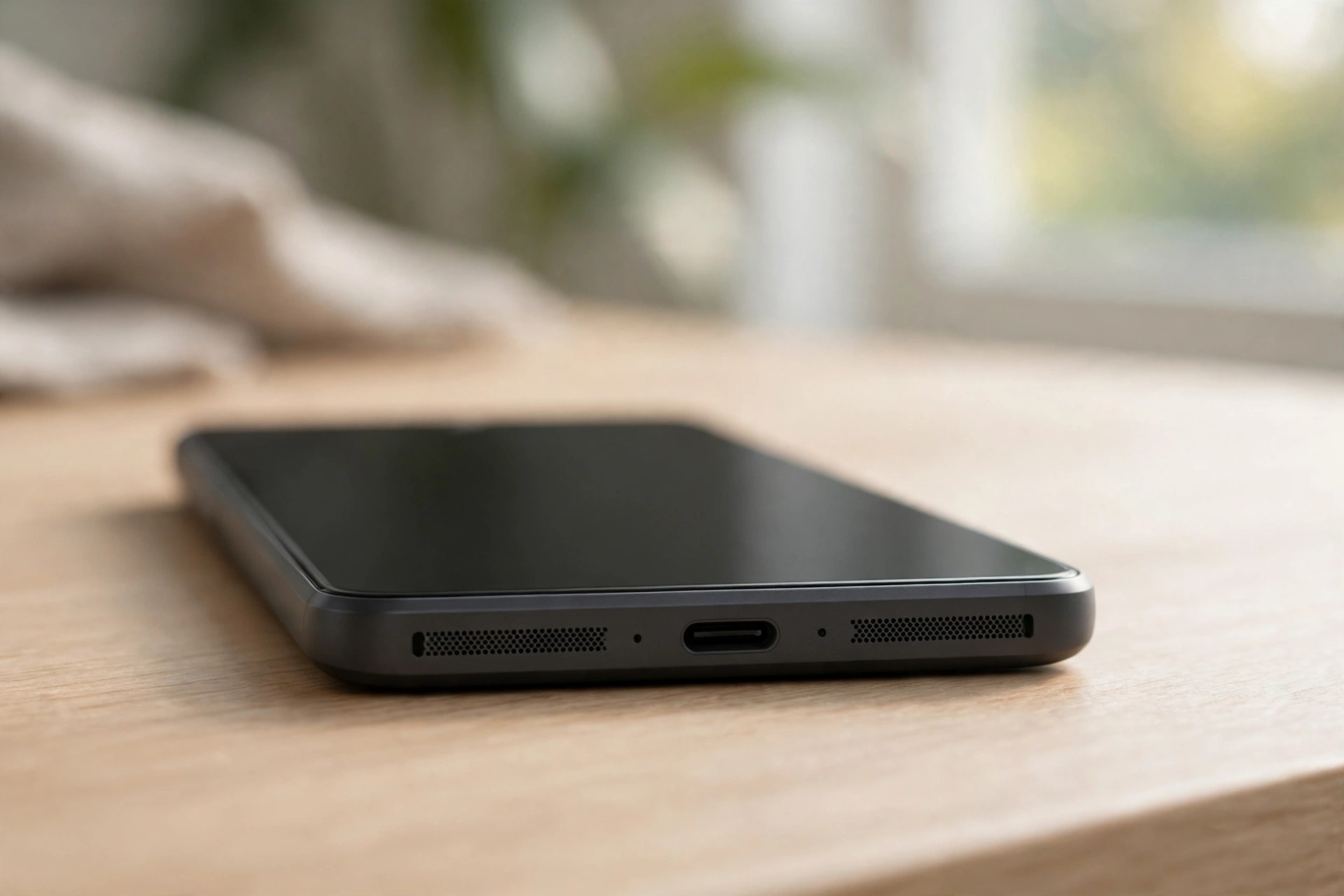
Your Galaxy A36 speaker has gone quiet, and on a phone that launched with One UI 7 the cause is usually routing, not a dead speaker. One UI 7 splits call and media sound and can send one app’s audio to a Bluetooth device you forgot about. The checks below find the fault in minutes.
The 60-second triage: three tests that split the fault
Run these three quick tests first — where the sound fails tells you where to look.
- Play a video in the YouTube app with the volume turned up. Sound there means the loudspeaker itself works.
- Open Settings, then Sounds and vibration, and drag the Ringtone slider. A ringtone means the speaker can play system sounds even if apps stay silent.
- Make a test call and tap the speaker icon. If the other person hears you but you hear nothing, the fault sits in the call path, not the speaker.
Media plays but calls are silent: a call-routing fault. Ringtones play but one app is silent: that app’s audio is going elsewhere. Nothing plays at all: a wider problem — volume, Do Not Disturb, Bluetooth, or the speaker.
One UI 7 changed where your sound goes — start here
One UI 7 moved the audio controls, and the first place sound goes missing is the media output panel. Swipe down twice from the top of the screen to open Quick Settings, then look for the media output button under the Quick Panel — it shows the current output device. If it says earbuds, a car, a TV, or a smart speaker, tap it and choose Phone.
One UI 7 also shows per-app volume: press a volume button, tap the three dots, and look at the sliders — Media, Ringtone, Notifications, and System each have their own level, and one can sit at zero while the rest are loud. Finally, turn Bluetooth off completely for one test, then play the same video again. If the sound comes back, a paired device was stealing it — forget devices you no longer use in Bluetooth settings.
Speakerphone dead during calls, media fine
This is the split that confuses most A36 owners: music and videos sound normal, but the moment you switch a call to speakerphone you hear nothing. The loudspeaker is fine — the call path is the problem.
First, check the in-call volume, which is separate from media volume. During a call, press Volume Up — it can sit at zero while your music is loud. Next, tap the speaker icon off and back on once, and check the call screen’s audio output label to make sure the call is not routed to a watch, car, or earbuds.
Then test the earpiece: call without speakerphone and listen through the receiver. If you can hear the caller there but not on speakerphone, the loudspeaker call path is at fault.
Separate app sound is sending one app elsewhere
One UI has a feature that causes a surprising number of “speaker not working” reports: Separate app sound. It sends one app’s audio to a Bluetooth device while everything else uses the phone speaker. It often gets switched on by accident while pairing earbuds or a car, and then your music app goes silent on the phone while the phone itself seems fine.
Go to Settings, then Sounds and vibration, then Separate app sound. If it is on, check which app and device it points to. Turn it off entirely, then play the same video or song again. If the sound comes back, that was the whole problem.
Test the speaker yourself: the dial code and Samsung Members
Samsung ships two built-in hardware tests, and running one is the fastest way to tell a software fault from a broken speaker. The quickest is the dial code. Open the Phone app, dial *#0*#, and tap Speaker. The phone plays a tone through the loudspeaker — if you hear it clearly, the hardware works and the fault is a setting or an app. Then tap Earpiece Speaker on the same menu to test the receiver.
For a fuller check, use Samsung Members: open the app, tap Support, then Phone diagnostics, and run the Speaker test. If you hear the tone in both tests, the hardware is fine — keep working through the settings above. If the loudspeaker test is silent while the earpiece test works, the bottom speaker is likely damaged or blocked. If both are silent, restart the phone and run the test again. No Samsung Members app? Install it free from the Galaxy Store.
Grille, water, and the case — the physical checks
The A36’s bottom speaker sits behind a small grille that collects pocket lint, dust, and dried moisture, and a thin layer can muffle it badly. Hold the phone under a bright light and look at the grille. If it looks clogged, brush it gently with a soft, dry toothbrush, working along the grille. Never poke it with a pin, a needle, or a SIM ejector — the mesh behind the grille tears easily.
If the phone got wet recently, do not charge it and do not blast it with hot air. Leave it upright in a dry, ventilated place for several hours. A quick pass with the free speaker-cleaner tool at myspeakerfix.com can help push trapped water out of the grille with sound vibrations. Also test with the case off — a misaligned cutout can cover the grille completely.
When the speaker is really broken
If the dial-code test is silent, the grille is clean, and every software fix has failed, the speaker itself may be damaged — usually from a hard drop or water. A genuine A36 loudspeaker module is not expensive, but the phone needs opening, so get a quote from a Samsung service centre or a reputable local repair shop.
If the phone is still under warranty and there is no visible damage, Samsung may repair it free — do not open the phone yourself first, because that can void the warranty. Back up your photos and messages before handing the phone over, and tell the shop what you already tried.
Frequently Asked Questions
Why does my Galaxy A36 play music but I can’t hear calls on speakerphone?
Call and media audio use separate volume levels and routing. Check the in-call volume and the call screen’s audio output, and test the earpiece — if the earpiece works but speakerphone does not, the loudspeaker call path is the fault.
What is Separate app sound on the Galaxy A36?
It is a One UI feature that sends one app’s audio to a Bluetooth device while the rest uses the phone speaker. Find it in Settings, then Sounds and vibration, then Separate app sound, and turn it off.
How do I test the A36 speaker with the dial code?
Open the Phone app and dial *#0*#, then tap Speaker. A clear tone means the loudspeaker hardware works; silence points to a hardware fault. Tap Earpiece Speaker on the same screen to test the receiver too.
Will a factory reset fix my Galaxy A36 speaker?
Only if the cause is corrupted software, and it should be your last step. Try the triage and the dial-code test first, and back up everything — a reset will not fix a damaged speaker or a blocked grille.