
Fix No Sound on the Amazon Music App
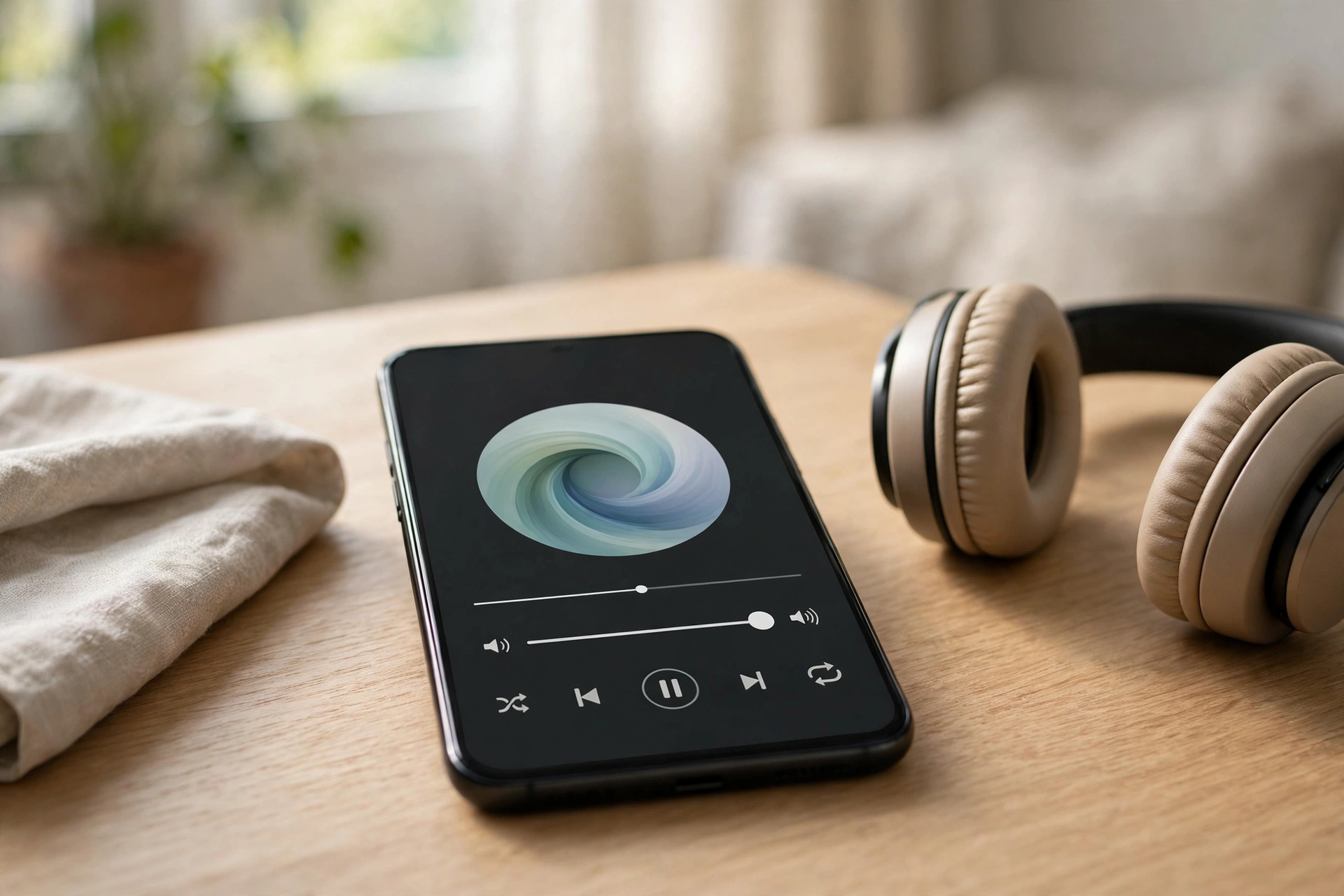
If Amazon Music shows a song playing but your phone stays quiet, don’t assume the app is broken. Most of the time the sound is routed to another device, the media volume is down, or a downloaded track is damaged. Follow the sound, step by step, and you’ll usually find the culprit within a few minutes.
Read the Timer First
The progress bar tells you more than you’d think. If the timer is moving, the track is streaming — the audio is just going somewhere you can’t hear it, or it’s being held back by a setting. If the timer is stuck at 0:00, the song isn’t loading at all, and that’s a connection or download problem rather than a sound problem.
Play the same song in another app — a YouTube video, for instance. Sound there means your speaker works and Amazon Music is the issue; no sound anywhere means the problem is your phone, not the app.
While you’re at it, press volume-up during playback and look at the on-screen indicator. On iPhone, check the silent switch and Control Center; Amazon Music uses the media volume, which is separate from ringtones. On Android, press volume-up and tap the small arrow to expand the volume panel — media volume can sit at zero while calls and alarms work perfectly.
The Cast Icon Gave Your Music Away
Amazon Music is deeply tied to Alexa, and that’s where the sound often disappears to. If you’ve ever said “Alexa, play music” or cast to an Echo, a Fire TV, or a smart speaker, the app may still be sending audio there. Tap the cast icon in the Now Playing screen and look at the device list. If anything other than “This phone” is selected, tap your phone to bring the sound home.
Casting only works when the pieces line up: your phone and the Echo must be on the same Wi-Fi network and registered to the same Amazon account. If the Echo doesn’t show in the cast list, check those two things — and for a third-party Alexa speaker like a Sonos or Bose, make sure the right Alexa skill is enabled. To stop casting, tap the cast icon again and choose Disconnect.
Bluetooth is the other classic thief: earbuds in their case, a car stereo, a speaker in the next room — any of them can grab the stream. Turn Bluetooth off briefly and play a song; if the sound comes back, forget the grabbing device.
The Prime Shuffle Trap
Here’s a quirk that catches a lot of people. With a Prime membership, Amazon Music lets you shuffle-play a huge catalogue, but you can only pick specific songs on demand if you have Music Unlimited. A track that looks playable may start “playing” in silence because your plan doesn’t actually include on-demand playback of it — the app shows the song moving but produces no audio.
If only certain songs are silent, check whether the quiet ones are Unlimited-only tracks: play a song you know is included with Prime. If Prime tracks play and the others don’t, you’ve found your answer — upgrade to Music Unlimited, pick a different version, or add it to a shuffle playlist.
The same rule applies to Alexa: it needs Prime or Music Unlimited to play Amazon Music at all, and a lapsed membership fails silently. A quick Echo restart — unplug it for ten seconds, then plug it back in — clears plenty of these stalls too.
Downloads That Play in Silence
Downloads are handy until one goes bad: a track can download with a damaged file and play in complete silence — no error, no warning, just a moving timer. If the silent songs are all downloads, delete one and stream it over Wi-Fi instead; if the streamed version plays, download it again over stable Wi-Fi and wait until it finishes before pressing play.
Expired downloads cause the same symptom: if your membership lapsed and renewed, or you signed in on a different account, old downloads may no longer be valid — and cancelling a subscription stops offline downloads altogether. Delete them and re-download.
One more download trap: Spatial Audio tracks (Dolby Atmos or 360 Reality Audio badges) come with Music Unlimited and play through the app with headphones or on select smart speakers like the Echo Studio. If one stays silent, try the standard version of the same song.
Quality Settings That Starve the Stream
Open the app, tap the gear icon, and look under Settings. Two settings matter most.
First, “Stream audio quality” and “Download audio quality”: if they’re set to HD or Ultra HD, drop them to Standard for a test. HD files are much larger, and on a weak connection a track can stall silently while the player keeps going — if it plays at Standard, your connection was the bottleneck.
Second, check the connection: switch between Wi-Fi and mobile data and play the same song on each. If it plays on one and not the other, the network is the problem, not the app.
The Reset Round
When settings don’t explain the silence, the app’s stored data is the next suspect — clearing the cache removes temporary files without touching playlists or downloads.
On Android, clear the cache (Settings, then Apps, then Amazon Music, then Storage, then Clear Cache). On iPhone there’s no cache button — force-close the app, restart, and reopen it. If that fails, sign out and back in with the right Amazon account — a stale login can silently block playback, especially after a password change — and make sure it’s the same account your Echo uses.
Still quiet? Delete the app and reinstall it — your playlists and library are tied to your Amazon account, so they return when you sign in, and a fresh install clears corrupted settings a cache clear can’t reach.
If every app is silent, the speaker is the likely cause. Check the grille isn’t covered by a case, dust, or pocket lint, and clear it with a soft, dry brush. After rain or a splash, run the free speaker-cleaner tool at Fix My Speaker a couple of times — its tone pushes water and dust out of the speaker. If headphones work but the speaker stays silent after cleaning and a restart, the hardware may need a repair.
Frequently Asked Questions
Why does Amazon Music play silently on my phone?
Most often the audio is going to an Alexa device or Bluetooth speaker, or the media volume is down. Check the cast icon in the Now Playing screen, turn Bluetooth off briefly, and raise the volume while a song plays.
Why do some Amazon Music songs have no sound but others play fine?
The silent tracks may be Music Unlimited-only songs that your Prime membership doesn’t cover for on-demand play. Try a Prime-included track — if it plays, the issue is your plan, not the app. Damaged downloads can cause this too.
Why are my downloaded Amazon Music songs silent?
A download may be damaged or expired, especially after a membership change. Delete the downloaded copy, stream the track over Wi-Fi to confirm it plays, then download it again.
Does HD audio quality cause silent playback on Amazon Music?
It can on a weak connection, because HD and Ultra HD files are much larger. Drop the stream quality to Standard in Settings and test the same song — if it plays, your connection was the bottleneck.