
165Hz: The Little Tone That Shakes Water Out of Your Speaker
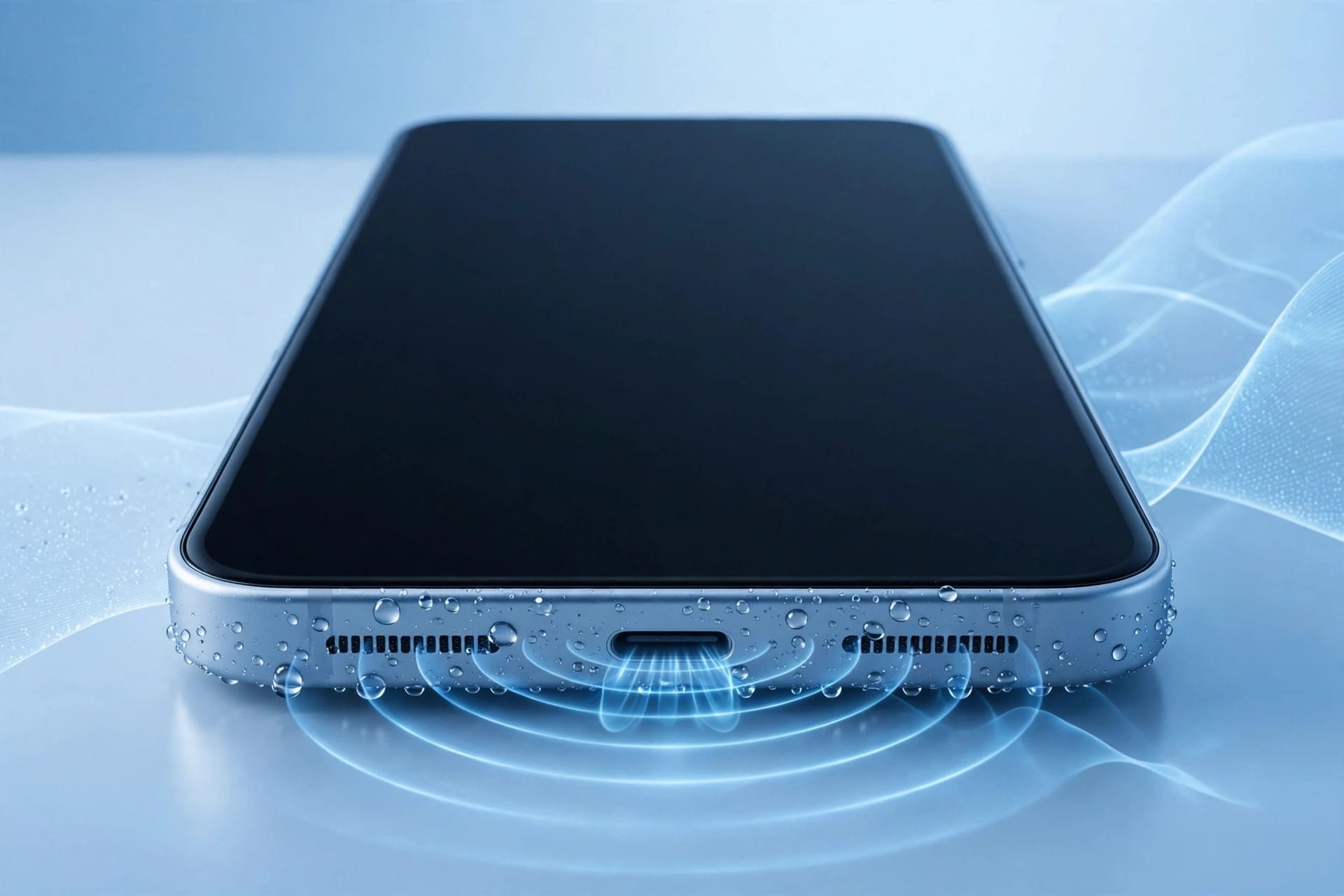
The 165Hz water eject sound is a low, humming tone that vibrates your phone’s speaker membrane 165 times a second, breaking the surface tension holding water in the grille and shaking the droplets out. It works on any phone, takes about a minute, and it’s the same physics behind the Apple Watch’s Water Lock feature.
A sound that dries your phone? Watch droplets jump out of a grille while the tone plays and you’ll believe it. There’s real physics behind it, and once you understand what’s happening inside your speaker, the whole thing makes sense.
What’s Happening Inside a Wet Speaker
Your phone’s speaker makes sound by vibrating a thin membrane — the diaphragm — behind the grille’s tiny holes. It’s incredibly light, because it has to move fast to make the sounds you hear.
When water gets in, it coats the membrane and clings to the grille walls. The force holding it there is surface tension — the same thing that lets a droplet hang from a tap. A millimetre-wide droplet grips the membrane and refuses to move, weighing it down so it can’t vibrate freely. That’s why everything sounds muffled and distant.
The speaker isn’t broken — it’s just carrying extra weight it was never designed to move.
What the Tone Actually Does
Play a 165Hz tone and the membrane starts swinging through large movements — 165 full cycles every second. That does two things at once.
First, the shaking breaks the surface tension. The droplets get thrown around hard enough to lose their grip on the membrane and grille walls, and once that grip is gone, nothing holds them in place.
Second, every outward stroke acts like a tiny pump, pushing air and the loosened water out through the grille holes. Hold the phone speaker-down and gravity helps too.
Run the tone with the speaker facing a towel and you’ll see droplets appear on the grille within seconds.
Why 165Hz and Not Some Other Number
The answer is a sweet spot — not a magic number, but a practical compromise between two competing needs.
A lower frequency would move the membrane even further, but tiny phone speakers aren’t built for very low frequencies. Push a small driver too low and too loud and you risk overloading it.
A higher frequency would be safer, but the membrane wouldn’t move far enough. Fast, shallow vibrations just buzz against the water. You need big, slow swings to break surface tension, and 165Hz is low enough for those.
So 165Hz isn’t the only frequency that works — it’s the one that works best on the widest range of phones: big enough to move water, gentle enough to be safe. That’s why nearly every water-eject tool settled on it.
Using the Tone the Right Way
Technique matters. A few small details decide whether it clears your speaker in one go or leaves you wondering why nothing happened.
Disconnect any Bluetooth headphones, earbuds, or car audio first. If the tone plays through a headset, your phone speaker never gets the vibration — the most common mistake.
Turn the volume all the way up, or to 70 to 80 percent if your speaker already sounds strained. Hold the phone speaker-down and open a free speaker-cleaner tool in your browser — the one at Fix My Speaker plays the 165Hz tone. Let it run for 30 to 60 seconds.
Wipe the grille with a dry cloth, then run it again. Stubborn water often needs two or three cycles, a few minutes apart. After the last cycle, leave the phone speaker-down for fifteen to thirty minutes.
Is It Safe for Your Speaker?
For a healthy speaker, yes. A 30 to 60 second burst at full volume is well within what any modern phone speaker handles daily.
Keep each burst short — don’t loop the tone for ten minutes straight. If your speaker already crackles at full volume, drop to 70 or 80 percent first. And if you hear a harsh new rattling, stop and let the phone dry fully before testing it again.
Never combine the tone with heat — no hairdryer at the speaker while it plays — and don’t put anything into the grille: no pins, no toothpicks, no cotton swabs. The tone does the work on its own.
What the Tone Can’t Fix
The tone is a cleaning tool, not a repair tool. It moves water — it doesn’t fix anything that’s actually broken.
A blown speaker won’t come back. A torn diaphragm or damaged voice coil means distortion at every volume and rattling on bass notes, wet or dry. No frequency repairs torn material — a repair shop is the next step, not another round of tones.
Corrosion is another thing the tone can’t undo. Salt water, sugary drinks, and moisture left sitting for hours corrode the metal contacts inside. If the phone was soaked long ago and the sound keeps getting worse, that’s corrosion.
Software problems don’t respond to vibration either. If your sound is routed to a Bluetooth device, or the phone is on silent, shaking the speaker changes nothing — check Bluetooth and volume first. And the tone only cleans the speaker, not a wet charging port.
When to Use It — and When to Skip It
The tone is the right tool whenever your speaker sounds muffled right after the phone got wet — a splash in the sink, a dunk in the pool, a run in heavy rain. Run it while the water is still loose in the grille.
Skip it when the phone has been dry for days and the sound is still bad. The water is long gone — whatever’s wrong is residue, grit, or a damaged speaker. Try a dust cleaning tone for grit; if that fails, get the phone checked.
The tone works on any phone with a speaker — iPhone, Samsung, Pixel, anything. The physics doesn’t care about the brand.
Frequently Asked Questions
How long should I play the 165Hz water eject sound?
30 to 60 seconds per cycle, speaker facing down, repeated two or three times. Light exposure clears in one or two cycles; a heavy soak may need cycles spread over 15 to 30 minutes.
Can the 165Hz tone damage my phone speaker?
No, not when used correctly. Short 30 to 60 second bursts are safe for healthy speakers. Don’t run it for many minutes continuously, and use 70 to 80 percent volume if your speaker already sounds strained.
Why 165Hz and not another frequency?
165Hz is the sweet spot for phone-sized speakers: low enough for large, water-ejecting movements, but safely within the driver’s normal range. Lower frequencies risk overloading small speakers; higher ones don’t move the membrane far enough.
My speaker is still muffled after the 165Hz tone. What now?
Run two or three more cycles with ten-minute breaks, then let the phone dry speaker-down overnight. If it’s still muffled after a full day, a repair shop should take a look.