
Realme Speaker Not Working: Start Here Before You Book a Repair
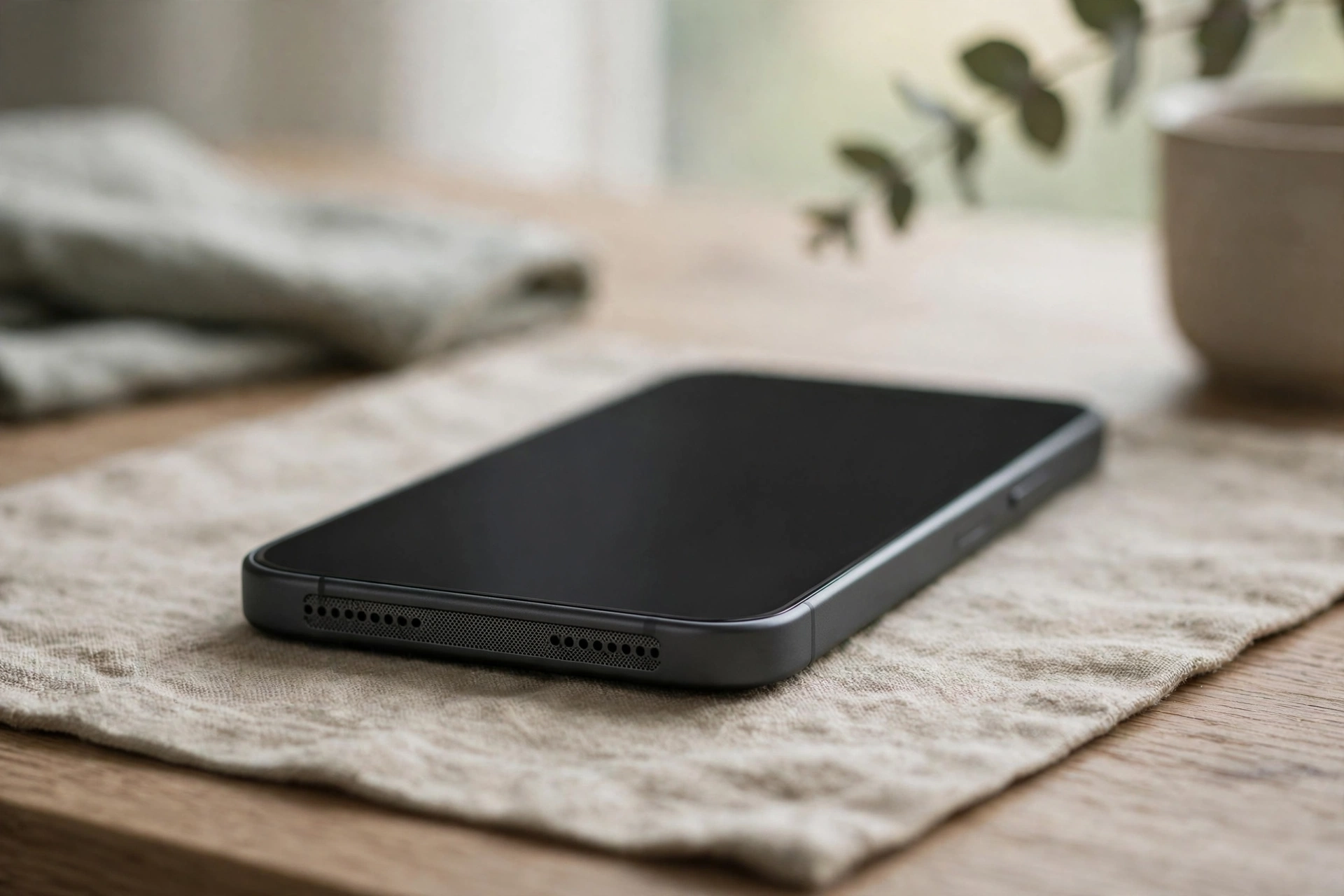
Your Realme was fine yesterday and now it won’t make a sound. No ringtones, no videos, nothing. Before you book a repair or assume the speaker is dead, run the checks below. Most silent Realme speakers come back to life with a setting, a clean grille, or a restart.
Start With the Volume Sliders, Not the Speaker
Press volume-up while a video is playing and watch which slider moves. Realme phones split volume into ringtone, media, and alarm, and it’s easy to turn down the wrong one. Media volume is the one that matters for videos and music, and it only shows properly while media is actually playing.
Then swipe down for Quick Settings and look at the bell and moon icons. Silent mode and Do Not Disturb cause more dead-speaker scares than any real fault. Turn both off, then play a ringtone at full volume and listen closely. Total silence points one way, a faint buzz or crackle points another, and you’ll use that distinction later.
Check the obvious accessories too. If your phone is still connected to Bluetooth earbuds, a car stereo, or a smartwatch, the sound is going there instead of the speaker. Turn Bluetooth off completely and test again. If sound returns the moment you do, the speaker was never broken.
ColorOS Has a Habit of Hiding Your Audio Somewhere Else
Realme phones run ColorOS, and it has a few audio quirks worth knowing. One is headphone mode getting stuck. After you unplug wired earphones, the phone sometimes keeps routing sound to a jack that’s empty. Plug the earphones in and out a few times, then check whether the volume panel still shows a headphone icon. If your model has a headphone jack, look inside it for lint and pick it out gently with a dry wooden toothpick. Don’t use anything metal, and don’t push it in hard.
Another quirk is the output device. Open Settings, then Sound and vibration, and confirm the output is set to the phone speaker. A quick restart after this step often clears a stuck audio route that settings alone won’t shift.
The Grille: Five Minutes With a Dry Toothbrush
Look at the speaker grille along the bottom edge of the phone. Pocket lint, dust, and dried moisture collect there, and on a phone you carry everywhere it builds up faster than you’d think. A blocked grille can muffle sound until it seems gone altogether.
Brush it very gently with a soft, dry toothbrush, using light outward strokes. Tap the phone lightly with the speaker facing down to shake loose dust out. Don’t poke the grille with a pin or a needle, don’t blast it with compressed air at close range, and don’t pour water into it. Those all risk pushing dirt further in or damaging the speaker.
If the phone got wet recently, let it dry completely in open air before you test it again, and don’t charge it while it’s wet. You can also try the free speaker-cleaning tool on myspeakerfix.com, which plays a tone meant to help push water out of the speaker. If sound is muffled but present, dust or moisture is your most likely cause. If there’s no sound at all in any app, keep going through the steps below.
When an App or an Update Is the One Muting You
Restart the phone first. Hold the power button, restart, and then play audio in more than one app, a video, a music app, and a ringtone. A restart clears the temporary glitches that mute speakers after an update or a long stretch without rebooting.
If sound works in one app but not another, the problem is that app. Check its own volume and notification settings, then clear its cache in Settings, then Apps, then pick the app, then Storage usage, then Clear cache. If the silence started right after you installed a new app, uninstall it for a day and test again.
Check for software updates as well. Go to Settings, then Software update, and install anything pending. Realme fixes audio bugs in updates regularly, and a phone that’s a few versions behind can carry a bug that’s already been fixed.
Resetting Sound Settings Without Wiping Your Phone
If nothing above has worked, reset the system settings. On most Realme phones you’ll find it under Settings, then Additional settings, then Back up and reset, or a similarly named reset menu. Choose the option that resets system settings only. Read the screen carefully before you confirm, because the full factory reset sits right next to it, and that’s not what you want.
A system settings reset restores sound, network, and display settings to their defaults without deleting your photos, apps, or files. After it finishes, test the speaker before you reinstall or change anything else.
Crackling, Quiet, or Totally Dead: What the Sound Tells You
Complete silence in every app usually means settings or software. Muffled sound usually means a blocked or wet grille. Crackling at all volumes after a drop points to a damaged speaker.
If the phone was recently dropped, soaked, or repaired, stop troubleshooting and think about a service centre, especially while the phone is still under warranty. Opening it yourself can void the warranty and make a small fault worse.
Seek a repair if the speaker stays silent after every step above, if sound is distorted even at low volume, or if the phone shows other symptoms like random restarts or charging problems. Back up your data before you hand it over, and tell the technician exactly what you tried. It saves diagnostic time, and a good technician will appreciate not starting from zero.
Frequently Asked Questions
Why is my Realme phone speaker suddenly not working?
The most common causes are muted media volume, silent mode or Do Not Disturb, a Bluetooth device taking the audio, a dirty speaker grille, or a temporary software glitch. Check volume, Bluetooth, and restart first.
How do I know if my Realme speaker is broken or just blocked?
Complete silence in every app usually means software or routing. Muffled or quiet sound points to dust or moisture in the grille. Crackling at all volumes after a drop or water exposure suggests hardware damage.
Will a factory reset fix my Realme speaker?
It can fix deep software faults, but try a system settings reset first, since it doesn’t erase your data. Only use a full factory reset as a last resort, and back up everything beforehand.
Can water damage cause a Realme speaker to stop working?
Yes. Water in the grille muffles or silences sound until it dries. Let the phone dry in open air, avoid charging it while wet, and use a gentle sound-based water-ejection tool. If sound doesn’t return, get it checked.