
Why Does My Phone Volume Keep Going Down by Itself?
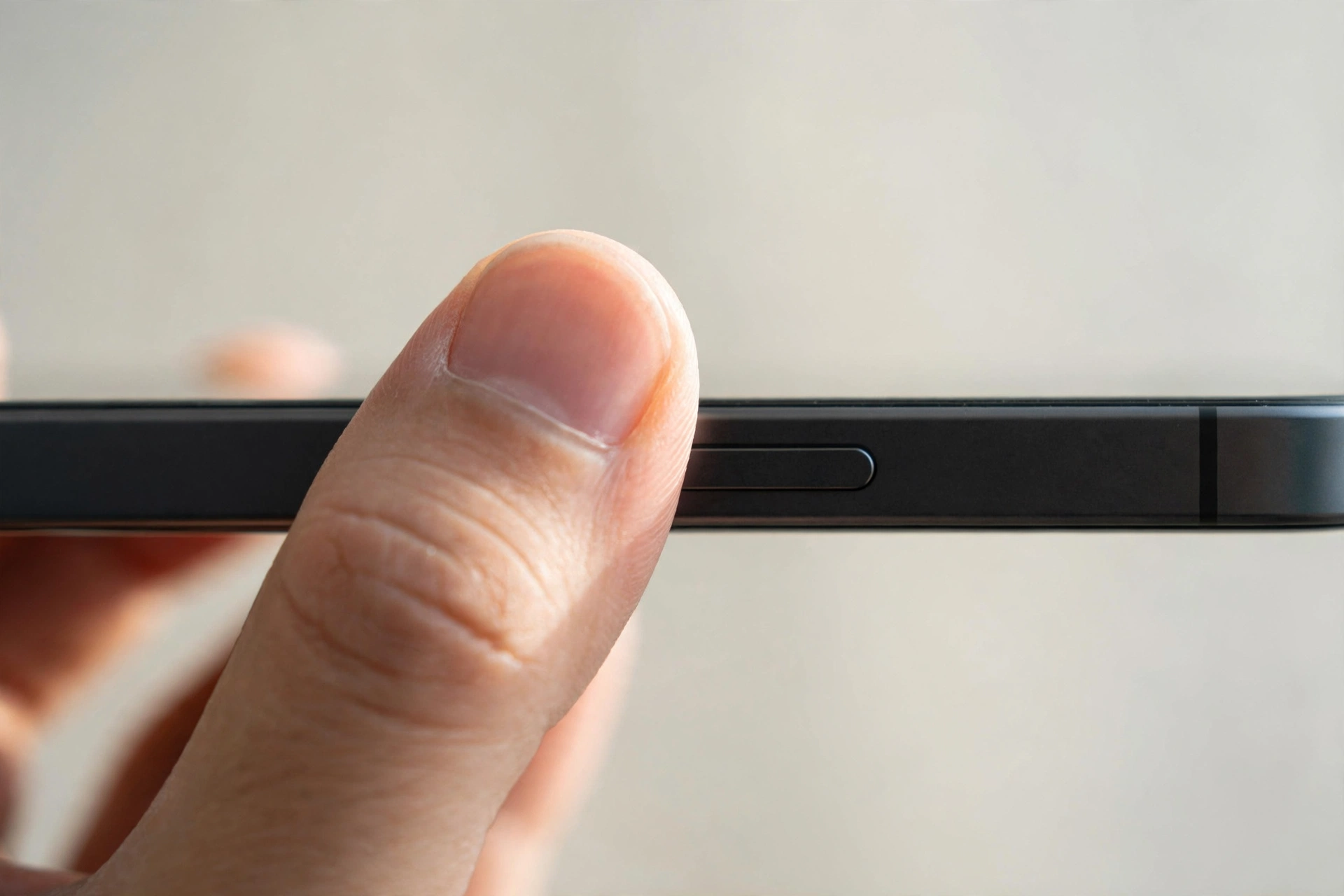
If your phone volume keeps going down by itself, the cause is usually a setting, an accessory, or a stuck button. People ask why their phone lowers the volume by itself — and in most cases a case pressing the volume button, Bluetooth absolute volume, or a volume limit is behind it. Work through the checks below.
This article covers volume that only goes down on its own. If your volume jumps up and down at random, that is a different problem.
Check the Case and the Volume Buttons First
The most common cause is also the simplest: something is physically pressing the volume-down button. A tight case, stiff button covers, or pressure from a pocket or bag can hold the volume-down button down and lower the volume bit by bit.
- Take the case off and use the phone bare for a few hours — if the volume stops dropping, the case is the problem.
- Press the volume-down button several times and feel whether it clicks cleanly or feels sticky or stuck halfway down.
- Check for dirt or lint around the volume buttons and clean the area gently with a dry brush.
- Try a different pocket or bag — pressure from a tight pocket or a bag strap can press the button without you noticing.
- If the button feels stuck, do not force it — a repair shop can clean or replace a faulty volume button cheaply.
Disconnect Bluetooth and Check Absolute Volume
When a phone is connected to Bluetooth headphones, earbuds, a car stereo, or a speaker, the two devices can control each other’s volume. A feature called absolute volume links the phone’s volume to the accessory’s, so a change on one side changes the other.
- Turn Bluetooth off completely and use the phone’s own speaker for a while. If the volume stops dropping, a Bluetooth device is causing it.
- Forget and re-pair the accessory if the problem only happens with one device.
- Check the accessory itself. Some earbuds lower the volume when removed from an ear, and some have touch controls that can be triggered by accident.
- In a car, check whether the stereo has its own volume or speed-sensitive volume setting.
- On Android, try the “Disable absolute volume” setting in Developer options to separate the phone’s volume from the accessory’s.
You can also run the free speaker test on myspeakerfix.com to confirm the phone’s own speaker and volume controls behave normally with no accessory connected.
Look for Volume Limits and Hearing-Safety Settings
Both Android and iPhone have settings that deliberately lower the volume.
- On iPhone, go to Settings, then Sounds and Haptics, then Headphone Safety, and check whether “Reduce Loud Audio” is turned on. This setting lowers the volume automatically when audio crosses a set level.
- On Samsung phones, check Settings, then Sounds and Vibration, then Volume, for a volume limiter or hearing-protection option.
- On other Android phones, look in Settings under Sound or Digital Wellbeing for a volume limit or a “media volume limit” option.
- Check whether the limit is set very low — a limit of 50 or 60 percent can make the volume appear to drop by itself every time you turn it up.
- Turn the limit off temporarily and test. If the volume stays where you set it, you have found the cause.
Check Do Not Disturb, Schedules, and Focus Modes
Scheduled modes can lower or silence the volume without warning, and they are easy to forget once set.
- On iPhone, check Settings, then Focus, and look at Do Not Disturb, Sleep, and any custom Focus modes. A scheduled Sleep focus can lower the volume at the same time every night.
- On Android, check Settings, then Sound or Digital Wellbeing, then Do Not Disturb, and look for automatic rules or schedules.
- Check bedtime or wind-down modes, which often reduce the volume or switch the phone to silent at a set hour.
- Check the clock app — some alarm and timer apps set the media volume when they run.
If the volume only drops at the same time each day, a schedule is almost certainly the cause.
Test in Safe Mode
Safe mode runs the phone with only its built-in apps, which tells you whether a downloaded app is behind the problem. Music, video, game, and navigation apps are the usual suspects — some set the media volume when they start and never restore it.
- On Android, press and hold the power button, then long-press the Power off option and tap OK when the safe-mode prompt appears.
- Set the volume and use the phone normally for a while. If the volume stays put in safe mode, a downloaded app is causing the problem.
- Remove recently installed or updated apps one at a time, restarting the phone after each removal, until the volume behaves normally.
- Restart the phone normally to leave safe mode.
On an iPhone there is no safe mode. Instead, delete recently installed apps one at a time and test the volume after each, starting with apps that play audio.
When a Faulty Volume Button Is the Cause
If every software check comes back clean and the volume still drops with no case and no Bluetooth device connected, the volume-down button itself may be faulty. A worn or damaged button can send repeated “volume down” signals on its own, especially after the phone has been dropped or exposed to moisture.
- Watch whether the volume indicator appears on screen without you touching anything — a volume bar that appears by itself points to the button.
- Try the on-screen volume slider instead of the physical buttons for a day. If the volume stays stable, the physical button is the problem.
A faulty volume button is usually a small repair — a shop can clean or replace the button assembly without replacing the whole phone. Describe your tests when you go in; knowing that safe mode, Bluetooth, and schedules have been ruled out saves diagnostic time.
Frequently Asked Questions
Why does my phone volume keep going down by itself?
The most common causes are a case pressing the volume-down button, a Bluetooth accessory changing the volume through absolute volume, a volume limit, or a scheduled Do Not Disturb or Sleep mode. Work through the checks in order — the case and Bluetooth tests take only a few minutes.
Can Bluetooth headphones lower my phone volume?
Yes. When absolute volume is active, the phone and the headphones share one volume level, so a change on either side affects both. Some earbuds also lower the volume when removed from an ear, or when a touch control is triggered by accident. Turn Bluetooth off and test with the phone’s own speaker to confirm.
Why does my volume drop when I open a specific app?
Some apps set the media volume when they start and do not restore it when they close — music, video, game, and navigation apps are the usual suspects. Check the app’s own audio settings, force-stop the app, and test again. If the problem started after an update, reinstalling the app often fixes it.
Will a factory reset stop the volume dropping?
A factory reset can fix the problem if it is caused by a software bug or a misbehaving app, but it erases all your data, so try everything else first. Remove the case, disconnect Bluetooth, check volume limits and schedules, and test in safe mode first. If the cause is a faulty volume button, a reset will not help.