
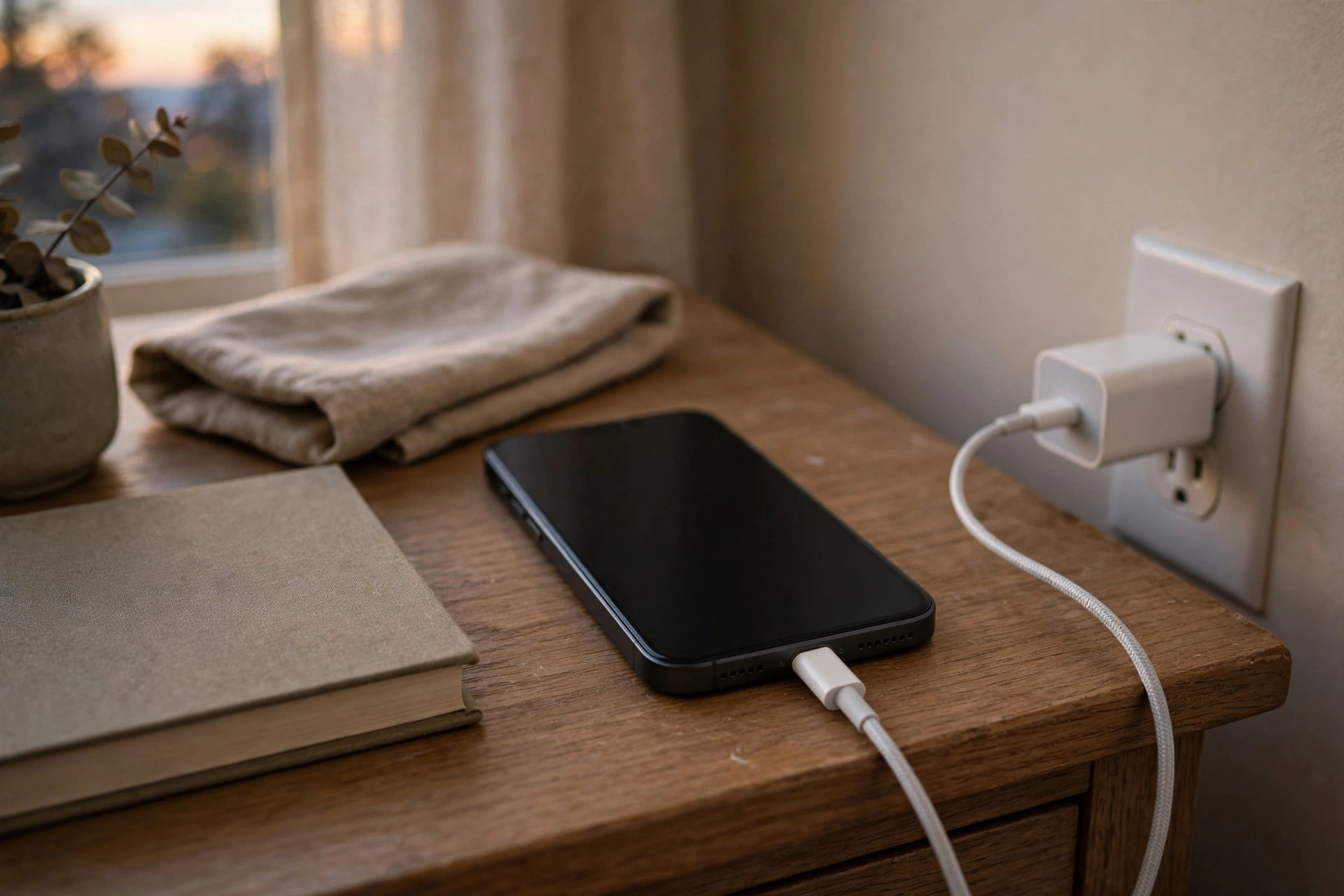
Phone Speaker Not Working While Charging? How to Fix It
If your phone speaker stops working only while the phone is charging, and works normally when you unplug it, the charging setup is the prime suspect. A faulty charger or cable, debris in the charging port, or the phone switching its audio route when a cable is connected can all silence the speaker. These checks identify which one it is.
First Test: Unplug and Compare
The most useful test for this problem is a simple comparison. Play the same sound, in the same app, with the charger plugged in and then with it unplugged. If the sound comes back the moment you unplug the charger, the fault is tied to charging, not to a dead speaker. If the speaker stays silent after unplugging, treat it as a general speaker problem instead.
- Play a song or a video with the charger connected and note whether there is sound.
- Unplug the charger and play the same song or video again.
- Try a call on speaker, both plugged in and unplugged, if the media test is unclear.
- Note whether the problem happens with every charger or only one particular charger.
Try a Different Charger and Cable
Chargers and cables fail more often than phone speakers do, and a faulty one can cause strange symptoms while charging. A damaged cable can interrupt the connection, a low-quality charger can feed unstable power, and a charger that does not match your phone’s standard can behave unpredictably. None of this means the speaker is broken, but it can silence it while power is connected.
- Swap in a different cable and test the speaker while charging.
- Swap in a different charger, ideally the one that came with your phone or a reputable equivalent.
- If you normally charge wirelessly, test with a wired charger instead, and vice versa.
- Stop using any cable or charger that feels hot, smells odd, or has visible damage.
Clean and Inspect the Charging Port
Lint, dust, and pocket debris build up in charging ports over time, and a dirty port can cause a poor connection that affects more than charging. In some phones, the charging port and the audio hardware sit close together, so debris or moisture in the port can interfere with sound while a cable is connected. Clean the port gently and safely, and never force anything inside it.
- Switch the phone off before inspecting or cleaning the port.
- Look inside the port with a light for lint, dust, or visible debris.
- Remove loose debris gently with a soft, dry brush or a wooden or plastic pick, taking care not to scratch the contacts.
- Do not use metal tools, sharp objects, or compressed air at close range.
- Let the port dry fully if it is damp before plugging a charger back in.
If the port looks bent, loose, or damaged, or if the cable no longer sits firmly, cleaning will not fix it. That is a hardware problem and needs professional repair.
Check USB Audio Routing
Some phones change their audio route when a USB cable is connected, especially if the cable, adapter, or accessory supports USB audio. The phone may send sound to a USB headset, a car system, or a dock that is not actually playing it, which leaves the built-in speaker silent only while charging. This is easy to miss because the phone looks as if it is playing normally.
- While charging, check the audio-output or speaker button during a call or in your media app and choose the phone speaker.
- Disconnect any USB-C to headphone adapter, dock, or car connection before testing again.
- If you charge through a hub or dock, plug the charger directly into the phone instead.
- Turn Bluetooth off during the test, so a Bluetooth device cannot also steal the audio route.
Test in Safe Mode and After a Restart
A third-party app can also interfere with audio while charging, for example an app that manages charging, battery, or audio settings. Safe mode loads only the phone’s built-in software, so it is a clean way to test whether an installed app is involved. The steps to enter safe mode vary by phone, so check your manufacturer’s instructions for your model.
- Restart the phone and test the speaker while charging before opening any extra apps.
- Enter safe mode, then test the speaker while charging again.
- If sound works in safe mode, a recently installed or updated app is the likely cause.
- Leave safe mode, then remove or disable recently installed battery, audio, or charging apps one at a time.
- Check for a system software update, since an update can fix audio-routing faults.
If the problem happens in safe mode as well, an app is unlikely to be the cause, and the charger, cable, port, or hardware becomes more likely.
When Charging-Only Silence Means Hardware Damage
A speaker that fails only while charging usually points to the charging setup, but it can also be an early sign of port or board damage. Take it seriously if the cable feels loose in the port, if charging itself is unreliable, if the phone only charges at certain angles, or if the problem started after water exposure or a drop. If the free speaker-cleaning tool at myspeakerfix.com sounds normal when the phone is unplugged but silent while charging, that pattern confirms the fault is tied to charging rather than to the speaker alone. Stop using a damaged port, avoid forcing the cable, and get the port checked by a repair shop before the damage spreads to charging itself.
Frequently Asked Questions
Why does my phone speaker stop working when I plug in the charger?
The most common causes are a faulty charger or cable, debris in the charging port, or the phone routing audio to a USB accessory while charging. Test with a different charger and cable, clean the port gently, and check the audio output setting while charging.
Can a bad charger damage my phone speaker?
A faulty charger is unlikely to damage the speaker directly, but it can cause unstable behaviour while charging and should be replaced. Stop using any charger or cable that runs hot, smells odd, or has visible damage, and use a reputable charger that matches your phone.
Why does my phone only charge at a certain angle and lose sound?
A loose or damaged charging port is the likely cause. The cable is not seating properly, which can interrupt both charging and the audio route. Do not force the cable or wedge it into place, and have the port inspected by a repair shop.
Should I try wireless charging if wired charging silences the speaker?
Yes, it is a useful test. If the speaker works normally on a wireless charger but not on a wired one, the wired port, cable, or adapter is the likely cause. If wireless charging causes the same silence, the fault is more likely software or hardware in the phone itself.
Related Guides
- https://myspeakerfix.com/
- https://myspeakerfix.com/how-to-fix-phone-speaker/
- https://myspeakerfix.com/phone-speaker-cuts-in-and-out/
- https://myspeakerfix.com/phone-speaker-not-working-after-update/
- https://myspeakerfix.com/how-to-test-phone-speaker/
- https://myspeakerfix.com/is-phone-speaker-blown-or-dirty/