
Why Your Phone Speaker Stops Working After a Battery Replacement
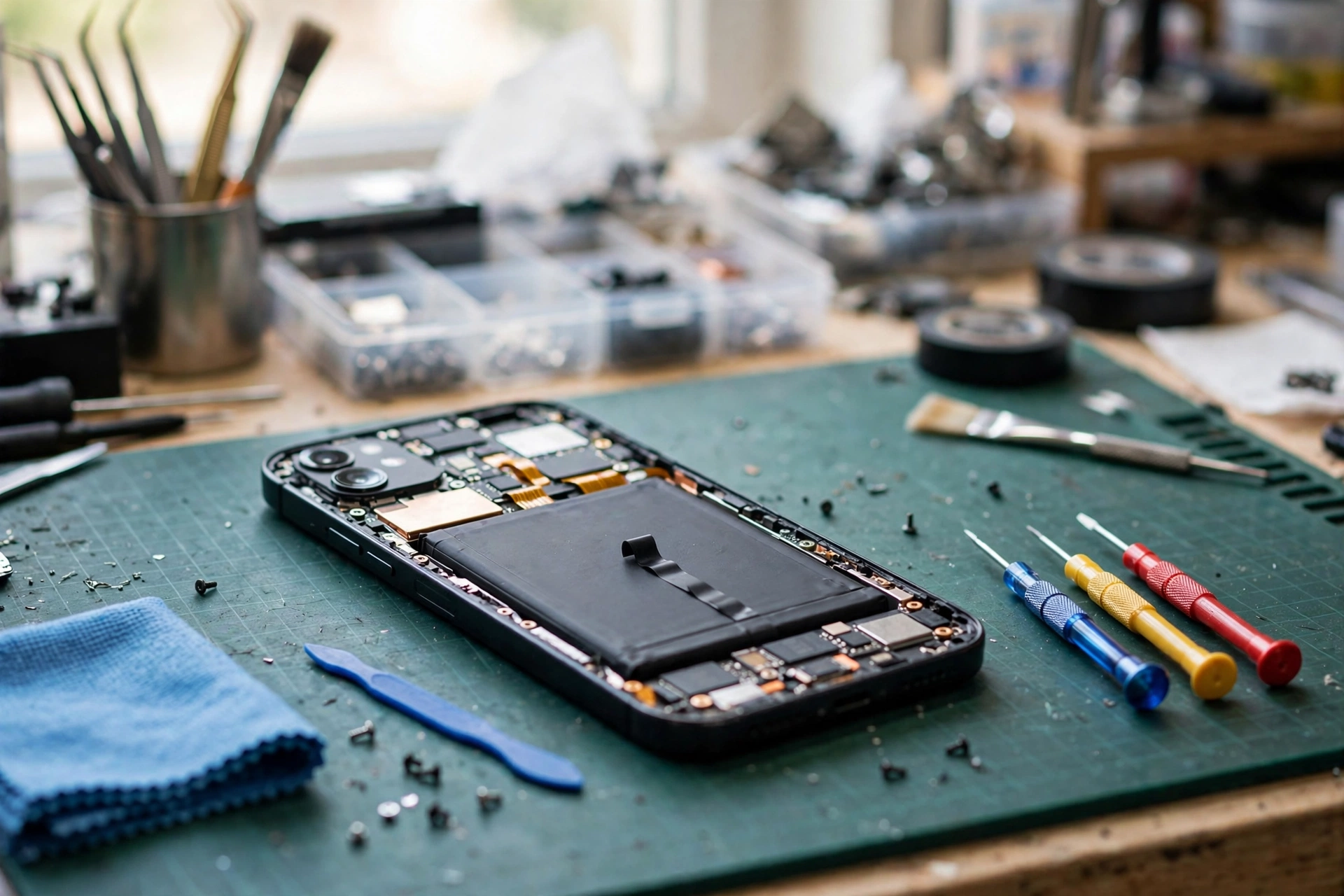
You hand the phone over working fine, get a new battery fitted, and suddenly there’s no sound at all. Annoying — but it almost never means your speaker died. Something got nudged during the repair: the battery and the speaker live next to each other inside the phone, and a connector that’s slightly loose will kill the sound completely.
What Happens Inside the Phone During a Battery Swap
Phones are packed stupidly tight. On most models the battery sits over the main board, while the loudspeaker lives at the bottom on a small sub-board. A flat flex cable runs between the two, and the battery connector plugs into the main board beside the display, charging port, and speaker connectors.
Swapping the battery means disconnecting that connector, softening the glue, and levering the old battery out. Any of that can disturb the speaker’s connection:
- The flex cable between the sub-board and the main board can get pulled loose or never pushed back in properly.
- The speaker’s spring contacts can bend or lose touch while the old battery’s prised out.
- A flex cable can get creased, nicked, or trapped under the battery or a screw post.
- If the old battery was swollen, taking it out can shift parts settled around it.
Good news: in most of these cases the speaker itself is fine — only the connection to it got disturbed, and that’s usually a quick fix.
Rule Out the Software Side First
Before you march back to the shop, spend five minutes checking the easy stuff. Restart the phone, then play audio in a few different apps — a video, a music app, a ringtone. Silent everywhere? Hardware. Silent in just one app? The app.
While you’re at it, press volume-up during playback and make sure the phone isn’t muted or in Do Not Disturb mode. And turn Bluetooth off — during a repair, phones have a habit of pairing with a test speaker or earphones on the shop bench, and your audio can keep routing there long after you’ve walked out. One more: check for a system update, which can reset audio settings scrambled when the phone was powered down.
If it’s still silent in every app after a restart, with nothing connected, the fault is almost certainly in hardware touched during the repair.
The Most Likely Culprit: A Loose Flex Cable or Speaker Contact
If you’re comfortable opening a phone — and it’s out of warranty — a quick look inside can find the problem in minutes. One hard rule: never open a phone if the battery looks swollen or damaged. A punctured lithium battery can catch fire.
With the phone powered off and the battery disconnected where possible, check the battery connector is fully seated and its latch or bracket is in place. Follow the flex cable from the bottom sub-board up to the main board and make sure its connector is pushed in all the way with the latch closed. Look for tears, sharp creases, or shiny exposed traces on the cable, especially near connectors and screw holes. Last, check the speaker’s spring contacts for bending, corrosion, or debris, and that the speaker sits squarely in its housing.
The free speaker test at myspeakerfix.com can tell you whether the speaker makes any sound at all — but it can’t fix a disconnected cable.
When the New Battery Itself Is Causing Trouble
Here’s one people don’t expect: the new battery can be the problem, not just the work around it. A cheap or wrong-model battery can be slightly thicker than the original, pressing on the speaker module or the flex cable underneath it — and one that starts swelling soon after fitting squeezes the parts around it until the speaker’s contacts lose touch.
Watch for these warning signs:
- The back cover or screen is lifting slightly, or the phone rocks on a flat surface.
- The speaker worked for a day or two after the replacement, then went silent.
- The battery drains much faster than the old one did.
See any of those? Stop using the phone and take it back to the shop — a swollen battery is a safety issue.
Getting the Shop to Put It Right
Look, you paid for a working phone. If the speaker was fine before the repair and dead right after, that’s on them — a loose connector or a damaged flex cable is a workmanship issue, not a new fault you should pay for.
When you go back, tell them plainly: the speaker worked before the repair and stopped right after. Note the repair date. Then describe what you tested — silent in all apps, whether the earpiece works during calls, whether charging behaves normally — and ask them to open the phone and check the battery connector, the flex cable to the sub-board, and the speaker contacts. Also ask whether the replacement battery is the correct model for your phone.
And don’t let them charge you for a full speaker replacement before checking the connectors — reseating a loose cable takes minutes, and it’s the most common fix here.
A Coincidence, Not a Consequence
Every now and then it’s just bad timing. The repair might have exposed a fault that was already developing — say the phone was dropped or got wet months ago, and the speaker was already weak. The handling during a battery swap can be the final push. Even so, if the failure showed up within days of the repair, raise it with the repairer regardless.
Frequently Asked Questions
Why is my phone speaker not working after a battery replacement?
The battery and speaker share flex cables and connectors inside the phone. If the battery connector is unseated, the flex cable to the bottom sub-board is loose or torn, or the speaker’s spring contacts lost contact, the speaker goes silent. Take it back to the repairer first — this is usually a warranty fix.
Can a battery replacement damage the speaker?
Not usually by itself, but the work around it can. Removing a glued-in battery means prising and pulling near the speaker’s flex cable and contacts, and a cable can be nicked, creased, or left unseated.
Should I pay for a second repair if the speaker failed after the battery swap?
Usually no — a speaker that worked before the repair and failed right afterwards is most likely a workmanship or faulty-part issue, and a reputable shop should correct it under warranty. Agree any charges in writing first.
Is it safe to open my phone to check the battery connector myself?
Only if the phone is out of warranty and you are comfortable with small electronics repair — and never if the battery looks swollen or damaged, since a punctured lithium battery can catch fire.